 EN
 IT Italiano
 ES Español
 FR Français
 DE Deutsch
Description
What it is
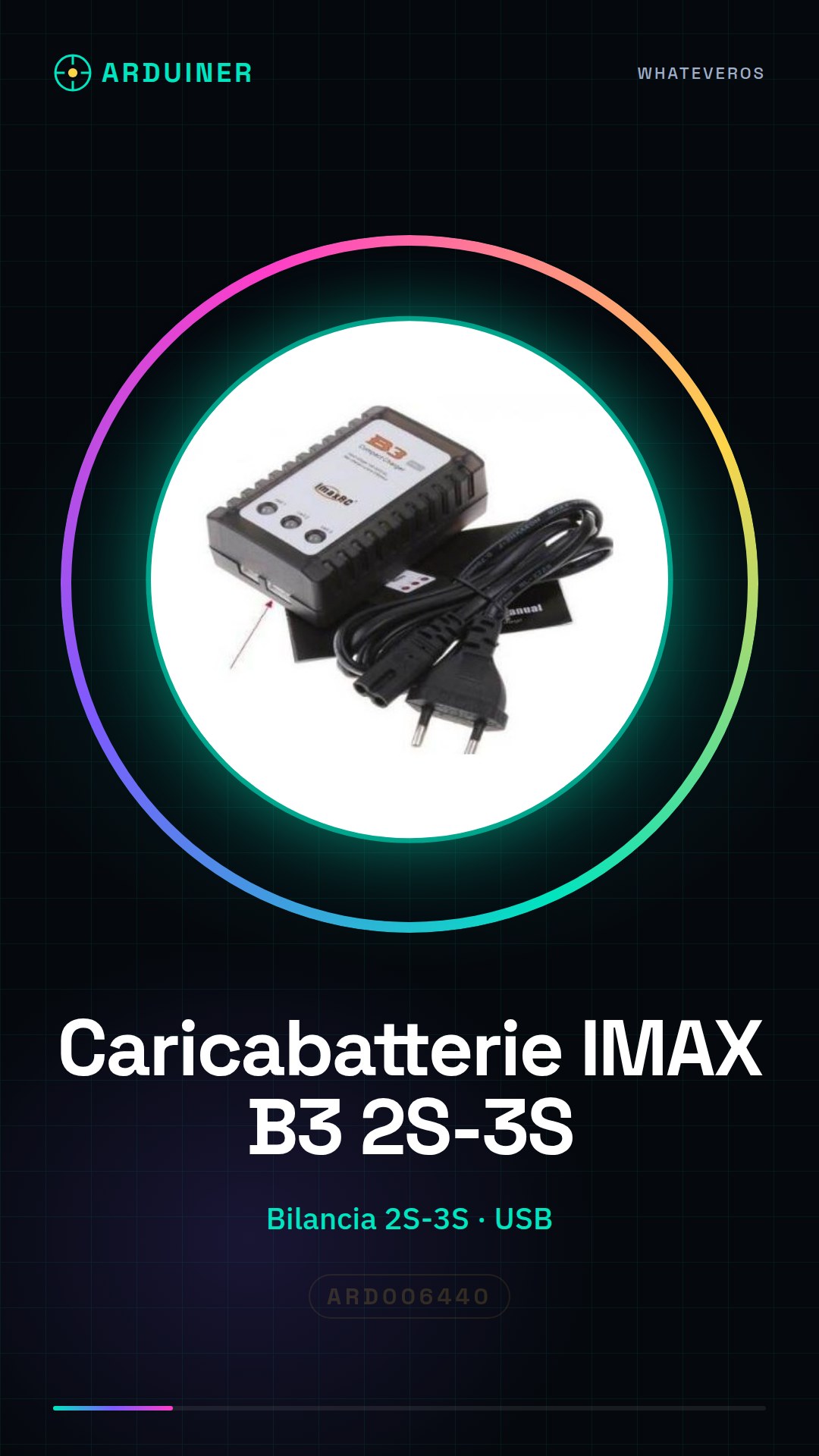
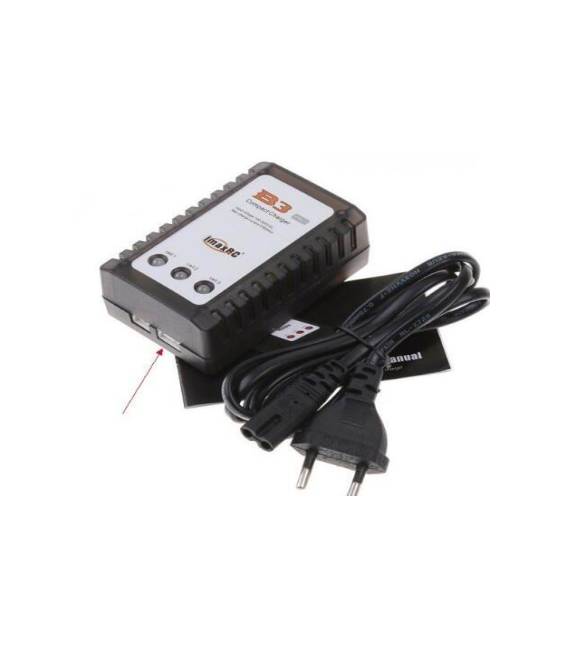
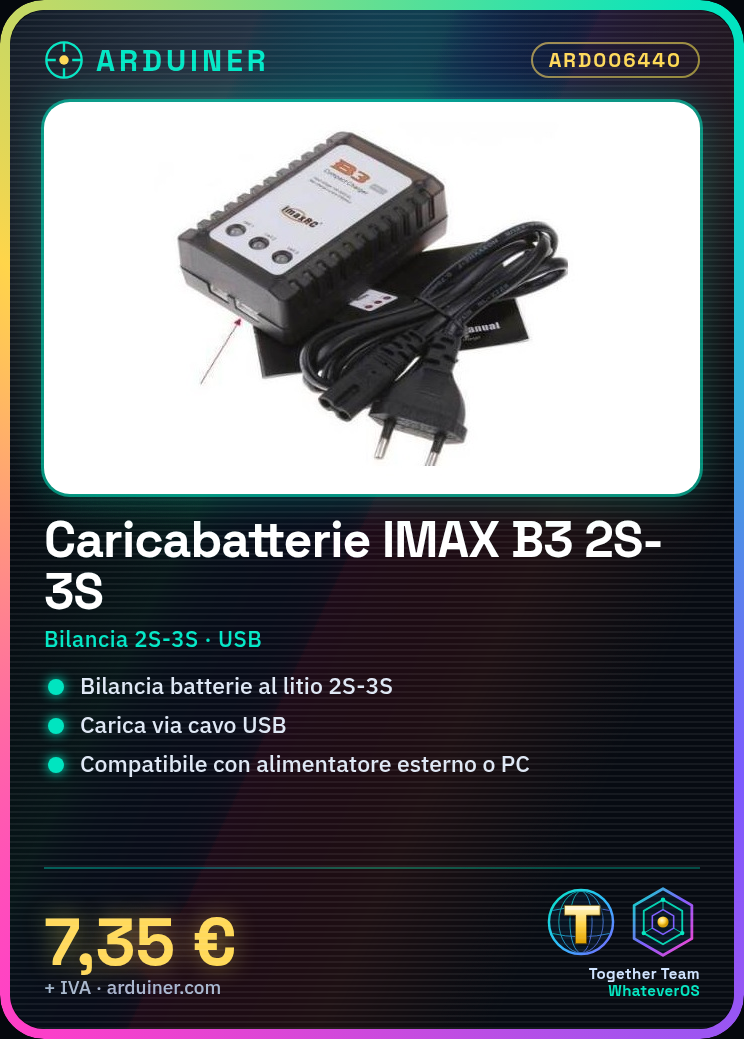
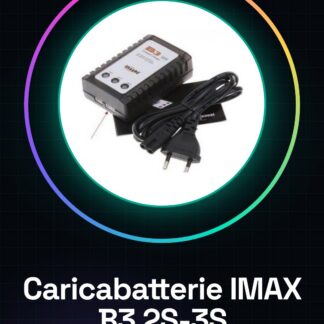
The IMAX B3 PRO 2S-3S Battery Charger is a device for balancing and charging lithium batteries, essential for drone makers and other projects using batteries from 2 to 3 cells.
Features
- Balance and charge lithium batteries 2S-3S
- Safe and reliable
What it is for
This device is ideal for keeping batteries in optimal condition, ensuring safety and longevity. It is suitable for both beginners and experts.
Tutorial: How to use IMAX B3 PRO Balance Charger
The IMAX B3 PRO Balance Charger is an essential device for makers and drone enthusiasts working with 2S-3S lithium batteries. It is an indispensable tool for maintaining your batteries in optimal condition, ensuring safety and longevity. This device offers balanced charging and advanced battery monitoring, suitable for both beginners and experts.
What you need
- 2S-3S Lithium Battery
- USB power supply cable
- External power supply or PC with USB port
Steps
- Connect the IMAX B3 PRO charger to the lithium battery using the specific adapter for your configuration (2S-3S). Check the datasheet.
- Connect the device to a USB power source via a compatible cable. Ensure the electrical voltage conforms to the product specifications.
- Turn on the IMAX B3 PRO by pressing the power button. Check the datasheet for details on user interface commands.
- Select the balance charging mode through the options displayed on the device’s display. Check the datasheet for additional specifications.
- Monitor the charging and balancing process through the device’s visual and audio signals.
- Once the process is complete, turn off the IMAX B3 PRO by pressing the power button again. Check the datasheet for further safety instructions post-charging.
Mini project
Create an automatic battery monitoring system for lithium batteries using the IMAX B3 PRO and an Arduino board. Configure the communication between the two devices to receive notifications in case of low voltage or exceeding the maximum temperature.
Common mistakes
- Connect the device to battery configurations different from those supported.
- Do not closely monitor the charging and balancing process.
- Ignore the device’s alarm signals during operation.
Recommended accessories
- High-quality USB cable
- Portable external power supply
- 2S-3S Lithium battery for testing and development
Frequently asked questions
How can I access the technical specifications of the device?
Complete technical specifications are available in the datasheet provided by the manufacturer.
Which lithium batteries are compatible with the IMAX B3 PRO?
The device is designed for 2S-3S lithium batteries. Check the datasheet for detailed specifications.



Reviews
There are no reviews yet.