 EN
 IT Italiano
 ES Español
 FR Français
 DE Deutsch
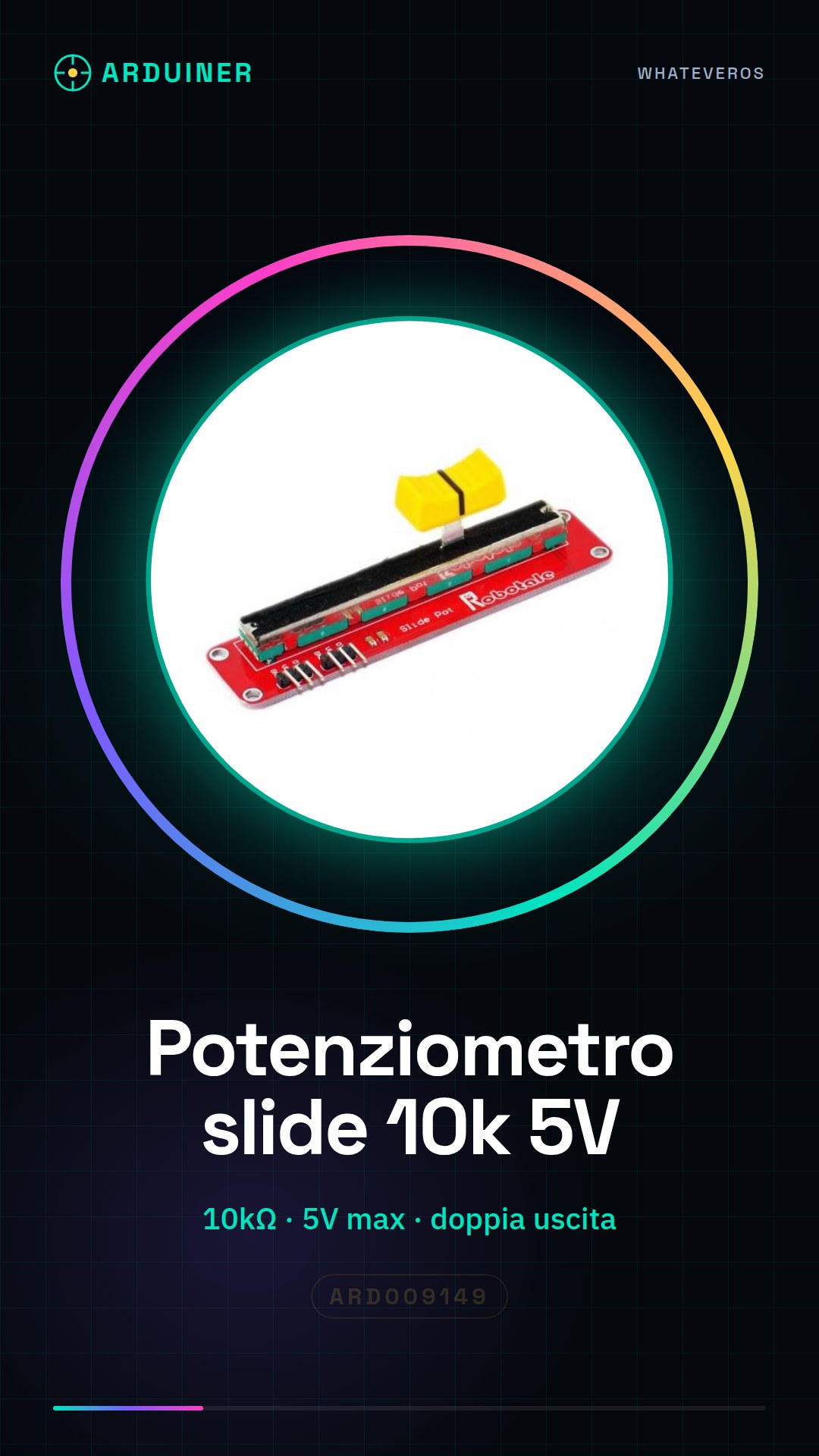
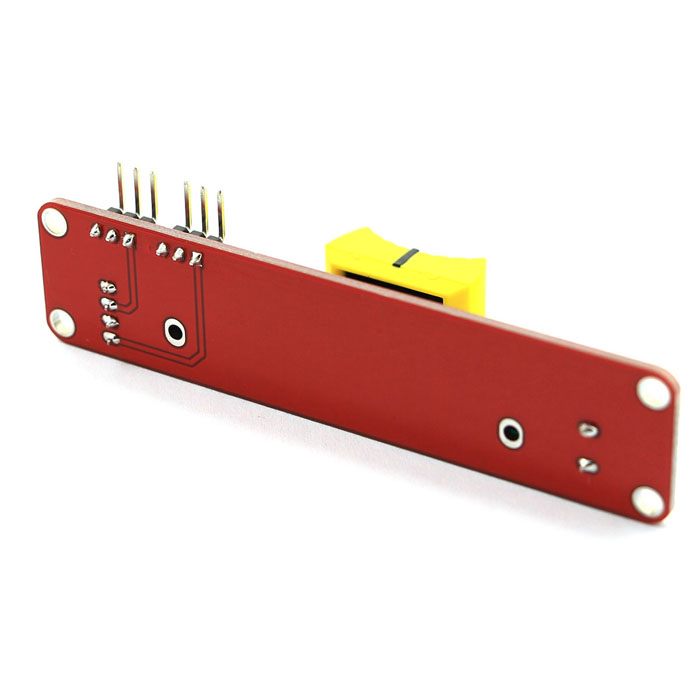
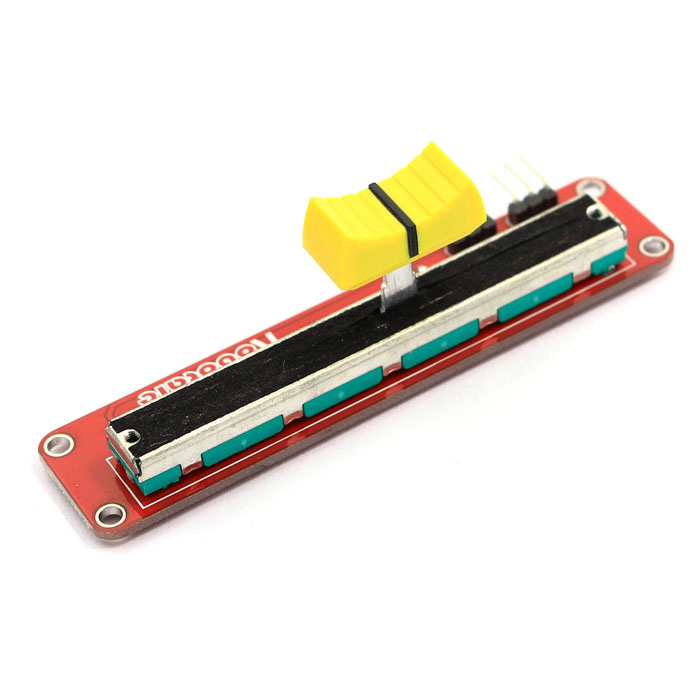
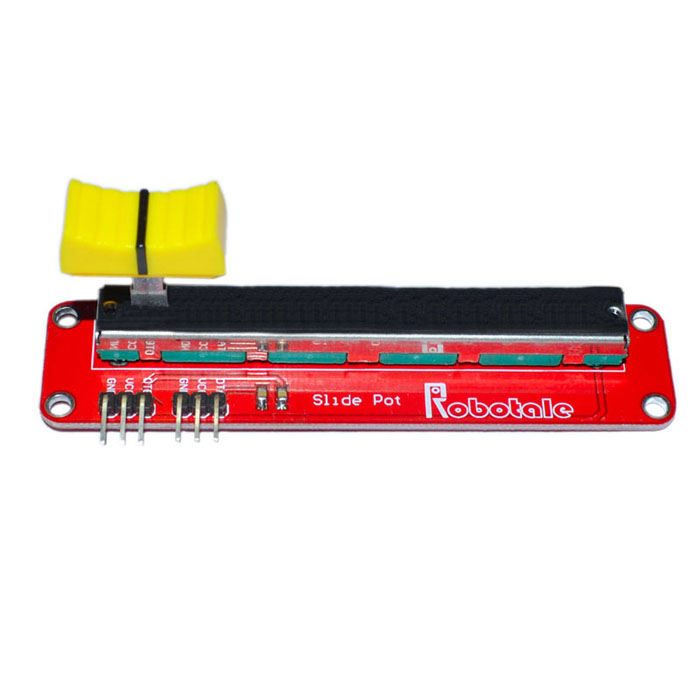
Description
What it is
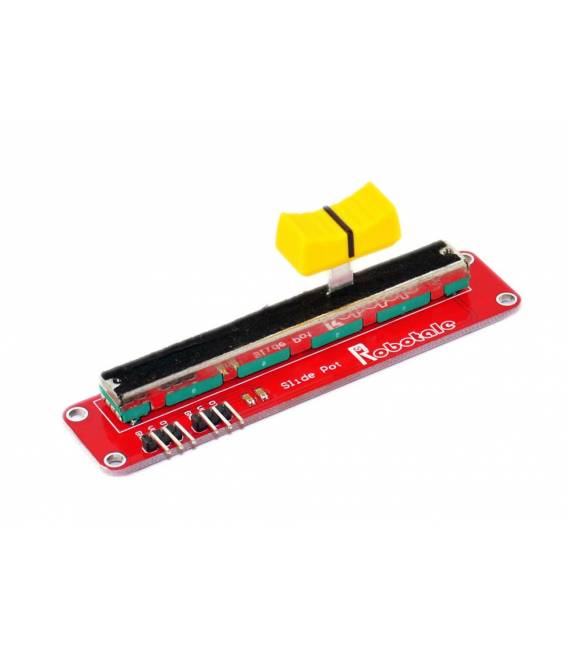
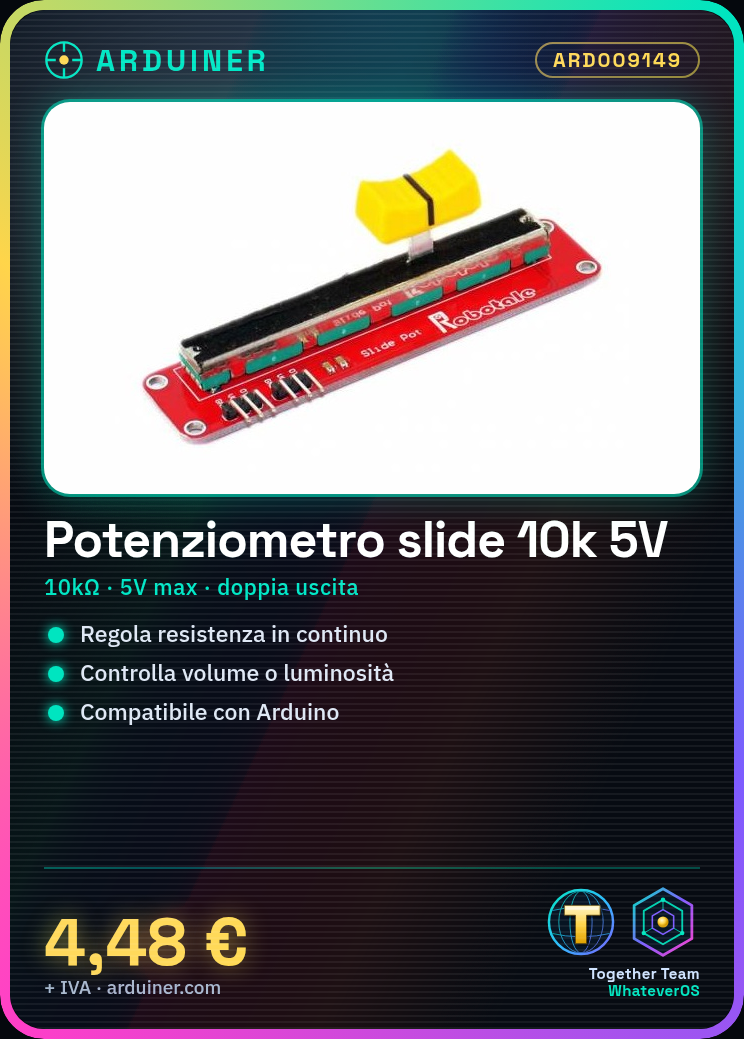
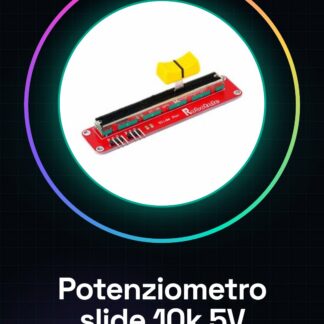
The 10k ohm linear slide potentiometer fader with a maximum voltage of 5V and dual output is a component used to continuously adjust the resistance value. It is ideal for projects that require a continuous variable such as volume control or light intensity.
Features
- Type: Linear slide potentiometer fader
- Total resistance: 10k ohm
- Maximum Vcc: 5V
- Dual output
What it is for
This potentiometer is ideal for Arduino projects where you want to control lights, volumes, or any other function that requires a continuous variable. It is compatible with Arduino and can be used in synthesizers and lighting control systems.
Tutorial: How to use Linear Slide Potentiometer Fader 10k
The linear slide potentiometer fader 10k is an electronic component that allows continuous adjustment of resistance value. It is ideal for Arduino projects where you want to control lights, volumes, or any other function that requires a continuous variable.
What you need
- Arduino Uno
- Jumper cable
- 5V Power Supply
Steps
- Connect the potentiometer signal to an analog pin of Arduino (A0).
- Check the polarity of the connectors and ensure that the cables are connected correctly.
- Write an Arduino sketch to read the value of the potentiometer.
- Upload the sketch to the microcontroller.
- Open the Serial Monitor in Arduino IDE to view the values read from the potentiometer while moving the slider.
- Verify that the values vary correctly between 0 and 1023 (maximum value of the analog pin at 5V).
- If necessary, adjust the sketch to fit your specific project.
Example code
int potPin = A0;

void setup() {
  Serial.begin(9600);
}

void loop() {
  int sensorValue = analogRead(potPin);
  Serial.println(sensorValue);
}
Mini project
Create a lighting control system where the light intensity changes based on the position of the fader.
Common mistakes
- Do not connect the potentiometer correctly to the analog pins of Arduino.
- Ignore the voltage specifications (5V) and resistance (10kΩ).
- Try to use a linear potentiometer in a situation where rotary motion is required.
Recommended accessories
- Arduino Uno R3
- 3D Printed Case for Arduino
- 16×2 LCD Display with I2C
- Light Sensors
Frequently asked questions
Can a potentiometer be used in a 3.3V project?
Check the datasheet to verify if the component is compatible with the required supply voltage.
Which analog pins can I use to read the fader values?
You can use any analog pin between A0 and A5 on Arduino Uno.

Reviews
There are no reviews yet.