 EN
 IT Italiano
 ES Español
 FR Français
 DE Deutsch
Description
What it is
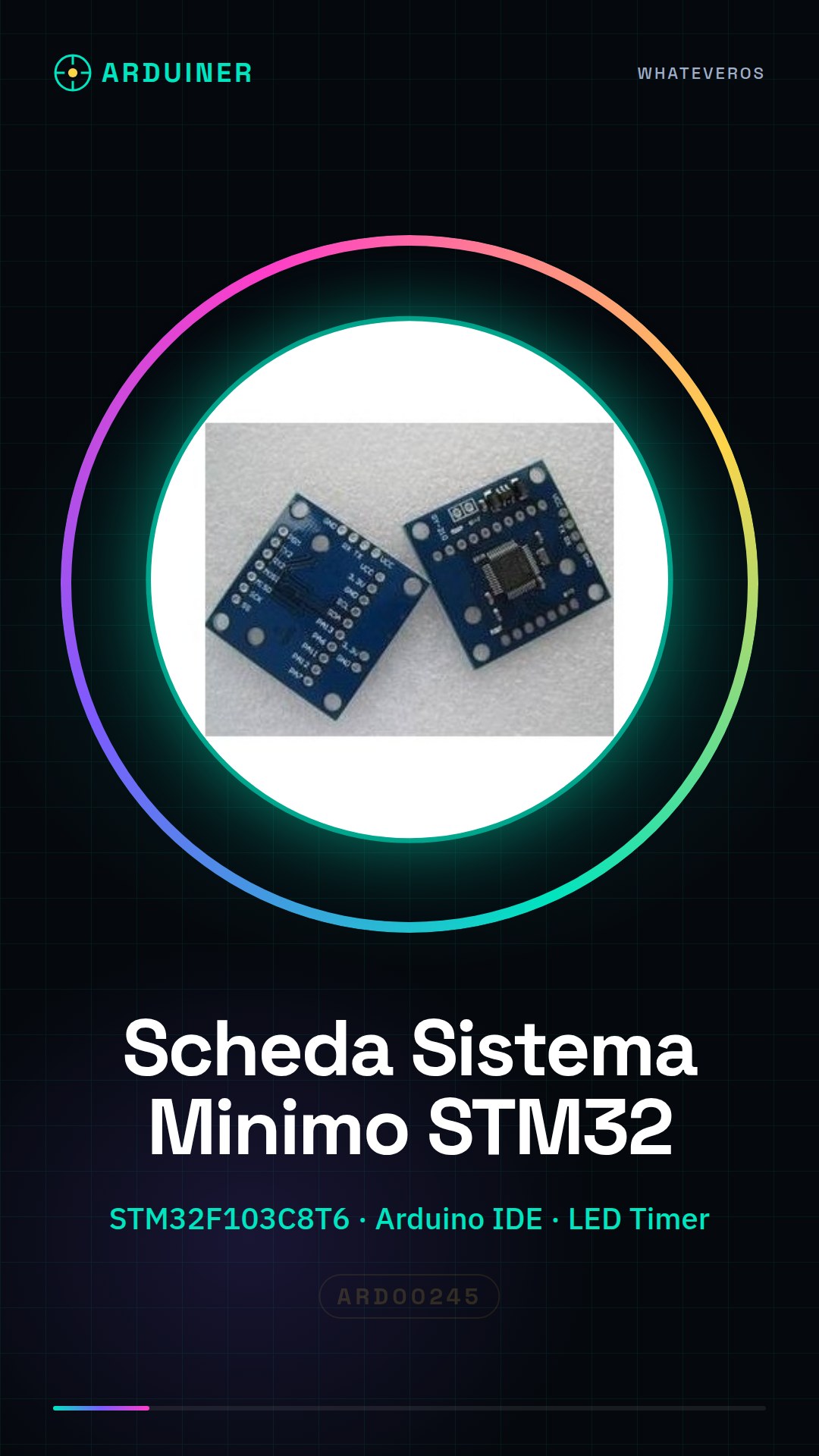
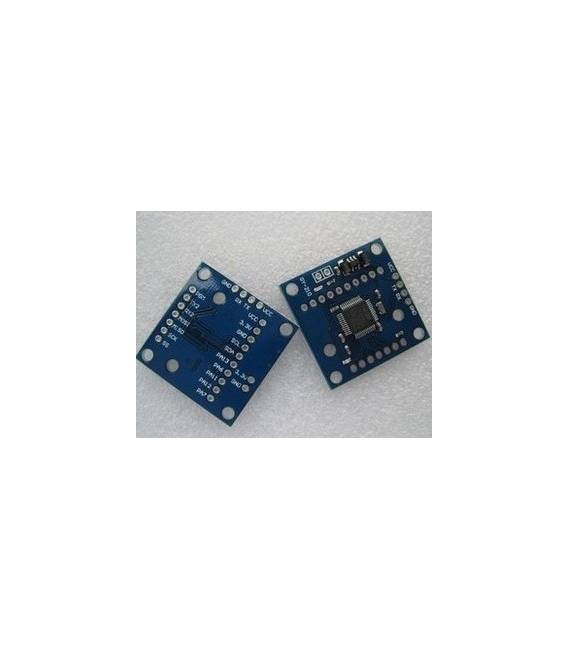
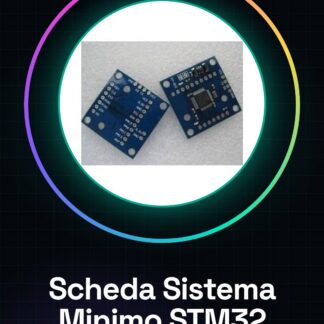
The STM32F103C8T6 Minimum System Board is a central component for developing robotics and automation projects. This powerful microcontroller offers a solid foundation for experiments and applications requiring high performance.
Features
- STM32F103C8T6 Microcontroller
- Perfect for Arduino Projects
What it is for
Instantiable by both beginners and experts, the board is ideal for creating LED timers, controlling sensors and actuators, or developing small automation systems. Compatibility with Arduino simplifies the implementation of new features.
Tutorial: How to Use the STM32F103C8T6 Minimum System Board
The STM32F103C8T6 Minimum System Board is ideal for projects requiring a powerful microcontroller. Suitable for beginner and intermediate makers.
What you need
- Arduino IDE
- USB Cable
- 1 kΩ Resistor
- LED
- 3V Alkaline Battery
Steps
- Download and install the Arduino IDE.
- Check the datasheet for the microcontroller specifications.
- Connect the board to the USB port.
- Open a new project in Arduino IDE.
- Write the minimum code to turn on an LED.
- Upload the code to the microcontroller.
- Connect the LED and the resistor to the output pin.
- Turn on the battery and check the operation.
Example code
```
void setup() {
  pinMode(5, OUTPUT);
}

void loop() {
  digitalWrite(5, HIGH);
  delay(1000);
  digitalWrite(5, LOW);
  delay(1000);
}
```
Mini project
Create an LED timer that turns on and off an LED every second.
Common mistakes
- Make sure the USB cable is properly connected.
- Check that the Arduino IDE version is up to date.
- Check that the output pin is correct.
- Make sure the battery is properly connected.
Recommended accessories
- LED
- 1 kΩ resistor
- 3V alkaline battery
- Multimeter
Frequently asked questions
How to select the microcontroller in Arduino IDE?
On the board, select ‘STM32F103C8T6’ as the microcontroller.
Which pins can I use to connect the LED?
You can use any digital pin as an output pin for the LED.
Does the board support debugging?
Check the datasheet to see if it supports debugging.
Can I use a battery with higher capacity?
Check the datasheet for the maximum voltage specification.
Reviews
There are no reviews yet.