 EN
EN IT Italiano
 ES Español
 FR Français
 DE Deutsch
Description
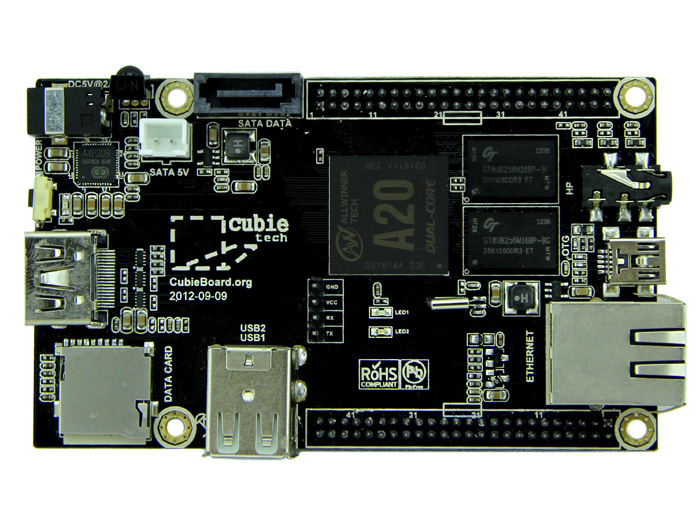
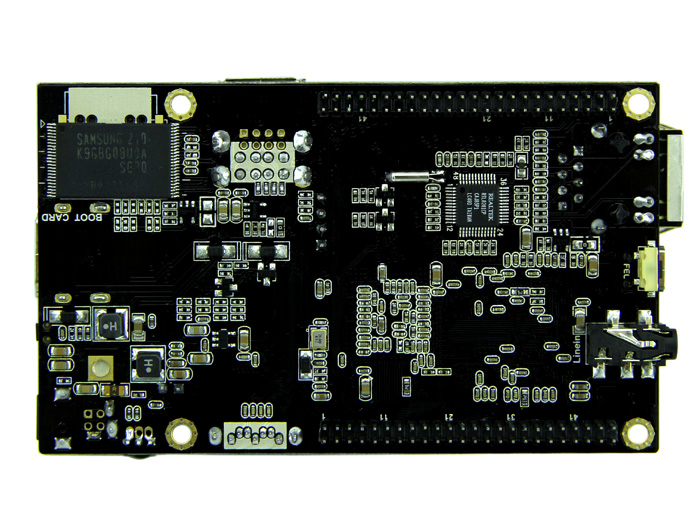
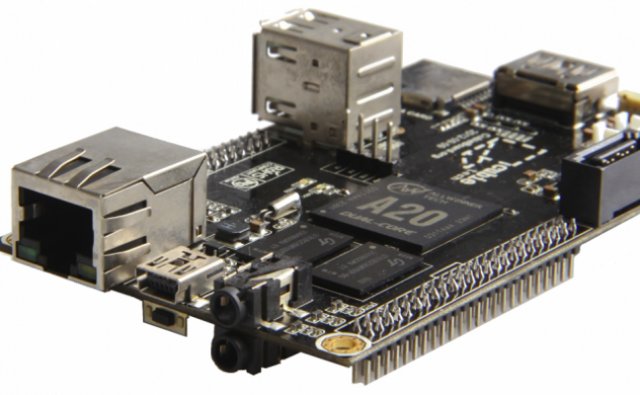
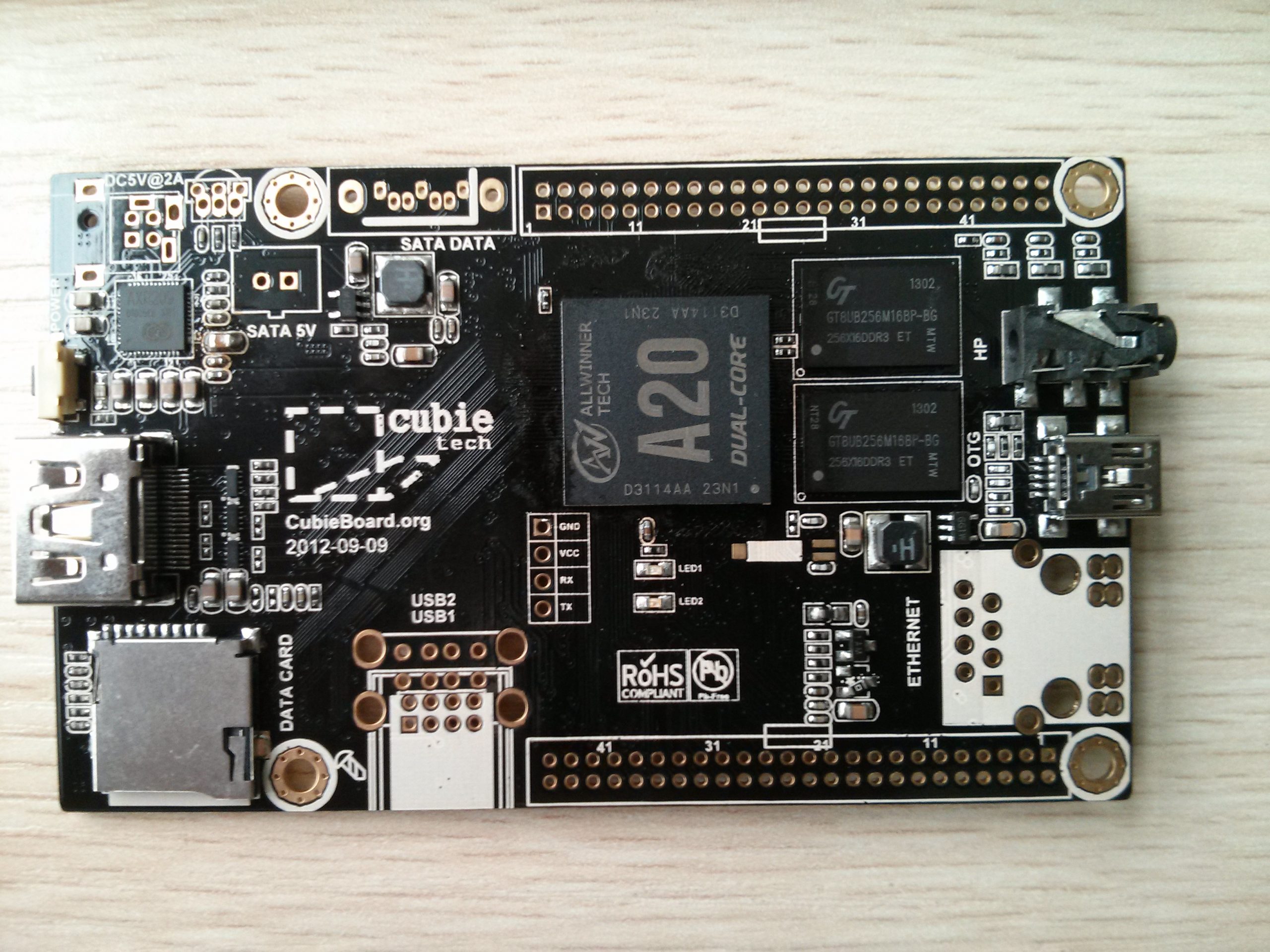
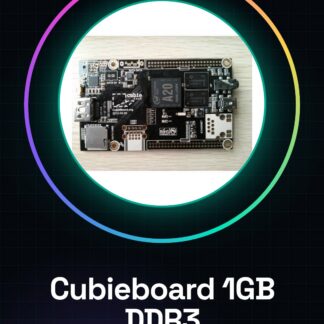
What is it? The Cubieboard A20 is an ARM dual-core board with 1GB of DDR3 RAM, ideal for developers and makers looking for an alternative to Raspberry Pi. It offers a versatile environment for advanced projects. Features: ARM dual-core A20, 1GB DDR3 RAM. What it’s used for? The Cubieboard is used for projects requiring a more powerful system than what is offered by Raspberry Pi. It is suitable for developing Linux applications and advanced Arduino projects, providing a solid foundation for testing innovative ideas. How to use it? 1. Connect the Cubieboard to a monitor or TV via HDMI cable. 2. Power the Cubieboard via micro USB. 3. Power on the Cubieboard by pressing the reset button. 4. Connect a mouse and keyboard via USB. 5. Install the Arduino IDE on a computer. 6. Download the Linux kernel for Cubieboard. 7. Configure the Arduino IDE for the Cubieboard. 8. Load a simple Arduino sketch to test the connection. Example code: void setup() { Serial.begin(9600); Serial.println(“Cubieboard initialized”); } void loop() { // Code here } Mini-project: Create a simple graphical interface with a button that turns an LED on/off. Common errors: Not powering on the Cubieboard without connecting it to a monitor or TV. Not connecting the Cubieboard to an incompatible power source. Not installing the Arduino IDE before connecting to a computer. Not connecting the Cubieboard to a computer without first installing the Linux kernel. Recommended accessories: Arduino Shield, LED and resistor, Push button, USB cable. Frequently asked questions: How do I install the Arduino IDE? Visit the official Arduino website and follow the instructions for your platform. Which Linux kernels are supported? Check the datasheet for a full list of supported kernels. Does the Cubieboard support Arduino? Yes, the Cubieboard supports Arduino through the Arduino IDE. Can I use the Cubieboard as a desktop computer? Yes, but it is recommended to use it primarily as a development and testing board.
Reviews
There are no reviews yet.