 EN
 IT Italiano
 ES Español
 FR Français
 DE Deutsch
Description
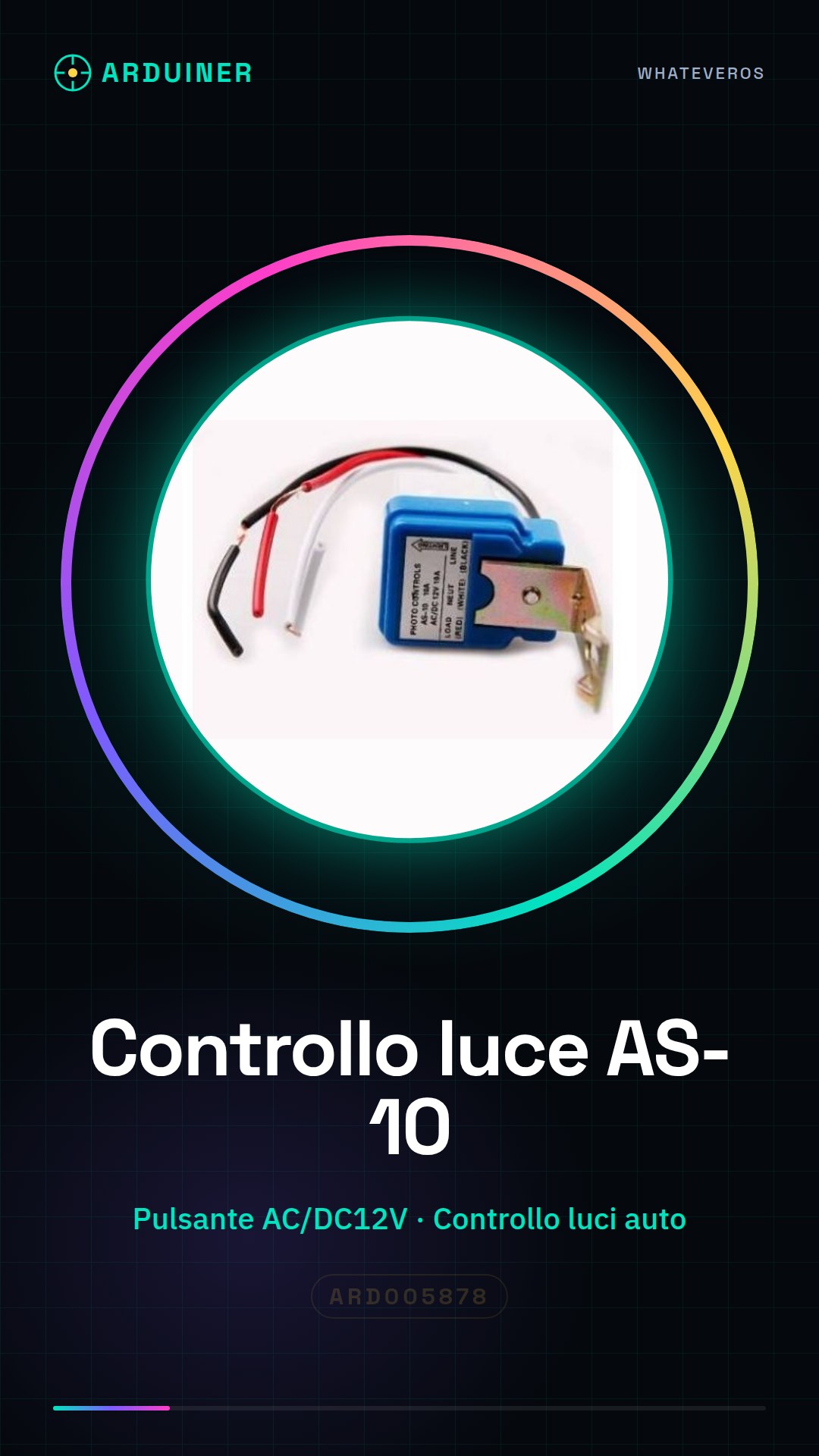
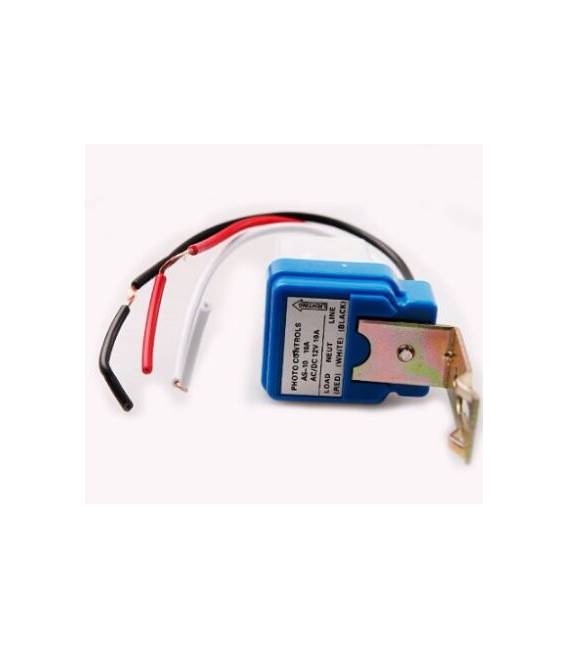
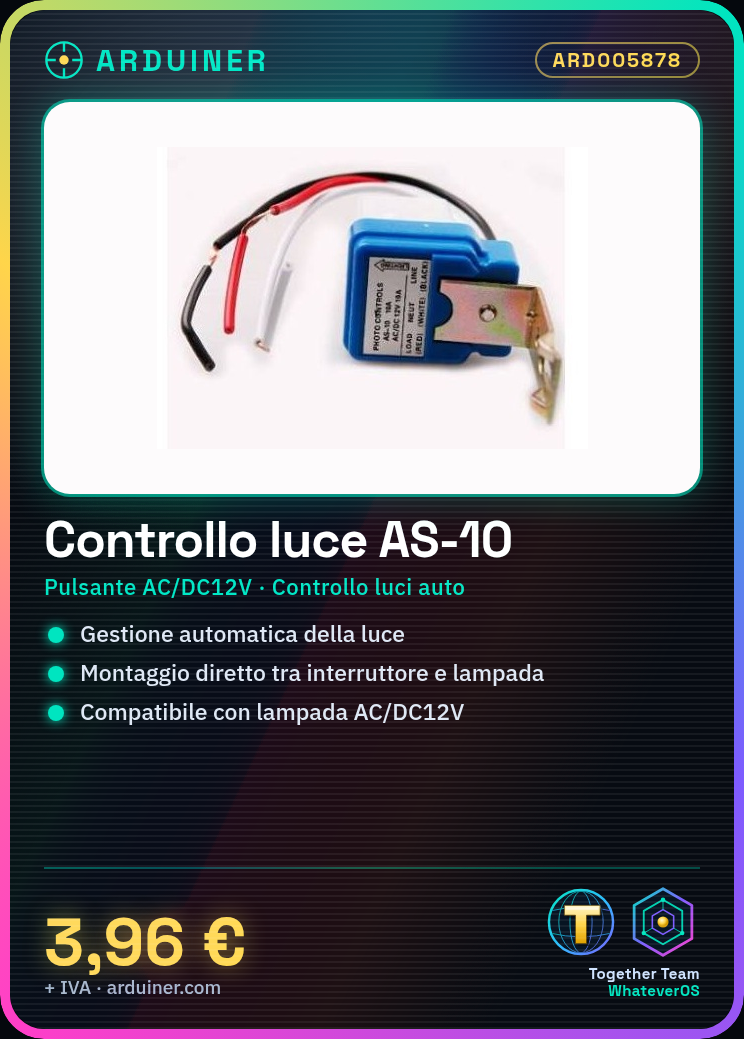
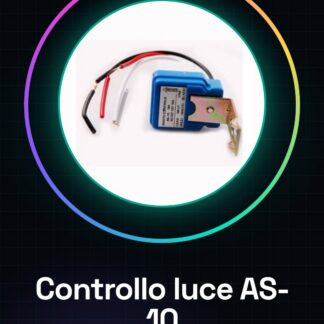
What is it The Light Control AS-10 is an auto-switch for AC/DC12V lighting, designed to automatically manage light levels in electronic projects. Ideal for both beginners and experienced makers who wish to integrate light control features into their devices. Features AC/DC12V auto-switch Automatic light control What is it used for Ideal for automating lighting in domestic environments or lighting installations. Can be connected to a lamp and programmed via an Arduino to automatically turn the light on and off as needed. Tutorial: How to use Light Control AS-10 The Light Control AS-10 is an automatic switch for managing AC/DC12V lights. Useful for beginner and intermediate makers who want to automate their lighting. What it needs Fuses Existing switch or interrupter Soldering iron Steps 1. Check the datasheet for power specifications. 2. Disconnect the existing switch. 3. Disconnect the power supply. 4. Connect the Light Control AS-10 between the switch and the light. 5. Disconnect the Light Control AS-10. 6. Reconnect the existing switch. 7. Test the function. 8. Customize the switch if necessary. Mini-project Build an automatic lighting system for a home corner. Connect the Light Control AS-10 to a lamp and program a timer on an Arduino to turn the light on and off automatically. Common errors Connecting the Light Control AS-10 without disconnecting the existing switch. Omitting the power check. Not testing the function after connection. Using low-quality solder. Recommended accessories Timer Arduino Lamp Soldering iron Professional Quality solder Guaranteed features Can be used with LED lights. Check compatibility with AC/DC12V current. Warranty Check the warranty on the datasheet or the manufacturer’s website. No specific code required for programming. Can be used for AC220V. If supported, check the datasheet.
Reviews
There are no reviews yet.