 EN
 IT Italiano
 ES Español
 FR Français
 DE Deutsch
Description
What it is
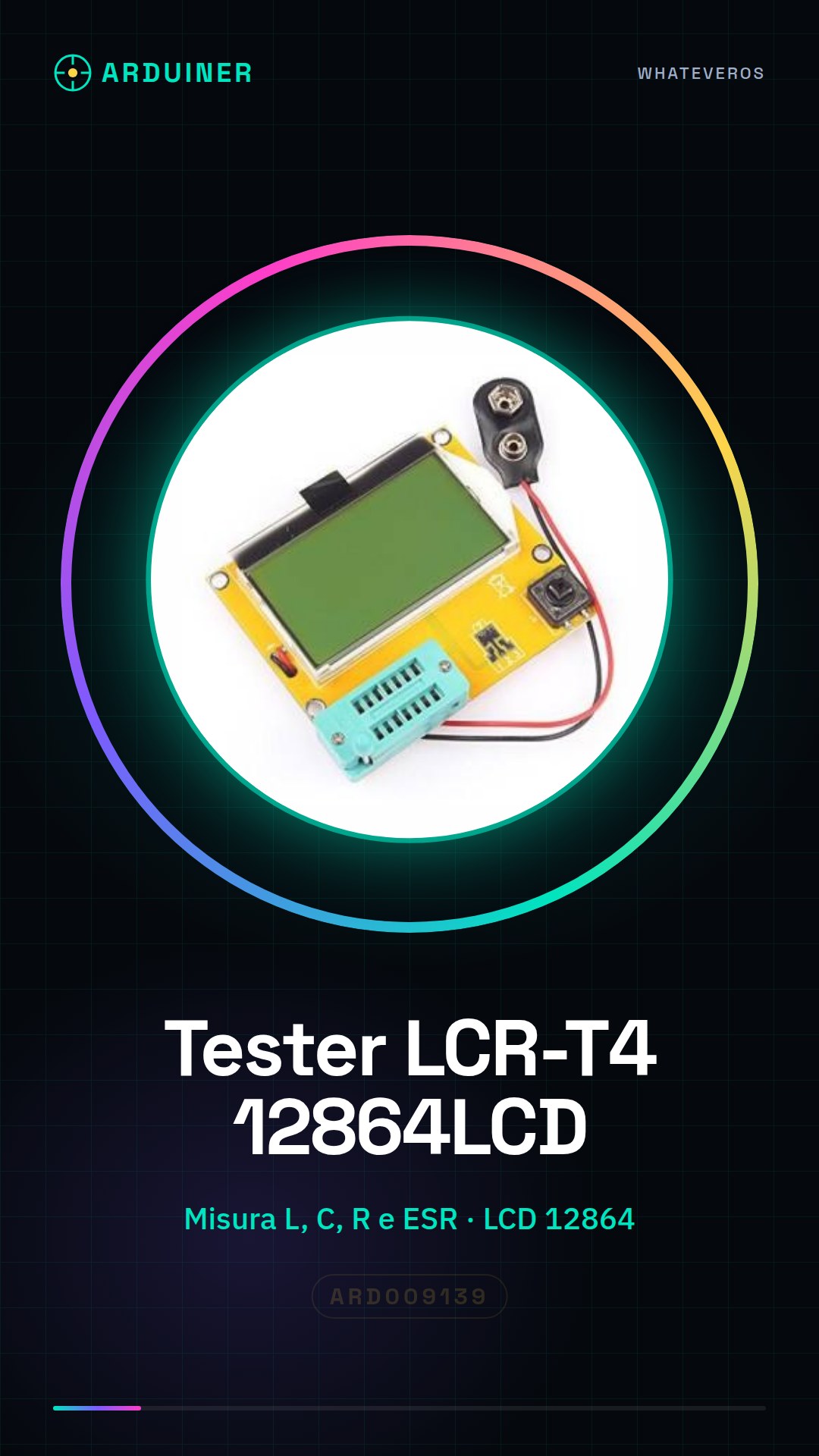
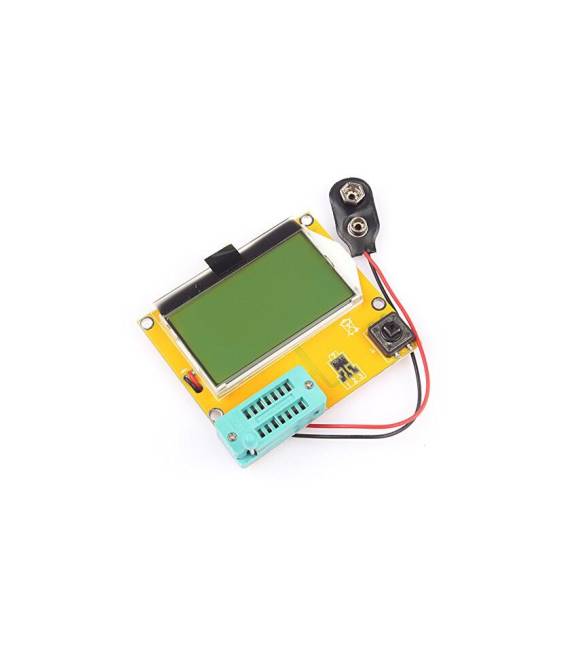
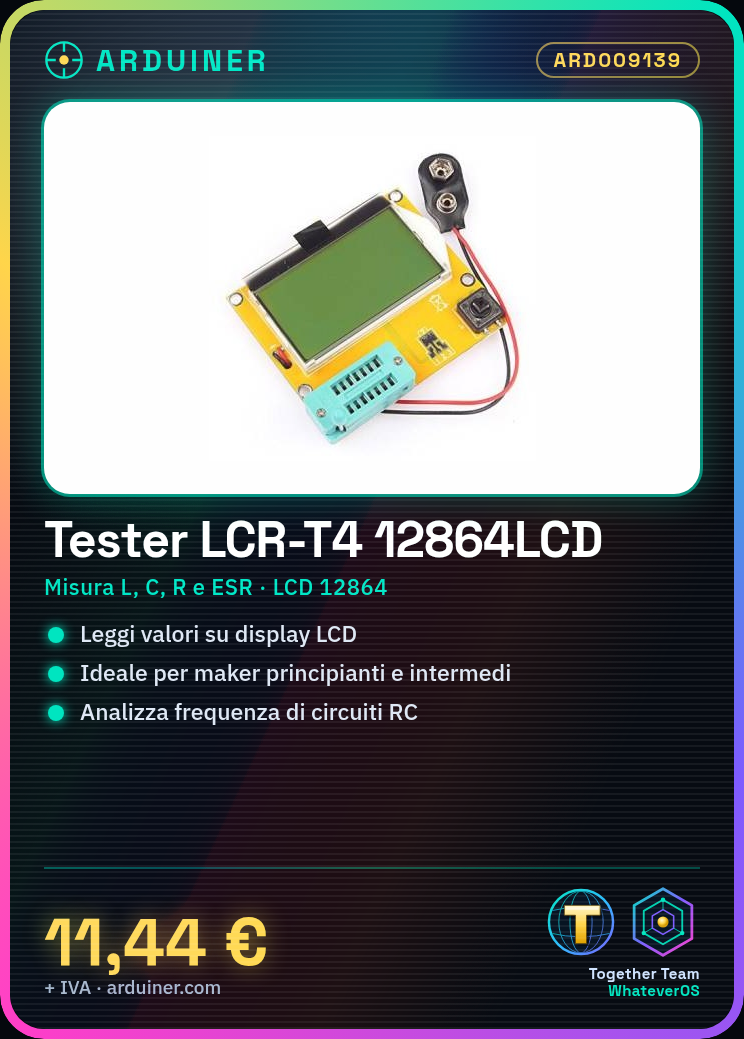
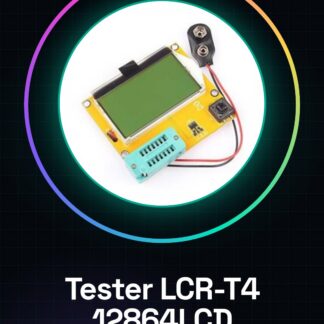
The LCR-T4 12864LCD ESR Meter is an electronic measurement tool used to determine the resistance (R), capacitance (C) and inductance (L) of components. Additionally, it allows for the measurement of the so-called ESR (Equivalent Series Resistance) value.
Features
- Measures L, C, R and ESR
- 12864 LCD Screen
What it is for
This tester is ideal for beginner and intermediate makers who wish to measure the characteristics of electronic components. It can be used for building simple RC circuits, including frequency oscillation analysis.
Tutorial: How to use LCR-T4 12864LCD ESR
The LCR-T4 12864LCD ESR transistor tester is ideal for measuring the resistance, capacitance, and inductance of electronic components. Useful for beginner and intermediate makers.
What you need
- LCR-T4 12864LCD ESR
- Test bench
- Components to test (resistor, capacitor, inductor)
- Arduino IDE (if you want to use the USB connector)
Steps
- 1. Turn on the multimeter and wait for the display to light up.
- 2. Set the type of measurement (R for resistance, C for capacitance, L for inductance) with the buttons.
- 3. Connect the component to be tested to the appropriate terminals (R, C, L).
- 4. Read the values on the display.
- 5. To measure resistance, check the datasheet to see if the maximum range is reached.
- 6. For capacitance and inductance, check if the display shows correct values.
- 7. Repeat for each component.
- 8. If used with Arduino, connect the USB connector and run the example code.
Example code
void loop() {}Mini project
Build a simple oscilloscope using the LCR-T4 12864LCD ESR to measure the oscillation frequency of an RC circuit.
Common mistakes
- Incorrectly set the type of measurement.
- Incorrectly connect the components.
- Do not wait for the display to light up completely.
- Use an incorrect measurement range.
Recommended accessories
- Test sockets for components
- Components to test (resistor, capacitor, inductor)
- Arduino for connectivity testing
- Test leads
Frequently asked questions
How can I verify if the display is working correctly?
Check that the display lights up correctly and that the values displayed are reasonable during measurement.
Can I use this tester with double-sided components?
Yes, but make sure to connect it correctly to the sockets.
What are the measurement limits for capacitance and inductance?
Check the datasheet for the maximum and minimum supported values.
Can I use this tester with Arduino?
Yes, but check if the USB connector is compatible with your Arduino.
Reviews
There are no reviews yet.