 EN
 IT Italiano
 ES Español
 FR Français
 DE Deutsch
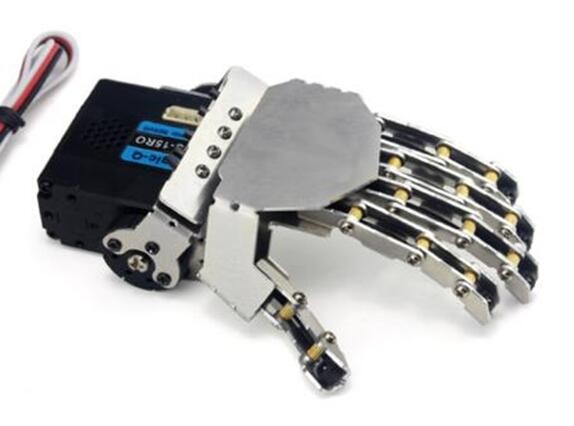
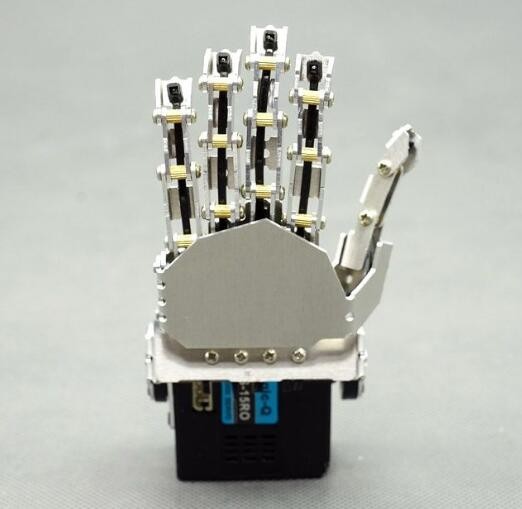
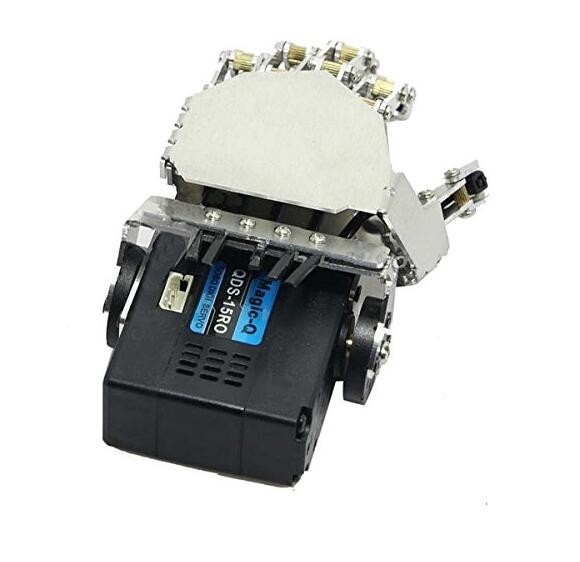
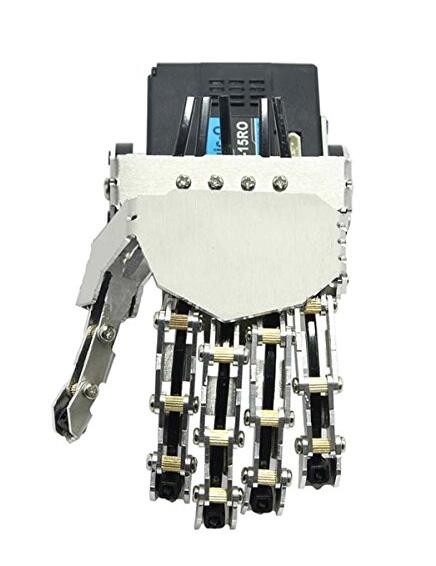
Description
What it is
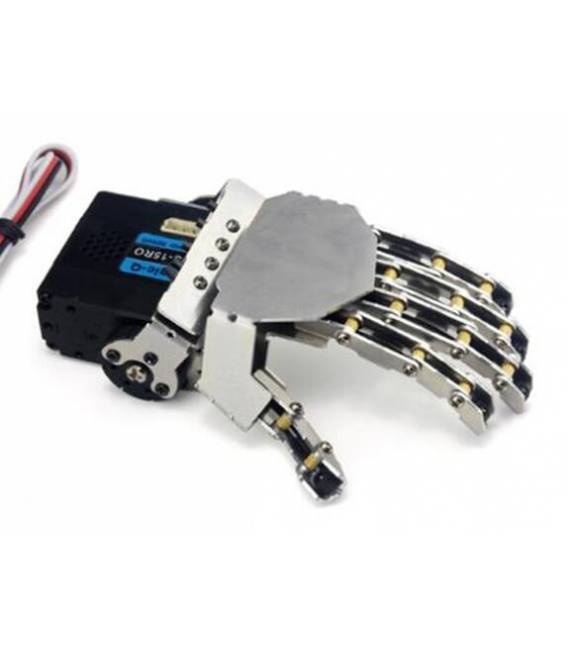
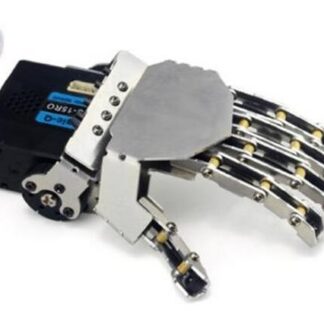
The Left Hand Robot Five-Finger Arm is a metal manipulator arm with five fingers, ideal for robotics and manipulation projects.
Features
- 5 fingers
- Material: metal
- SKU: ARD0010500
- Price: 76.35 €
What it is for
The Left Hand Robot Five-Finger Arm is perfect for precise manipulation and humanoid robot creation. It can be used for robotics and manipulation projects suitable for beginners and intermediates. An example of use could be creating a simple program that moves the fingers of the hand five times.
Tutorial: How to use the Left Hand Robot Five-Finger Arm
The Left Hand Robot Five-Finger Arm is ideal for robotics and manipulation projects. Suitable for beginners and intermediates.
What you need
- Arduino UNO or compatible
- USB cable
- 3S 11.1V LiPo battery
- Through-hole microcontroller
- Check the datasheet
Steps
- 1. Mount the microcontroller on a through-hole board.
- 2. Connect the microcontroller to the Arduino UNO or compatible.
- 3. Connect the LiPo 3S 11.1V battery to the microcontroller.
- 4. Load the provided Arduino code.
- 5. Connect the robotic arm to the microcontroller.
- 6. Check the finger movements.
- 7. Adapt the code to control the desired movements.
- 8. Test the Left Robot Five-Finger Hand.
Example code
```
#include <Servo.h>
Servo mano;
void setup() {
  mano.attach(9);
}
void loop() {
  mano.write(90);
  delay(1000);
  mano.write(0);
  delay(1000);
}
```
Mini project
Create a simple program that moves the fingers of the hand five times.
Common mistakes
- Do not connect the battery correctly.
- Set the wrong pin in the code.
- Omit the delay between movements.
Recommended accessories
- Robot Pliers
- Pressure Sensors
- Arduino UNO R3
- LiPo 3S 11.1V Battery
Frequently asked questions
How can I control the finger movements with a joystick?
Connect a joystick to the microcontroller and modify the code to read joystick values and control the fingers.
Which pins of the microcontroller can I use?
Use the available digital pins, but check the datasheet for limits and compatibility.
Which batteries are compatible?
Use 3S LiPo batteries 11.1V as described in the product description.
Do I need additional software?
No, the provided code is complete.
Reviews
There are no reviews yet.