 EN
 IT Italiano
 ES Español
 FR Français
 DE Deutsch
Description
What it is
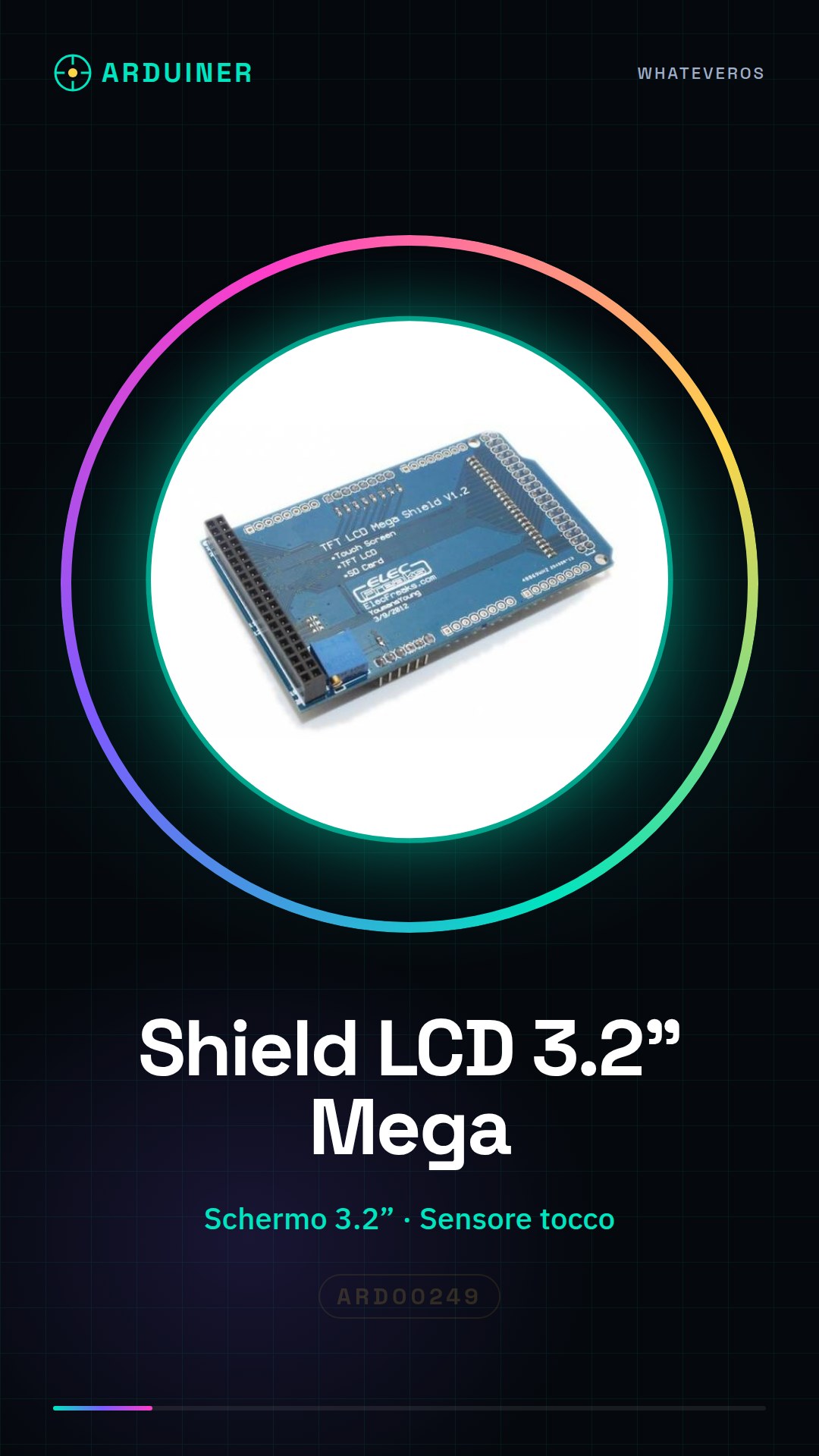
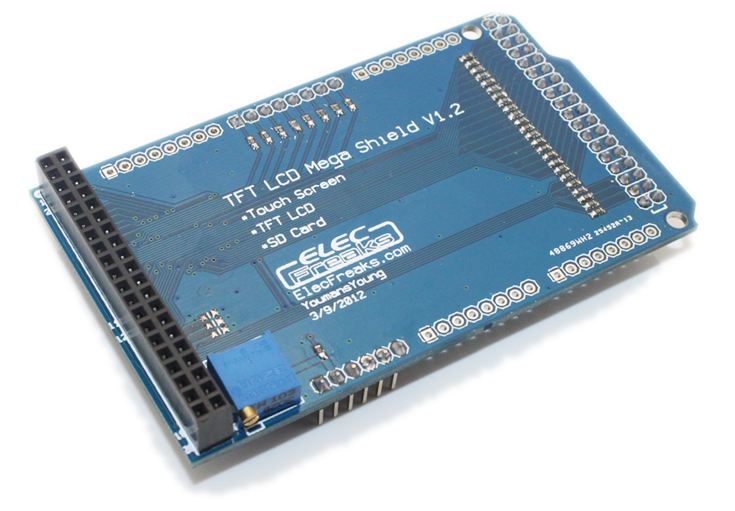
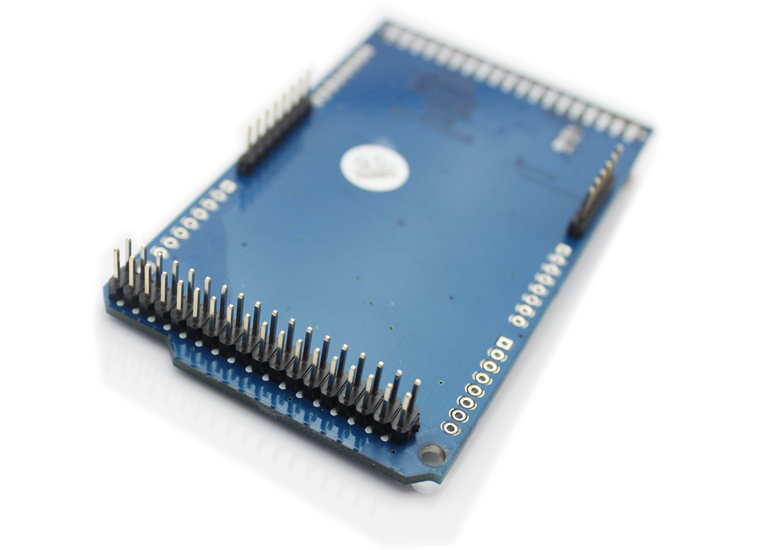
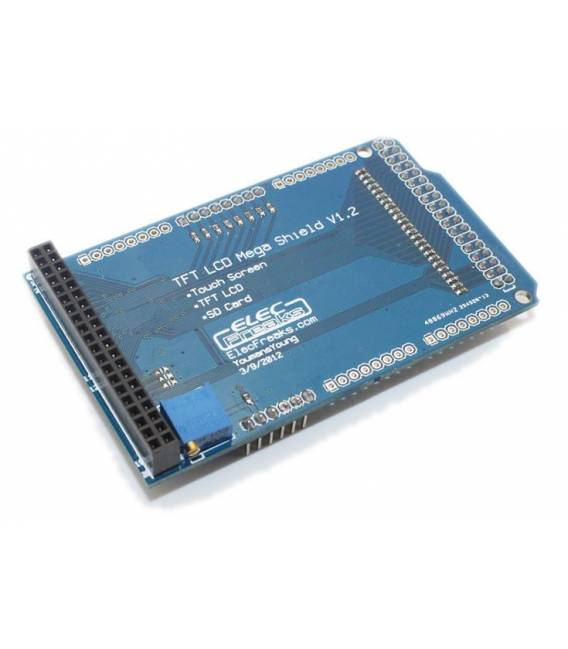
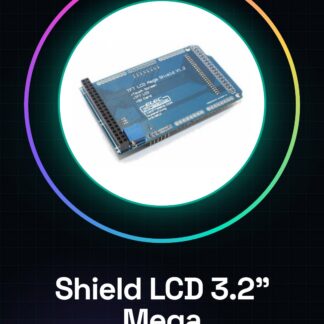
The TFT01 3.2” Shield Module is a component for Arduino Mega 2560 that provides an interactive graphical interface thanks to its 3.2-inch color screen and integrated touch sensor.
Features
- 3.2” TFT LCD Screen
- Compatible with Arduino Mega 2560
- Includes touch sensor
What it is for
This module is ideal for projects that require an interactive graphical display, such as digital clocks, temperature controllers, or any other device with a user interface. It is suitable for both beginners and more experienced makers.
Tutorial: How to use TFT01 3.2” Shield Module Mega 2560 Touch
The TFT01 3.2” Shield Module is a color display with a touch sensor, ideal for projects that require an interactive visual interface. This component is perfect for beginner and intermediate makers.
What you need
- Arduino Mega 2560
- USB A-MicroB Cable
- Arduino IDE Software Installed
Steps
- Connect the TFT01 Shield module to the Arduino Mega 2560 breadboard following the product documentation.
- Install the necessary libraries to manage the display and touch sensor from the official GitHub repository or the Arduino IDE library.
- Check the datasheet for the specific pins used by the TFT01 Shield module and correctly connect the breadboard pins to the Arduino Mega 2560.
- Write a simple Arduino sketch to test the display of a welcome message on the screen.
- Verify that the touch sensor works correctly by interacting with the project interface.
- Customize the sketch by adding new features such as menus or multiple screens.
Example code
// Includi le librerie necessarie
#include <Adafruit_GFX.h>
#include <Adafruit_TFTLCD.h>
// Configura il display e il sensore di tocco
Adafruit_TFTLCD tft(TFT_CS, TFT_CD, TFT_WR, TFT_RD, TFT_RESET);
void setup() {
  tft.begin();
  tft.fillScreen(TFT_BLACK);
  tft.setTextColor(TFT_WHITE);
  tft.setTextSize(2);
  tft.setCursor(0,35);
  tft.print("Benvenuto!");
}

void loop() {
}
Mini project
Create a simple interactive digital clock that displays the time and date. Add features such as alarms or timers.
Common mistakes
- Incorrect pin connection between the breadboard and Arduino Mega 2560
- Missing to install the necessary libraries to manage the display and touch sensor
- Incorrect internal or external clock settings for the Arduino Mega 2560
- Error in the configuration of the display library
Recommended accessories
- Kit of jumper connectors (SKU: ARD00123)
- Large breadboard (SKU: ARD00456)
- Additional touch sensors (SKU: ARD00789)
- Arduino IDE library for display and touch sensors
Frequently asked questions
How can I install the necessary libraries?
Visit the official GitHub site of the module or search for the library in the Arduino IDE repository.
The display does not turn on, what should I do?
Check that the pins are correctly connected and verify the module Shield LCD TFT01 power supply.
Reviews
There are no reviews yet.