 EN
 IT Italiano
 ES Español
 FR Français
 DE Deutsch
Description
What it is
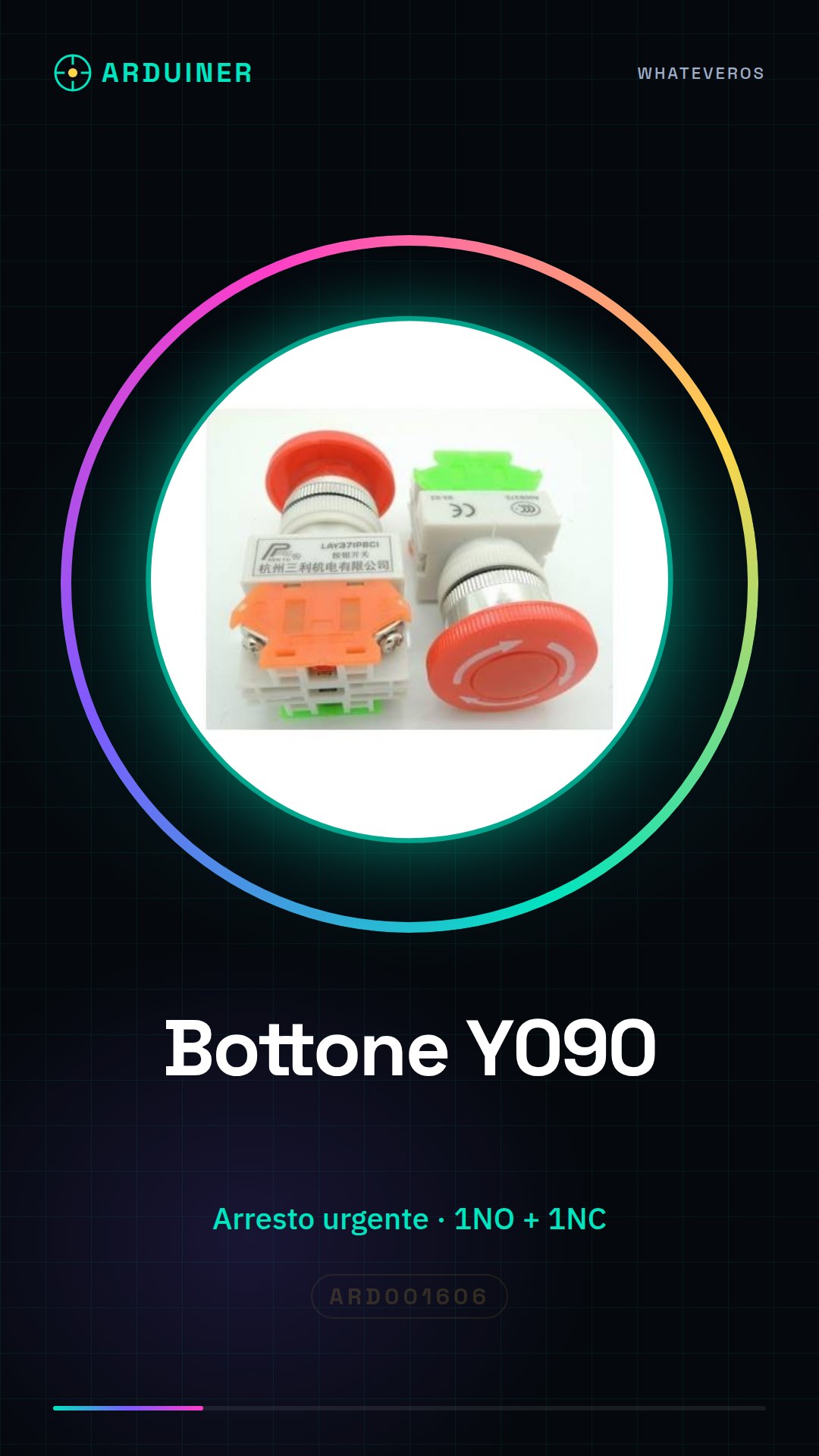
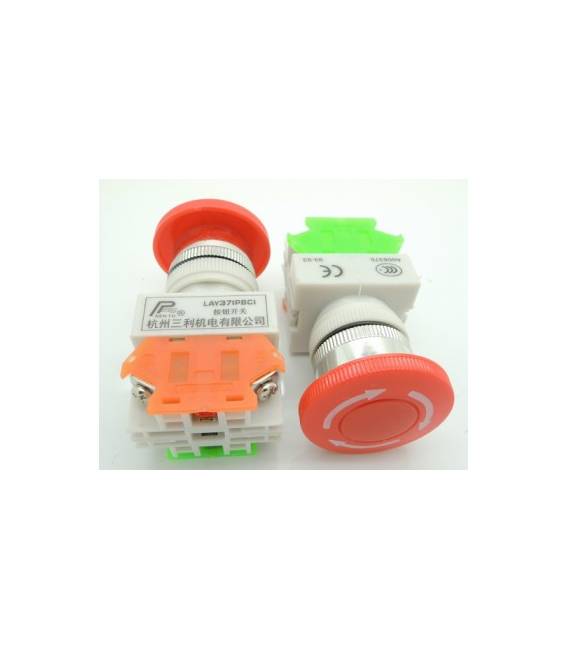
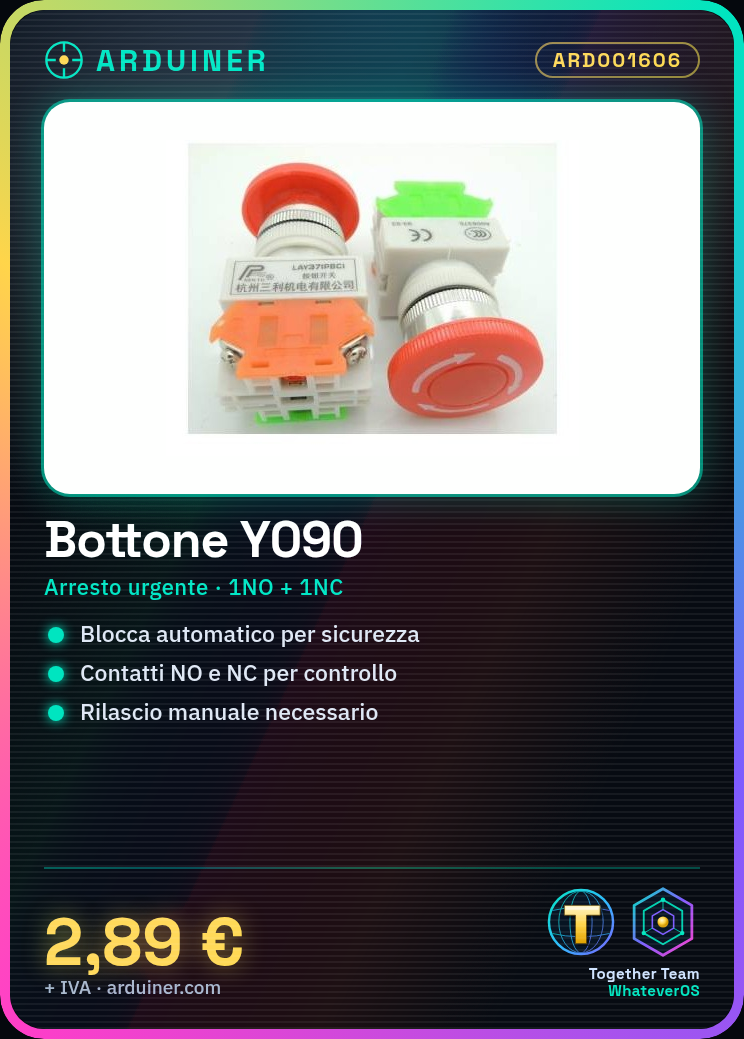
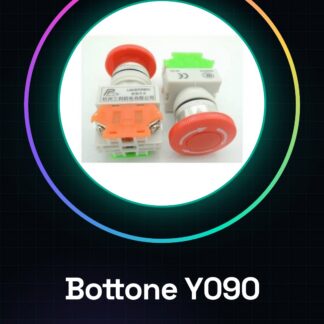
The Lay37-11ZS Y090 self-locking push button is an electronic component designed for emergency stop or safety functions. When pressed, the button locks automatically, preventing further presses until it is manually released.
Features
- Self-locking push button with emergency stop function
- Contacts 1NO + 1NC (check datasheet)
What it is for
This button can be used in projects that require additional safety or emergency interaction. For example, it can activate an alarm system when pressed and locked.
Tutorial: How to use Lay37-11ZS Y090 Self-locking Push Button
The Lay37-11ZS Y090 self-locking push button is an electronic component ideal for projects requiring an emergency stop or safety function. It is suitable for both beginners and more experienced makers.
What you need
- Arduino Uno
- Test Connection
- Resistor
Steps
- Connect the momentary switch to the circuit with the appropriate connectors.
- Check the polarity of the switch (refer to the datasheet).
- Connect a resistor between the switch output and the Arduino’s digital input to limit the current.
- Write an Arduino sketch to read the state of the switch.
- Test the automatic lock functionality by pressing and holding the switch.
- Verify that the NO (Normally Open) and NC (Normally Closed) contacts are correctly managed by the software.
Example code
void setup() {
  pinMode(2, INPUT_PULLUP);
}

void loop() {
  int bottone = digitalRead(2);
  if(bottone == LOW) {
    Serial.println("Bottone premuto");
  }
}
Mini project
Create a home alarm system that activates a siren when the momentary switch is pressed and locked.
Common mistakes
- Polarity connection error.
- Omission of the current-limiting resistor.
- Incorrect choice between NO and NC contacts.
- Incorrect handling of the automatic lock state in the Arduino code.
Recommended accessories
- 10kΩ resistor
- Arduino Uno R3
- Buzzer or siren
Frequently asked questions
What is the difference between NO and NC contacts?
NO (Normally Open) closes only when the button is not pressed, while NC (Normally Closed) remain closed until the button is pressed.
How can I test the auto-lock function?
Press and hold the button to verify that it remains locked until it is automatically or manually released.
Reviews
There are no reviews yet.