 EN
 IT Italiano
 ES Español
 FR Français
 DE Deutsch
Description
What it is
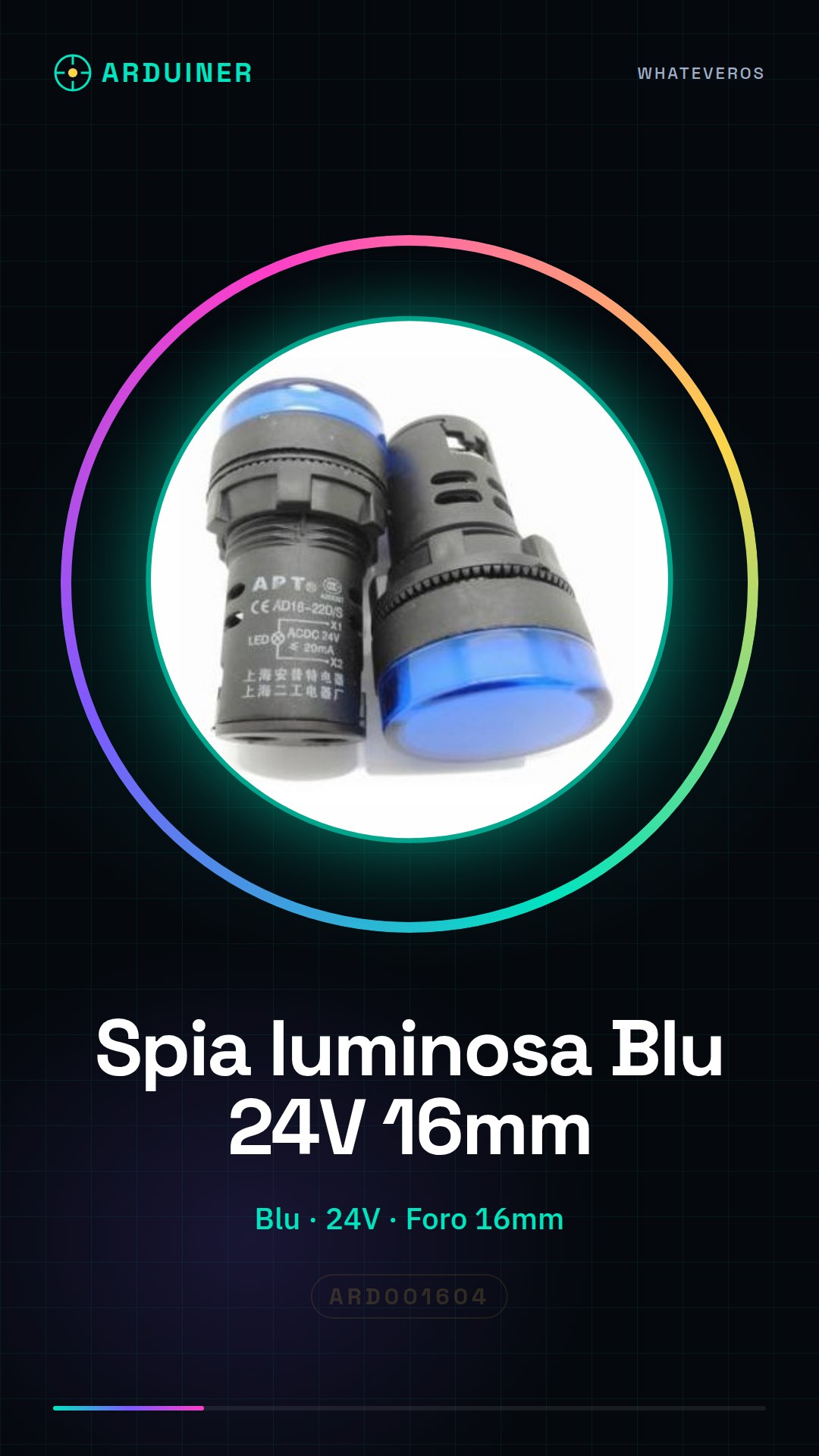
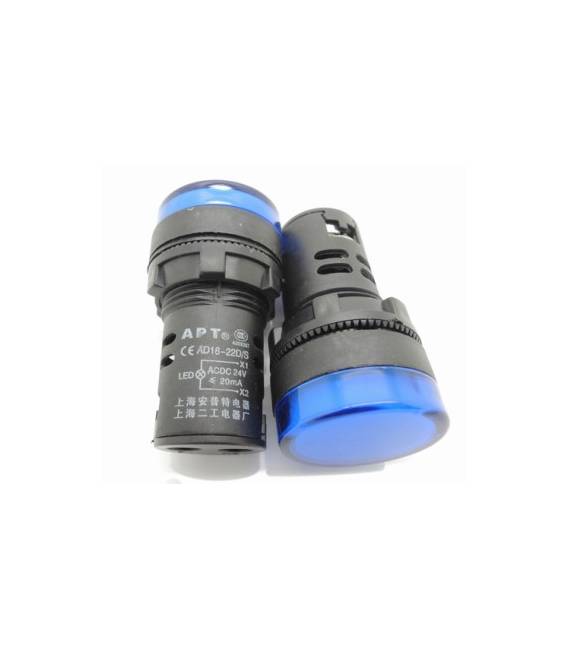
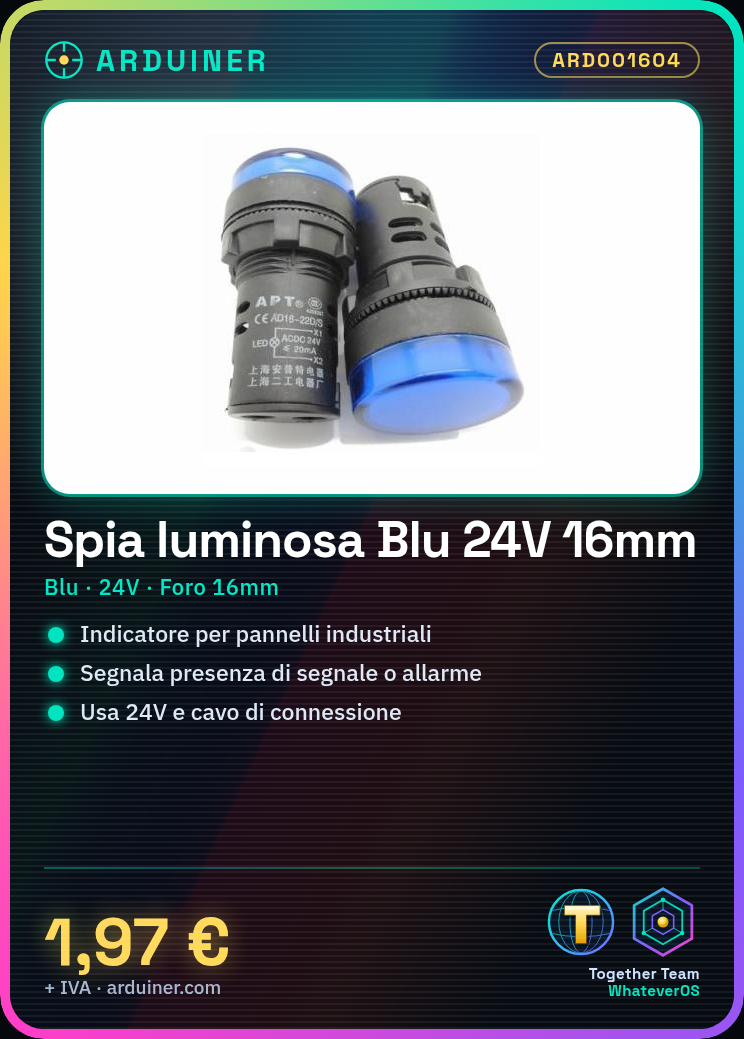
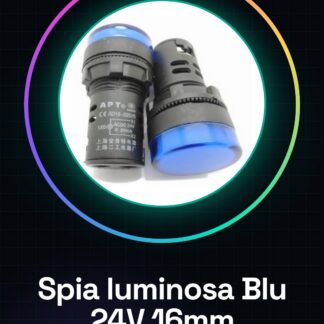
The Blue Panel Indicator Light AD16-16C 24V is a visual indicator designed to be integrated into industrial panels. It emits a blue light that signals the presence of a signal or an alarm.
Features
- Color: Blue
- Voltage: 24V
- Hole Diameter: 16mm
- SKU: ARD001604
What it is for
The blue indicator light AD16-16C is ideal for indicating the status of an electronic device or for visual signals on industrial panels. It can be used to create simple alarm systems, signaling the presence of movement or other events.
Tutorial: How to use Blue Indicator Light AD16-16C 24V
The blue indicator light AD16-16C is ideal for indicating the status of an electronic device or for visual signals on industrial panels. This simple yet essential component is perfect for both beginners and more experienced makers.
What you need
- Arduino
- 24V power supply
- connection cable
Steps
- Check the system voltage and ensure you have a 24V power supply.
- Connect the connection cable to the circuit or device you want to monitor.
- Insert the indicator light into the panel hole, ensuring a stable position.
- Connect the indicator light input to the Arduino digital port.
- Write an Arduino sketch to control the state of the indicator light (on/off).
- Verify that the indicator light turns on correctly when the signal is high and turns off when it is low.
- If necessary, add a resistor between the Arduino and the indicator light to limit the current.
- Test the complete system ensuring the indicator light functions as expected.
Example code
void setup() {
  pinMode(13, OUTPUT);
}

void loop() {
  digitalWrite(13, HIGH); // Accende la spia luminosa
  delay(500);
  digitalWrite(13, LOW); // Spegne la spia luminosa
  delay(500);
}
Mini project
Create a simple alarm system that turns on one or more indicator lights when motion is detected.
Common mistakes
- Use a different voltage than specified for the indicator light (24V).
- Omit the current limiting resistor, causing damage to the indicator light or the Arduino.
- Connecting the power supply of the indicator incorrectly according to the datasheet.
- Not adequately testing the indicator before integrating it into the system.
Recommended accessories
- 330 Ohm Resistor
- 24V Power Supply
- Universal Connection Cable
- Industrial Panel Maintenance Kit
Frequently asked questions
Can the indicator light be used with voltages below 24V?
Check the indicator’s datasheet.
What is the average lifespan of a blue AD16-16C indicator light?
The lifespan varies based on usage and environmental conditions; check the datasheet.
Can I use multiple indicator lights with a single Arduino?
Yes, connect each indicator to a different digital pin on the Arduino.
Reviews
There are no reviews yet.