 EN
 IT Italiano
 ES Español
 FR Français
 DE Deutsch
Description
What it is
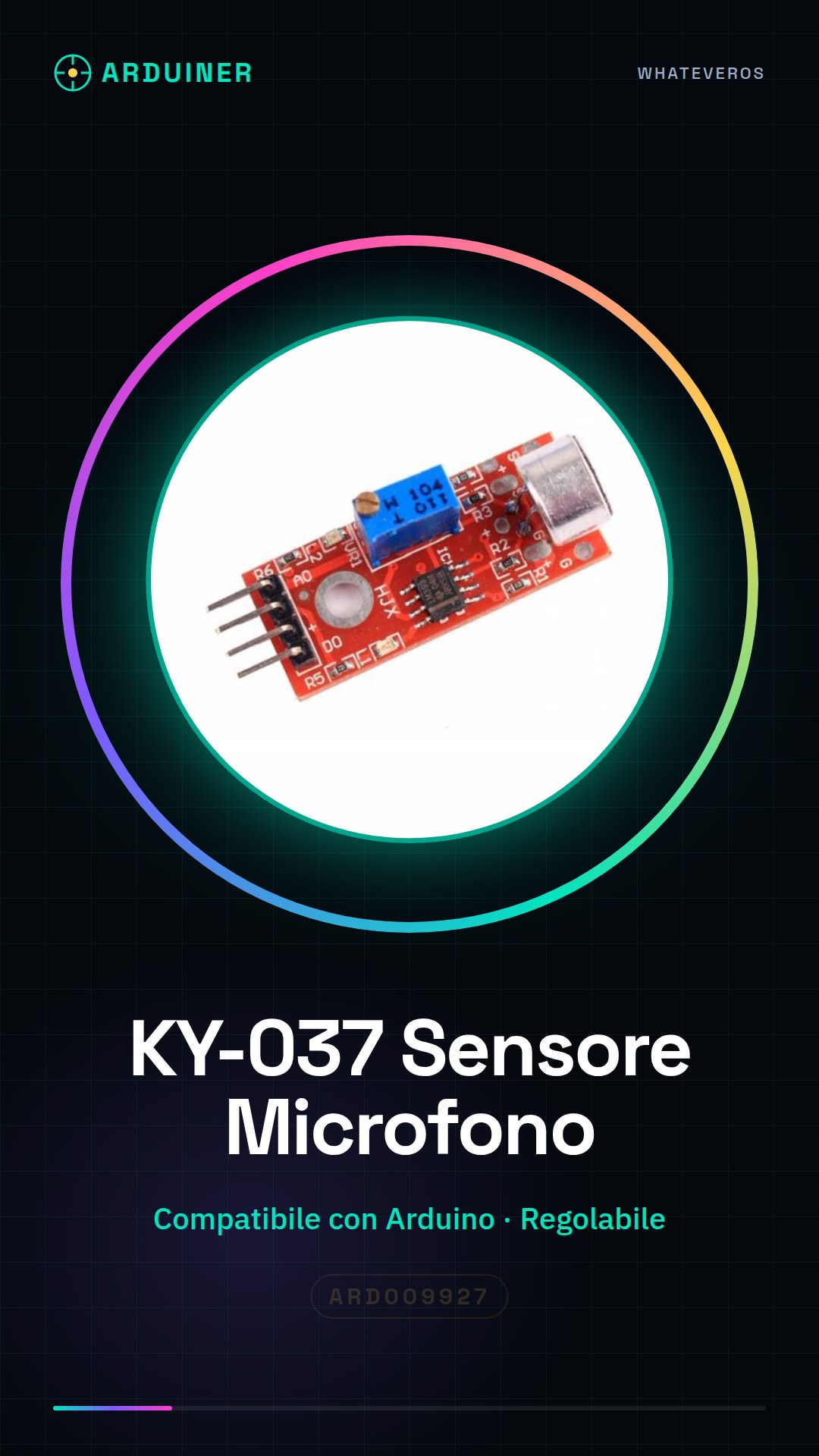
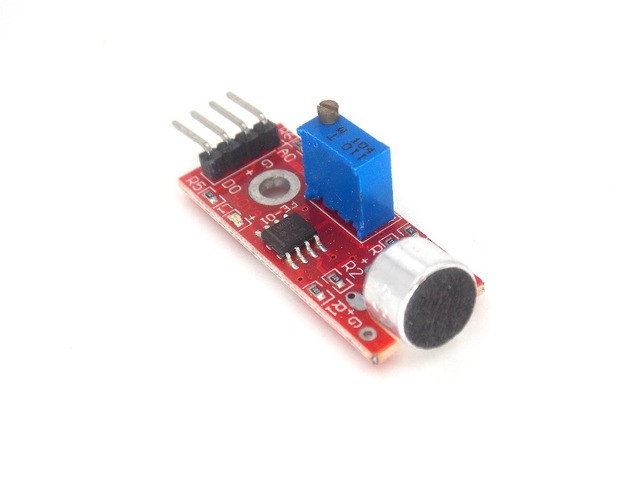
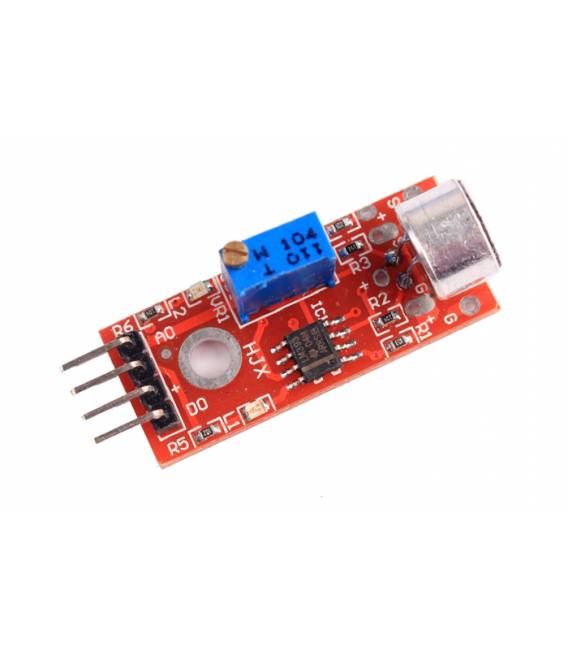
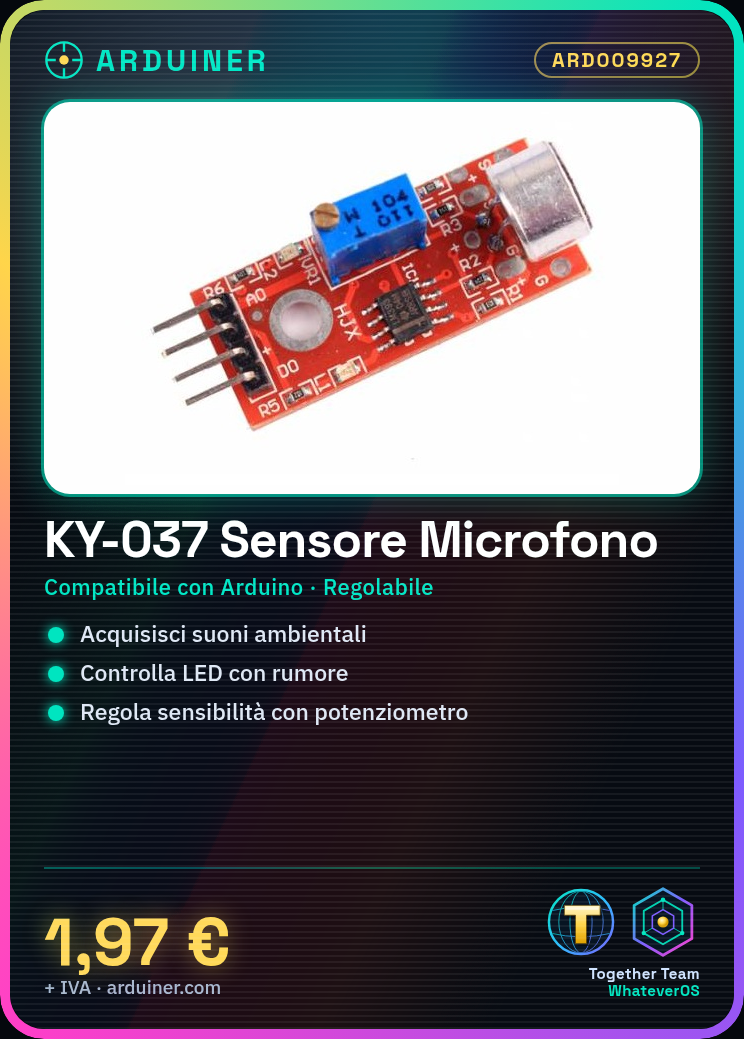
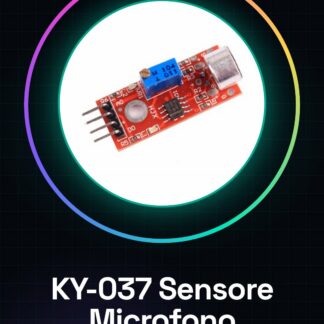
KY-037 is a adjustable microphone sensor module compatible with Arduino. It allows the acquisition of ambient sounds and their use in electronic projects.
Features
- Compatible with Arduino
- Adjustable
What it is for
The KY-037 module is ideal for sound projects, voice detection, and sound monitoring. It can be used to create devices that respond to sounds, such as turning on an LED lamp when a noise above a certain threshold is detected. It can also be used to measure sound volume and connect it to a relay to control the presence of current to a device.
Tutorial: How to use KY-037 Microphone Sensor Module
The KY-037 module is an adjustable microphone sensor that allows makers and Arduino students to acquire ambient sounds. It is ideal for projects such as sound monitoring, interactive speakers, or security devices.
What you need
- Arduino Uno
- KY-037 Microphone Sensor Module
- USB Cable
- Jumper Wires
Steps
- Connect the KY-037 to the analog pin A0 of the Arduino using jumper wires.
- Open Arduino IDE and write the example sketch to read analog values from the microphone sensor.
- Upload the sketch to your Arduino by connecting the Arduino to the computer via USB.
- Start serial communication in Arduino IDE to see the sensor microphone data change with ambient noise.
- Adjust the variable resistor on the KY-037 module to adapt the sensitivity to noise.
- Try to modify the sketch to display sound variations graphically.
Example code
void setup() {
  Serial.begin(9600);
}

void loop() {
  int val = analogRead(A0);
  Serial.println(val);
}
Mini project
Create a device that turns on an LED lamp when it detects noise above a certain threshold. Use the KY-037 to measure sound volume and connect it to a relay to control the presence of current to the lamp.
Common mistakes
- I cannot see the data on the serial monitor.
- The sensor does not respond to sound changes.
- The microphone sensitivity is too low or too high.
- The sensor output is always the same value.
Recommended accessories
- Arduino Uno
- LED and 220 Ohm resistor for demo projects
- Relay Module to control external devices
- Label printer to label wires
Frequently asked questions
How can I adjust the sensitivity of the KY-037?
Use the potentiometer on the module to increase or decrease the sensitivity.
Which other Arduino pins can I use with this sensor?
You can connect it to any analog pin on the Arduino.
Reviews
There are no reviews yet.