 EN
 IT Italiano
 ES Español
 FR Français
 DE Deutsch
Description
What it is
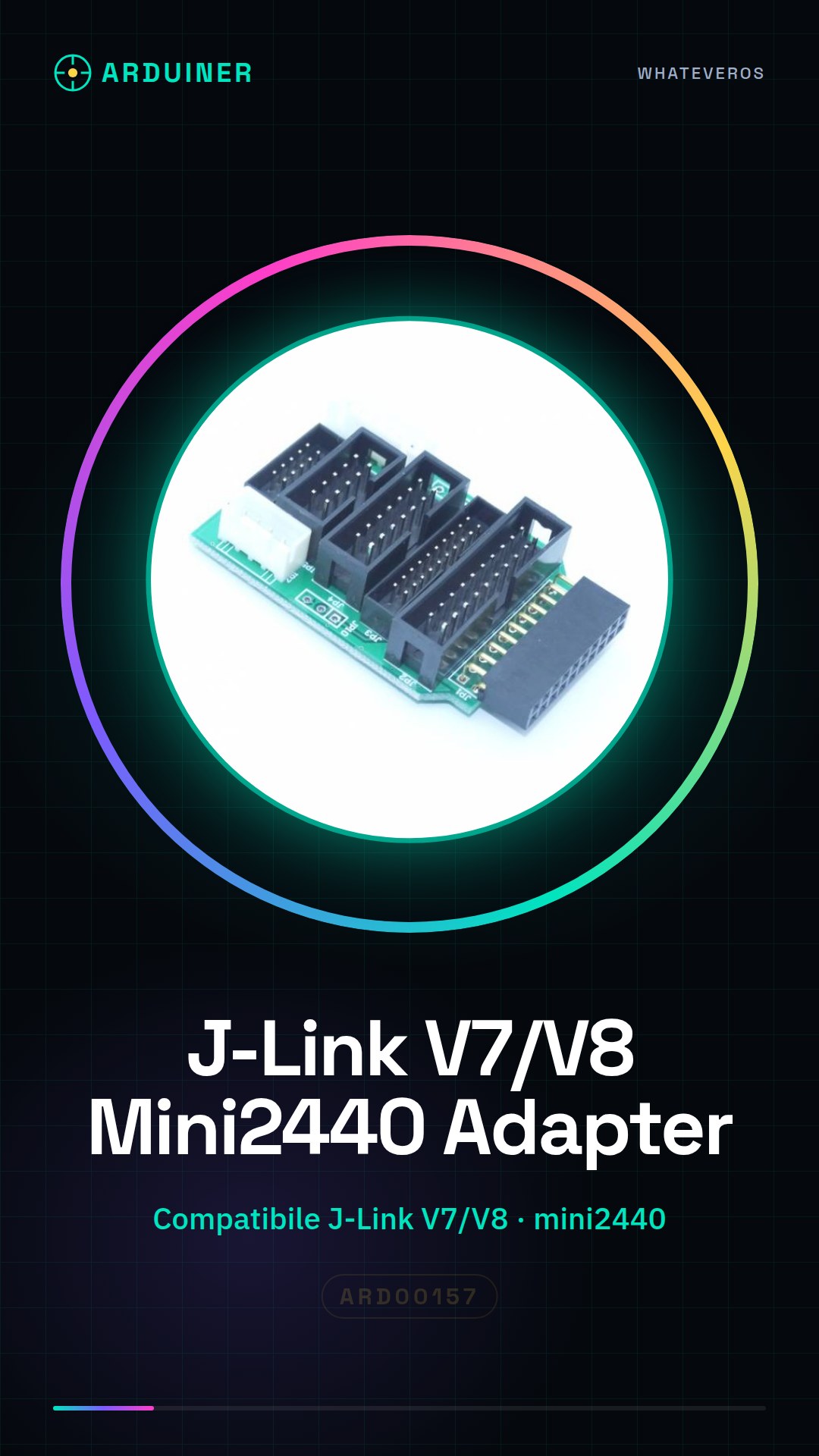
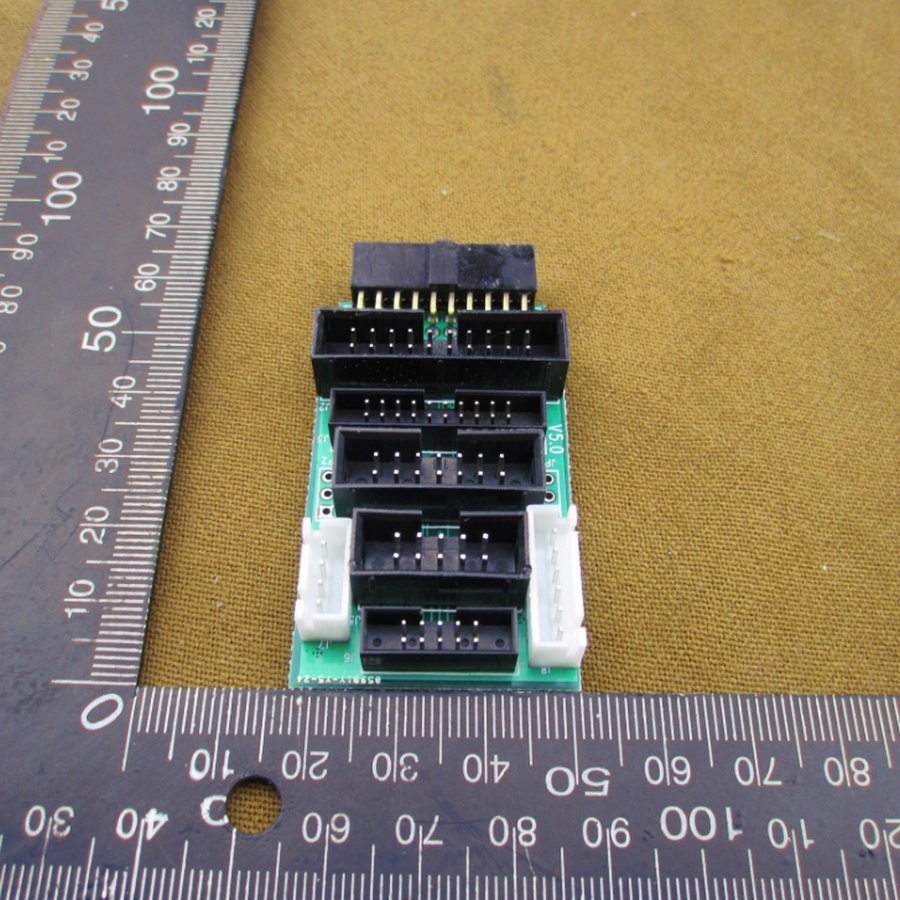
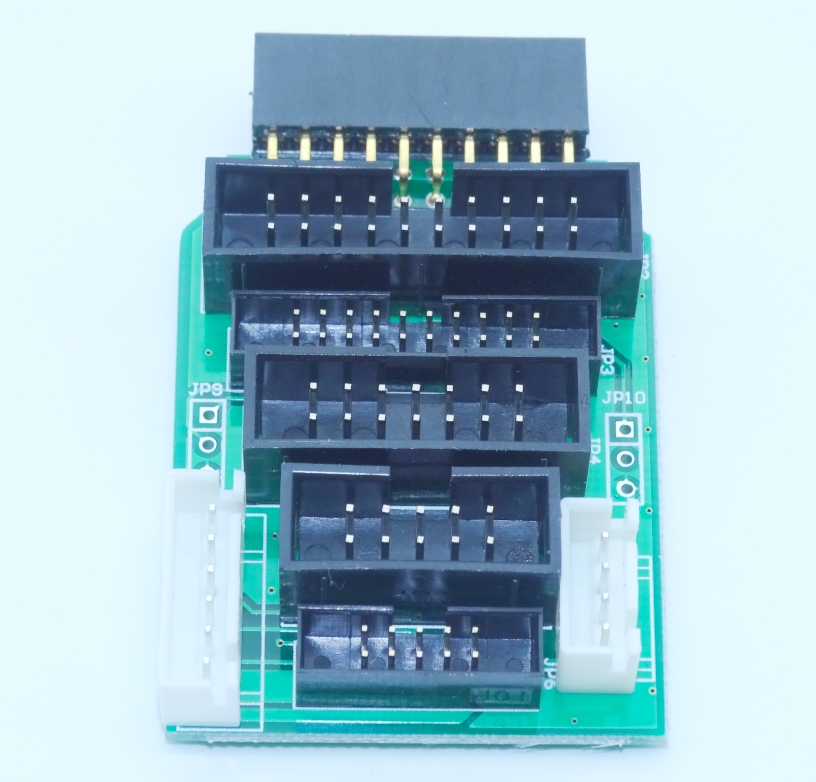
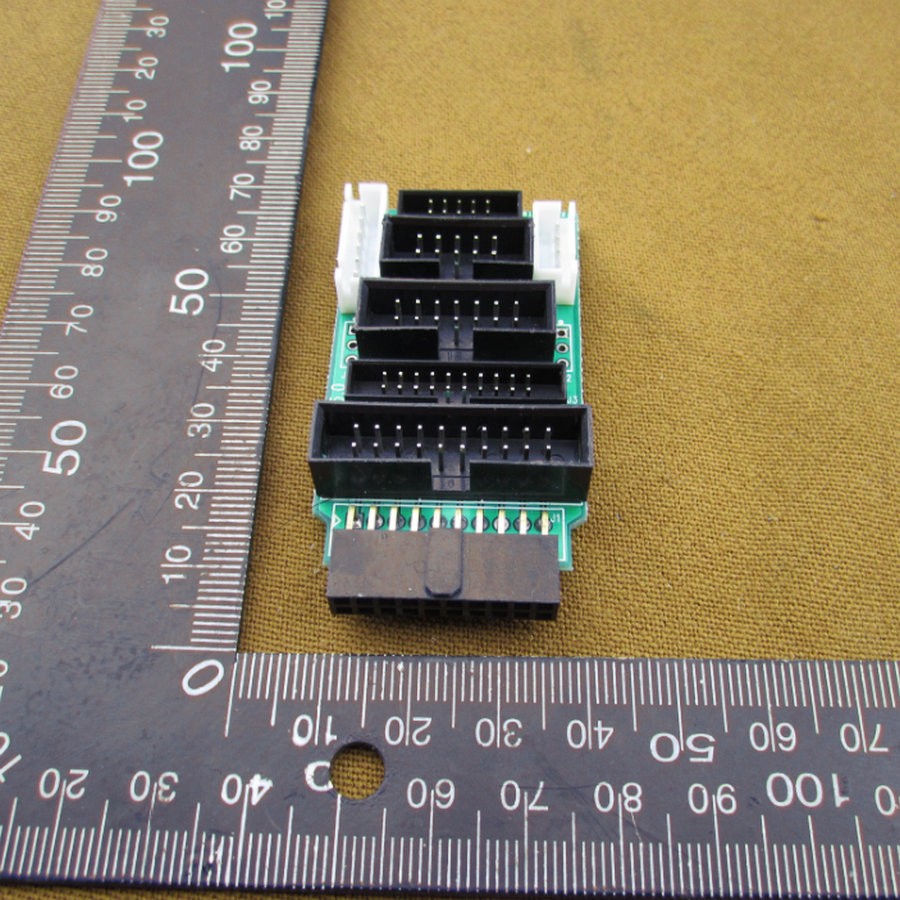
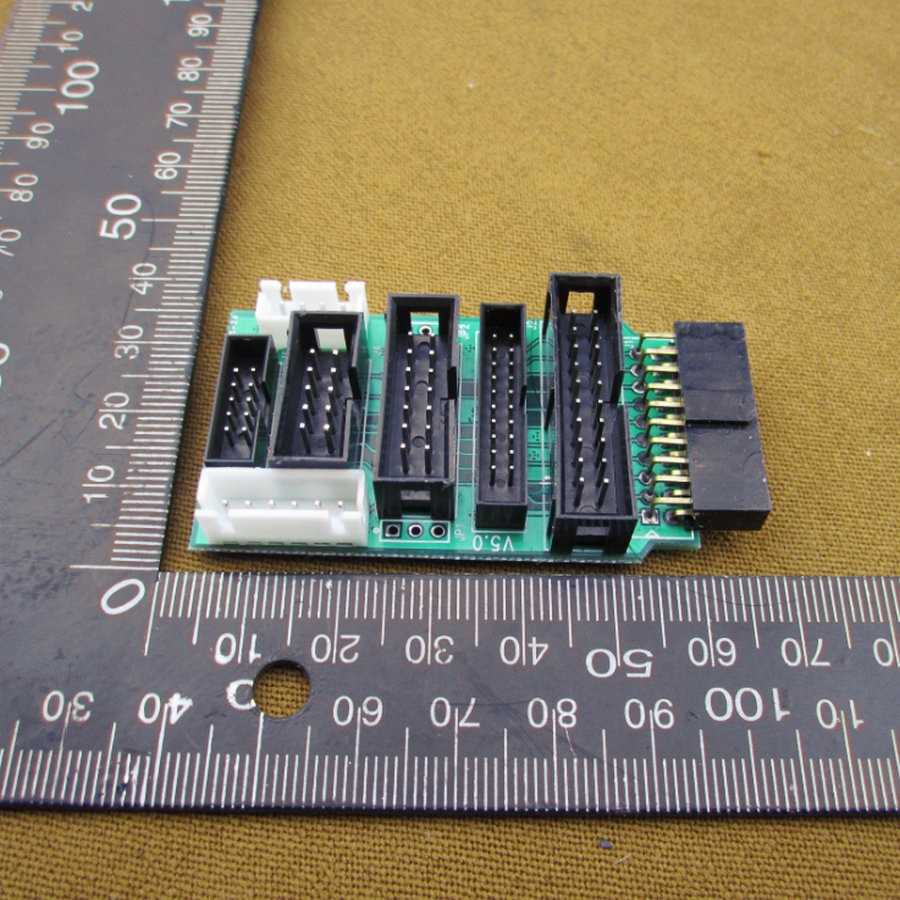
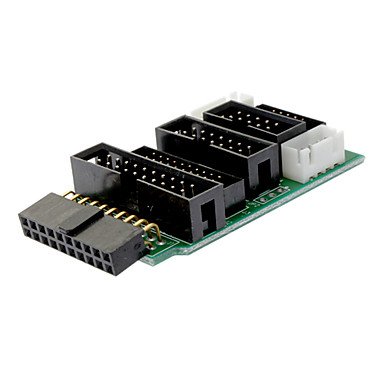
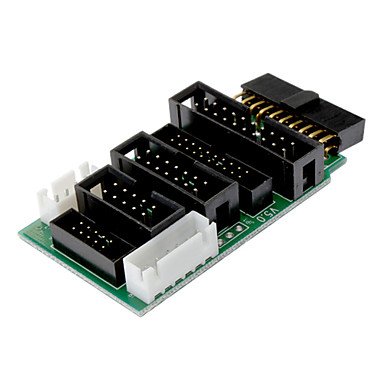
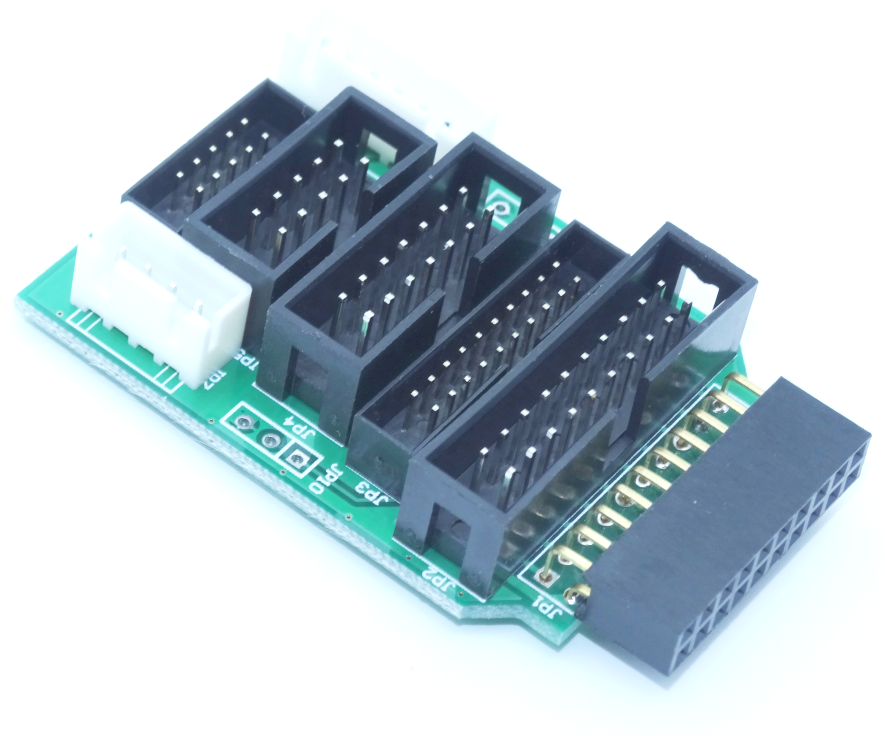
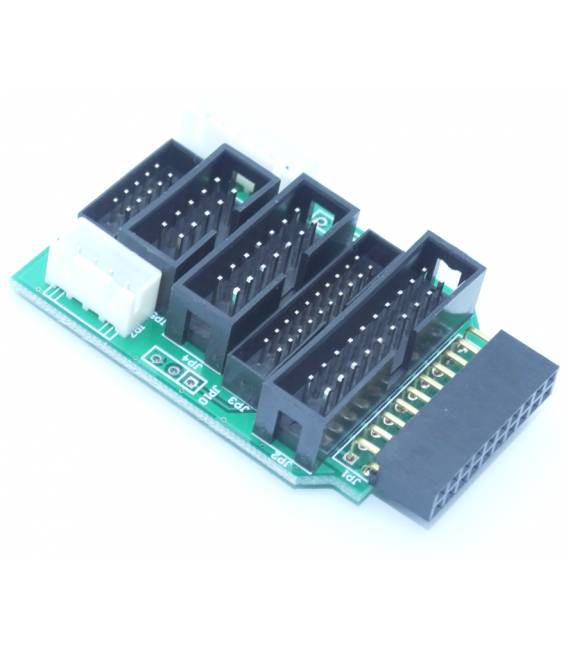
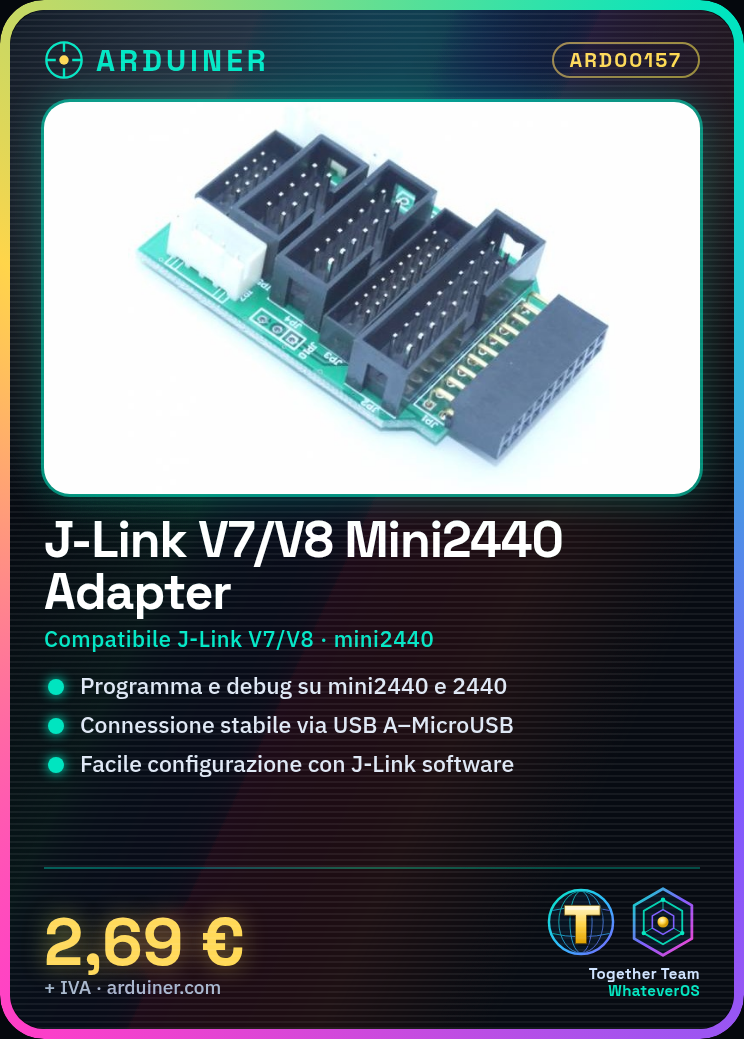
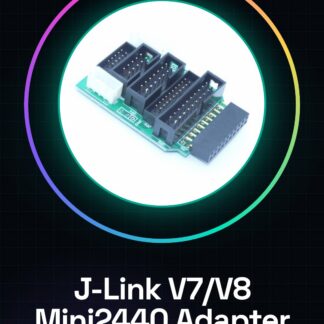
The J-Link V7/V8 adapter is an essential device for programming microcontrollers on various platforms such as mini2440, 2440, 44B0, and 6410. This adapter allows for a stable connection between the computer and the microcontroller.
Features
- Compatible with J-Link V7 and V8
- Adapter for mini2440, 2440, 44B0, and 6410
What it is for
The adapter is used for programming and debugging microcontrollers on various platforms. It is ideal for projects that require a stable connection between the computer and the microcontroller.
Tutorial: How to Use J-Link V7/V8 Adapter
This J-Link adapter is an essential device for microcontroller programmers working with platforms such as mini2440, 2440, 44B0, and 6410. It allows for a stable connection between the computer and the microcontroller, making debugging and programming easier.
What you need
- Computer with Windows or Linux operating system
- USB A-MicroUSB cable
- J-Link Software installed
Steps
- Install J-Link software on your computer.
- Connect the J-Link adapter to the microcontroller via the MicroUSB port.
- Connect the J-Link adapter to the computer via USB A.
- Start the J-Link software and select the correct device from the menu.
- Configure the debug settings in the J-Link software (check the datasheet).
- Begin the debug or programming session for the microcontroller.
Mini project
Create a simple 3D printing project with a mini2440 board. Use the J-Link adapter to load the code that controls the 3d printer.
Common mistakes
- Ensure that the J-Link software versions are compatible.
- Check the physical connections between the adapter and the microcontroller.
- Correctly configure the debug settings in the J-Link software (check the datasheet).
- Ensure that the USB driver is installed correctly in the operating system.
Recommended accessories
- MicroUSB Cable
- JTAG Adapter
- mini2440 3d Printer Card
- Debug Kit for Microcontrollers
Frequently asked questions
Which microcontrollers are supported?
Mainly supports the mini2440, 2440, 44B0, and 6410 platforms. Check the datasheet for confirmation.
How can I check the J-Link connection?
Use the ‘J-Link Commander’ command in the J-Link software to test the connection.
Reviews
There are no reviews yet.