 EN
 IT Italiano
 ES Español
 FR Français
 DE Deutsch
Description
What it is
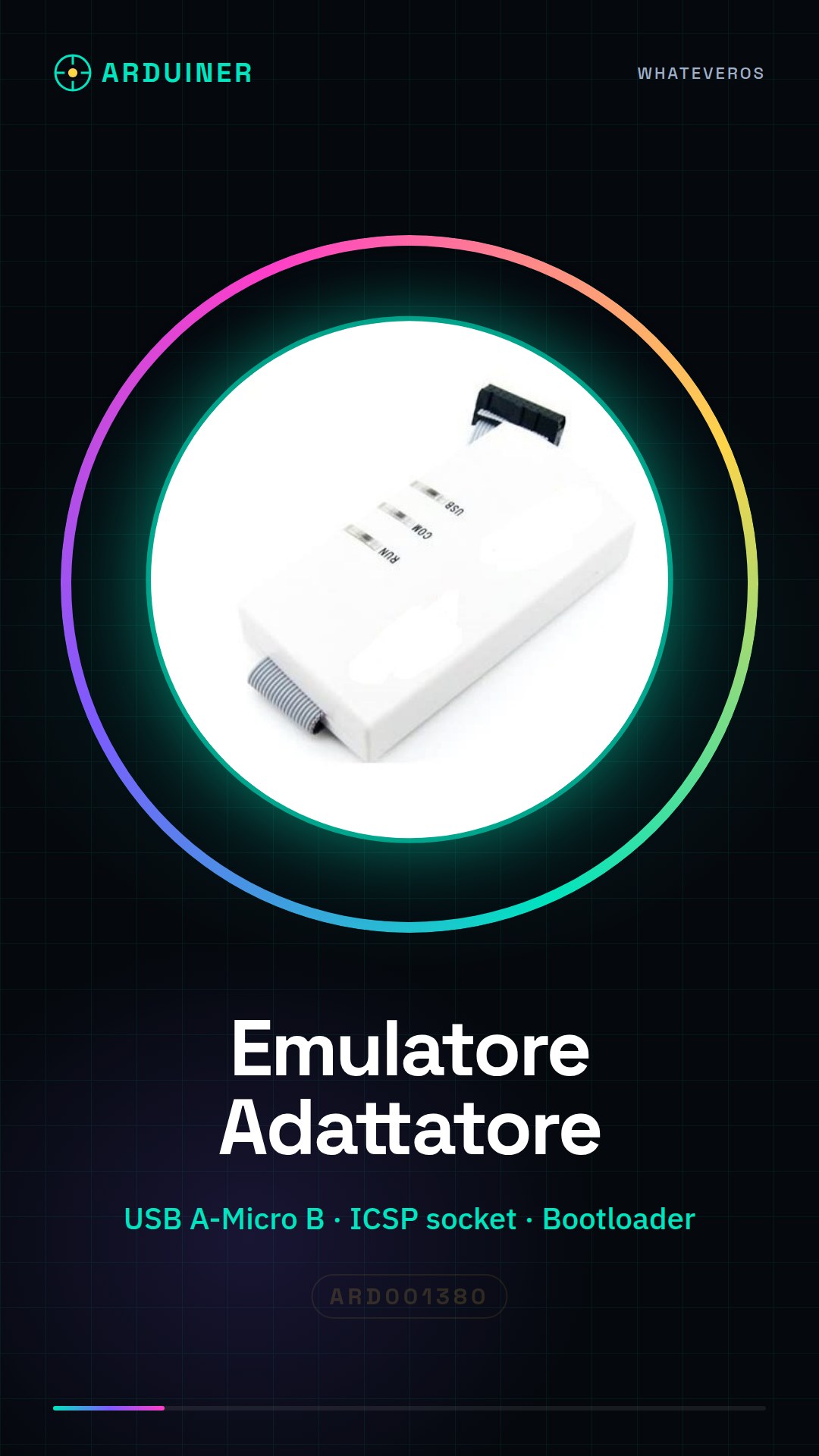
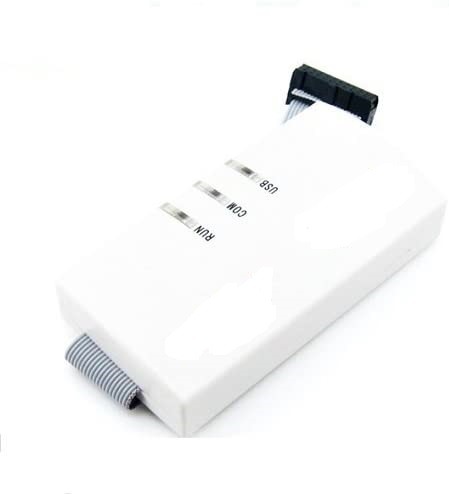
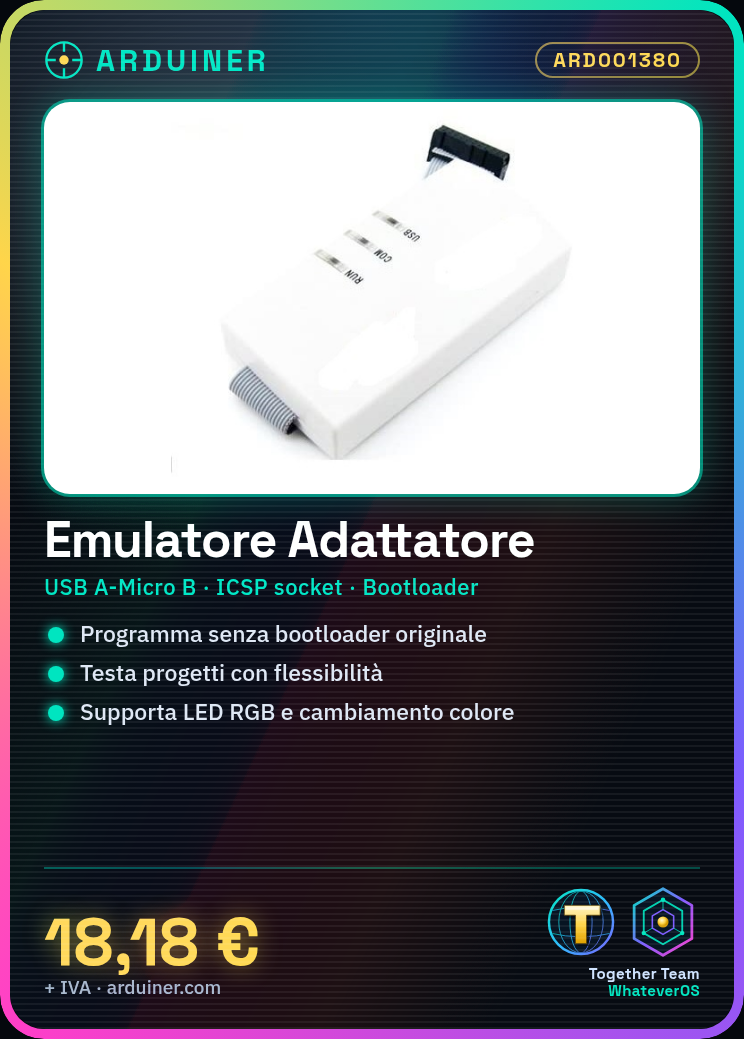
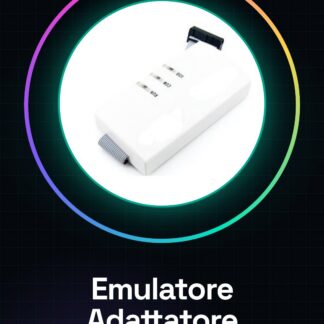
The compatible adapter emulator ARD001380 is a device that facilitates Arduino programming without the use of the original bootloader. This tool allows programmers to test and develop projects in a more flexible manner.
Features
- SKU: ARD001380
- Precise compatible adapter emulator for Arduino
What it is for
The compatible adapter emulator is ideal for both beginners and experts. It can be used for experiments such as creating a small RGB light controlled via commands sent from Arduino.
Tutorial: How to use Compatible Adapter Emulator
The compatible adapter emulator is a useful device for Arduino programmers who want to test and develop projects without using the original chip. This tool is ideal for both beginners and experts.
What you need
- Arduino Uno or compatible
- USB A-Micro B cable
- Computer with Arduino IDE installed
Steps
- Connect the Arduino to the computer via the USB cable.
- Open the ‘Tools’ section in the Arduino IDE menu and select the correct board (e.g., Arduino Uno).
- In the ‘Tools’ menu, choose ‘Program in Bootloader’.
- Select the correct USB port from the ‘Tools’ menu.
- Insert the emulator adapter into the ICSP socket of the Arduino.
- Open a new Arduino sketch and upload it via the ‘Upload’ menu.
- Check the datasheet for further specific configuration details of the device.
Mini project
Create a small light that changes color based on commands sent from the Arduino. Use RGB LEDs and control the color change via the emulator adapter.
Common mistakes
- The USB port has not been selected correctly.
- The emulator has not been inserted correctly into the ICSP socket of the Arduino.
- The bootloader firmware has not been configured correctly.
- Connection error between Arduino and computer.
Recommended accessories
- RGB LED
- Potentiometers / Variable Resistors
- USB A-Micro B Cable / Lead
Frequently asked questions
How can I verify if the emulator adapter has been installed correctly?
Check for any protruding parts or interrupted connections in the Arduino ICSP socket.
What is the difference between an emulator and an original chip?
An emulator allows testing of code without damaging the original chip, while an original chip directly performs the device’s functions.
Reviews
There are no reviews yet.