 EN
 IT Italiano
 ES Español
 FR Français
 DE Deutsch
Description
What it is
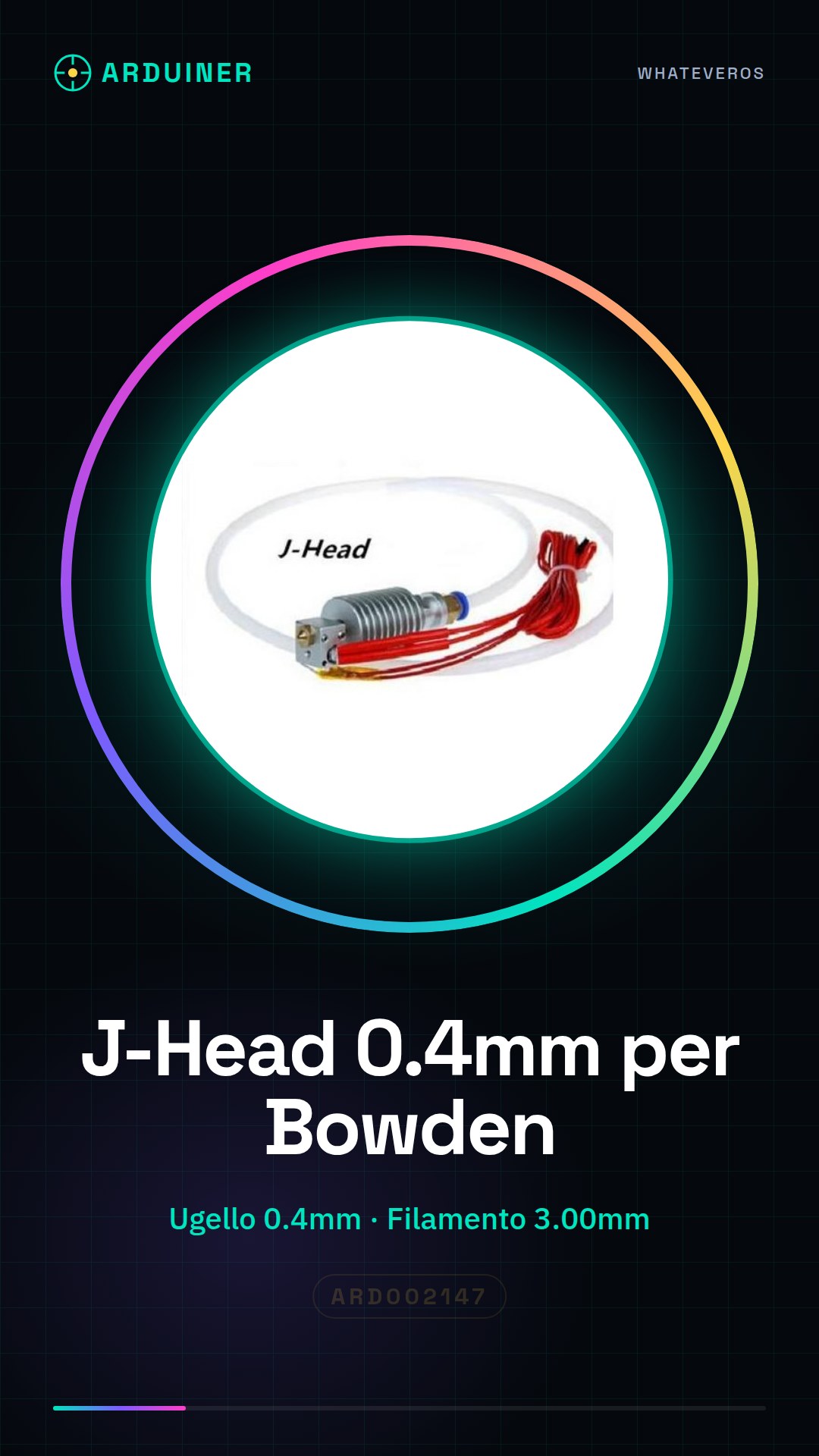
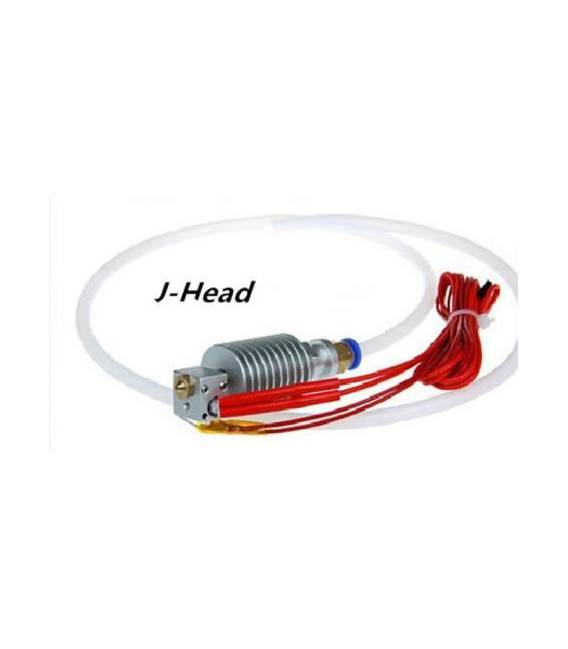
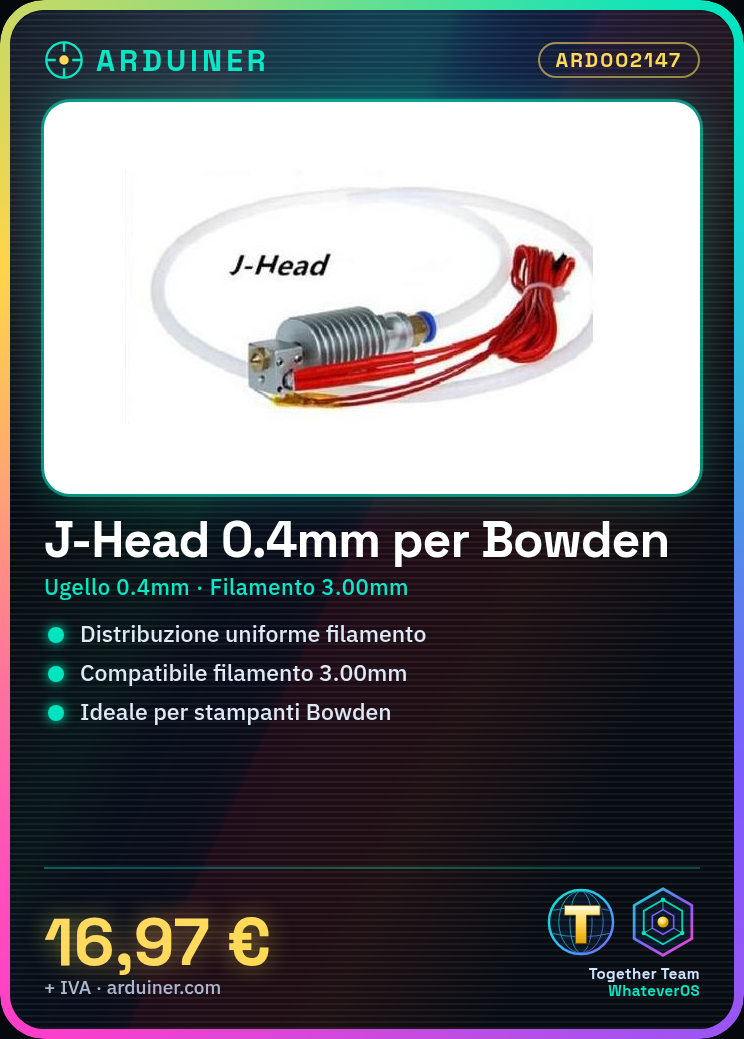
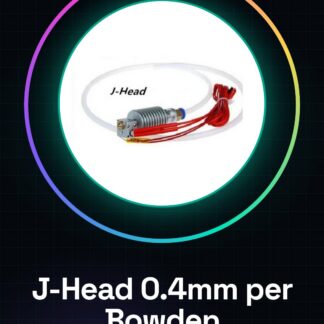
The J-Head for Bowden Extruder with a nozzle diameter of 0.4mm is an essential component for Bowden type 3D printers, designed to work with 3.00mm filament.
Features
- Extruder Type: J-Head
- Nozzle Diameter: 0.4mm
- Compatible with Filament: 3.00mm
- Connection Type: Bowden
What it is for
This J-Head is used to ensure uniform filament distribution during printing, improving the precision and quality of printed parts. It is ideal for installation on Bowden type 3D printers.
Tutorial: How to Use J-Head for Bowden Extruder
The J-Head is a crucial element for Bowden type 3D printers, essential for ensuring uniform filament distribution during printing. This tutorial will guide you through the correct installation and usage.
What you need
- Compatible 3D Printer
- 3mm Print Filaments
- Small Mechanic Tools
Steps
- Check the compatibility of the J-Head with your 3d printer. Review the technical specifications.
- Disassemble your current extruder, if present, to prepare for the installation of the new J-Head.
- Install the reference filament in the Bowden system and verify that it can pass through the J-Head without any issues.
- Physically connect the J-Head to the exterior of the 3d printer, ensuring a solid but not too tight connection.
- Configure your 3d printer to recognize and use the new J-Head. Check the product datasheet for necessary settings.
- Test the filament extrusion through the J-Head, ensuring there are no jams or distribution issues.
- Calibrate the temperature of the exterior and nozzle to achieve optimal results with the new J-Head.
- Proceed with a test print using the new J-Head, checking the quality of the result.
Mini project
Print a small geometric object such as a cube or a sphere to fully test the features of your new J-Head.
Common mistakes
- The filament does not pass through the J-Head due to incorrect assembly.
- Temperature issues causing distribution problems during printing.
- Physical connection too tight or too loose, causing jams or loss of filament pressure.
Recommended accessories
- 3mm printing filament
- 3D printer compatible with J-Head
- Small mechanical tools
Frequently asked questions
What is the difference between a direct extruder and a Bowden extruder?
A direct extruder is mounted directly on the printer arm, while the Bowden extruder uses a separate guide for the filament.
How can I optimize the temperature of the J-Head exterior?
Check the filament specifications and adjust the temperature based on the manufacturer’s recommendations.
Reviews
There are no reviews yet.