 EN
 IT Italiano
 ES Español
 FR Français
 DE Deutsch
Description
What it is
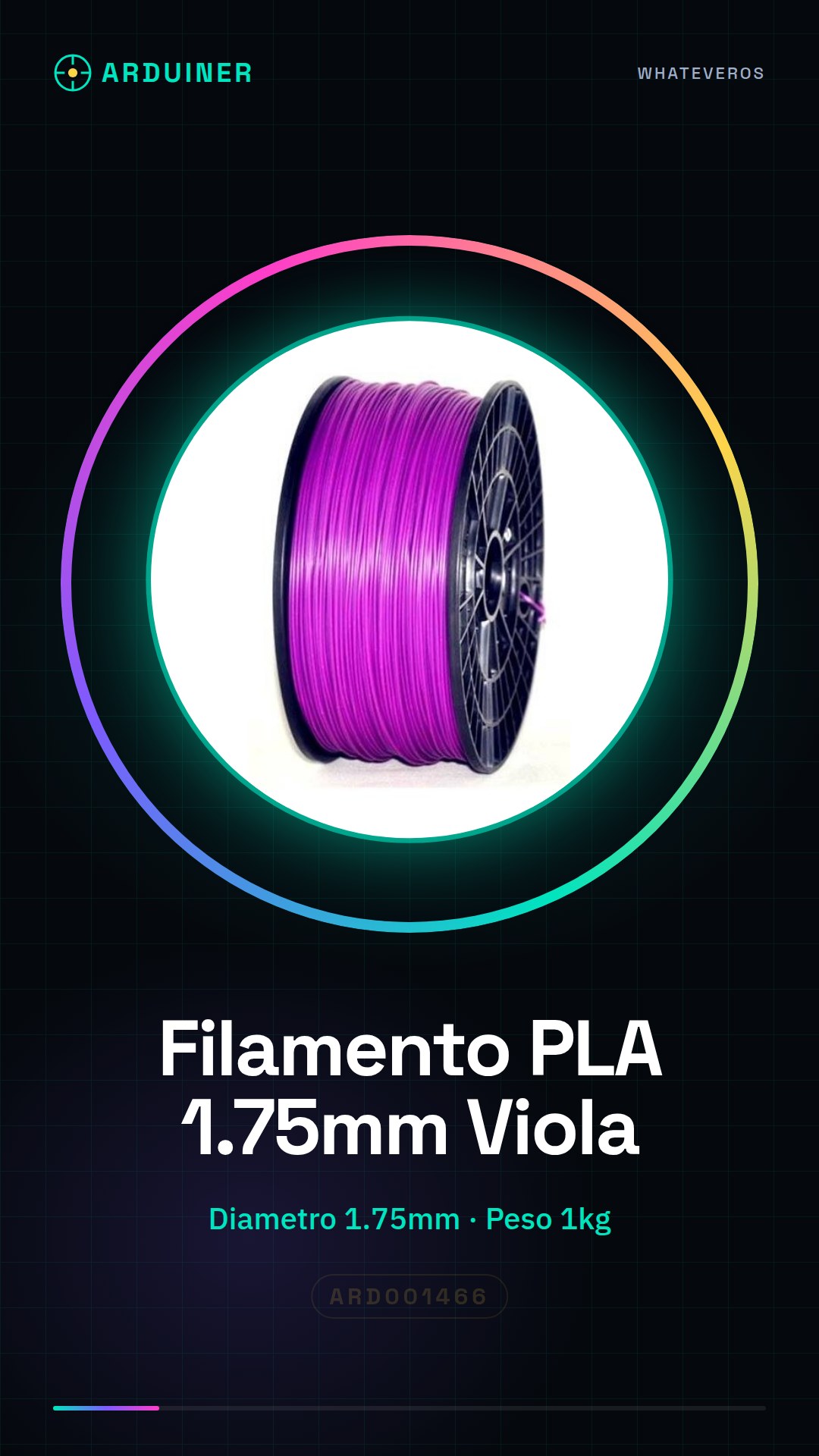
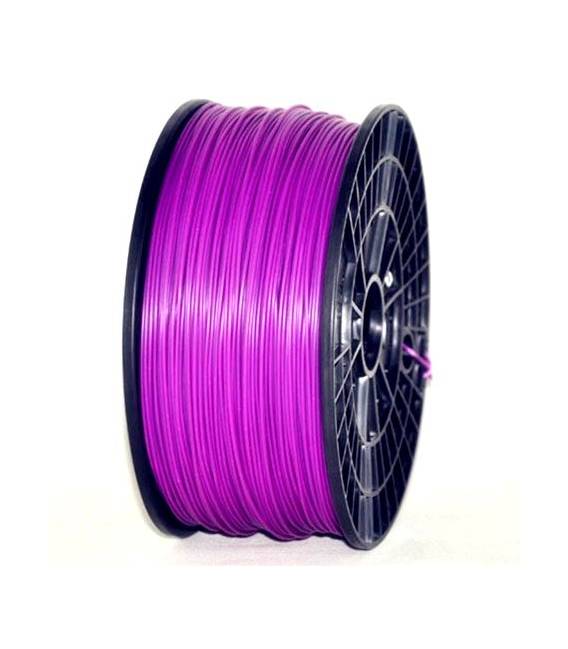
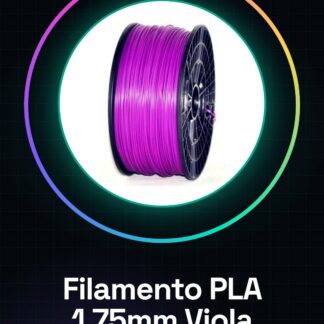
High-quality 1.75mm violet PLA filament is a consumable for 3D printers ideal for creative and robust model projects. With a quantity of 1kg, this filament offers multiple creation opportunities.
Features
- Violet PLA Filament
- Diameter: 1.75mm
- Weight: 1kg
What it is for
Intuitively suitable for the realization of decorative objects or prototypes with an elegant and durable appearance. Compatible with various 3D printers such as MakerBot, MultiMaker, Ultimaker, Reprap, and Prusa.
Tutorial: How to Use 1kg Violet PLA Filament 1.75mm
High-quality violet PLA filament is ideal for 3D printer enthusiasts who want to create decorative objects or prototypes with an elegant and durable appearance.
What you need
- 3D Printer
- Filament Reader
- Cleaning Kit
Steps
- Check the compatibility of violet PLA filament with your 3D printer by consulting the manual or the brand’s website.
- Prepare the 3D printer: ensure it is off and cool before proceeding.
- Install the filament feeder on the printer and gently insert the purple PLA filament into the feeder guide.
- Start the printer and select the option to load the filament, following the instructions on the printer’s display.
- Once the filament is fully loaded into the system, prepare a 3D model using software like Cura or Simplify3D.
- Load the STL file of the model into your 3D printer and set the printing parameters for the purple PLA (check the datasheet).
- Start the print and monitor the progress, ensuring there are no interruptions or issues.
- Once the print is complete, gently remove the object from the print bed.
Mini project
Create a cute animal-shaped keychain using purple PLA filament. Use a free 3D model available on Thingiverse and it takes about 30 minutes to complete the print.
Common mistakes
- The filament jams in the feeder or guide of the printer.
- The print temperature is not set correctly, causing issues such as filament slipping or extrusion blockage.
- Humidity can compromise the quality of purple PLA, so make sure the filament is well sealed in a waterproof container.
- Adhesion problems of the first layer on the print bed.
Recommended accessories
- Filament Cleaning Kit
- Temperature Sensors for 3D Printers
- Adhesive Print Beds for 3D Printers
- Airtight Sealing Bag
Frequently asked questions
Can the purple PLA filament be printed at room temperature?
Yes, PLA is generally printed between 190°C and 220°C. Check the specific temperature on the datasheet.
How can I clean the filament reader after using the purple filament?
Use a cleaning kit to remove any residues and ensure proper functionality of the reader.
Is purple PLA suitable for printing mechanical parts or only for decorations?
Purple PLA is ideal for both prototypes and decorative objects thanks to its strength and visual appeal.
Reviews
There are no reviews yet.