 EN
 IT Italiano
 ES Español
 FR Français
 DE Deutsch
Description
What it is
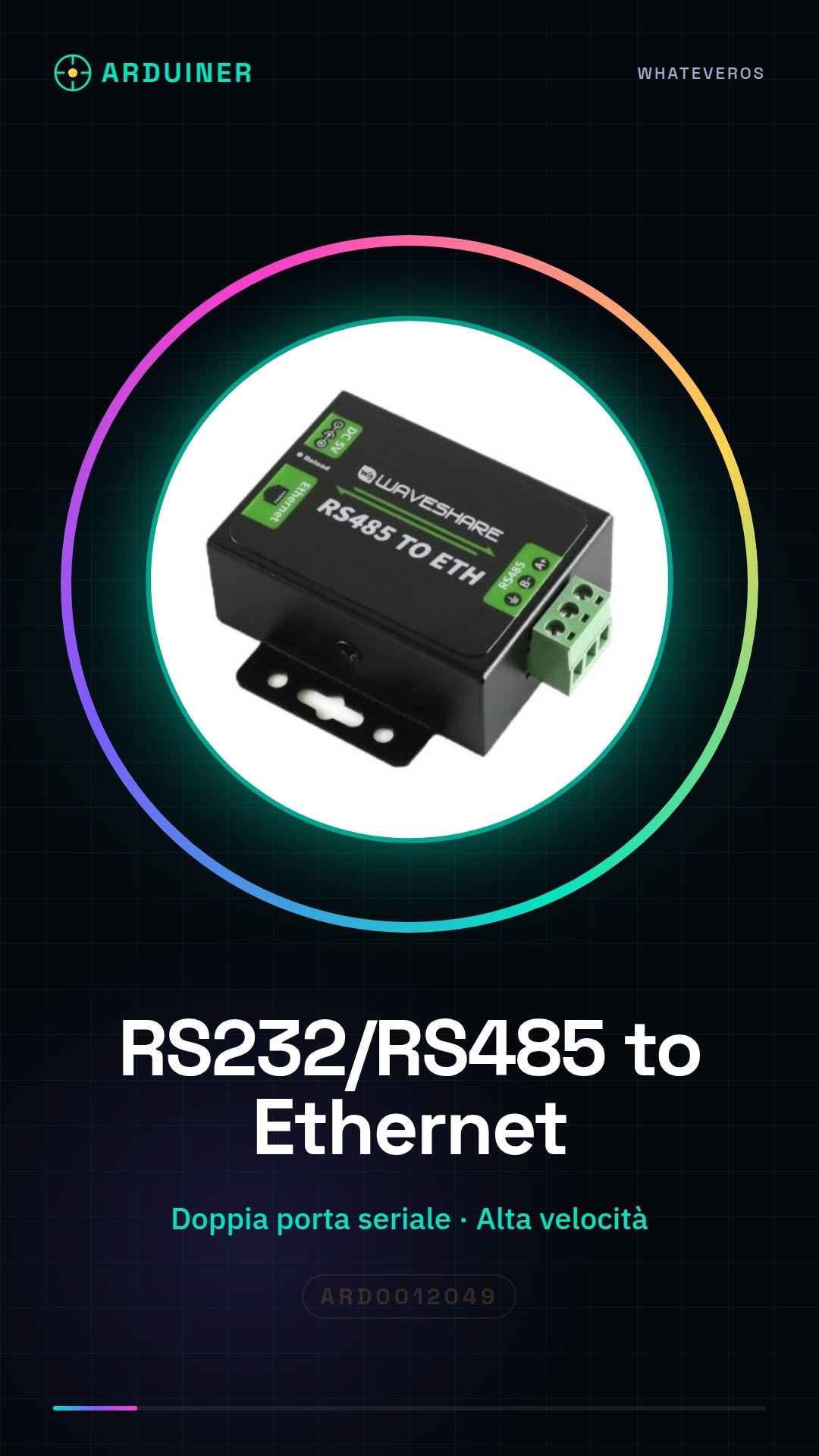
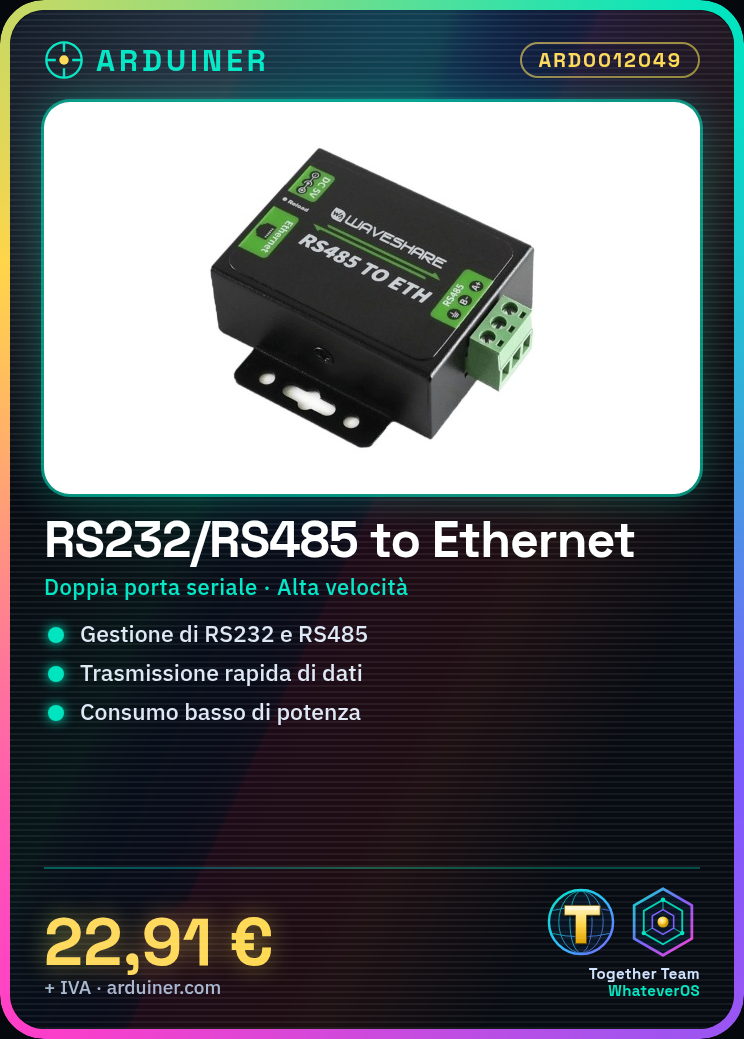
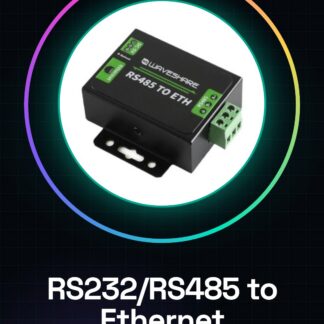
The ARD0012049 converter is a device that allows RS232/RS485 devices to be connected to Ethernet networks. It offers two serial ports, one for RS232 and one for RS485, enabling simultaneous management of two connections.
Features
- Dual serial port: one for RS232 and one for RS485
- RS232/RS485 to Ethernet conversion
- Easy to use
- High speed (check the datasheet)
- Low power consumption (check the datasheet)
- High stability (check the datasheet)
- Upgradable (check the datasheet)
What it is for
This converter is ideal for transferring data between RS232/RS485 systems and Ethernet networks. It can be used in industrial applications to connect sensors, actuators, and other devices to an Ethernet control system. It is also suitable for networking and industrial automation projects.
Tutorial: How to use the RS232/RS485 to Ethernet Converter ARD0012049
This converter is ideal for transferring data between RS232/RS485 systems and Ethernet networks. Perfect for industrial and networking projects.
What you need
- Converter ARD0012049
- Operates from 5 to 24 V DC
- Ethernet cable
- RS232/RS485 cables
Steps
- 1. Ensure the converter has the correct power supply (5-24 V DC).
- 2. Connect the converter to the Ethernet cable.
- 3. Connect the RS232/RS485 cables to the converter (check the datasheet for pin connections).
- 4. Configure the serial port (RS232/RS485) in your software or Arduino.
- 5. Configure the IP address of the converter (check the datasheet for steps).
- 6. Verify Ethernet connectivity with a ping.
- 7. Test communication between RS232/RS485 devices and the Ethernet network.
- 8. Update the firmware if necessary (check the datasheet for steps)
Mini project
Configure an RS232/RS485 device to communicate with an Ethernet server using the ARD0012049 converter.
Common mistakes
- Do not verify correct power supply.
- Connect RS232/RS485 cables to wrong pins.
- Omit IP address configuration.
- Do not update firmware when necessary.
Recommended accessories
- Arduino
- RS232/RS485 sensor / detector
- Ethernet switch
- Ethernet Cat5e cable / wire / lead
Frequently asked questions
How can I verify correct power supply?
Check voltage with a multimeter and ensure it is between 5-24 V DC.
Which pins to use for RS232/RS485 cables?
Check datasheet for correct pins.
How can I update the firmware?
Follow steps specified in the datasheet.
Reviews
There are no reviews yet.