 EN
 IT Italiano
 ES Español
 FR Français
 DE Deutsch
Description
What it is
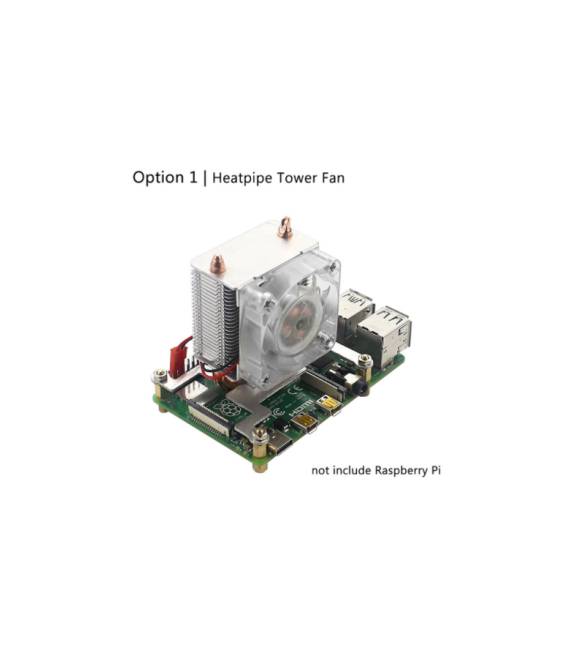
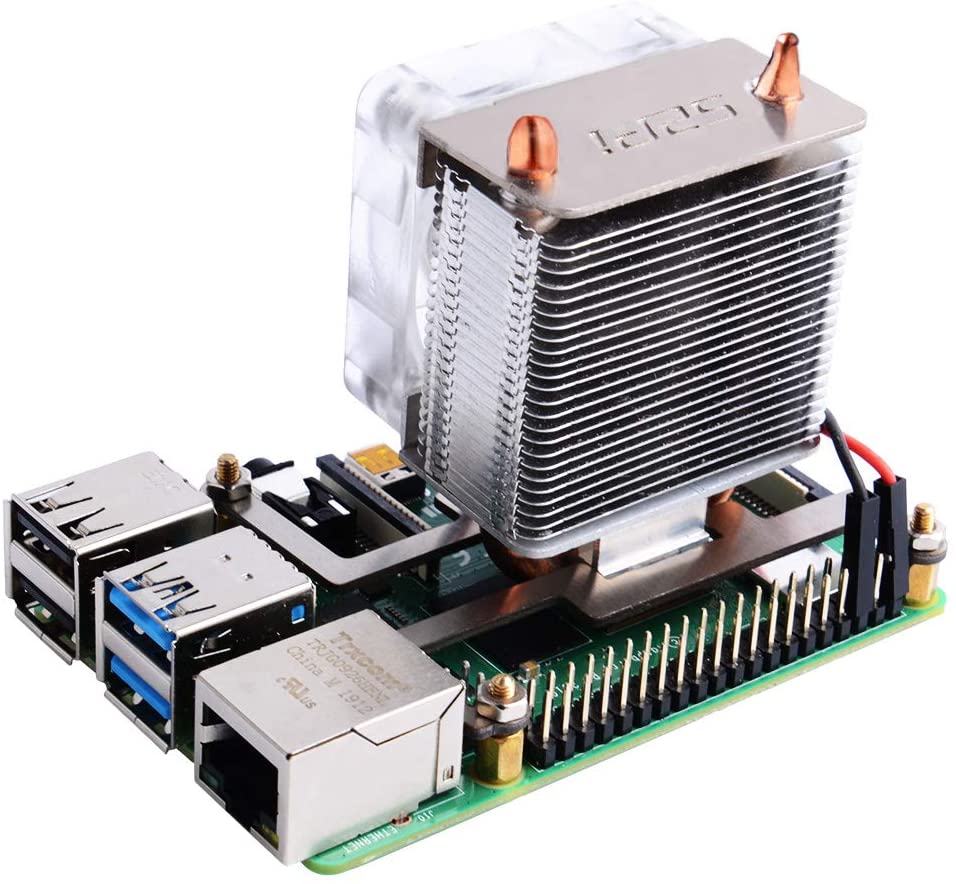
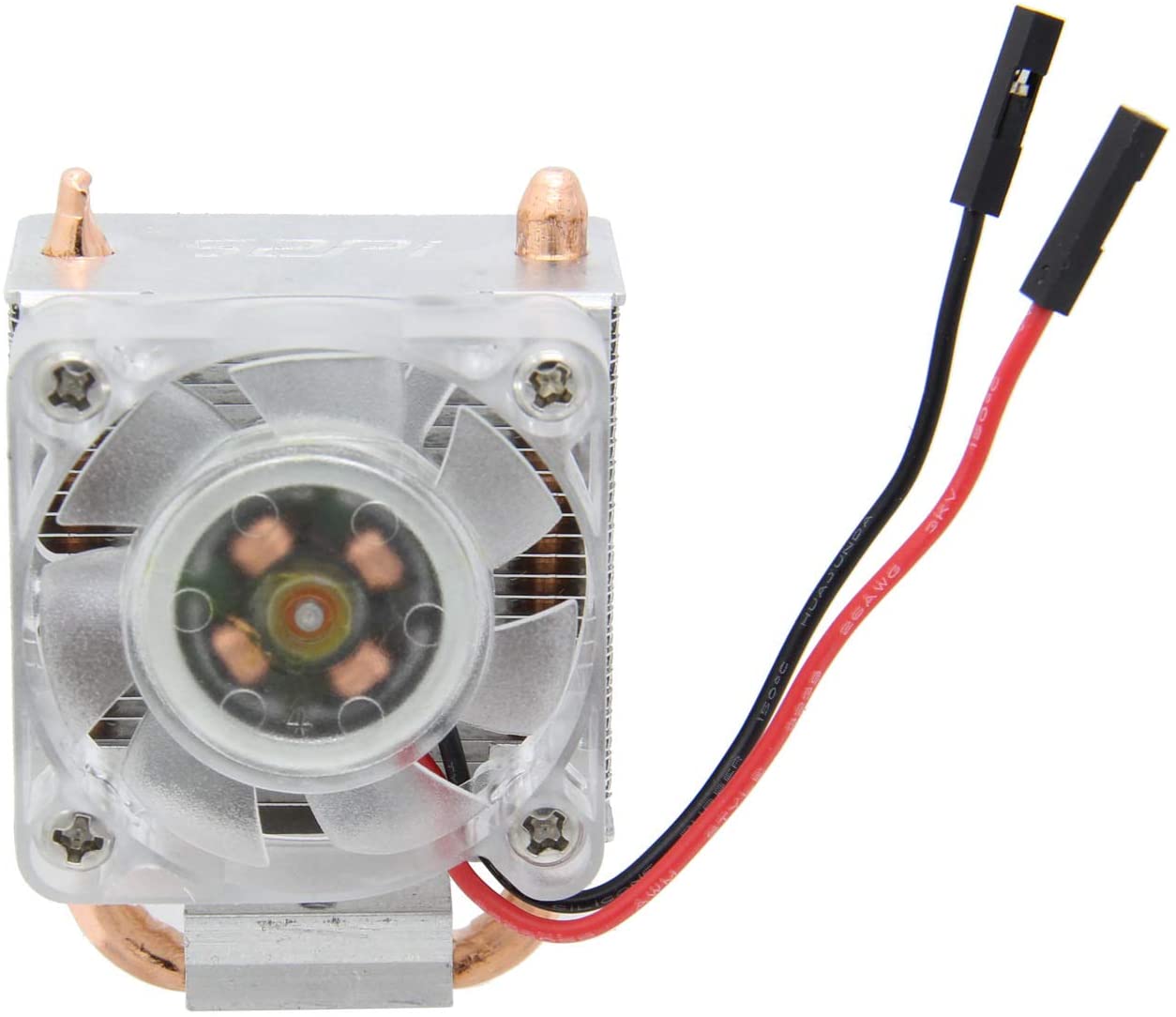
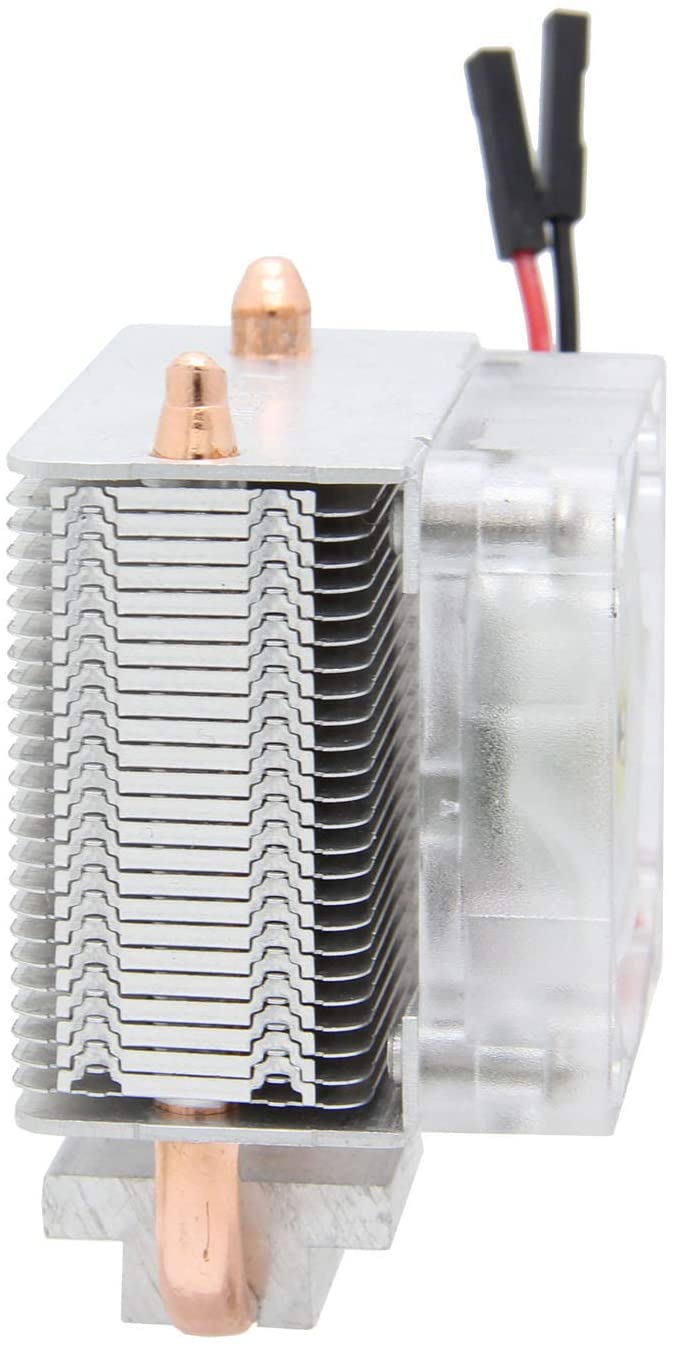
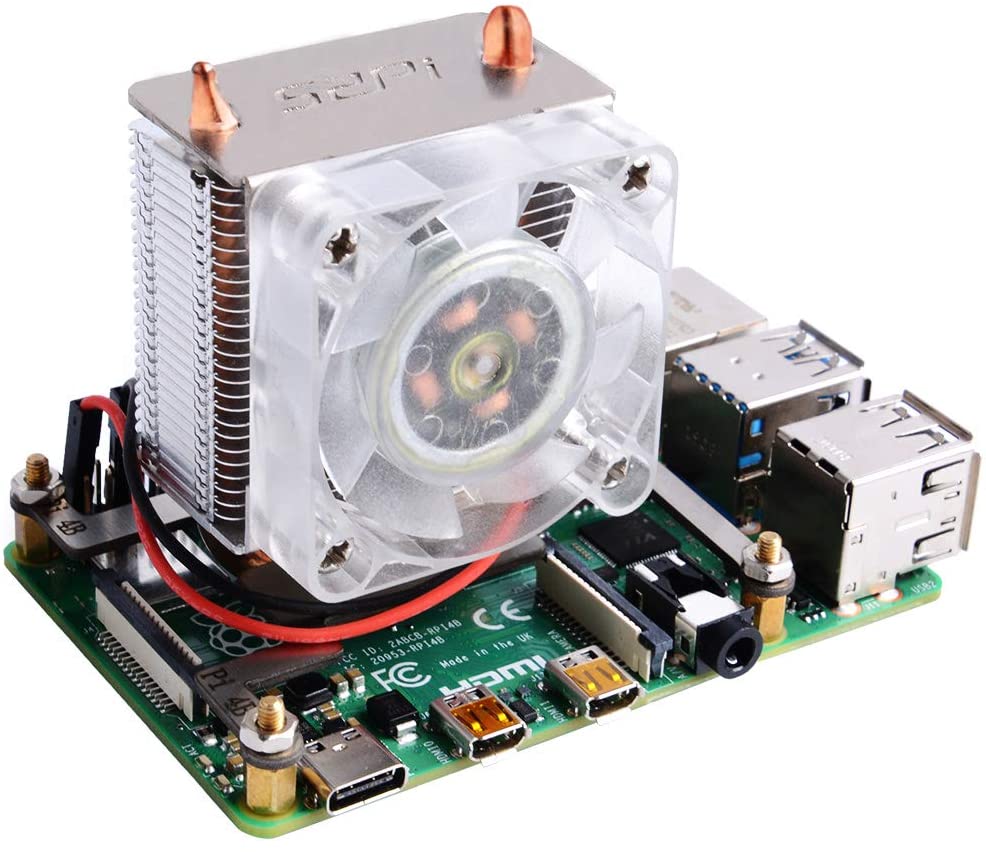
The ICE Tower Fan is a cooling system for Raspberry Pi 4. It combines a heatpipe heat sink with RGB LEDs for effective cooling and a touch of style.
Features
- Compatible with Raspberry Pi 4
- Heatpipe heat sink
- 7-color RGB LEDs
- SKU: ARD0011597
- Price: 17.73 €
What it is for
The ICE Tower Fan is ideal for reducing the temperature of Raspberry Pi 4 during the execution of demanding applications such as games or graphic processing. It can also be used to create temperature monitoring systems with email alerts.
Tutorial: How to use Heatpipe Tower Fan for Raspberry Pi 4
This ICE tower fan with heatpipe heat sink and RGB LEDs is designed to effectively cool the Raspberry Pi 4, reducing temperature and improving performance. Ideal for users running intensive computing or graphics applications.
What you need
- Raspberry Pi 4
- Mounting Kit
- Headers
- Packaging Tools
- Ventilator ICE ARD0011597
- USB Power Supply
Steps
- Install the mounting kit on the Raspberry Pi 4, following the provided instructions.
- Check that the fan is compatible with the Raspberry Pi 4.
- Connect the fan to the Raspberry Pi 4 using the provided USB cable.
- Check that the fan turns on and spins correctly.
- Configure the RGB LEDs to change colors (check the datasheet for specific commands).
- Check that the fan automatically adjusts speed based on temperature.
- Check that the heatpipe heat sink is securely attached.
- Ensure that the Raspberry Pi 4 stays cool during heavy use.
Mini project
Create a temperature monitoring system based on Raspberry Pi 4 and the ICE fan, which sends email alerts when the temperature exceeds a certain limit.
Common mistakes
- Connect the fan incorrectly, causing damage.
- Do not secure the heatpipe heat sink properly.
- Do not configure the RGB LEDs correctly.
- Do not verify that the fan regulates speed appropriately.
Recommended accessories
- Raspberry Pi 4
- Temperature Monitoring Kit
- Electrical Safety Kit
- Hurricane Protection Kit
Frequently asked questions
Is the fan compatible with other Raspberry Pi models?
Check the datasheet for compatibility.
How can I customize the RGB LED colors?
Check the datasheet for specific commands.
What are the advantages of a heatpipe heat sink?
The heatpipe heat sink efficiently transfers heat from the Raspberry Pi 4 to the fan.



Reviews
There are no reviews yet.