 EN
 IT Italiano
 ES Español
 FR Français
 DE Deutsch
Description
What it is
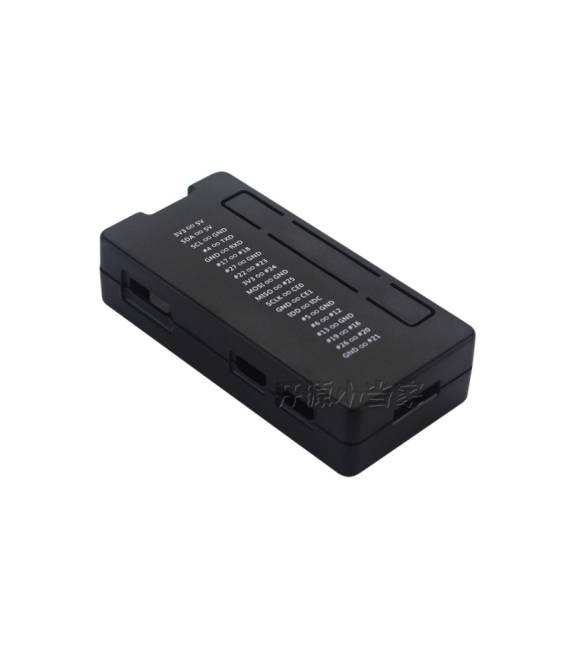
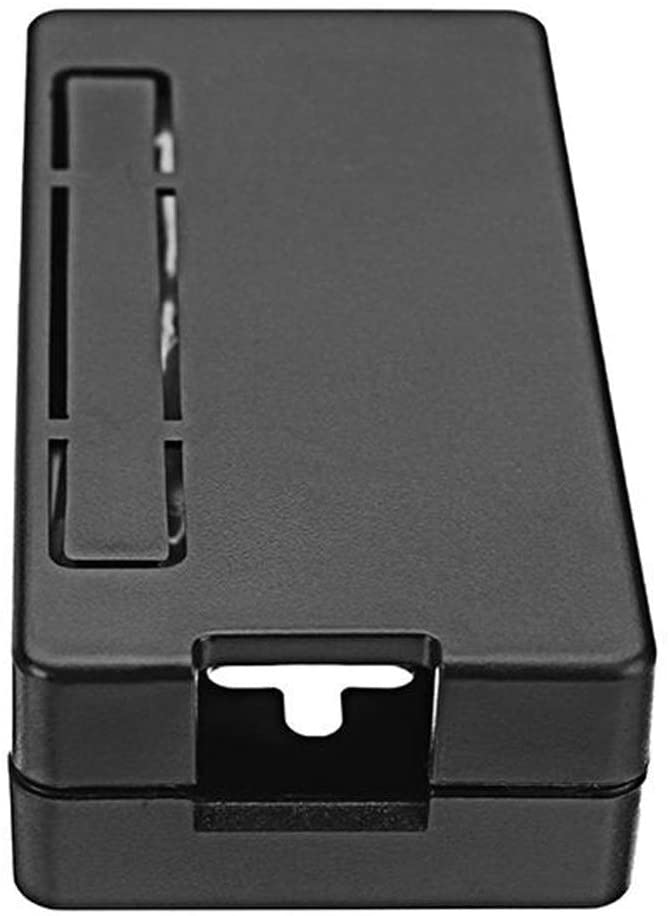
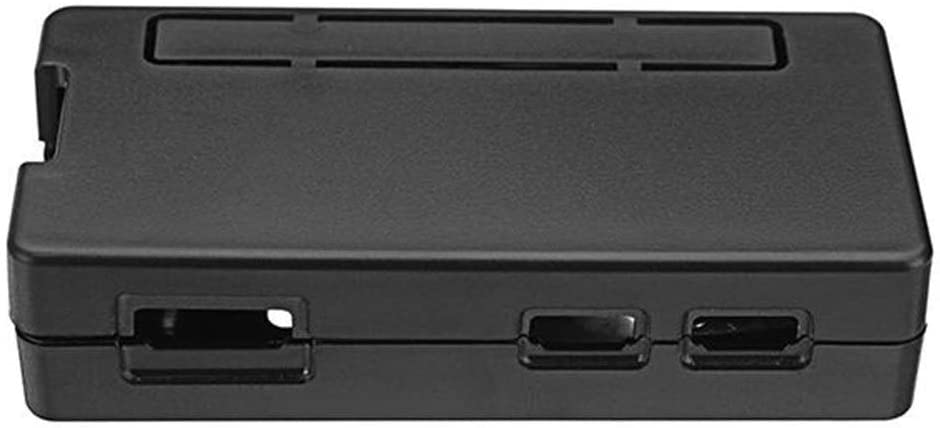
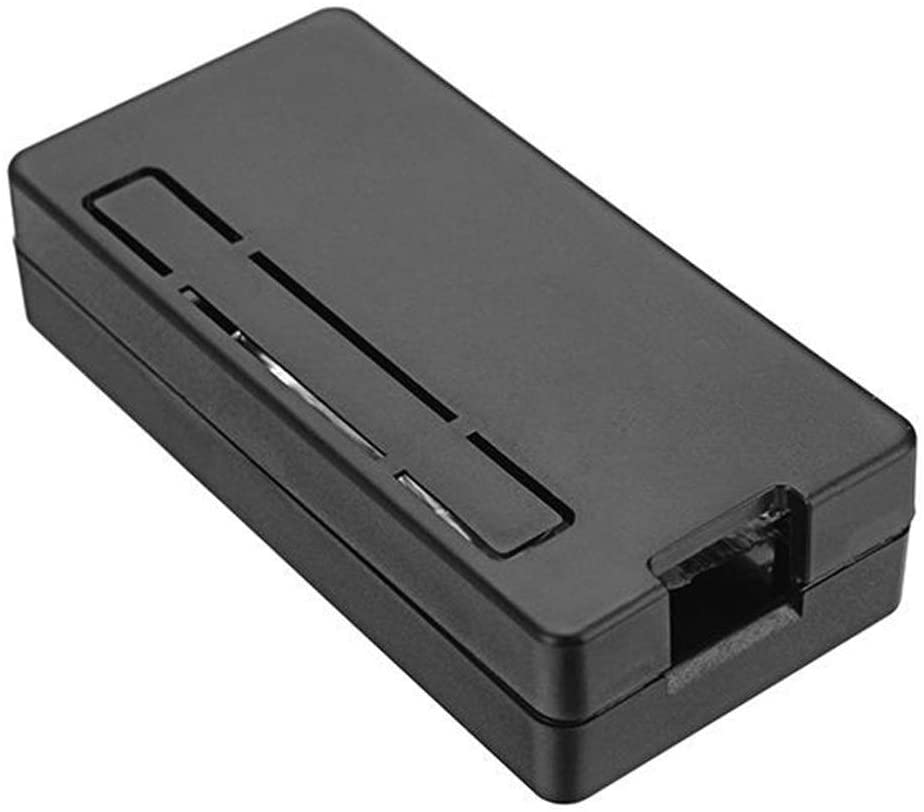
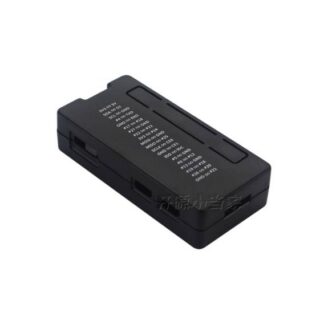
The black case for Raspberry PI Zero W is a product designed to protect and organize the small Raspberry PI Zero W computer during transport and use in various projects.
Features
- Material: ABS
- Weight: approximately 17 g
- Dimensions (L x W x H): approximately 72 x 34 x 17 mm
- Color: black
- Compatible with: Raspberry Pi Zero W and 1.3
What it is for
The case is used to protect the Raspberry Pi Zero W during transport and use in projects such as 3D printing, drones, and small installations. You can use it to create a small web server, set up a local website, and share your files.
Tutorial: How to use the black Raspberry PI Zero W case
The black case for Raspberry PI Zero W allows you to organize and protect your small computer. Ideal for 3D printing, drone, and small installation projects.
What you need
- Raspberry PI Zero W
- SD Card with installed operating system
- USB connections and micro-HDMI (check the datasheet)
- Wi-Fi/Bluetooth Connection (check the datasheet)
Steps
- 1. Make sure the Raspberry PI Zero W is turned off.
- 2. Insert the SD Card into the Raspberry PI Zero W.
- 3. Insert the Raspberry PI Zero W into the case.
- 4. Connect the USB and micro-HDMI connectors to the case (check the datasheet).
- 5. Connect the USB power supply to the case.
- 6. Turn on the Raspberry PI Zero W.
- 7. Configure the basic system operating settings.
- 8. Try to connect to the internet and test the Wi-Fi/Bluetooth features (check the datasheet).
Mini project
Create a small web server with the Raspberry PI Zero W and the black case. Set up a local website and share your files.
Common mistakes
- Insert the SD Card upside down.
- Connect the power supply before inserting the Raspberry PI Zero W into the case.
- Do not check the USB and micro-HDMI connections before turning on the Raspberry PI Zero W.
- Do not configure the basic system operating settings correctly.
Recommended accessories
- USB cable for power supply
- SD Card with Raspbian operating system
- Wi-Fi Antenna for Raspberry PI Zero W
- HDMI cable for Raspberry PI Zero W
Frequently asked questions
Is the black case compatible with the Raspberry PI Zero W without additional connectors?
Yes, the case is designed to be directly compatible with the Raspberry PI Zero W.
Can I print additional parts for the case?
Yes, the case is designed to be 3D printed and can be customized.



Reviews
There are no reviews yet.