 EN
 IT Italiano
 ES Español
 FR Français
 DE Deutsch
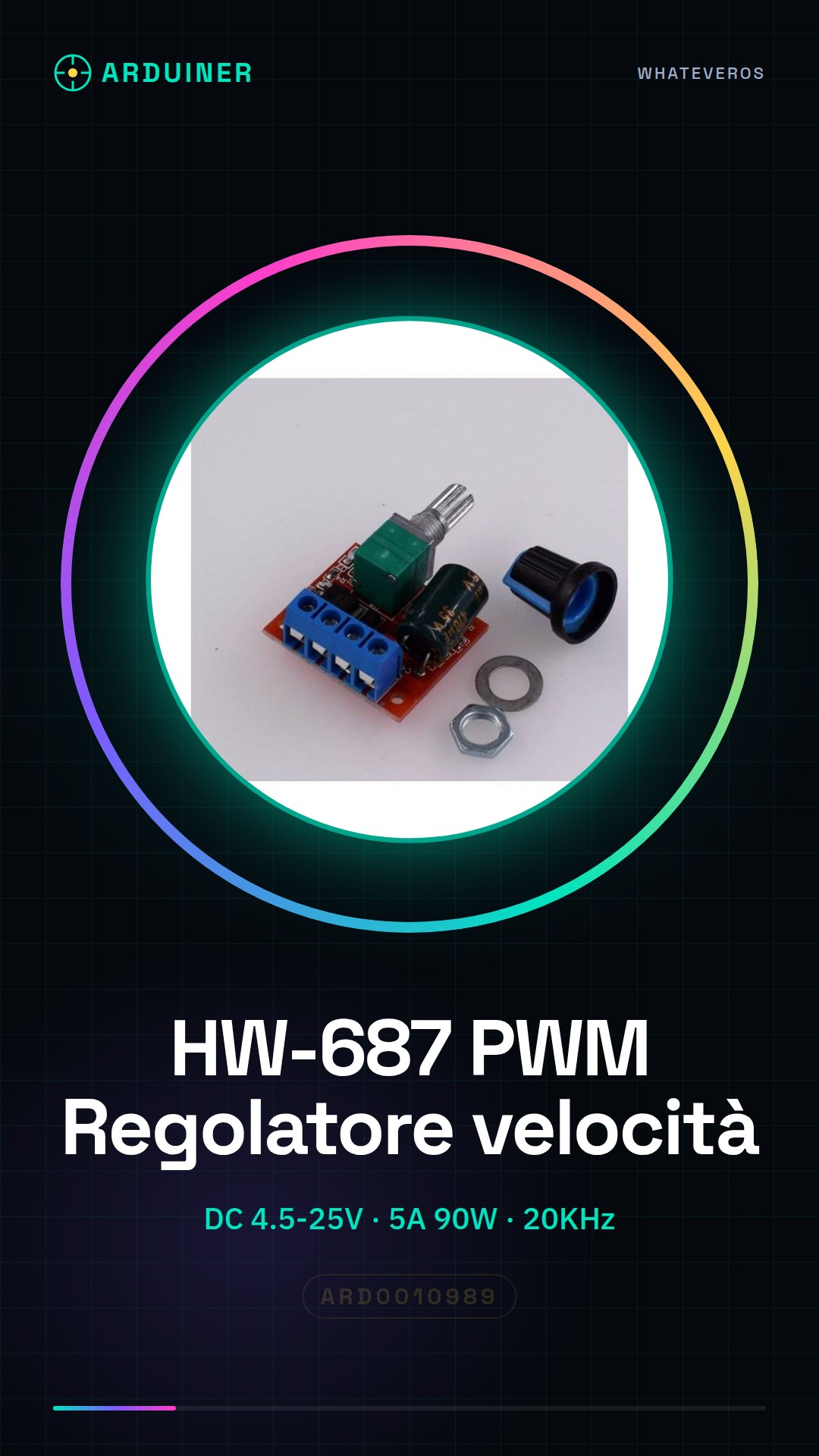
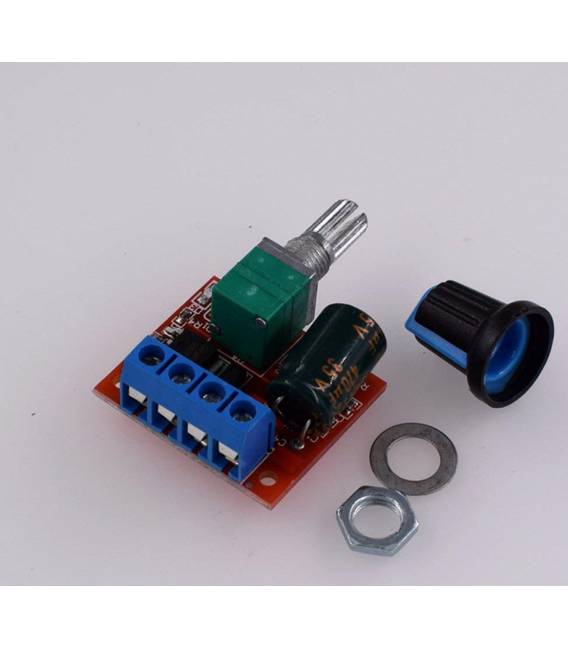
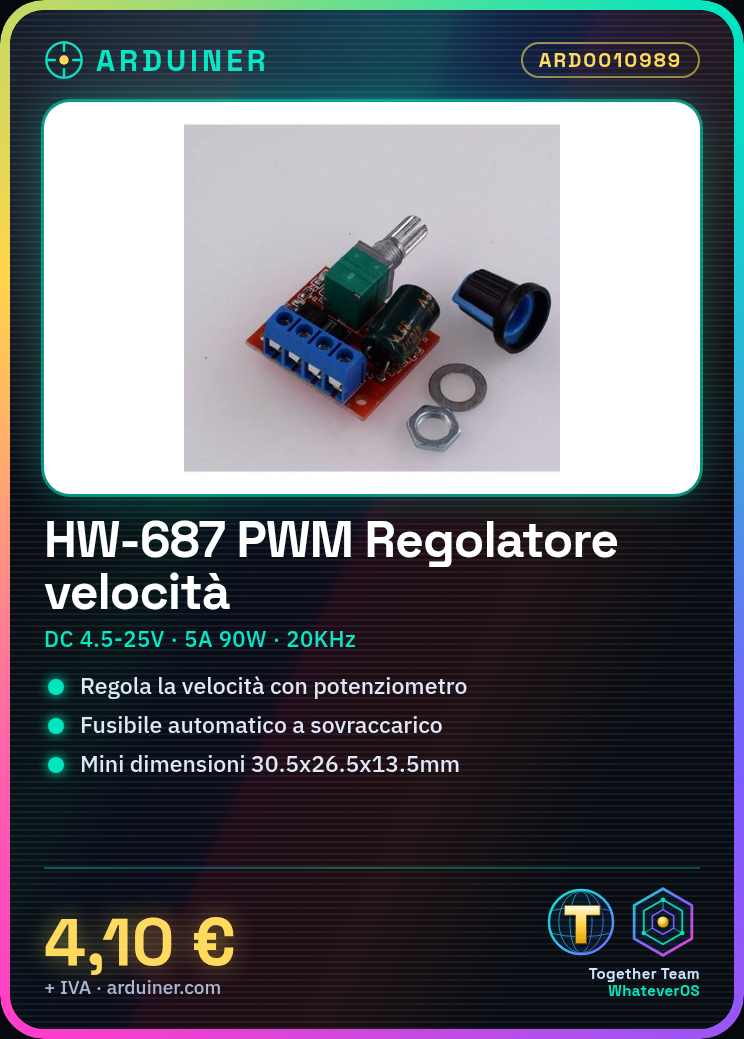
Description
Features:
Mini-wide voltage DC motor governor, using the latest low-voltage drive technology.
With high voltage and high current self recovery fuse.
The fuse is automatically cut off over-flow.
And the fuse is automatically recovered after power failure for several seconds, almost no need to change fuse.
Adjusting the potentiometer knob can change the duty cycle of the governor and change the speed of the motor.
Suitable for water heater tune thermal, lighting dimmer, small motor speed, etc.
Descriptions:
Cannot directly connect to AC.
Fine workmanship, stable performance.
Mini size, very convenient to use.
Specifications:
Working voltage: DC4.5V-25V
Output: 0-5A 90W
PWM duty cycle: 1%-100%
PWM frequency: 20KHz
Material:electronic components
Size: 30.5*26.5*13.5mm
Color: multicolor
Package included:
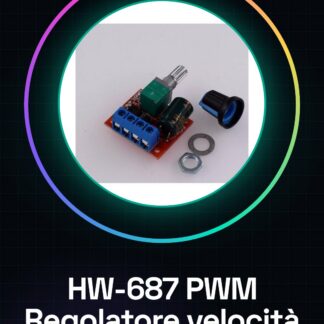
1 x PWM DC Motor Governor
Tutorial: How to use HW-687 PWM Speed Controller
The HW-687 PWM Speed Controller is ideal for controlling the speed of DC motors. Useful for electronics and robotics projects.
What you need
- HW-687 PWM Speed Controller
- Arduino or compatible microcontroller
- Continuous Current Motors
- Power Cable (5V – 35V)
Steps
- 1. Connect the continuous current motor to the HW-687 using the power cables and signal wires.
- 2. Connect the HW-687 to the microcontroller with the PWM signal cables.
- 3. Check the datasheet for power supply specifications.
- 4. Load the code onto the Arduino.
- 5. Configure the PWM to control the motor speed.
- 6. Test the regulator to ensure it works correctly.
- 7. Adjust the motor speed using the code.
- 8. Verify that the power supply is stable and sufficient.
Example code
```
int motorPin = 9;
void setup() {
 pinMode(motorPin, OUTPUT);
}
void loop() {
 analogWrite(motorPin, 255); // Imposta la velocità massima
 delay(2000);
 analogWrite(motorPin, 0); // Spegni il motore
 delay(2000);
}
```
Mini project
Create a small robot that moves forward and backward using a continuous current motor and the HW-687.
Common mistakes
- Insufficient power supply: check the power supply.
- Incorrect connections: check the connections.
- Speed not adjustable: check the code.
Recommended accessories
- Continuous Current Motors
- Arduino
- Power Cable
- Ground Cable
Frequently asked questions
How to adjust the motor speed?
Use the `analogWrite()` function in the Arduino code.
Which motors can be used with this controller?
DC motors with operating voltage between 4.5V and 35V.
Is the controller compatible with Arduino Uno?
Yes, compatible with Arduino Uno and similar microcontrollers.
What are the power supply limits?
The power supply must be between 4.5V and 35V.
Reviews
There are no reviews yet.