 EN
 IT Italiano
 ES Español
 FR Français
 DE Deutsch
Description
What it is
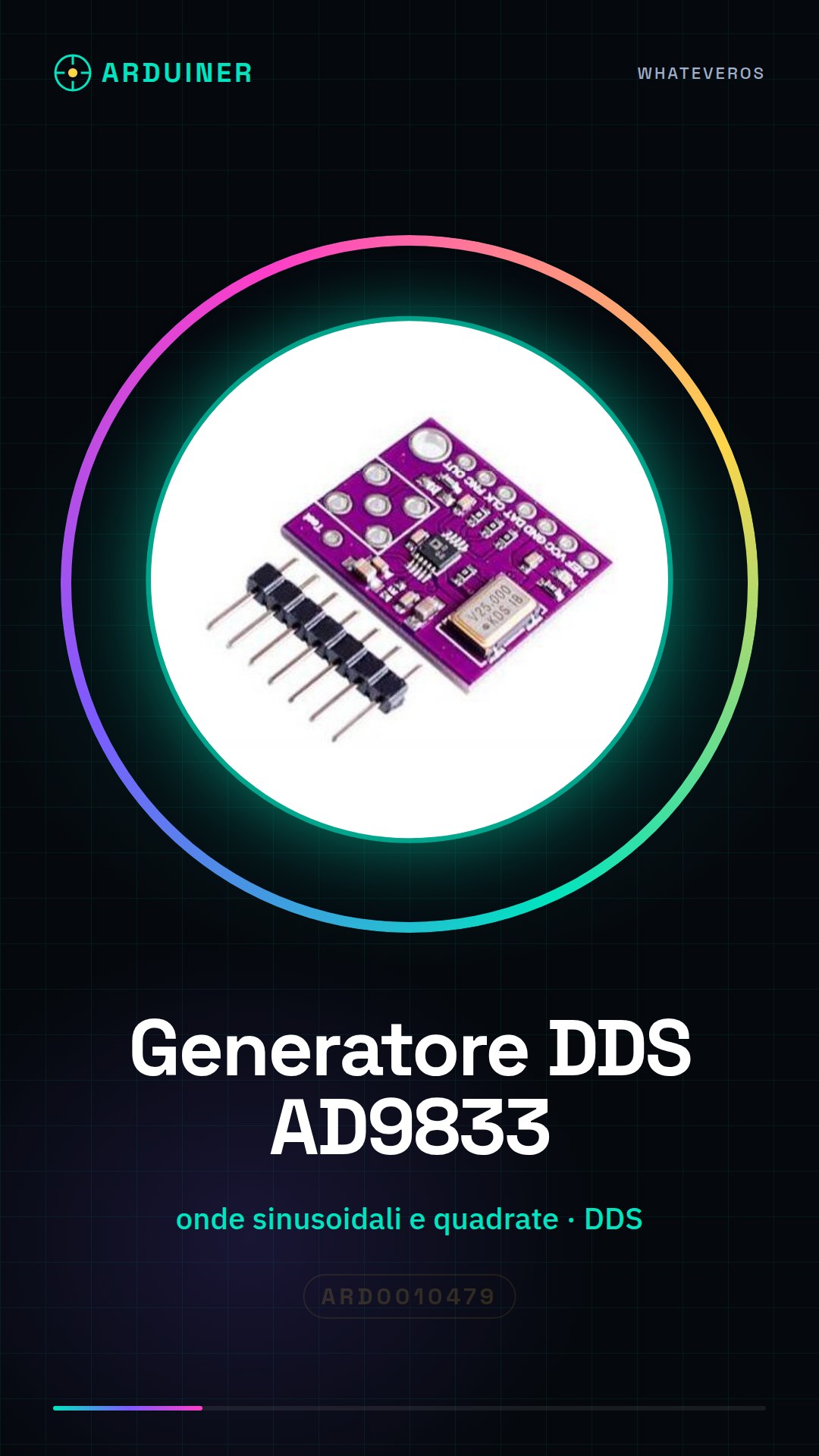
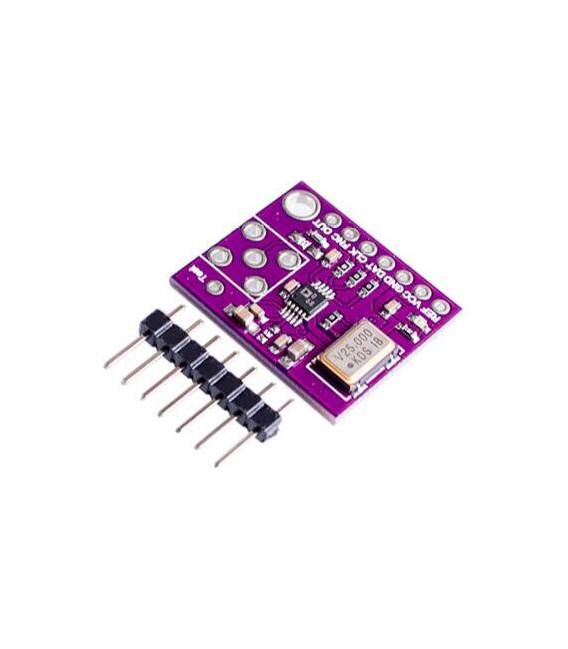
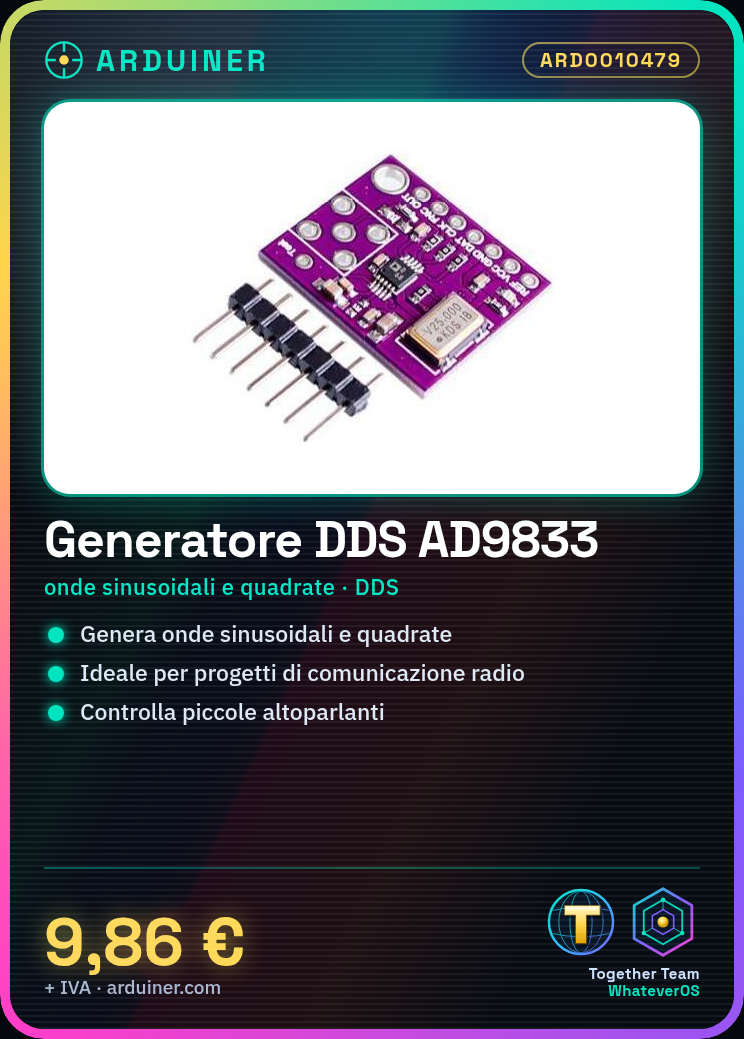
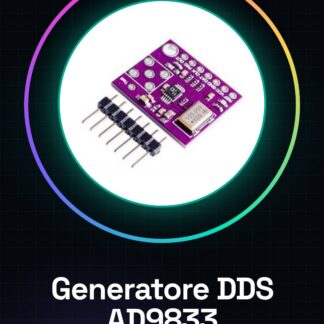
The AD9833 Direct Digital Synthesis (DDS) signal generator module allows for the creation of highly precise sine and square waves. This component is ideal for radio communication projects, testing, and measurements.
Features
- Generates sine and square waveforms
- DDS (Direct Digital Synthesis) Module
What it is for
Ideal for creating an audio signal generator or controlling small speakers. Compatible with Arduino and ESP.
Tutorial: How to Use the AD9833 DDS Signal Generator
The AD9833 module is a digital signal generator DDS (Direct Digital Synthesis) that allows for the creation of highly precise sine and square waves. Ideal for radio communication projects, testing, and measurement.
What you need
- Arduino Uno or similar
- USB cable
- Arduino IDE software
Steps
- Connect the AD9833 module to the Arduino using a USB cable.
- Install the DDS library for the AD9833 from the GitHub repository.
- Include the build instructions for the library in the project configuration.
- Configure the Arduino pins that will be used as output for the AD9833 module.
- Set the desired frequency of the generated wave in the Arduino code.
- Compile and upload the sketch to Arduino.
- Verify the signal output with an oscilloscope or multimeter.
- Adjust the parameters as needed to obtain the desired signal.
Example code
/* Includi la libreria DDS */
#include <DDS.h>

// Configura l'oggetto DDS
DDS dds;

void setup() {
  // Imposta la frequenza e inizializza il modulo
  dds.setFrequency(1000); // Hz
}

void loop() {}
Mini project
Create an audio signal generator with AD9833. Use the output to control a small speaker.
Common mistakes
- Incorrect frequency setting.
- Pins not correctly configured in Arduino.
- DDS library not installed or incorrectly configured.
Recommended accessories
- Digital Oscilloscope
- Small Speakers
- Universal connection cables
Frequently asked questions
How can I verify the correct functioning of the AD9833 module?
Use an oscilloscope to display the generated wave and compare it with your settings.
What frequencies can the AD9833 module generate?
Check the datasheet.
Reviews
There are no reviews yet.