 EN
 IT Italiano
 ES Español
 FR Français
 DE Deutsch
Description
What it is
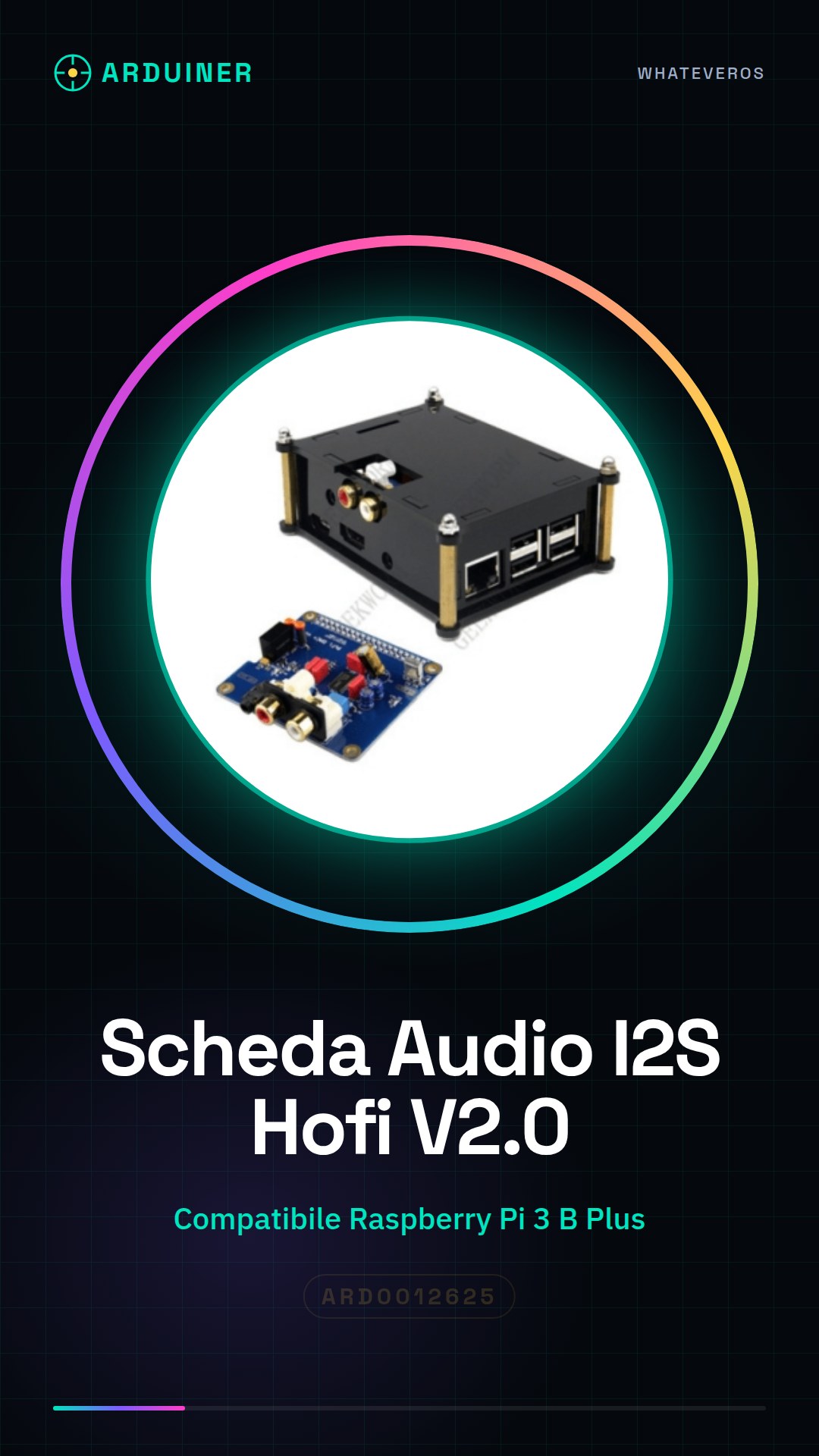
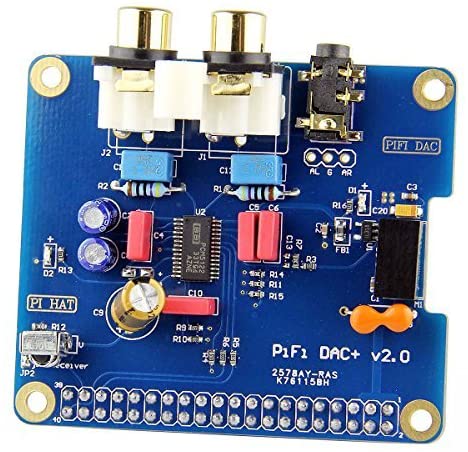
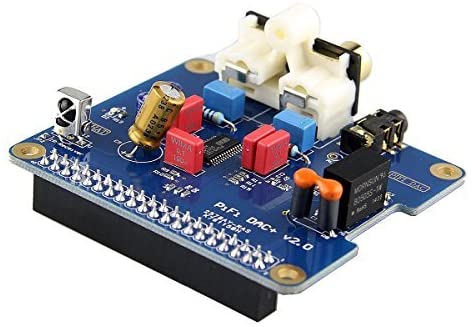
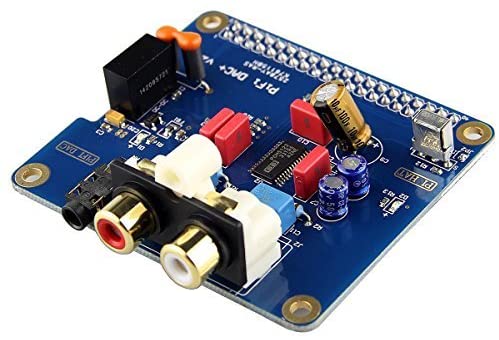
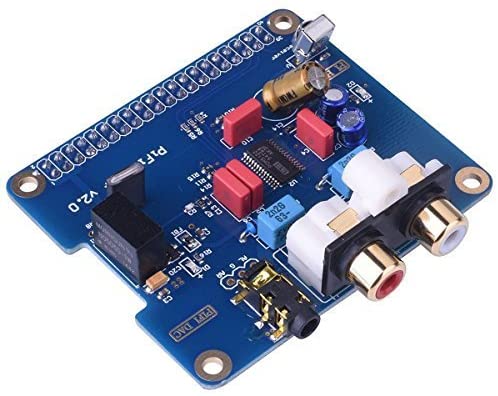
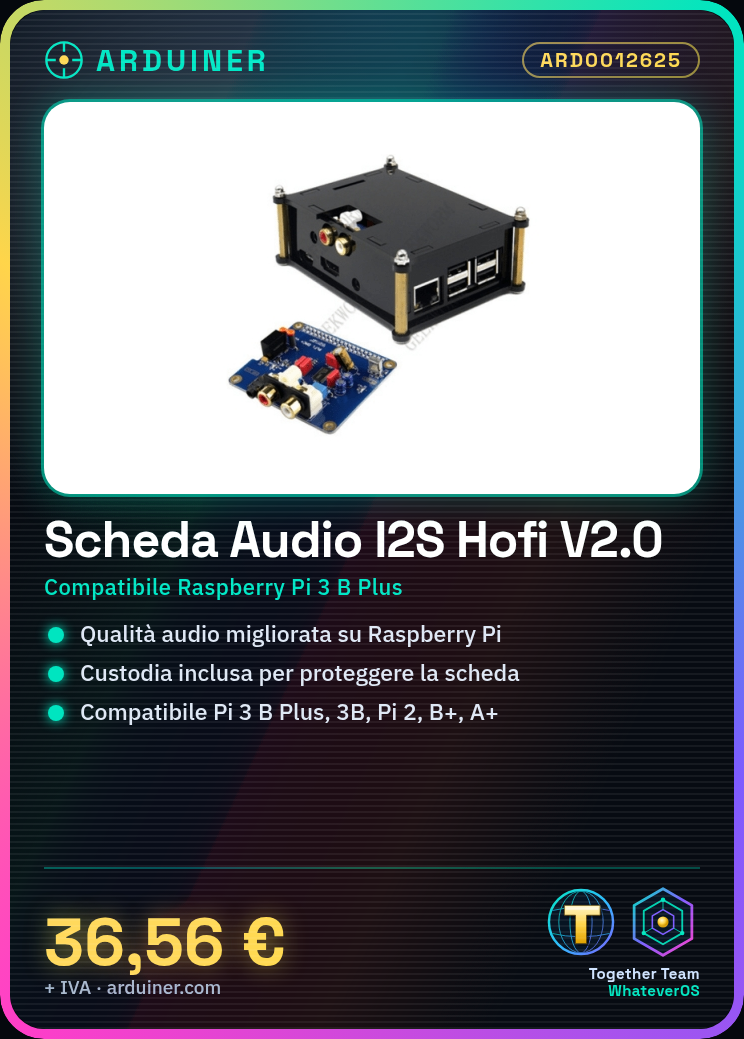
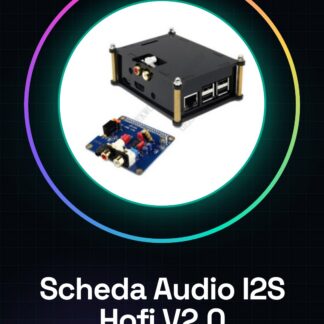
The Hofi DAC V2.0 I2S Audio Card with Case is a device designed to enhance the digital audio quality of the Raspberry Pi. This card features a robust structure and includes a protective case to safeguard the component.
Features
- Compatible with Raspberry Pi 3 B Plus, 3B, Pi 2 model B and B+, A+
- Supports I2S and SPDIF connection
- Includes a protective case
What it is for
The Hofi DAC V2.0 I2S Audio Card is ideal for advanced electronics projects that require high-quality audio playback. You can use it to create an audio playback system by integrating the Raspberry Pi with an audio player like Volumio or OSMC.
Tutorial: How to Use Hofi DAC V2.0 I2S Audio Card with Cases
The Hofi DAC V2.0 I2S audio card is an ideal device to enhance the audio quality of your Raspberry Pi. With a robust build and an included case, this card is perfect for enthusiasts and makers looking for an uncomplicated audio upgrade.
What you need
- Raspberry Pi 3 B Plus / 3B / Pi 2 model B and B+ / A+
- MicroSD card with Raspbian installed
- USB power supply
- Audio cable for testing the output
- Computer with internet access
Steps
- Install Raspbian on a microSD card and connect it to the Raspberry Pi.
- Connect the Hofi DAC V2.0 I2S audio card to the USB port of the Raspberry Pi.
- Check the electrical connectivity between the Raspberry Pi and the audio card.
- Access the Raspberry Pi via SSH or graphical interface.
- Install the necessary drivers for the audio card (check the datasheet for specific commands).
- Configure the system to use the audio card as an output device (check the datasheet for specific commands).
- Test the configuration with a simple command like `aplay -l`.
- Verify the audio quality with a test file.
- Install any system updates and additional drivers (check the datasheet for specific commands).
Example code
sudo apt-get install alsa-utils
sudo nano /etc/asound.conf
# Aggiungi le configurazioni specifiche per la scheda audio (verifica sul datasheet)
Mini project
Set up an audio playback system with the Raspberry Pi and the Hofi DAC V2.0 I2S audio card. Install an audio player like Volumio or OSMC and test the audio quality with various sources.
Common mistakes
- Connectivity error between the Raspberry Pi and the audio card.
- Missing drivers or incorrect configuration.
- Insufficient power supply.
- Outdated system configuration.
Recommended accessories
- Audio cable
- USB power supply
- Raspberry Pi Camera Module
- Protective case for Raspberry Pi
Frequently asked questions
How can I verify that the audio card is correctly installed?
Use the command `aplay -l` to check if the sound card is recognized by the system.
Which test audio files do you recommend for testing quality?
Use FLAC or WAV files at 96kHz or higher to test maximum quality.
Can I use the sound card with other microcontrollers?
Check the datasheet for connectivity and compatibility specifications.
Reviews
There are no reviews yet.