 EN
 IT Italiano
 ES Español
 FR Français
 DE Deutsch
Description
What it is
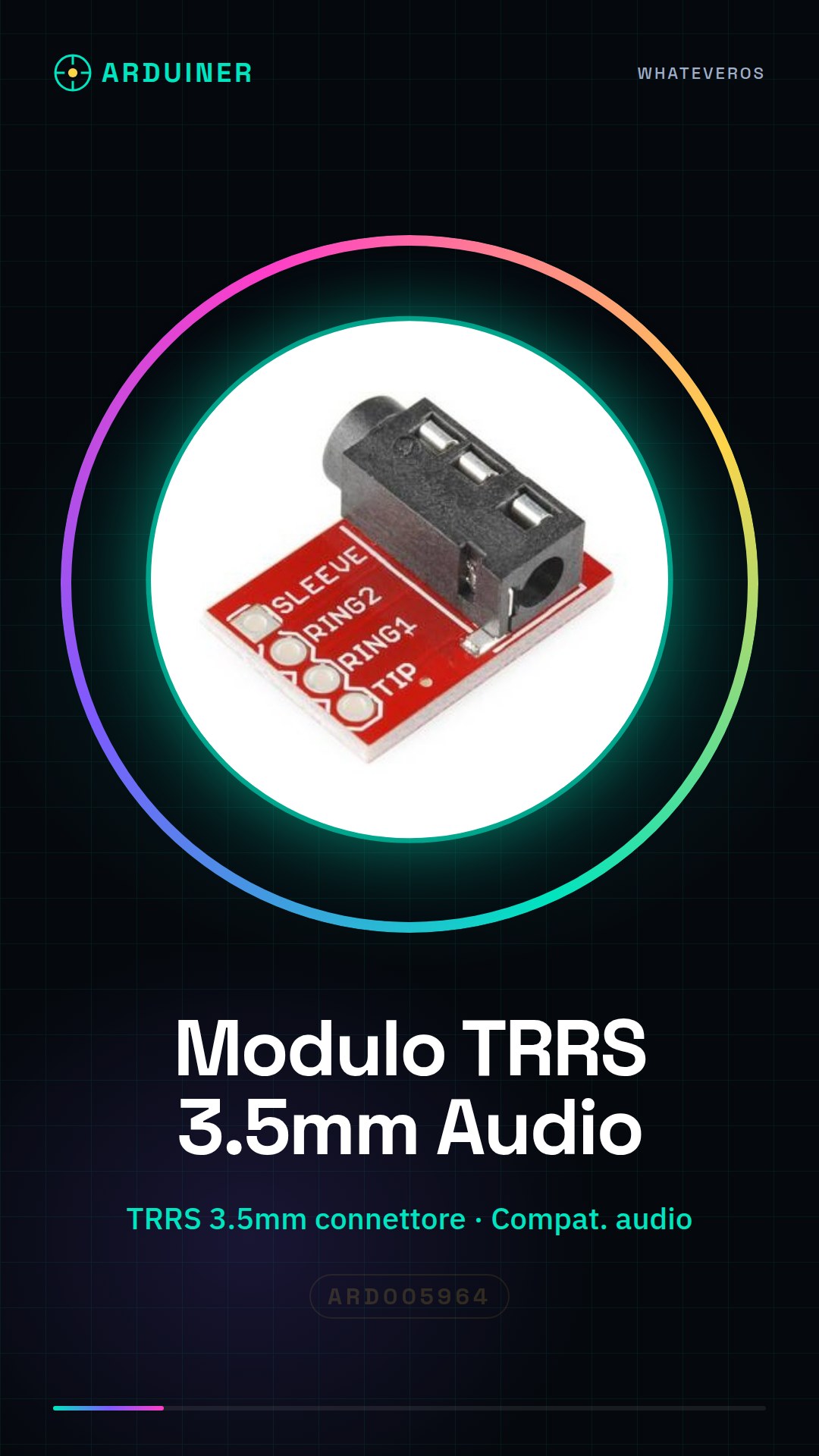
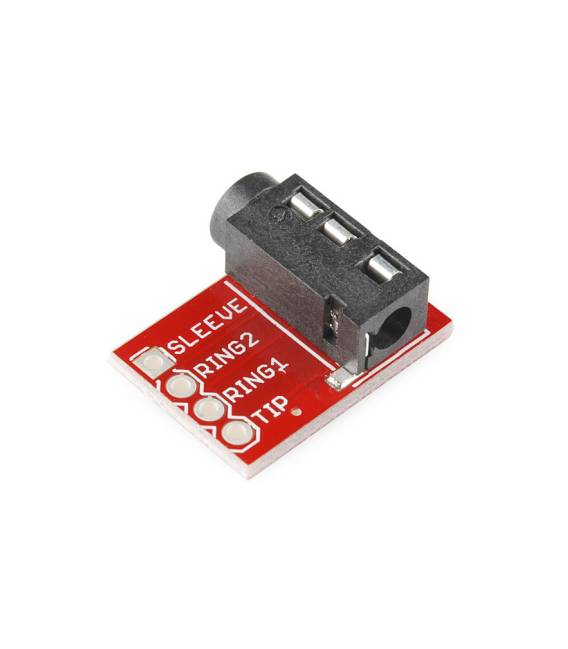
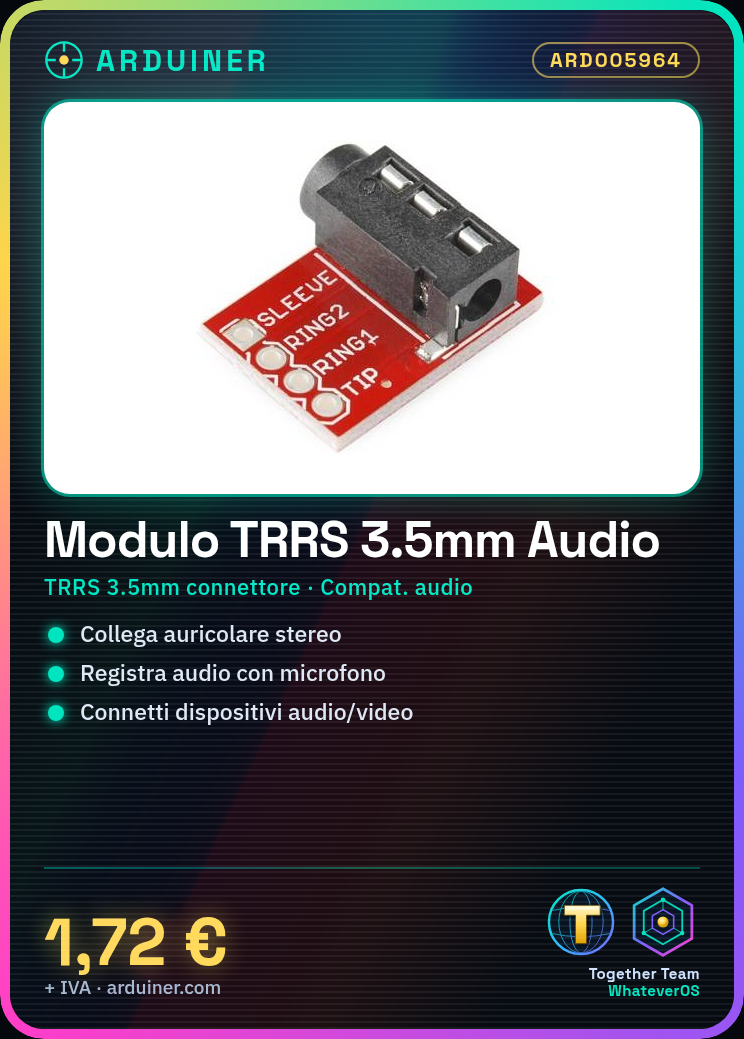
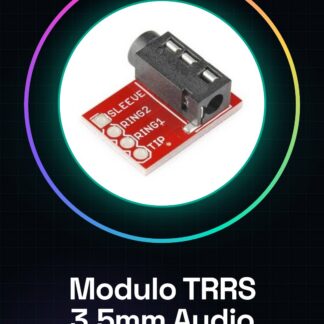
The TRRS 3.5mm Stereo Headphone MP3 Audio Video Microphone Interface Module is an electronic component that allows connecting audio and video devices to an electronic circuit, such as an Arduino.
Features
- 3.5mm TRRS Connector
- Compatible with stereo headphones, microphones, and audio/video devices
What it is for
This module is ideal for audio and communication projects on Arduino. You can use it to create a simple audio system with a stereo headphone and a microphone, listen to audio and record the microphone.
Tutorial: How to use the TRRS 3.5mm Stereo Headphone MP3 Audio Video Microphone Interface Module
This TRRS 3.5mm module allows you to easily connect your Arduino to a stereo headphone, a microphone, and an audio/video device. Ideal for audio and communication projects.
What you need
- Arduino
- Stereo Headphones
- Microphone
- Audio/Video Device
Steps
- 1. Check the datasheet for power supply specifications.
- 2. Connect the TRRS 3.5mm module to your Arduino using the following pins: VCC to 5V, GND to GND, MIC to an analog pin, L/R to two digital pins.
- 3. Connect the stereo earphone to the TRRS jack of the module.
- 4. Connect the microphone to the MIC pin of the module.
- 5. Connect the audio/video device to the audio pin of the module.
- 6. Load the following sketch onto Arduino.
- 7. Verify that everything works correctly.
- 8. Adapt the code to your needs.
Example code
void setup() {
  Serial.begin(9600);
}

void loop() {
  int micValue = analogRead(A0);
  Serial.println(micValue);
}
Mini project
Create a simple audio system with a stereo earphone and a microphone. In 30 minutes you can listen to audio and record the microphone.
Common mistakes
- Do not check the power supply specifications on the datasheet.
- Incorrectly connect the module pins.
- Do not use a compatible stereo earphone.
- Omit connecting the microphone.
Recommended accessories
- Arduino
- Stereo earphone
- Microphone
- Audio/video device
Frequently asked questions
How can I verify the power supply specifications?
Check the module’s datasheet.
Can I use any stereo headphones?
Yes, but make sure it is compatible with the TRRS jack.
Which pins of the module should I use for the microphone?
Connect the microphone to the MIC pin.
Reviews
There are no reviews yet.