 EN
 IT Italiano
 ES Español
 FR Français
 DE Deutsch
Description
What it is
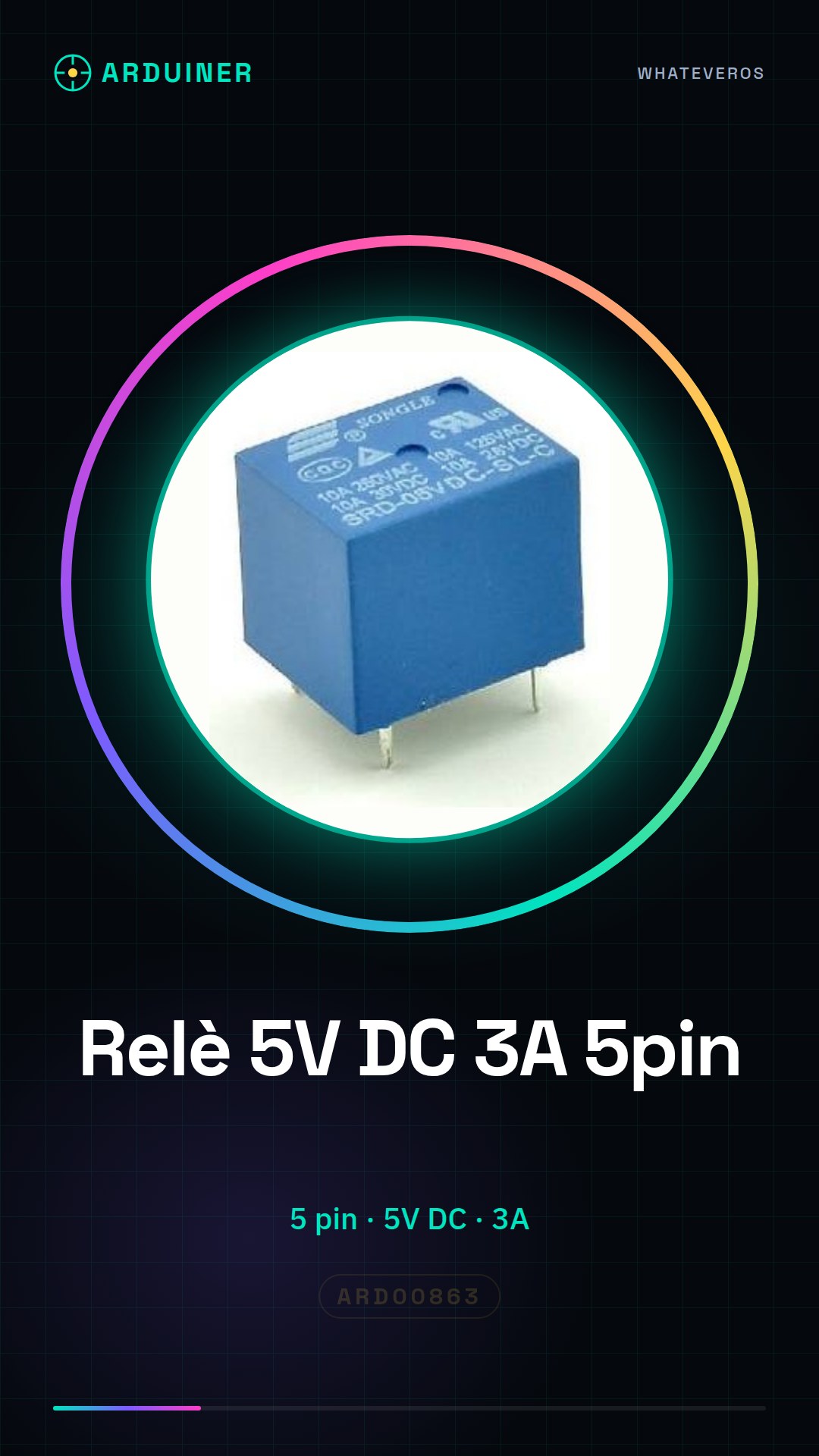
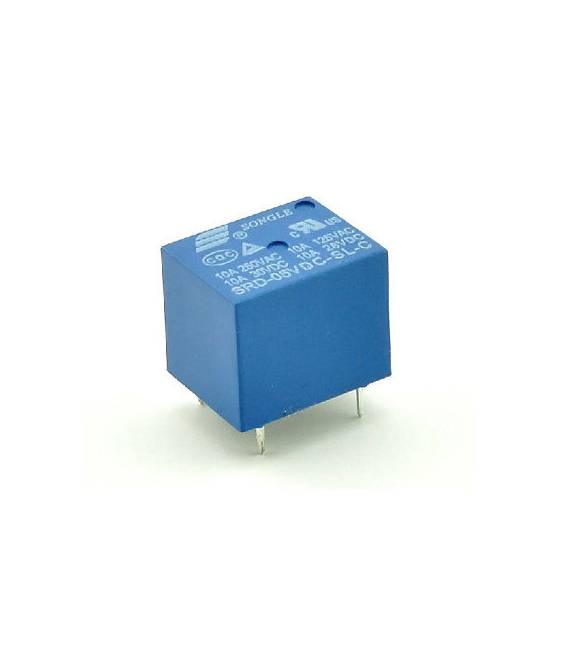
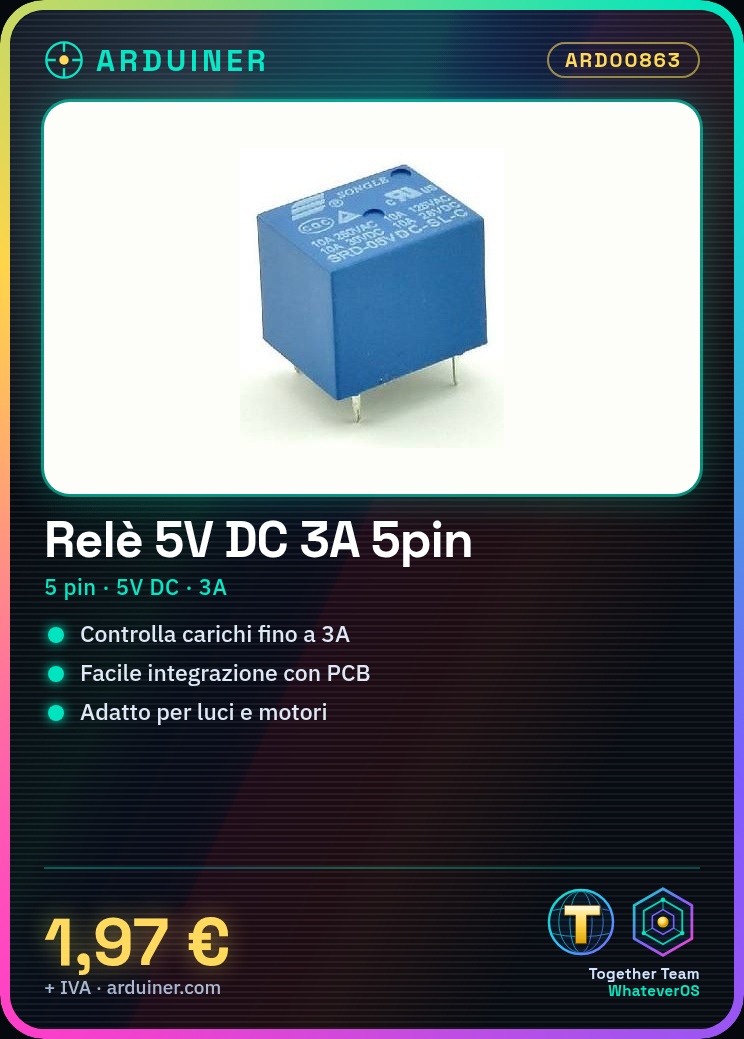
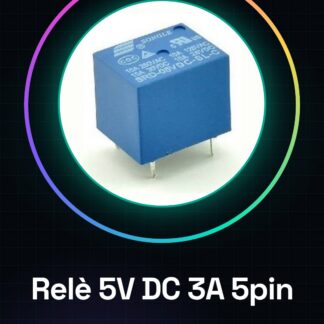
The 5V DC 3A Relay – SRS-DC5V-SL-C is an electronic component that allows controlling DC circuits with a load capacity up to 3A. It features a printed circuit board (PCB) for easy integration into electronic projects.
Features
- 5 pin
- Power Supply: 5V DC
- Load Capacity: 3A
- Type: Relay
- Model: SRS-DC5V-SL-C
What it is for
This relay is ideal for makers who want to automate devices such as lights, motors, or any other electrical device. It can be used to create automatic lighting systems, control motor startup, or manage other circuits that require more current than what an Arduino or an ESP can provide.
Tutorial: How to Use 5V DC 3A Relay – SRS-DC5V-SL-C
The SRS-DC5V-SL-C relay is a very useful electronic component for controlling DC circuits with a load capacity up to 3A. It is ideal for beginner makers who want to automate devices such as lights, motors, or any other electrical device.
What you need
- Arduino Uno or compatible
- USB cable from PC to Arduino
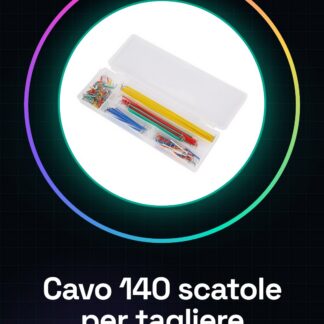
- Jumper wire (various colors)
Steps
- Connect the relay to the test circuit using jumper wires. Check the polarity of the VCC, GND, and IN pins.
- Connect the Arduino to the USB port of the computer to upload the sketch.
- Write a simple sketch that activates the relay through a specific GPIO (see example code).
- Check the datasheet for the precise pinout of the relay and the correct operating voltage.
- Test the activation of the relay by connecting an external load to the circuit controlled by the relay.
Example code
const int relayPin = 7; // Pin di Arduino che attiva il relè
void setup() {
  pinMode(relayPin, OUTPUT);
}
void loop() {
  digitalWrite(relayPin, HIGH); // Attiva il relè
  delay(1000);
  digitalWrite(relayPin, LOW); // Disattiva il relè
  delay(1000);
}
Mini project
Create an automatic lighting system that turns a lamp on and off based on specific conditions (e.g., time of day).
Common mistakes
- Connect the relay to the circuit without first determining the polarity of the pins.
- Omit the use of a pull-down resistor to protect the Arduino GPIO.
- Use a voltage that does not conform to the relay’s specifications (check the datasheet).
- Do not test the external load connected to the relay before production.
Recommended accessories
- 10kΩ pull-down resistors
- Data line protection circuits
- PIR sensors to detect the presence of people
- 9V batteries
Frequently asked questions
Can the relay be used with Arduino Mega?
Yes, the relay is compatible with Arduino Uno and Mega.
What is the minimum voltage to activate the relay?
Check the product datasheet.
Reviews
There are no reviews yet.