 EN
EN IT Italiano
 ES Español
 FR Français
 DE Deutsch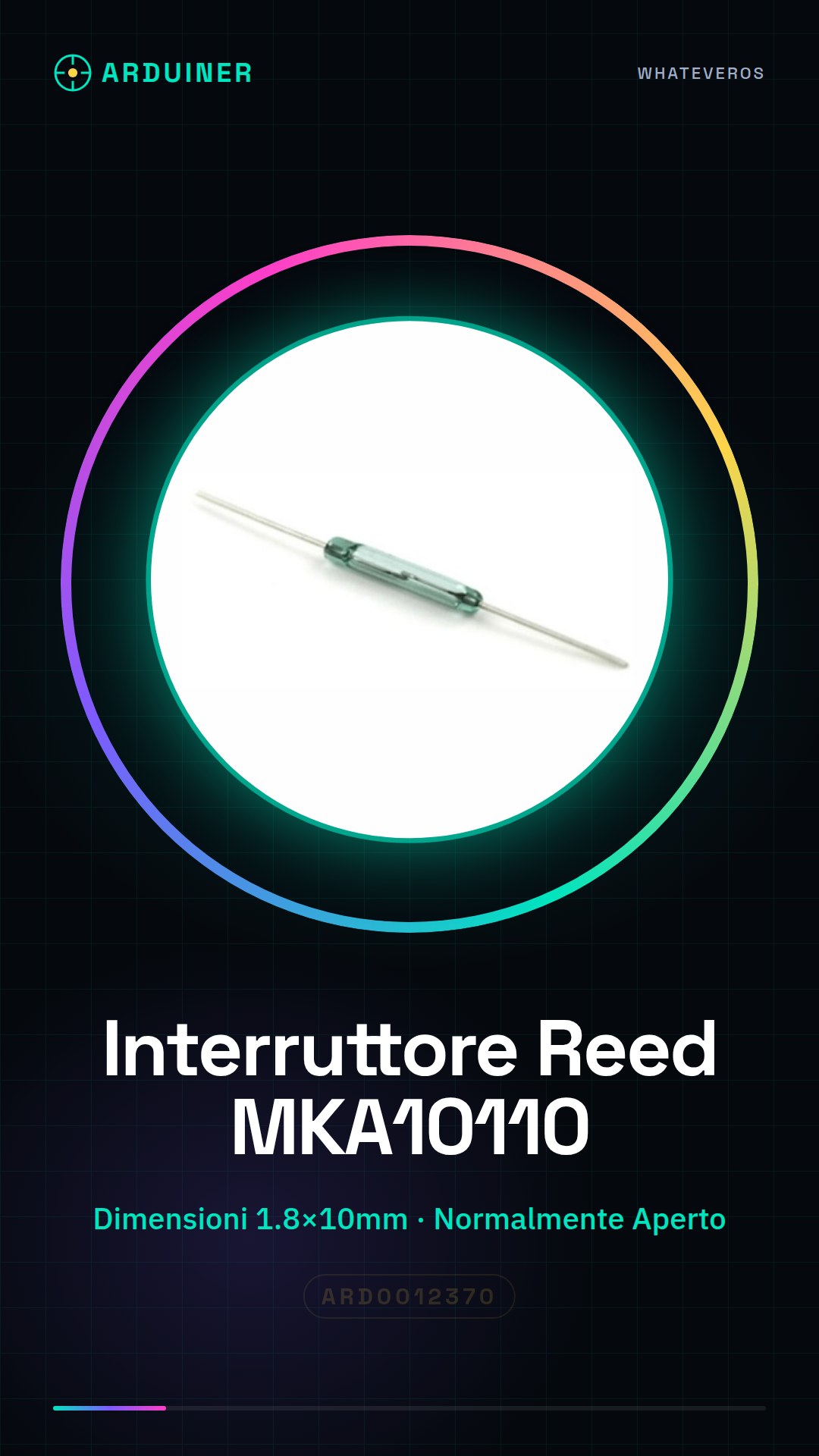
Description
What is a Reed Switch? The MKA10110 reed switch is an electronic component that activates when a magnetic field passes through its structure. It is a normally open type, meaning it is in the open state (disconnected) when not activated by a magnetic field. Features 2 pieces Dimensions: 1.8 * 10mm Type: Normally Open What for Reed switches are used in various electronic applications, including motion sensors, alarms, control systems, and electrical relays. They are particularly suitable for detecting metallic objects or magnetic fields. Can be used in Arduino and ESP projects to create presence sensors, magnetic alarms, or magnet-based control systems. Tutorial: How to Use MKA10110 Reed Switch The MKA10110 reed switch is a very useful component for Arduino projects requiring the detection of movement or metallic objects. This tutorial will guide you through installing and connecting the reed switch to your circuit. What You Need Arduino Uno MKA10110 Reed Switch Jumper Wires Metal object to detect Steps Connect the Arduino interface to the computer’s USB port. Identify the terminals of the reed switch: check the datasheet to determine which is the input pin and output pin. Connect a jumper wire from the input pin of the reed switch to a digital pin on the Arduino (e.g., D2). Connect another jumper wire from the other end of the circuit to the GND of the Arduino. Write and upload an Arduino sketch to read the logical value of the reed switch. Bring a metal object close to the reed switch to test its function. Observe the output on the serial monitor to see when the switch changes state. Verify that the circuit works correctly and try integrating it into your project. Example Code const int reedPin = 2; // input pin of the reed switch void setup() { pinMode(reedPin, INPUT); } void loop() { int sensorValue = digitalRead(reedPin); Serial.println(sensorValue); } Mini Project Create a home alarm system that turns on a light or sounds an alarm when the reed switch is activated by a metal object. Common Mistakes Connecting to the wrong pin of the reed switch Not checking the polarity of connectors Ignoring datasheet specifications Failing to adequately test the circuit

Reviews
There are no reviews yet.