 EN
 IT Italiano
 ES Español
 FR Français
 DE Deutsch
Description
What it is
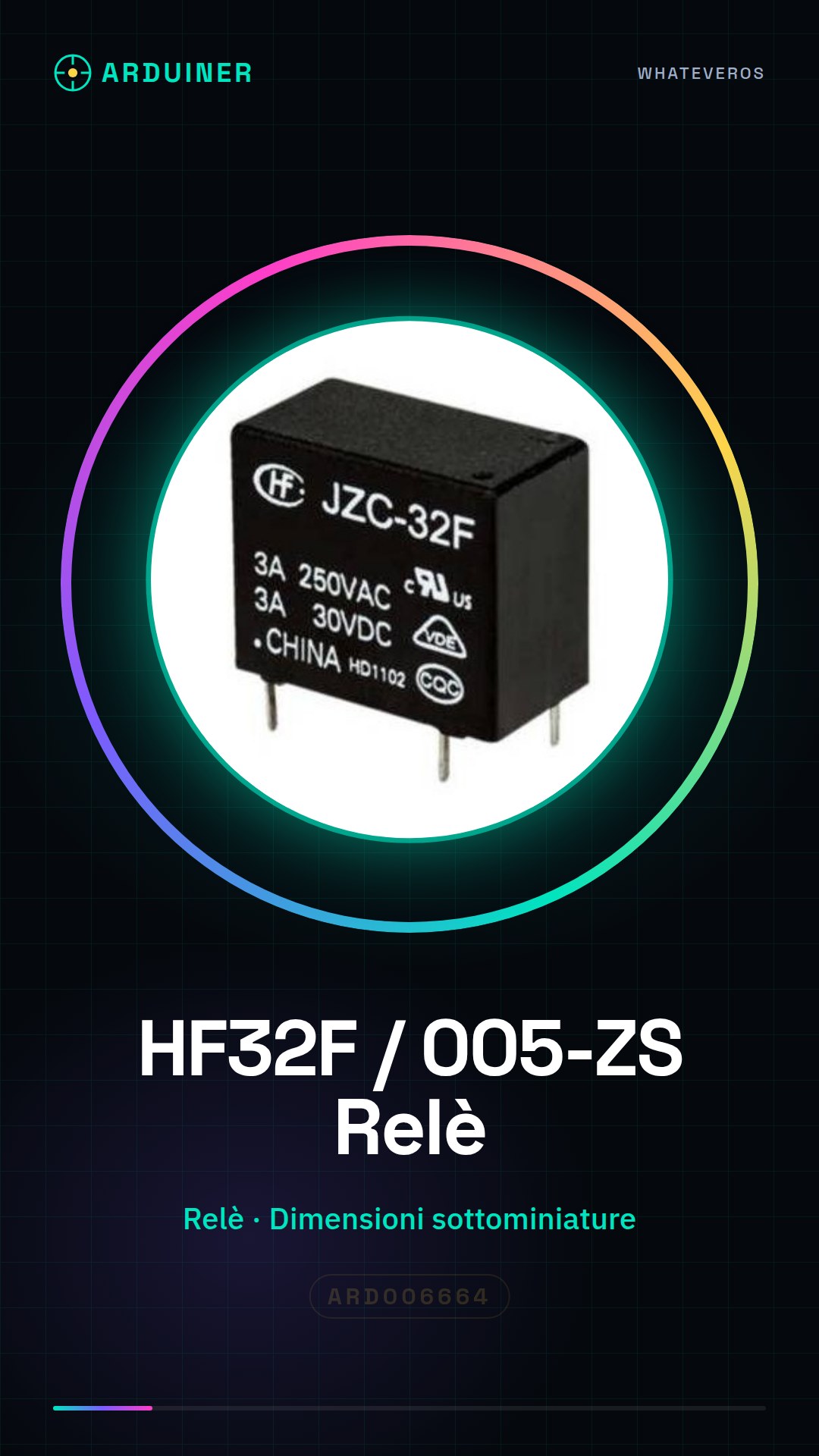
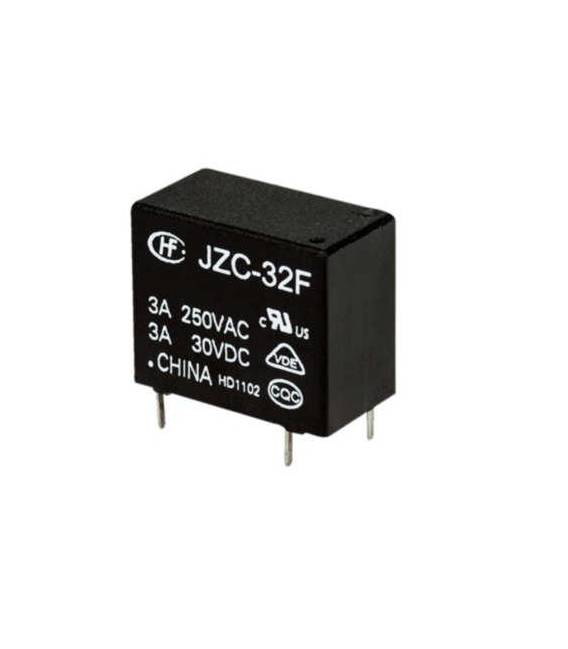
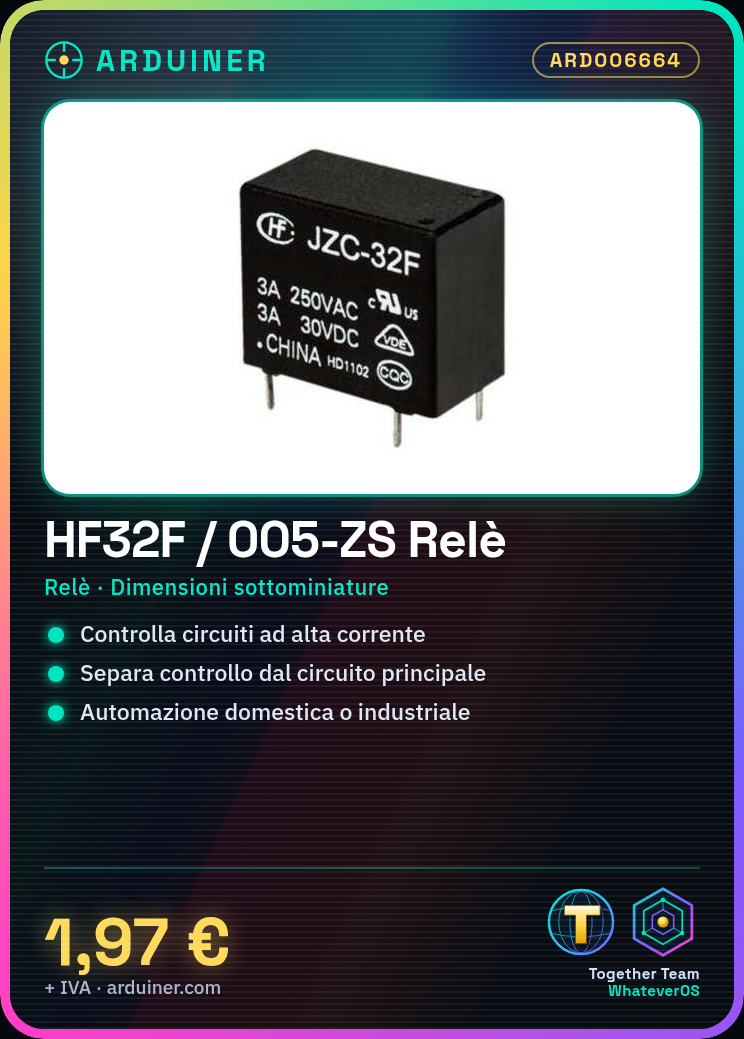
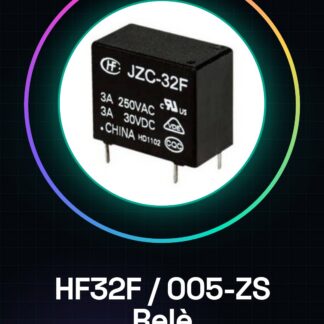
The HF32F / 005-ZS relay is a medium power, slim-sized relay. It allows controlling high current electrical circuits from a low-power control circuit, such as a microcontroller.
Features
- Type: Relay
- Size: Subminiature
- Power: Medium (check datasheet)
- SKU: ARD006664
- Price: 1.97 €
What it is for
The HF32F / 005-ZS relay is ideal for completely separating the control circuit from the controlled circuit, useful in home or industrial automation projects. Example use: create a home alarm system that activates an acoustic siren through a motion sensor connected to the relay. Compatible with microcontrollers like Arduino and ESP.
Tutorial: How to use HF32F / 005-ZS Subminiature Relay
The HF32F / 005-ZS relay is ideal for controlling high current electrical circuits from a microcontroller like Arduino. It is particularly useful for home or industrial automation projects where complete separation of system control from the main circuit is required.
What you need
- Arduino Uno
- 5V Power Supply Connection
- Jumper Wire M-M
Steps
- Connect the power line (VCC) to the 5V pin of the Arduino
- Connect the GND line of the relay to the ground (GND) of the Arduino
- Connect the COM command line of the relay to a digital output pin of the Arduino (e.g., Pin 7)
- Check the datasheet for the required electrical power for the circuit to be controlled
- Connect the circuit you want to control to the COM and NC lines of the relay
- Write an Arduino sketch to send an open/close command to the pin connected to the relay
- Load the sketch into the microcontroller
- Test the relay function
Example code
void setup() {
  pinMode(7, OUTPUT);
}

void loop() {
  digitalWrite(7, HIGH); // Attiva il relè
  delay(1000);
  digitalWrite(7, LOW); // Disattiva il relè
  delay(1000);
}
Mini project
Create a home security system that activates an acoustic siren through a motion detector connected to this relay.
Common mistakes
- Do not verify the electrical voltage of the circuit to be controlled
- Connect the command COM to the pin VCC or GND of the Arduino
- Use a limiting resistor without verifying it on the datasheet
- Ignore the correct relay power supply
Recommended accessories
- PIR motion detector
- Acoustic siren
- Relay Shield for Arduino
- Breadboard prototyping kit
Frequently asked questions
Can the relay be used with other microcontrollers?
Yes, just adapt the connection and the sketch to the type of microcontroller used.
What is the difference between NC and NO in the relay?
NC (Normally Closed) opens when the relay is active; NO (Normally Open) closes when the relay is active.

Reviews
There are no reviews yet.