 EN
 IT Italiano
 ES Español
 FR Français
 DE Deutsch
Description
What it is
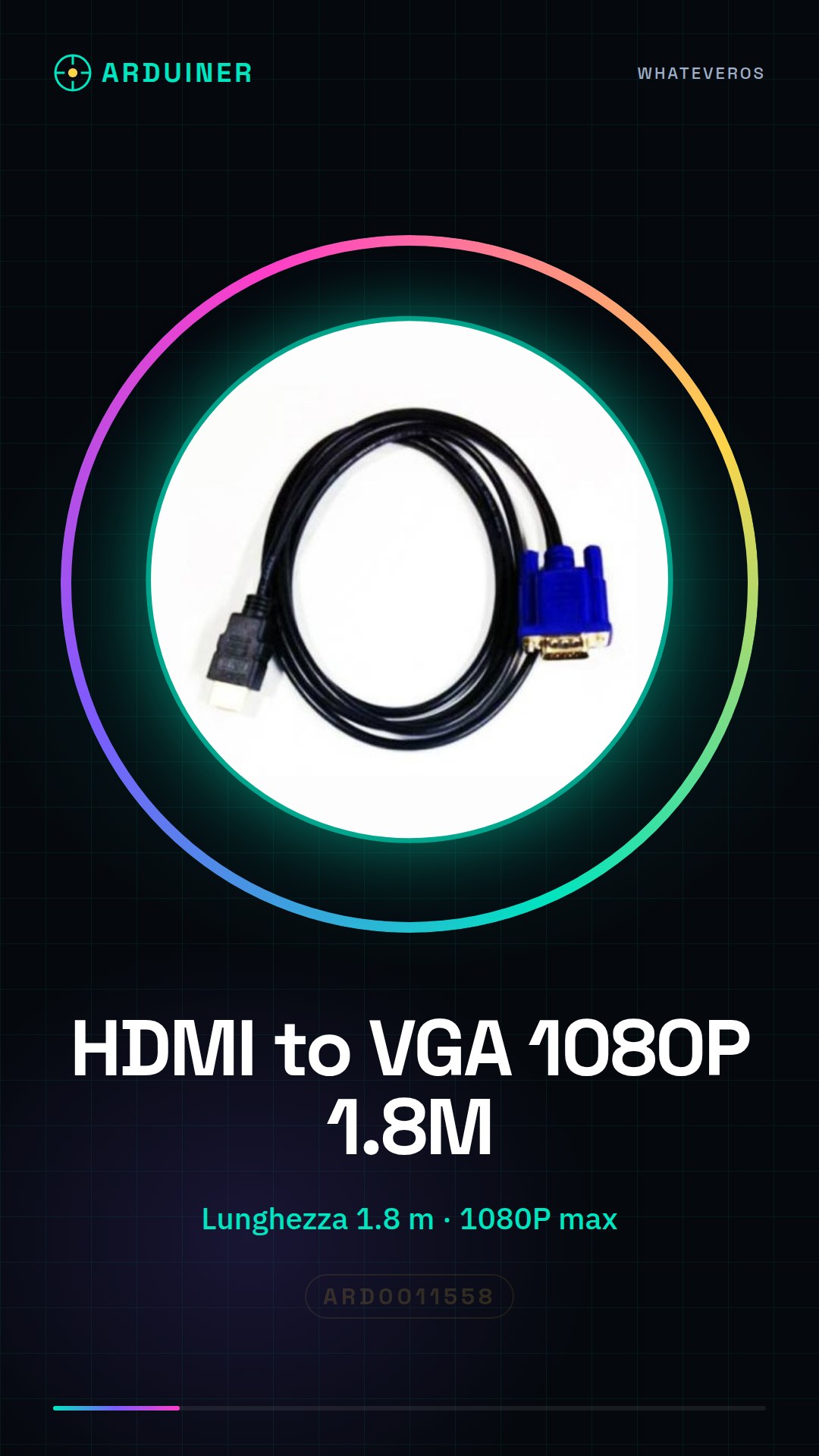
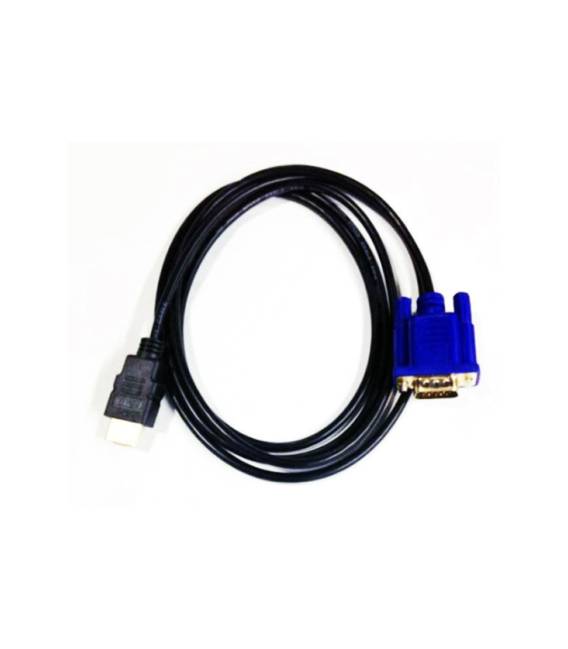
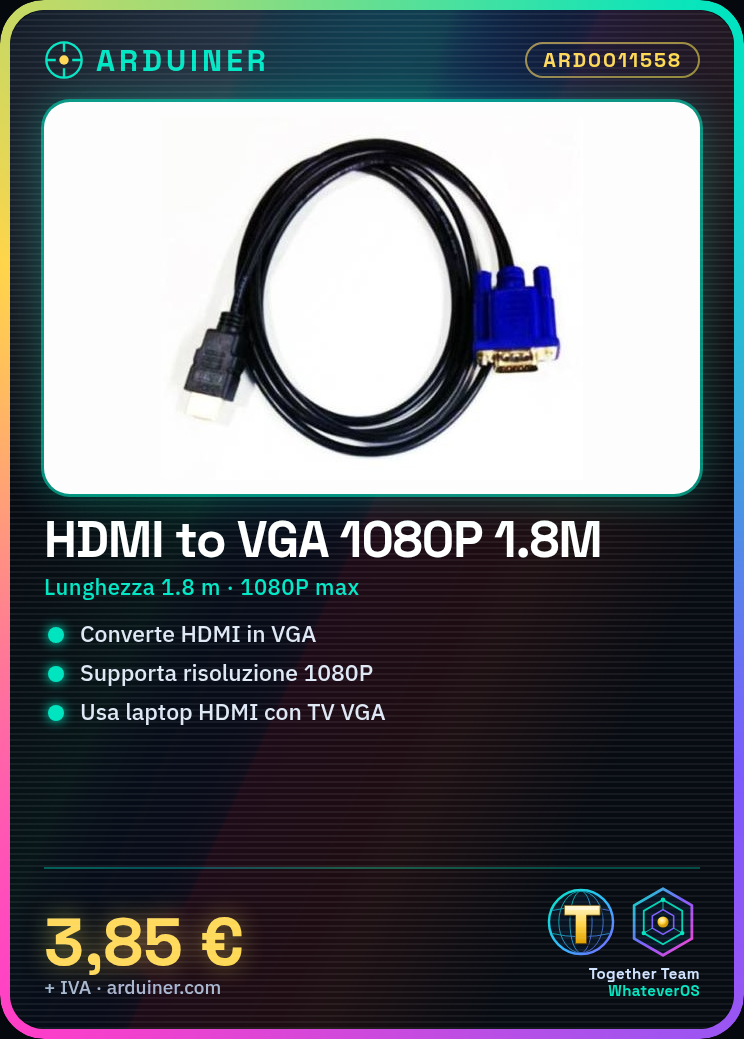
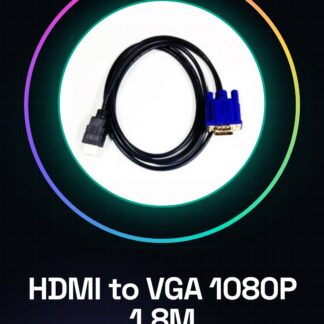
The HDMI to VGA 1080P is a 1.8 meter cable that allows the conversion of HDMI output to a compatible VGA source. This adapter enables HDMI output devices to connect to monitors or projectors that use the VGA interface.
Features
- Cable length: 1.8 meters
- Maximum supported resolution: 1080P
What it is for
Ideally, this adapter is used to connect a laptop with an HDMI output to an old TV or VGA projector. It can be useful in various contexts such as watching movies on a VGA monitor or giving presentations.
Tutorial: How to use HDMI to VGA Adapter
This HDMI to VGA adapter allows you to connect devices with HDMI outputs to monitors or projectors that use the VGA interface. Ideal for those who need to extend the functionality of their devices without having to purchase new monitors.
What you need
- HDMI to VGA adapter
- HDMI cable
- VGA cable
Steps
- Check that your device supports HDMI output and that the monitor accepts VGA input.
- Connect an HDMI cable from the device to the HDMI side of the adapter.
- Connect a VGA cable from the other end of the adapter to the monitor or projector.
- Check the datasheet for the required electrical voltage for the adapter if it is not clearly specified.
- If necessary, adjust the monitor’s input settings to VGA.
- Ensure that the video signal is stable and free of interference.
Mini project
Connect a laptop with HDMI to an old TV or VGA projector to watch movies or give presentations.
Common mistakes
- The monitor does not recognize the signal
- Video distortions or interference
- Resolution issues between device and monitor
Recommended accessories
- High-quality HDMI cable
- VGA monitor or projector
- VGA extension cable
- HDMI to DVI adapter for greater flexibility
Frequently asked questions
My monitor does not recognize the signal. How can I fix it?
Check all connections and make sure the monitor input is set to VGA.
Can I use this adapter with any HDMI device?
Check the datasheet for your device’s compatibility specifications.



Reviews
There are no reviews yet.