 EN
 IT Italiano
 ES Español
 FR Français
 DE Deutsch
Description
What it is
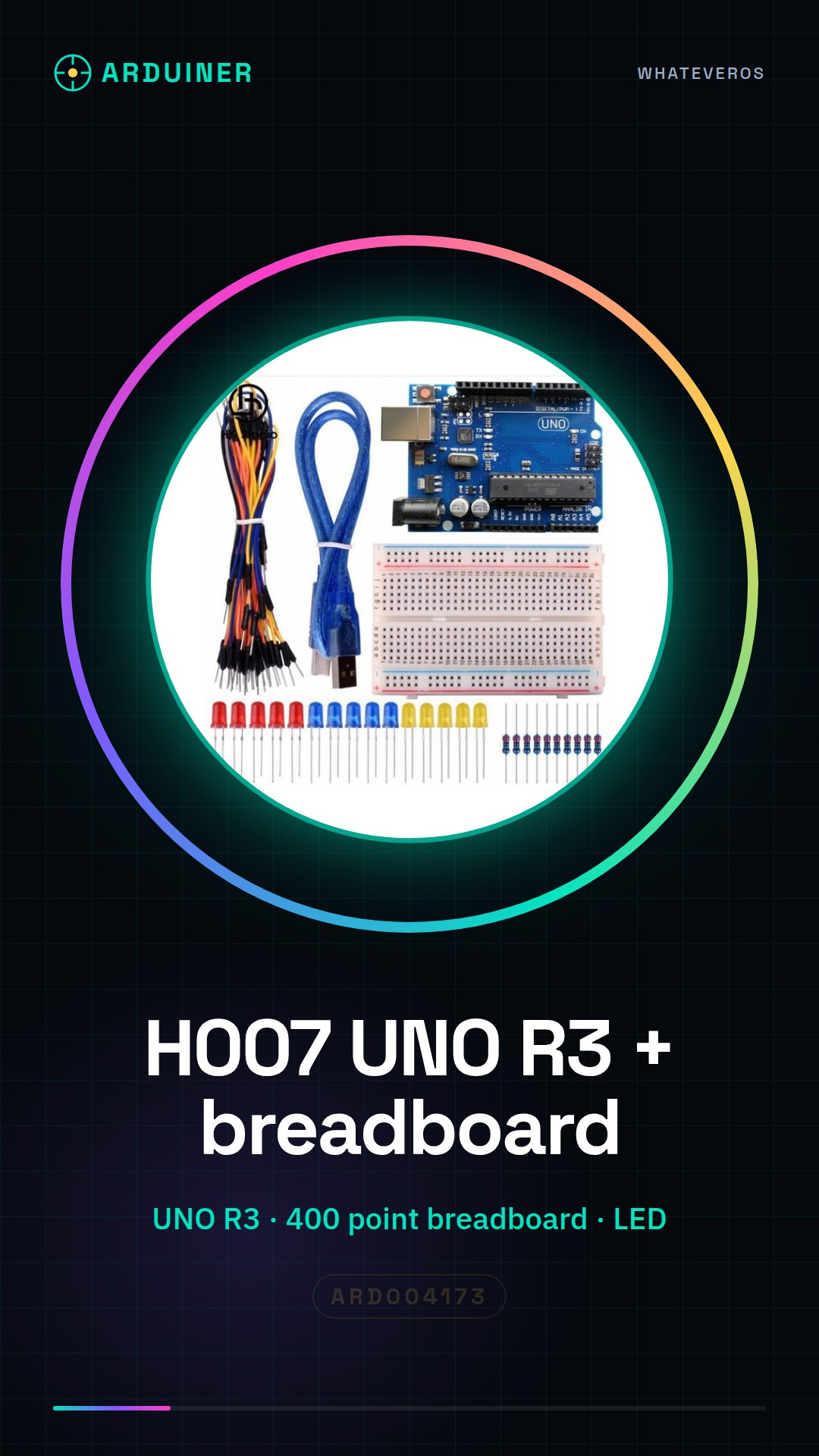
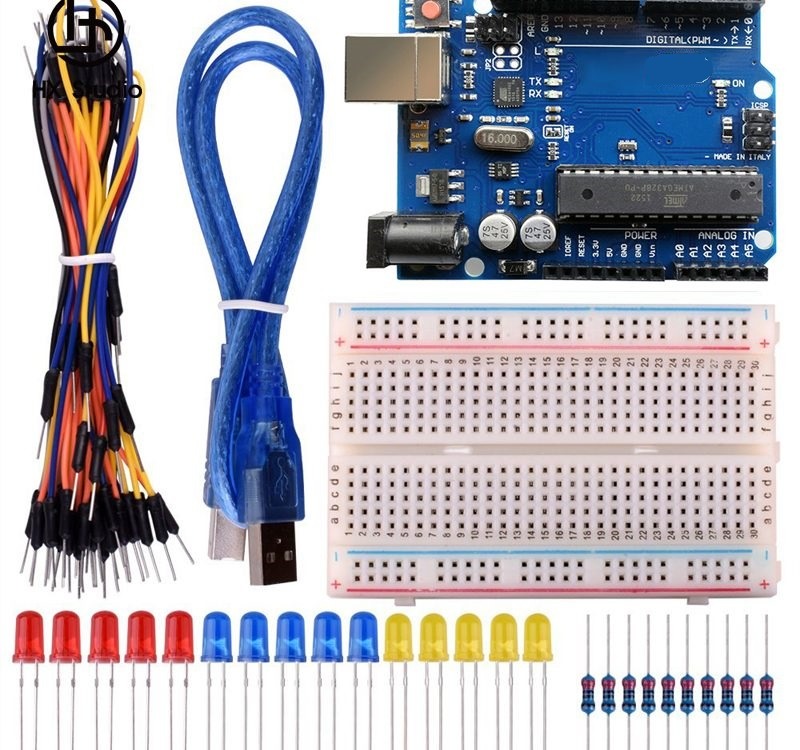
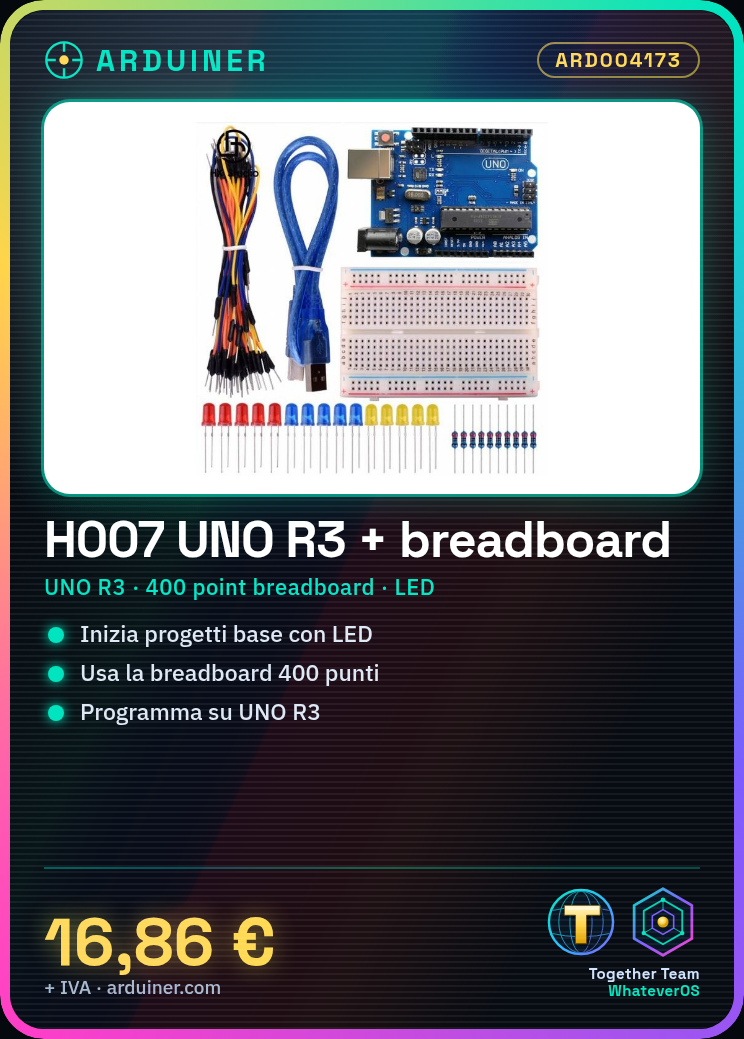
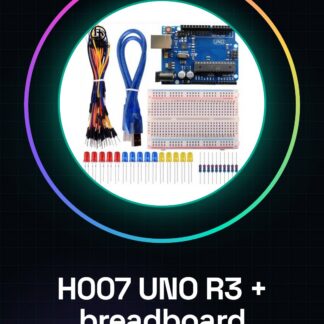
The H007 UNO R3 + breadboard 400 point + LED Starter Learning Kit for Arduino is a complete package designed for beginners and intermediates who want to start exploring the world of electronics and programming with Arduino. This kit includes the mainboard UNO R3, a 400-point breadboard, and LEDs necessary for basic projects.
Features
- Mainboard H007 UNO R3
- 400-point breadboard
- LEDs included in the kit
What it is for
This kit is ideal for creating simple electronics projects, such as a warning signal using the LED and the UNO R3 mainboard. It is compatible with Arduino.
Tutorial: How to use H007 UNO R3 + breadboard 400 point + LED Starter Learning Kit
This kit is ideal for beginners and intermediates who want to start exploring the world of Arduino. It contains a UNO R3 mainboard, a breadboard for prototyping, and LEDs to start creating projects.
What you need
- H007 UNO R3
- Breadboard 400 point
- LED
- Connection wires
Steps
- 1. Ensure that the H007 UNO R3 is powered correctly.
- 2. Connect the breadboard to the H007 UNO R3 using the wires.
- 3. Insert an LED into the breadboard with the longer leg (anode) connected to a digital pin.
- 4. Connect the shorter leg (cathode) of the LED to GND.
- 5. Load the following code onto the H007 UNO R3.
- 6. Power the LED with a 5V signal.
- 7. Check the datasheet for further details.
- 8. Try reversing the LED connection and reload the code.
Example code
const int ledPin = 13;
void setup() {
  pinMode(ledPin, OUTPUT);
}
void loop() {
  digitalWrite(ledPin, HIGH);
  delay(1000);
  digitalWrite(ledPin, LOW);
  delay(1000);
}
Mini project
Create a simple warning signal using the LED and the H007 UNO R3 in 30 minutes.
Common mistakes
- Do not connect the VCC leg of the LED to GND.
- Verify that the code is correctly loaded.
- Ensure that the breadboard is well connected to the H007 UNO R3.
- Check that the power supply is sufficient.
Recommended accessories
- 220 ohm resistor
- Alkaline battery
- Proximity sensors
- LCD display
Frequently asked questions
How can I connect a resistor?
Connect the resistor between the VCC and the LED to limit the current.
Which pins can I use to connect the LED?
You can use any digital pin.
Does the kit include batteries?
The kit does not include batteries. Check the datasheet for further details on power supply.
Reviews
There are no reviews yet.