 EN
 IT Italiano
 ES Español
 FR Français
 DE Deutsch
Description
What it is
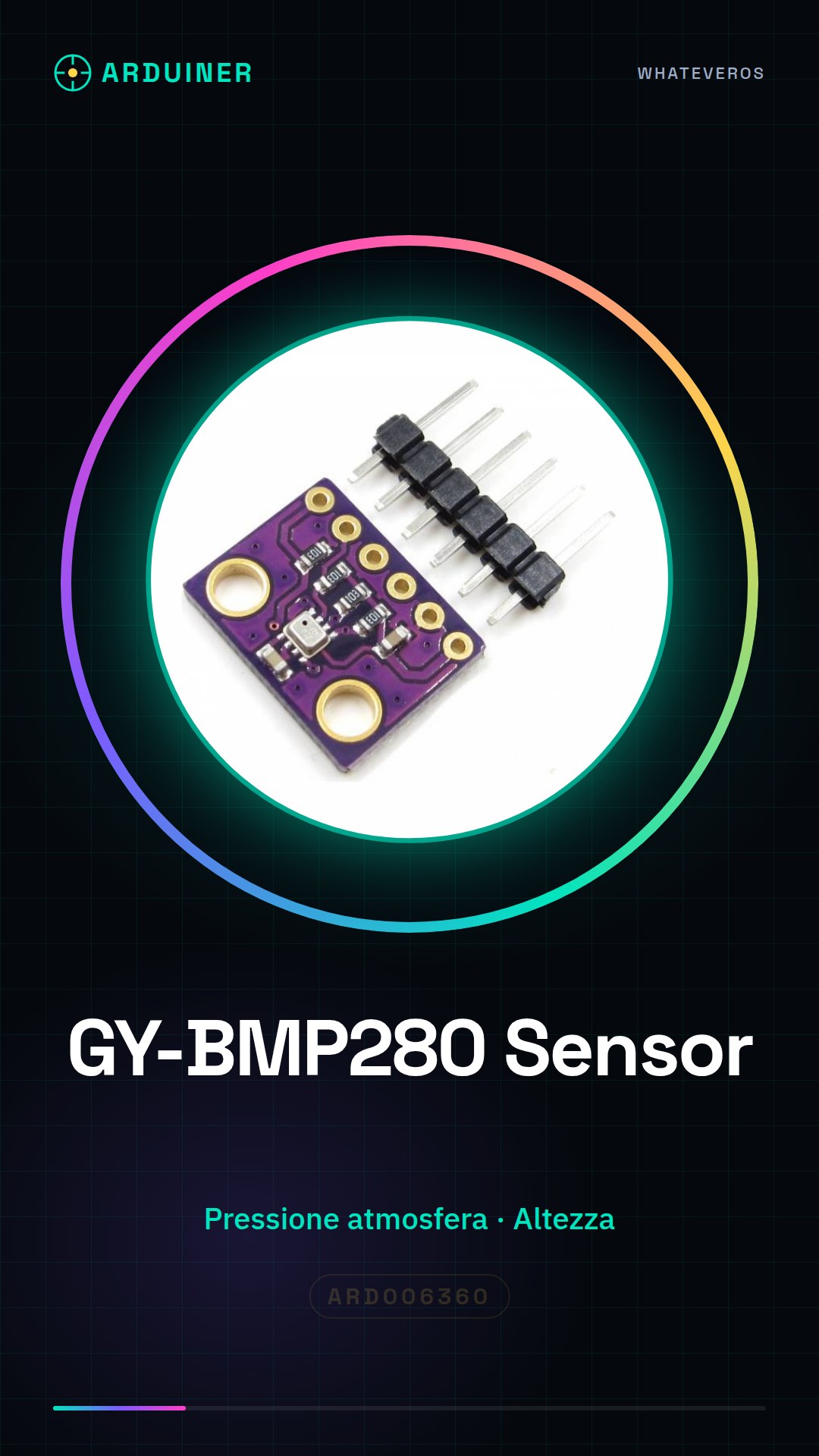
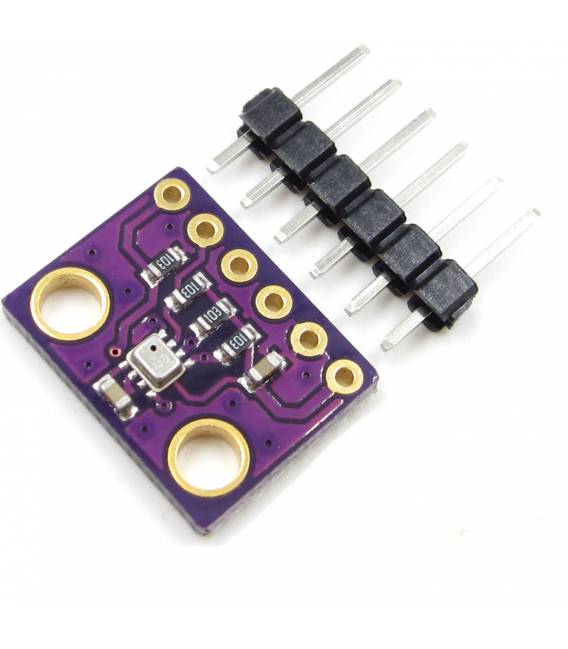
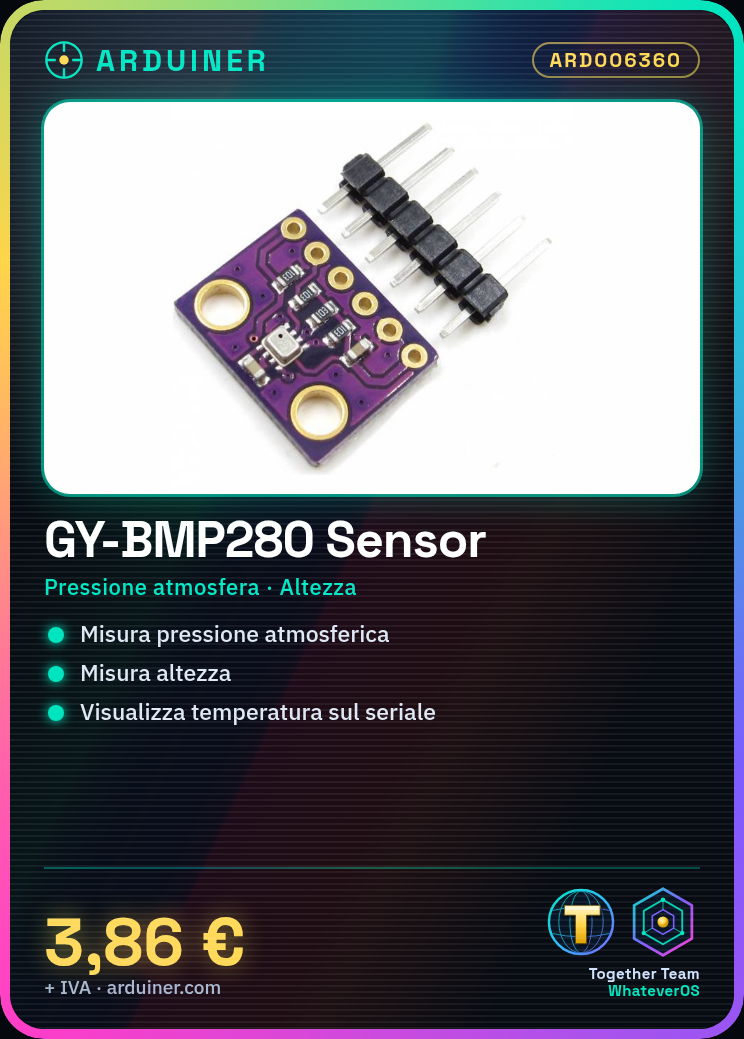
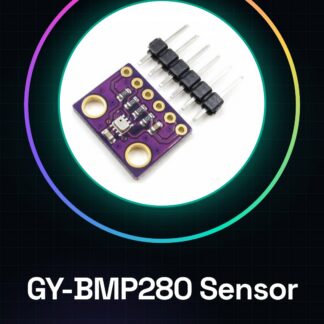
The GY-BMP280 is a digital sensor module that measures atmospheric pressure and altitude. It is designed to be used in various types of projects, such as those based on Arduino or IoT.
Features
- Measures atmospheric pressure
- Measures altitude
What it is for
Ideal for projects that require weather data or altitude monitoring. You can use it to create a barometer that shows temperature and atmospheric pressure on the Arduino serial monitor.
Tutorial: How to use GY-BMP280 Atmospheric Pressure Sensor
The BMP280 module is a digital sensor for measuring atmospheric pressure and altitude. Ideal for projects that require weather data or altitude monitoring.
What you need
- Arduino Uno
- USB Battery
- Jumper Connections
Steps
- Connect VCC of BMP280 to 3.3V of Arduino
- Connect GND of the sensor to GND of Arduino
- Connect SCK of BMP280 to SCL of Arduino (A5)
- Connect SDA of the sensor to SDA of Arduino (A4)
- Install the Adafruit_BMP280.h library from the Arduino library manager
- Include the library in your sketch: #include
- Include the sensor library: #include
- Create a BMP280 object and initialize it
Example code
// Includi le librerie necessarie
#include <Wire.h>
#include <Adafruit_Sensor.h>
#include <Adafruit_BMP280.h>
Adafruit_BMP280 bmp;
void setup() {
  Serial.begin(9600);
  if (!bmp.begin(0x76)) {
    Serial.println("Could not find a valid BMP280 sensor, check wiring!");
    while (1);
  }
}
void loop() {
  float temperature = bmp.readTemperature();
  float pressure = bmp.readPressure();
  Serial.print(temperature);
  Serial.print("C, ");
  Serial.println(pressure);
}
Mini project
Build a barometer that displays temperature and atmospheric pressure on the Arduino serial monitor.
Common mistakes
- Error in the I2C address of the sensor (check the datasheet for the correct address)
- No data received from the sensor (check the connection and the pins used)
- Insufficient power supply issues
- Error in the installed library
Recommended accessories
- Arduino Uno R3
- USB battery for Arduino
- Jumper connections
- LCD display to show sensor data
Frequently asked questions
How can I calculate the altitude from BMP280?
Use the readAltitude() function of the Adafruit_BMP280 library.
Does the sensor work with Arduino Mega?
Yes, the BMP280 is compatible with Arduino Mega but make sure that the SDA and SCL pins are correctly connected.
Reviews
There are no reviews yet.