 EN
 IT Italiano
 ES Español
 FR Français
 DE Deutsch
Description
What it is
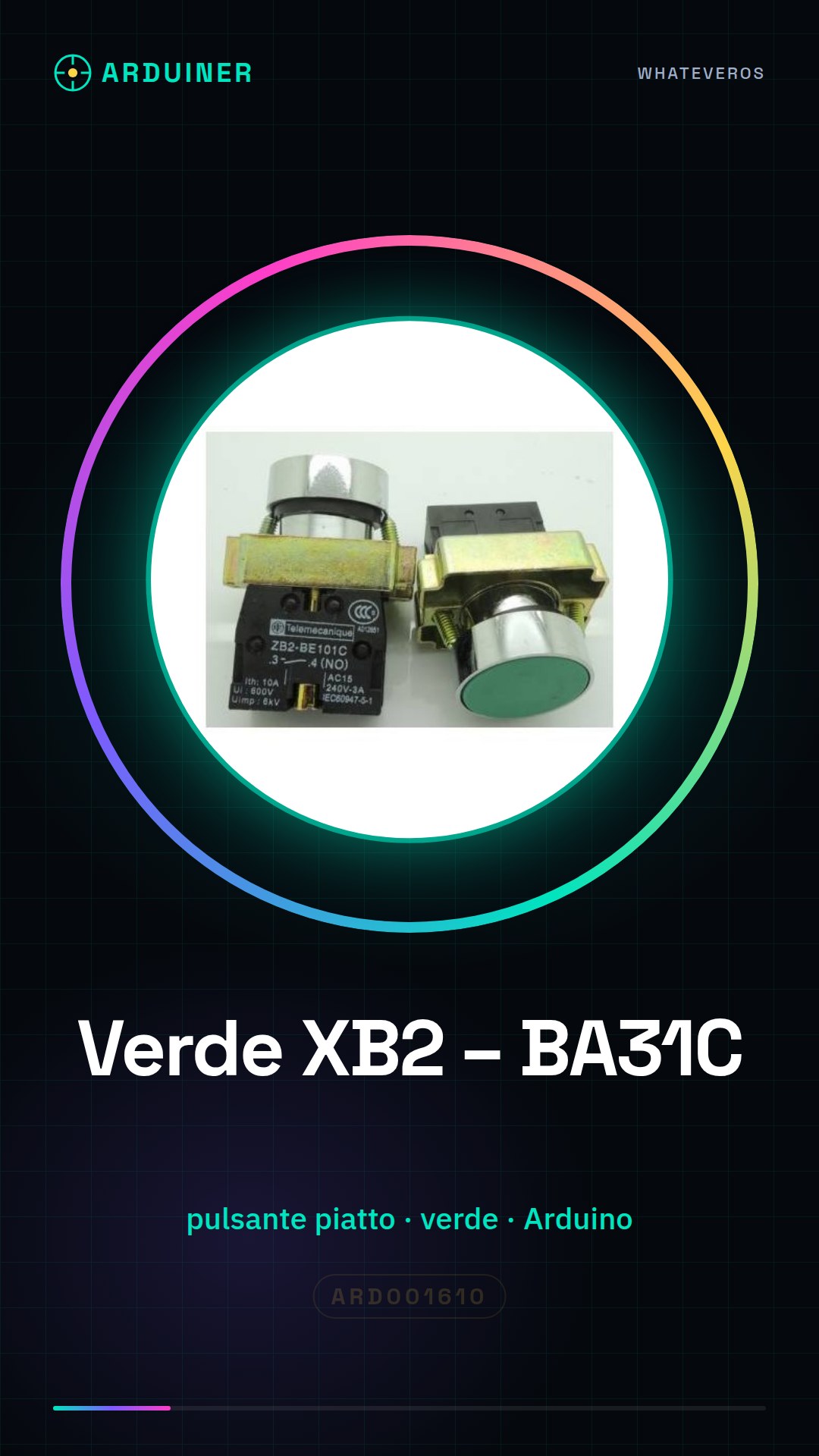
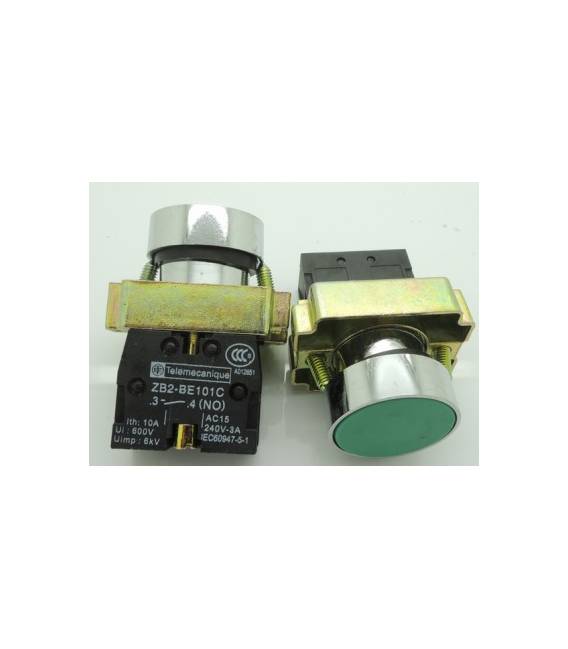
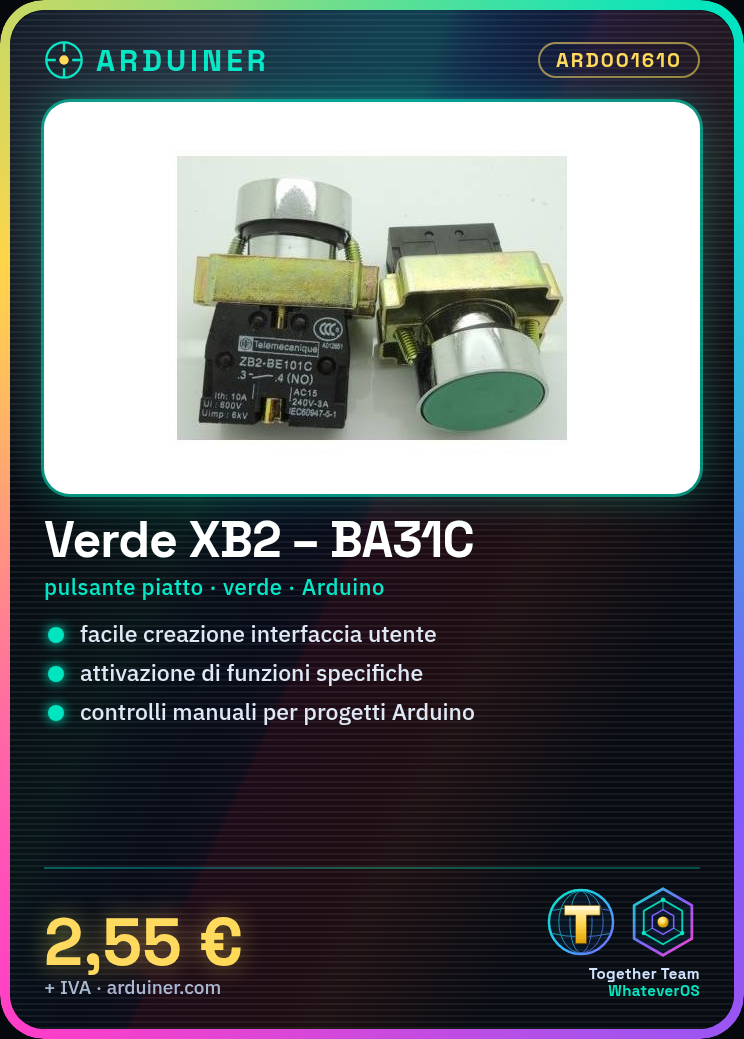
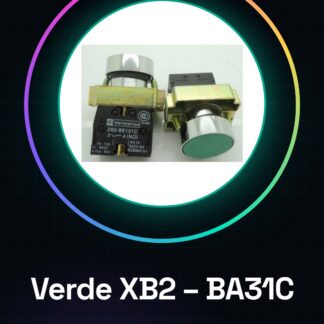
The Green XB2 – BA31C is a flat button compatible with Arduino. This green electronic component allows you to activate specific functions in your electronic projects.
Features
- Flat Button XB2 – BA31C
- Button compatible with Arduino
- Cat. Power Supply, Buttons / Switches
- Sku: ARD001610
What it is for
This button is ideal for creating simple and intuitive user interfaces in your projects. You can use it to activate alarms, send messages, or manage other specific functions.
Tutorial: How to use Normally Open Green XB2 – BA31C
The green button XB2 – BA31C is a simple but essential component for electronic projects. With a flat surface, this button is ideal for activating specific functions in your devices.
What you need
- Arduino Projects
- User Interface
- Manual Controls
Steps
- Check the power supply voltage of the XB2 – BA31C button by consulting the datasheet.
- Connect a ground (GND) cable to the longest pin of the button.
- Connect a resistor between the power supply and the Arduino’s digital input.
- Connect the other end of the resistor to the top of the button XB2 – BA31C.
- Use an Arduino script to read the state of the button.
- Check that the button changes state when pressed.
- Modify the sketch to activate a specific function when the button is pressed.
- Test the project by completing a simple circuit.
Example code
const int bottone = 2; // collegato a pin digitale 2
int statoBottone;
void setup() {
pinMode(bottone, INPUT);
}
void loop() {
statoBottone = digitalRead(bottone);
if (statoBottone == HIGH) {
Serial.println("Pulsante premuto!");
} else {
Serial.println("Pulsante non premuto.");
}
}
Mini project
Create a home alarm system that activates a siren or sends a message when the button XB2 – BA31C is pressed.
Common mistakes
- Connect the resistor directly to the digital pin without protection.
- Do not check the state of the button before writing the Arduino sketch.
- Use a power supply voltage different from that specified in the datasheet.
- Ignore the longer leg which serves as ground (GND).
Recommended accessories
- Variable resistors
- Arduino Uno R3
- RGB LED
- 5V Buzzer
Frequently asked questions
How can I connect multiple buttons?
Use a multiplexer circuit or connect the buttons to different digital pins.
What is the lifespan of the XB2 – BA31C button?
Check the datasheet for the precise information.
Reviews
There are no reviews yet.