 EN
 IT Italiano
 ES Español
 FR Français
 DE Deutsch
Description
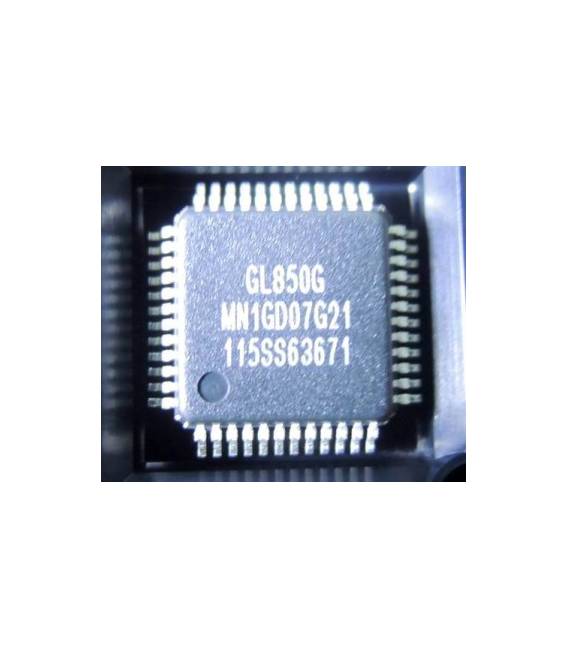
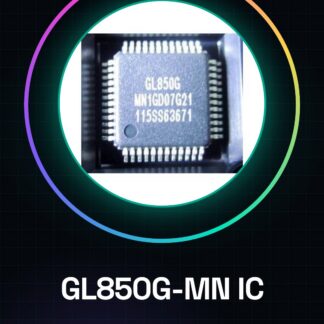
GL850G-MN IC Integrated Circuits
Tutorial: How to Use GL850G-MN IC Integrated Circuits
The GL850G-MN is an electronic component used for power management and control of devices such as LCD monitors. It is ideal for projects requiring robust power management, suitable for both beginners and experts.
What you need
- Arduino Uno
- USB A-MicroB Cable
- LCD Monitor with appropriate connectors
Steps
- Check the datasheet of the GL850G-MN for the necessary pins for power management and control.
- Connect the Arduino Uno to the computer via the USB A-MicroB cable.
- Physically connect the GL850G-MN to the Arduino based on the connection diagrams provided in the datasheet.
- Download and install the necessary library to manage the IC, if available.
- Write an Arduino sketch that correctly configures the pins connected to the GL850G-MN.
- Upload the sketch to the Arduino microcontroller using the USB port.
- Check functionality connected to an LCD monitor to test power and control.
- Adapt the sketch based on the specific project requirements.
Example code
// Esempio di codice Arduino
#include <GL850G-MN.h>
// Inizializza GL850G-MN con i pin corretti
void setup() {
  gl850g.begin(4, 5);
}

void loop() {
  // Codice di gestione dell'alimentazione e controllo del monitor LCD
}
Mini project
Create an automatic monitoring system for your LCD monitor with GL850G-MN. Connect it to an Arduino Uno, write a sketch that controls the power and temperature of the display.
Common mistakes
- Do not verify the pins correctly in the datasheet before physical installation.
- Omit downloading the necessary libraries to manage the GL850G-MN.
- Do not adequately test the connection with an LCD monitor.
- Modify the sketch without first fully understanding the component’s function.
Recommended accessories
- Arduino Uno
- LCD Monitor with appropriate connectors
- USB A-MicroB cable
- Library for GL850G-MN
Frequently asked questions
Where can I find the datasheet for the GL850G-MN?
The datasheet is available on the official manufacturer’s website or in the library download package.
Which libraries do I need to install to use the GL850G-MN?
Check the datasheet to see if there are specific libraries to download and install in your Arduino environment.
Reviews
There are no reviews yet.