 EN
 IT Italiano
 ES Español
 FR Français
 DE Deutsch
Description
What it is
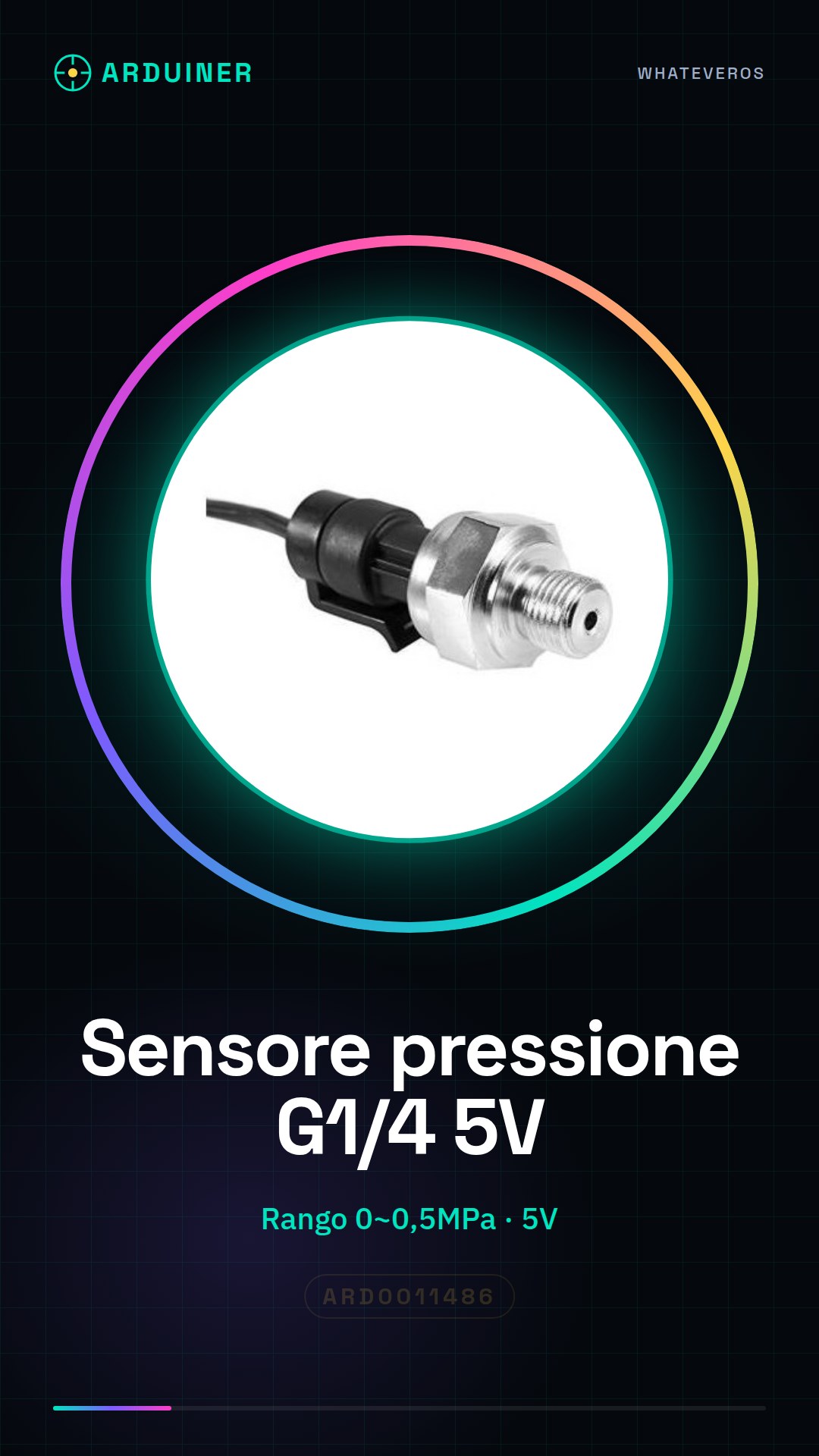
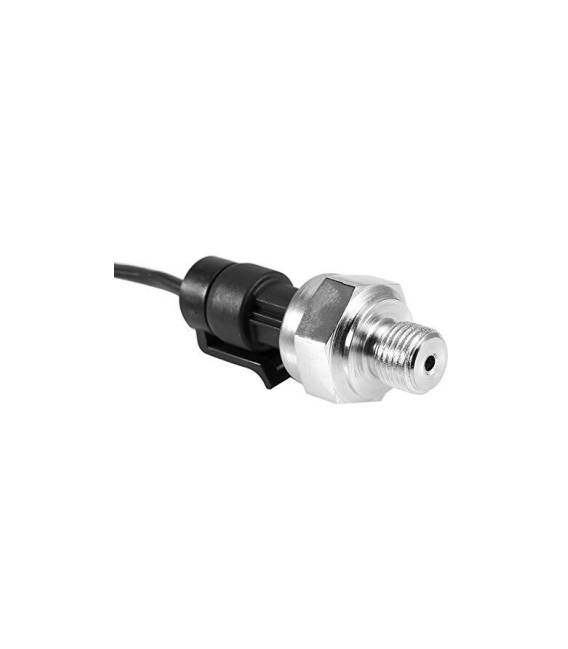
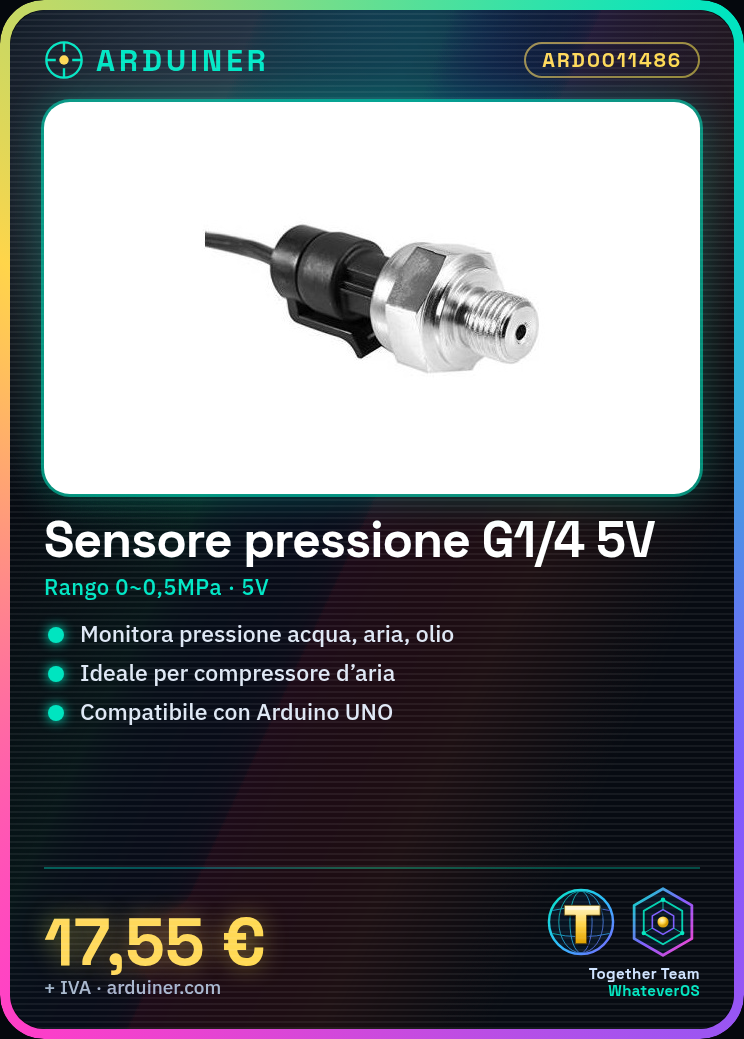
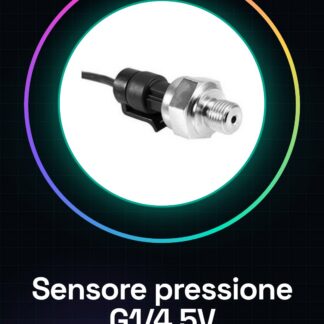
The G1/4 pressure sensor at 5V is a device suitable for monitoring pressure in various fluids such as water, air, and oil. This sensor offers a measurement range from 0 to 0.5MPa.
Features
- G1/4 Connection
- Operating Voltage: 5V
- Pressure Range: 0 ~ 0.5mpa
What it is for
This sensor is ideal for applications requiring pressure measurement in hydraulic, pneumatic, and lubrication systems. It can be used in both home and industrial projects such as air compressor monitoring or weather station creation.
Tutorial: How to Use G1/4 Pressure Sensor 5V
This pressure sensor is ideal for monitoring the pressure of water, air, or oil in various devices such as compressors. It is suitable for both home and industrial projects.
What you need
- Arduino Uno
- USB Connection
- G1/4 Lead
Steps
- Connect the sensor to the Arduino board using the provided cables or a compatible connector for the microcontroller’s analog port.
- Check the power specifications on the datasheet and ensure the sensor is correctly connected to 5V.
- Download the Arduino IDE and install the necessary library for managing the sensor (check the datasheet).
- Open a new sketch in Arduino IDE, import the sensor library and configure the communication ports.
- Write the sketch that reads values from the sensor and sends them to the serial monitor for visualization.
- Compile and upload the code to the Arduino, then open the serial monitor window in Arduino IDE.
- Check the output on the serial monitor: you should see pressure values changing as the pressure of the tested element (water, air, or oil) changes.
- Optimize the code and add features such as alarms or logging of measurements.
Example code
void setup() {
Serial.begin(9600);
}

void loop() {
int val = analogRead(A0); // Leggi dal sensore collegato ad A0
float pressione = val * (5.0/1023) * 100; // Converti il valore in mPa (verifica sul datasheet)
Serial.println(pressione);
delay(1000); // Attendi un secondo prima di rilevare nuovamente
}
Mini project
Creation of a weather station that measures atmospheric pressure and sends data to an online platform.
Common mistakes
- Incorrect sensor connection
- Non-compliant power supply (check the datasheet)
- Library not installed correctly
- Inaccurate or constant pressure values
Recommended accessories
- Arduino Uno
- USB cable for Arduino
- G1/4 connection
- I2C interface LCD display
Frequently asked questions
Does the sensor work with salt water as well?
Yes, but make sure to check the specifications on the datasheet for any limitations.
Can I connect it directly to a digital port?
No, use an analog port or an A/D converter if necessary.
What is the precision of the sensor?
Check the datasheet to obtain accurate specifications.



Reviews
There are no reviews yet.