 EN
 IT Italiano
 ES Español
 FR Français
 DE Deutsch
Description
What it is
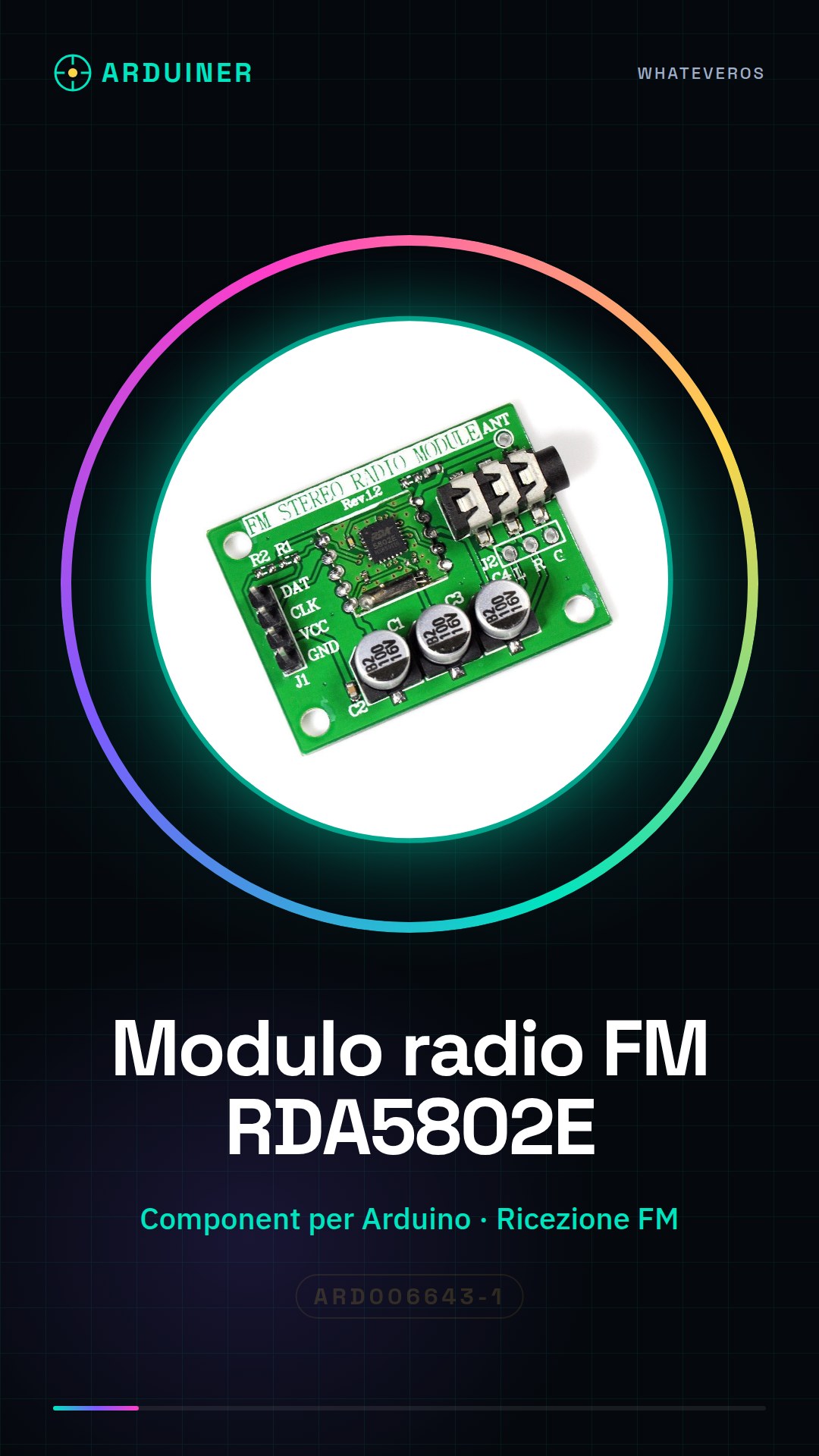
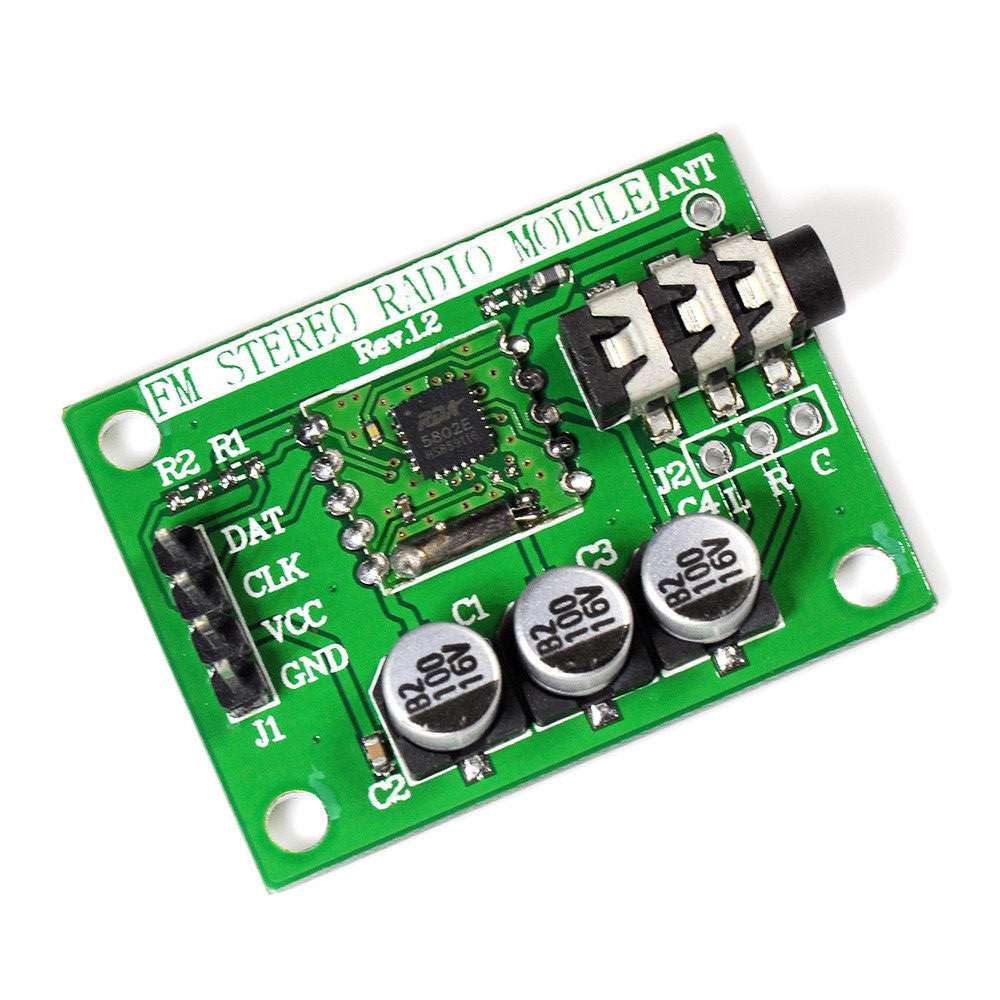
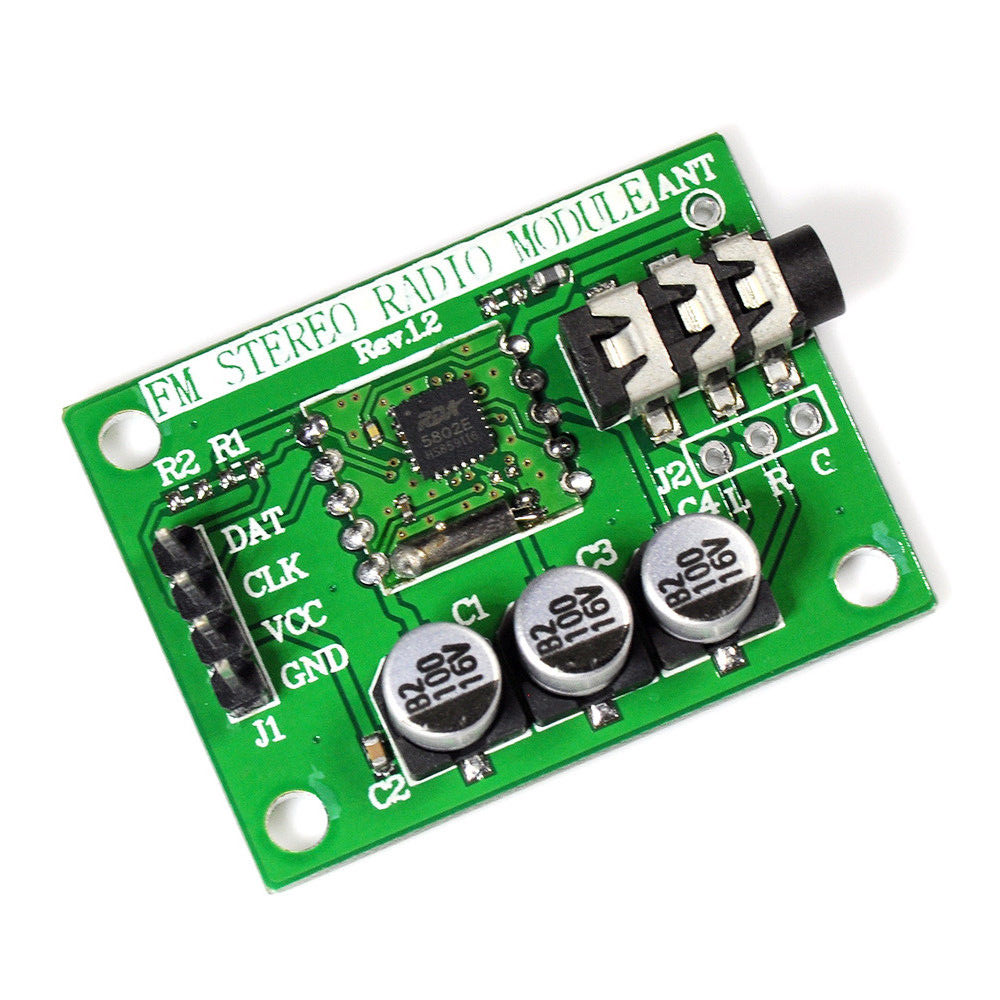
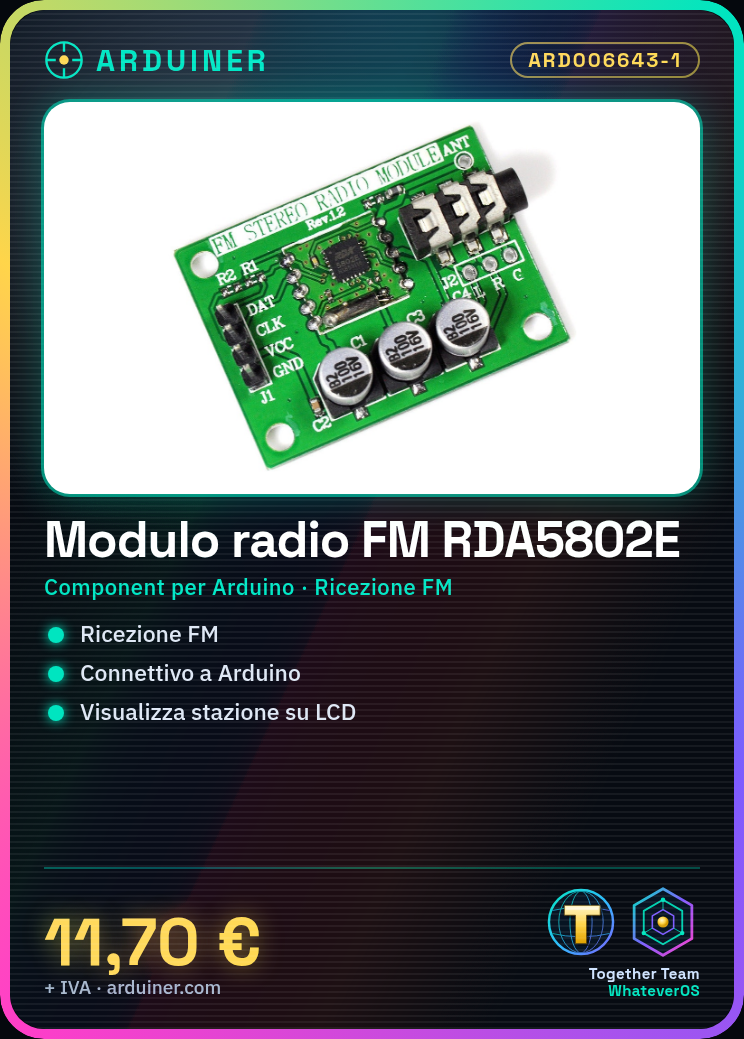
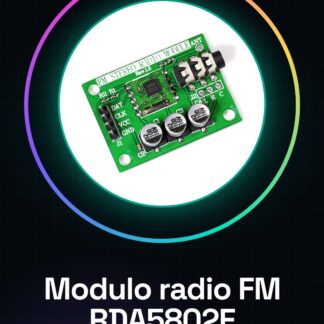
The RDA5802E FM Radio Module is a component for Arduino that allows receiving FM radio transmissions. This module is designed to facilitate the integration of FM radio reception functionality in various electronics and maker projects.
Features
- Component for Arduino
- Enables the reception of FM radio signals
- Ideally suited for projects that require the playback of music or the real-time transmission of news
- Check the datasheet for detailed technical specifications
What it is for
The RDA5802E FM module can be used to create a radio drama, by connecting the module to an Arduino that plays back MP3 audio. Additionally, it can be integrated with a microphone for message recording and with an LCD display to show the station being listened to. It is compatible with Arduino and can be used in projects that require the reception of FM radio signals.
Tutorial: How to Use RDA5802E FM Radio Development Module
The RDA5802E FM module is a useful component for projects requiring FM radio signal reception. Ideal for those who want to create devices that play music or broadcast news in real-time.
What you need
- Arduino Uno or compatible
- USB cable
- Power supply 3.3V-5V
- Electrolytic capacitor
- LED
Steps
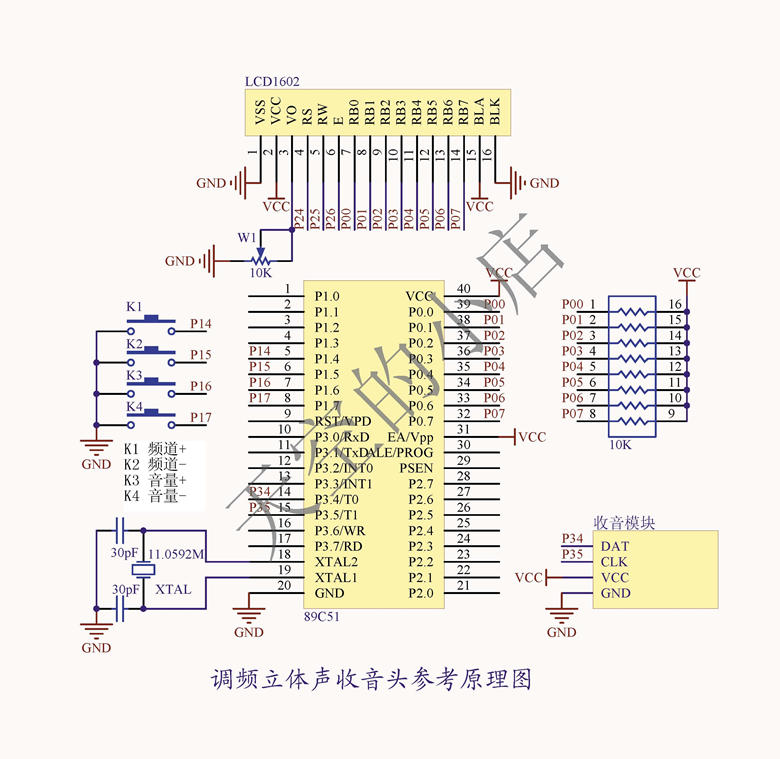
- Connect the module to an Arduino using the pins specified in the datasheet.
- Configure the reception frequency through the Arduino code.
- Verify FM signal reception with an LED that lights up when a signal is present.
- Install the necessary library for the RDA5802E module.
- Write an Arduino sketch to control the module.
- Test the module with a known FM station.
- Add an LCD display to show the station being listened to.
- Customize the project by adding volume control or automatic station selection.
Example code
/* Includi la libreria per il modulo RDA5802E */
#include <RDA5802E.h>

RDA5802E radio;

void setup() {
  radio.begin();
  radio.setFrequency(99.7); // Imposta la frequenza
}

void loop() {
  radio.update();
  Serial.println(radio.getFrequency());
}
Mini project
Create a radio drama: connect the RDA5802E module to an Arduino that plays MP3 audio. Use a microphone to record messages and add an LCD display to show the station being listened to.
Common mistakes
- Set an invalid frequency.
- Do not properly connect the power pins.
- Use an unsupported library.
- Do not update the firmware of the module.
Recommended accessories
- Arduino Uno
- LCD Display 16×2
- Condenser Microphone
- LiPo Battery 3.7V
Frequently asked questions
How can I check if the module is working correctly?
Check FM signal reception using an LED connected to the module.
Which libraries do I need to install?
Install the RDA5802E library for the module.
Reviews
There are no reviews yet.