 EN
 IT Italiano
 ES Español
 FR Français
 DE Deutsch
Description
What it is
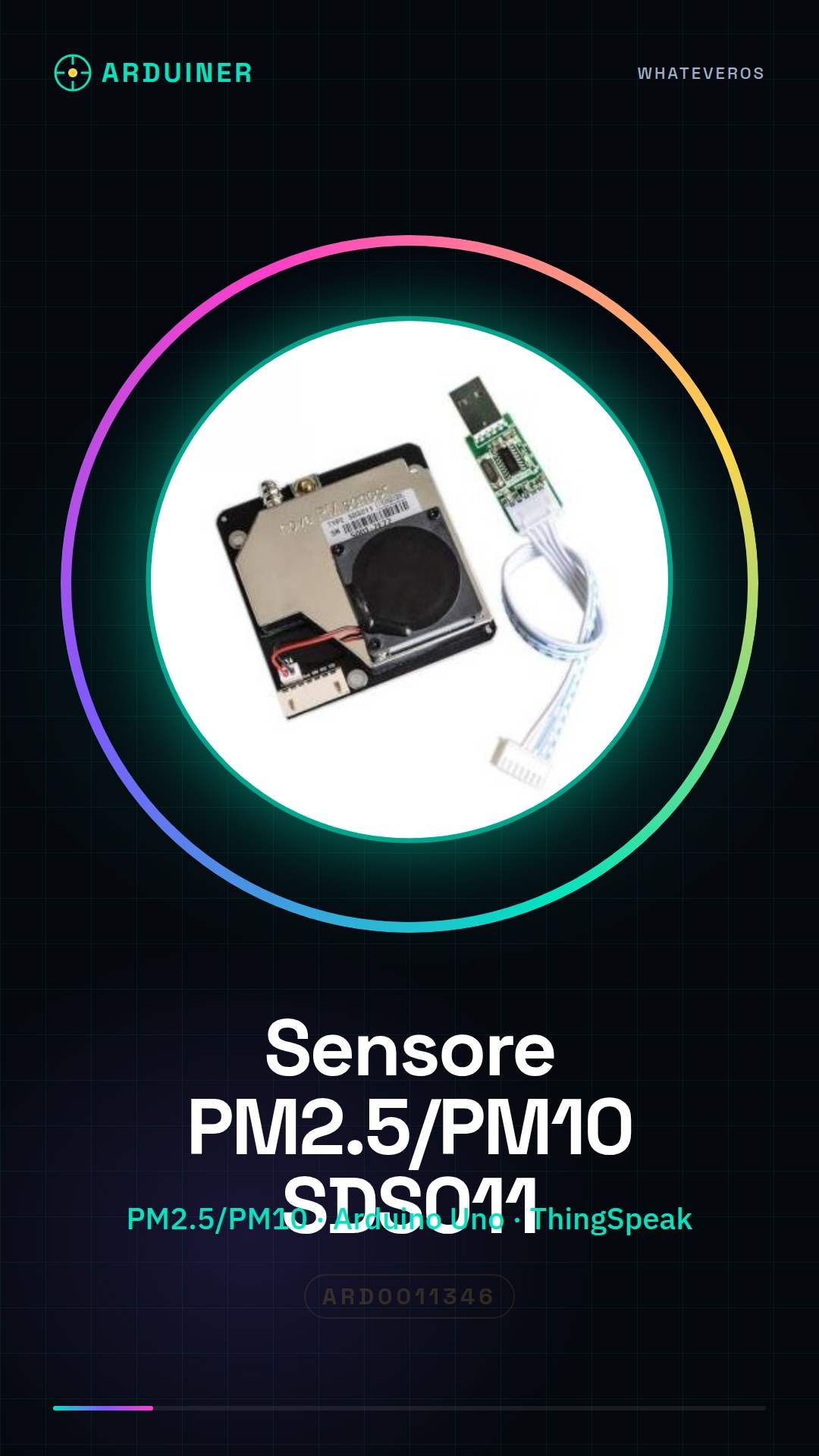
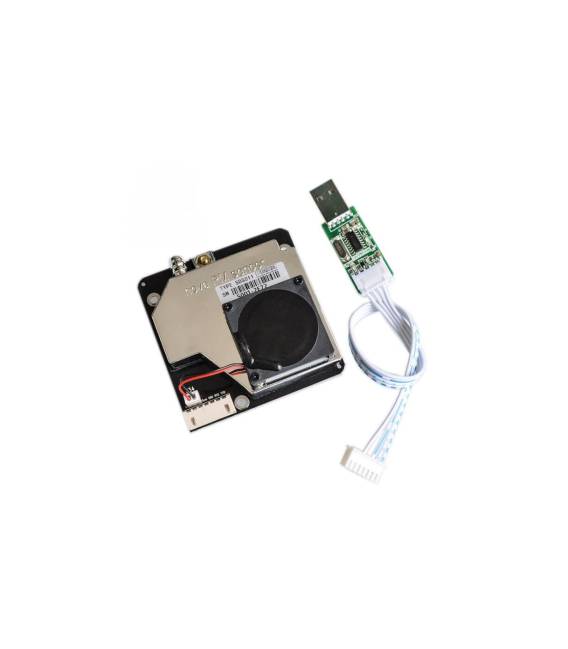
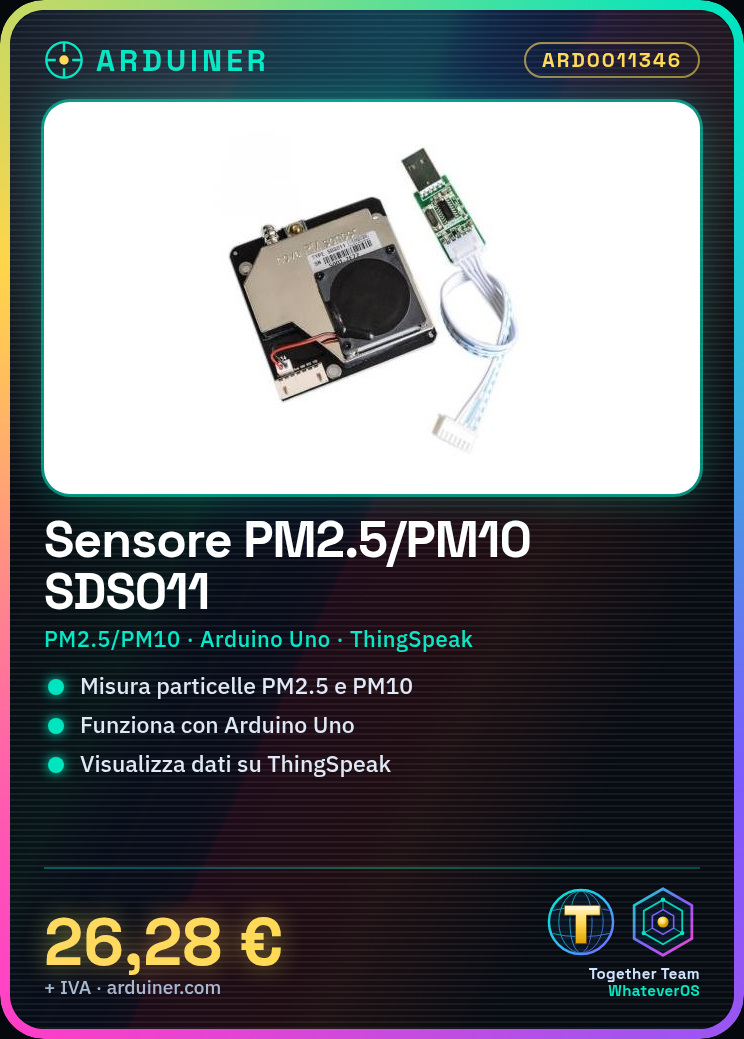
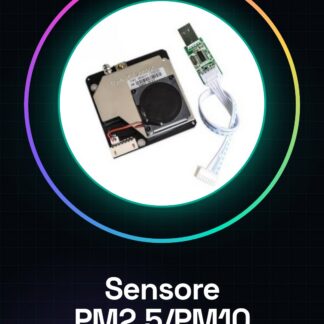
The SDS011 fine dust sensor is a device for measuring PM2.5 and PM10 particles in the air, useful for environmental quality monitoring projects with Arduino.
Features
- Measures PM2.5 and PM10 particles
- High precision for air quality monitoring
What it is for
Develop real-time environmental monitoring systems with Arduino by integrating the SDS011 sensor. Use platforms like ThingSpeak or other online solutions to visualize collected data.
Tutorial: How to Use the Fine Dust Sensor SDS011
The SDS011 sensor is a useful device for monitoring air quality, specifically PM2.5 and PM10 particles. This tutorial will guide you in its use for both 3D printing projects and environmental monitoring systems.
What you need
- Arduino Uno or compatible
- USB A-MicroB cable
- SDS011 Fine Dust Sensor
Steps
- Connect the SDS011 sensor to the Arduino using a TX-RX cable and GND-VCC.
- Download the SDS011 library from GitHub or the product page.
- Insert the provided Arduino code in this tutorial.
- Compile and upload the sketch to Arduino to read data from the sensor.
- View PM2.5 and PM10 values on the Arduino serial monitor.
Example code
/* Includi la libreria SDS011 */
#include <SDS011.h>

// Definisci le pin TX e RX del sensore
#define TX_PIN 2
#define RX_PIN 3

void setup() {
  Serial.begin(9600);
  sds011.setPins(TX_PIN, RX_PIN);
}

void loop() {
  float pm25 = sds011.query(PM25);
  float pm10 = sds011.query(PM10);
  Serial.print("PM2.5: ");
  Serial.println(pm25);
  Serial.print("PM10: ");
  Serial.println(pm10);
}
Mini project
Create a real-time air quality monitoring system with Arduino and SDS011. Display data on an online platform like ThingSpeak.
Common mistakes
- Ensure that TX of the sensor is correctly connected to RX of Arduino, and vice versa.
- Check the version of the SDS011 library used to avoid compatibility issues.
- Make sure the sensor is not overloaded or damaged during installation.
Recommended accessories
- WiFi ESP8266 Module
- 16×2 LCD Screen
- 3D Print Case for Arduino
Frequently asked questions
How can I obtain data from the sensor in JSON format?
Use a serial communication library like JsonSerial to send data in JSON format.
The sensor does not provide accurate data.
Check the product documentation and calibrate the sensor according to the provided instructions.



Reviews
There are no reviews yet.