 EN
 IT Italiano
 ES Español
 FR Français
 DE Deutsch
Description
What it is
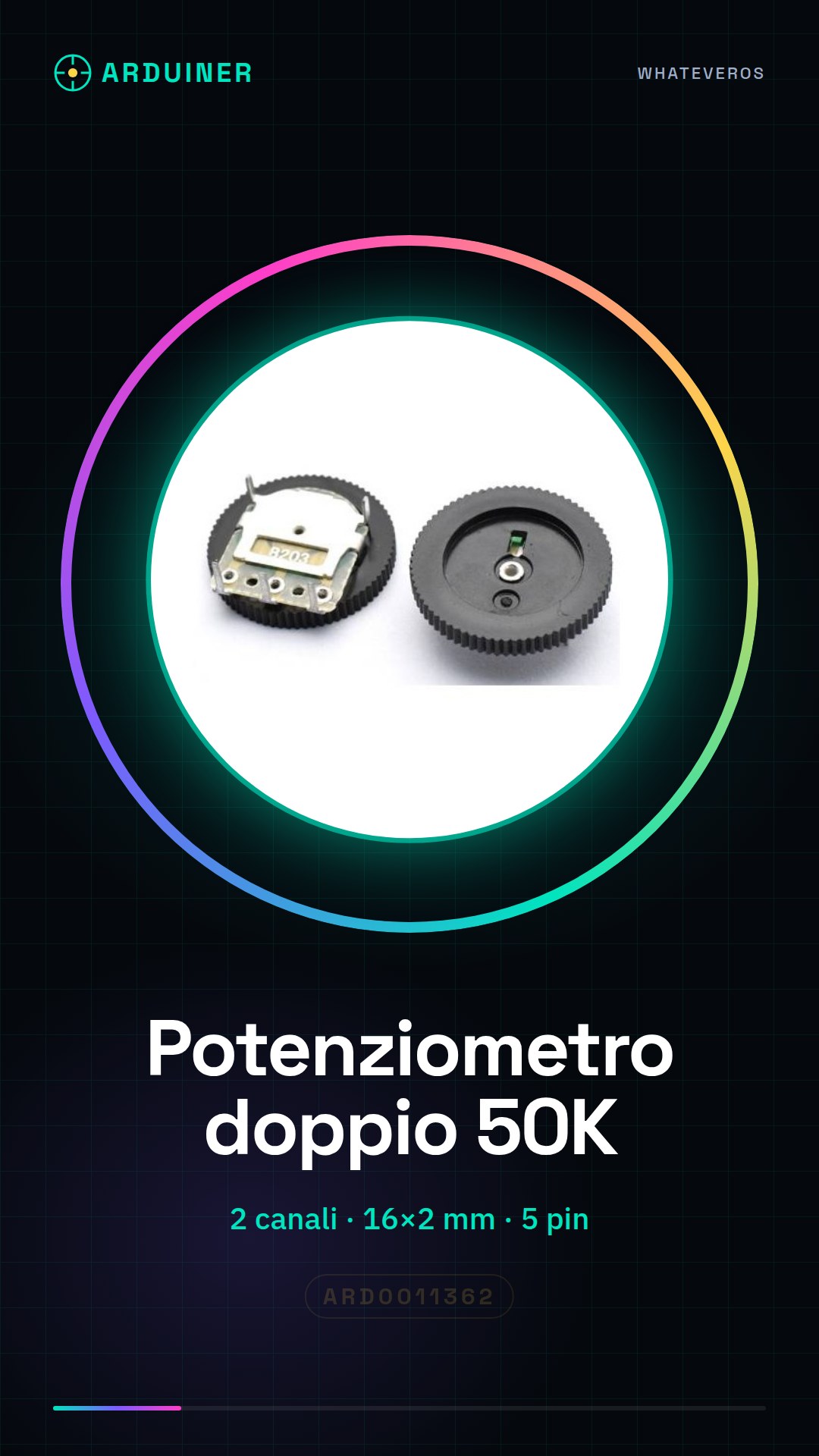
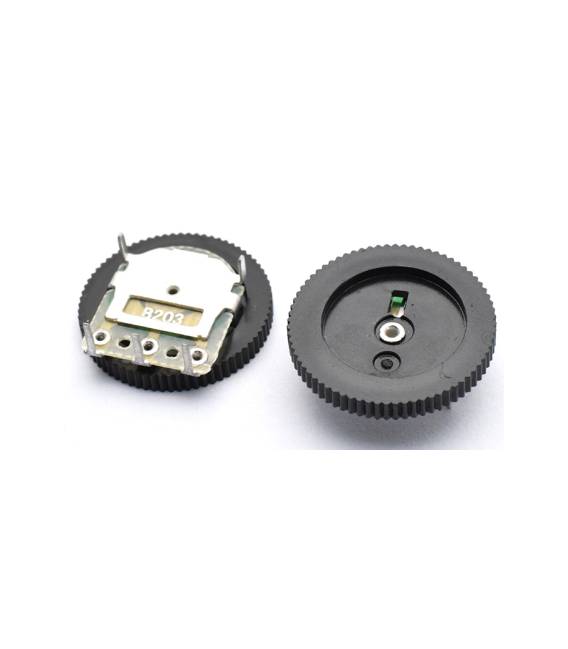
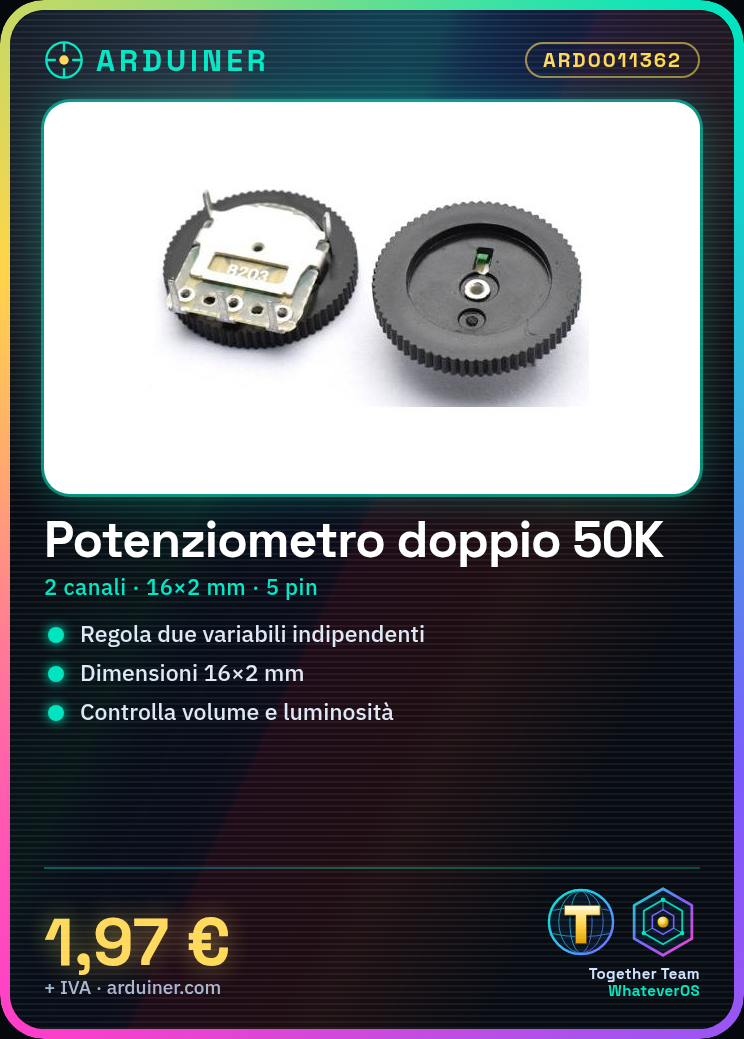
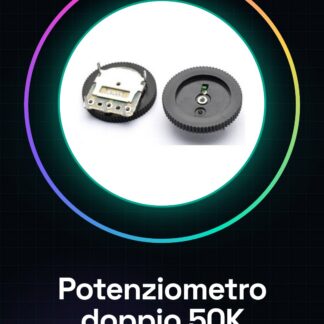
The double quadrant B503 50K potentiometer is an electronic component that allows the resistance value to be adjusted in a circuit. It is a dual channel potentiometer, offering two independent adjustments.
Features
- 2 channels (double quadrant)
- Dimensions 16 * 2 mm
- 5 pins
- Resistance value: 50KΩ
- Type: B503
What it is for
The double quadrant B503 50K potentiometer is ideal for electronic projects where you want to control light intensity, volume, or other analog variables. It is compatible with Arduino and other microcontrollers.
Tutorial: How to use Double Quadrant B503 50K Potentiometer
The double quadrant B503 50K potentiometer is an electronic component useful for adjusting the resistance value in circuits. Ideal for Arduino projects where you want to control light intensity, volume, or other analog variables.
What you need
- Arduino Uno
- USB cable
- 3D printer (for custom cases)
- soldering kit
Steps
- Connect the potentiometer pins to the Arduino digital pins as specified in the datasheet.
- Solder the potentiometer to a breadboard or printed circuit board for increased stability, if necessary.
- Install the necessary library to read the potentiometer values from the Arduino IDE (check the datasheet).
- Write a simple sketch that reads and displays the potentiometer value on the Serial Monitor.
- Verify that the values change correctly as you move the potentiometer knob.
- Design a 3D printed module to protect and improve the appearance of the project (optional).
- Test the complete circuit with different potentiometer positions.
Example code
// Uno sketch semplice che legge i valori dal potenziometro
int sensorPin = A0; // pin di lettura del potenziometro
void setup() {
  Serial.begin(9600);
}
void loop() {
  int sensorValue = analogRead(sensorPin);
  Serial.println(sensorValue);
}
Mini project
Create a lighting control system with this potentiometer. Connect it to an LED and adjust the light intensity by moving the knob.
Common mistakes
- Connect the wrong pin of the potentiometer
- Do not verify the values read from the Serial Monitor
- Solder without first testing the circuit on a breadboard
Recommended accessories
- RGB LED
- Breadboard
- Variable resistor set
- 3D printer for 20€ and 3D printing materials
Frequently asked questions
How can I control multiple devices with a single potentiometer?
Use relays or MOSFETs to control various devices based on the potentiometer value.
What is the difference between this and a linear potentiometer?
This model has a wheel that allows adjusting the value across two quadrants, while the linear one uses a slider.



Reviews
There are no reviews yet.