 EN
 IT Italiano
 ES Español
 FR Français
 DE Deutsch
Description
Tutorial: How to Use FFC Cable 15P A-B 1.5M for Raspberry Pi
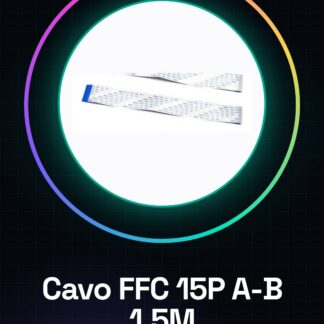
The FFC Cable 15P A-B 1.5M is ideal for connecting devices with FFC connectors to each other, maintaining the typical compact size of these cables. It is particularly useful for Raspberry Pi projects where space reduction is crucial.
What you need
- FFC Cable 15P A-B 1.5M
- Device with FFC Connector
- Raspberry Pi
- Mounting Tools
- Power Connection
- Configuration Software (optional)
Steps
- Check that the FFC Cable is compatible with the connectors of your devices.
- Connect one end of the cable to the source device (e.g., the Raspberry Pi).
- Connect the other end of the cable to the destination device.
- Verify electrical connections with a multimeter or digital multimeter.
- If necessary, install the configuration software to ensure proper communication.
- Test the connection with a simple Python script or an Arduino sketch.
- If everything works correctly, proceed with your project.
- If you have problems, check the connections and verify the connector specifications on the datasheet.
Mini project
Create a remote monitoring system with Raspberry Pi and a temperature sensor connected via FFC Cable 15P A-B 1.5M.
Common mistakes
- Connecting the cable incorrectly.
- Not checking the connections before using the cable.
- Using a cable incompatible with the connectors.
- Not testing the connection before integrating the cable into the project.
Recommended accessories
- FFC Connector Housing
- Digital multimeter
- Assembly tools
- Raspberry Pi configuration software
Frequently asked questions
What is the recommended maximum length for this cable?
Check the cable datasheet for the recommended maximum length.
How can I verify the compatibility of the cable with my devices?
Check the datasheet of your device’s connectors and compare it with the cable’s datasheet.
What is the difference between FFC and FPC?
FFC (Flexible Flat Cable) and FPC (Flexible Printed Circuit) are similar, but FPC is stiffer and is often used for printed circuits.
Reviews
There are no reviews yet.