 EN
 IT Italiano
 ES Español
 FR Français
 DE Deutsch
Description
Tutorial: How to Use FFC Cable 15P A-B 25CM for Raspberry Pi
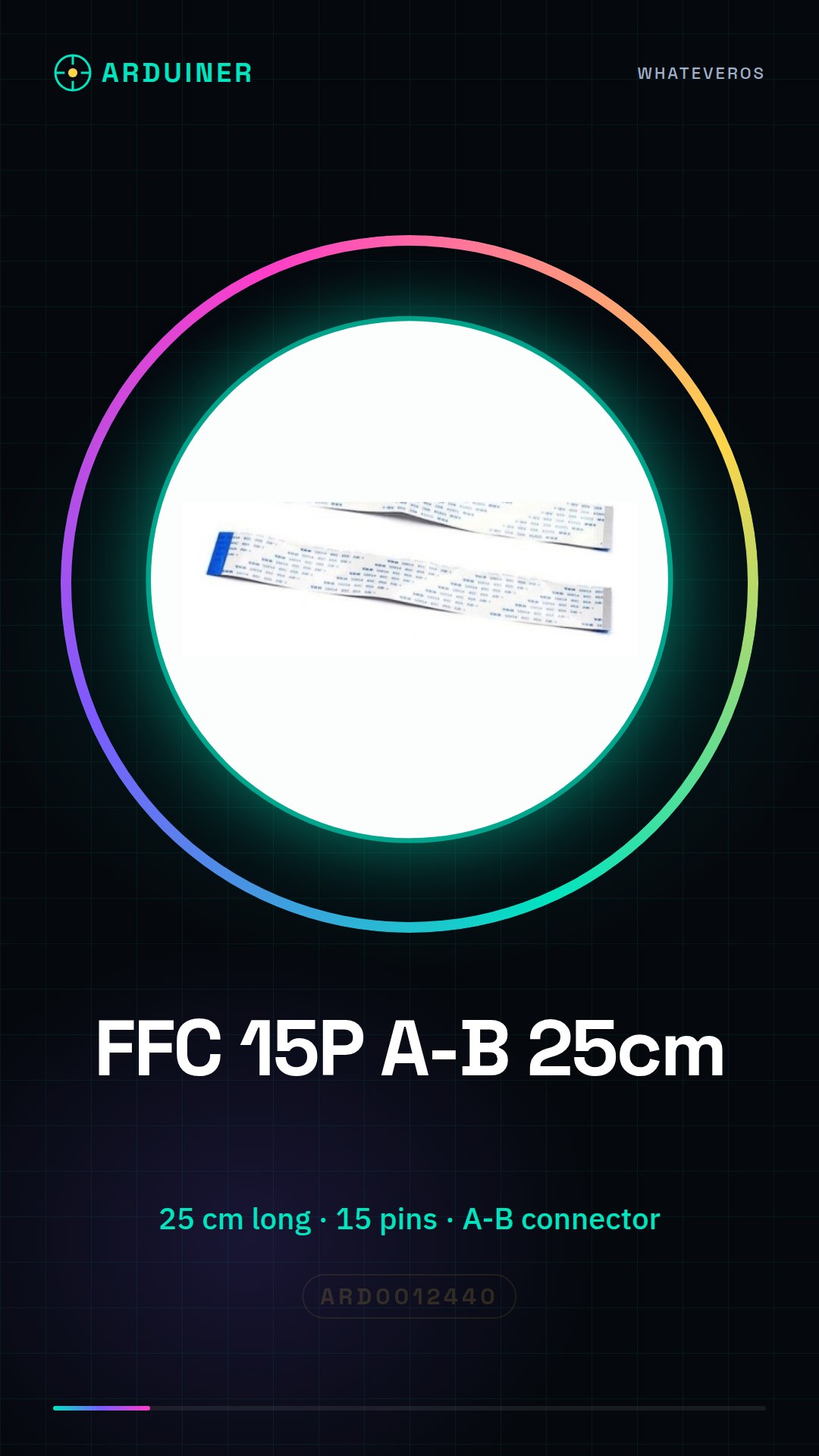
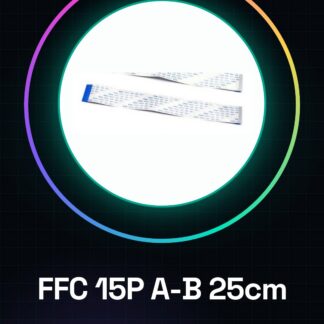
This 25 cm FFC 15P A-B cable is ideal for connecting external devices to the Raspberry Pi in a clean and professional manner. It is perfect for makers and developers seeking a reliable connectivity solution for 3D printing, drones, and more.
What you need
- Raspberry Pi
- External device with FFC 15P connector
- Assembly tools (pliers, screwdriver)
Steps
- Check that the FFC 15P cable is compatible with the Raspberry Pi and external device connectors.
- Gently open the Raspberry Pi’s FFC connector (refer to the datasheet for specifications)
- Insert the FFC cable into the Raspberry Pi connector until it locks.
- Repeat step 3 for the external device’s connector.
- Check the connection to ensure it is secure and stable.
- Verify the functionality of the external device through the Raspberry Pi.
- If necessary, run a software test to verify communication.
- If everything works correctly, the FFC cable is now ready to be used in your project.
Mini project
Create a remote-controlled 3D printing system using a Raspberry Pi. Connect the FFC cable between the Raspberry Pi and the 3D printer control to manage the printing process from a distance.
Common mistakes
- Insert the FFC cable into the connector without opening it first.
- Insert the FFC cable too forcefully, thus damaging the connector.
- Do not check the connection before using the device.
- Do not run a software test to verify communication.
Recommended accessories
- FFC 15P Connector
- 3D Printing Kit
- Drone Kit
- Raspberry Pi Development Kit
Frequently asked questions
Is the FFC 15P cable interchangeable with other models?
Check the datasheet for the connector specifications.
How can I protect the FFC cable?
Use a protective tubing or protective wire to keep the wire clean and protected.
Which devices can use this wire?
Any device that requires a FFC 15P connection.
Reviews
There are no reviews yet.