 EN
 IT Italiano
 ES Español
 FR Français
 DE Deutsch
Description
What it is
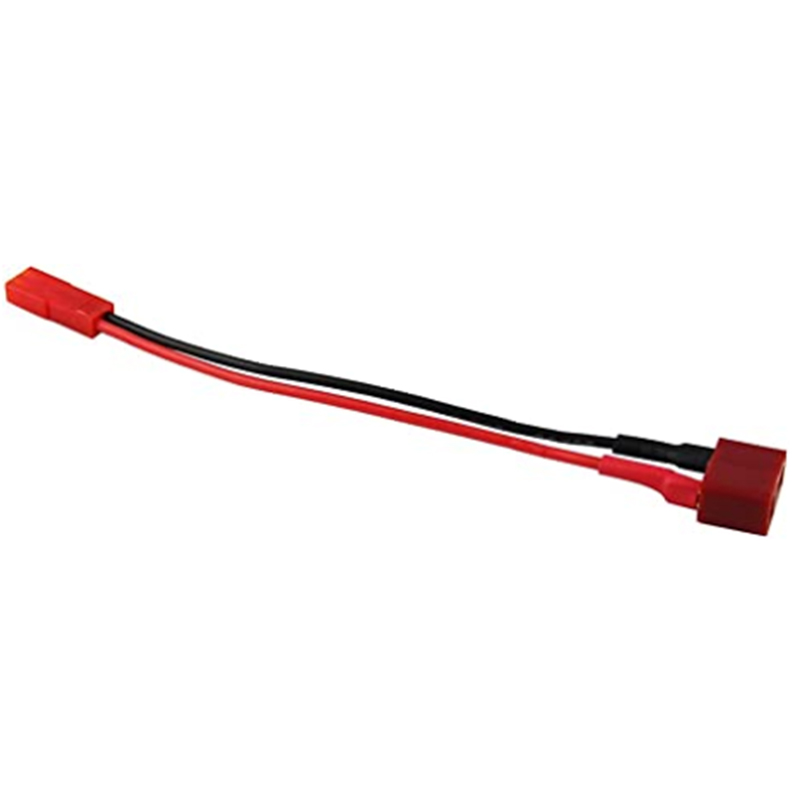
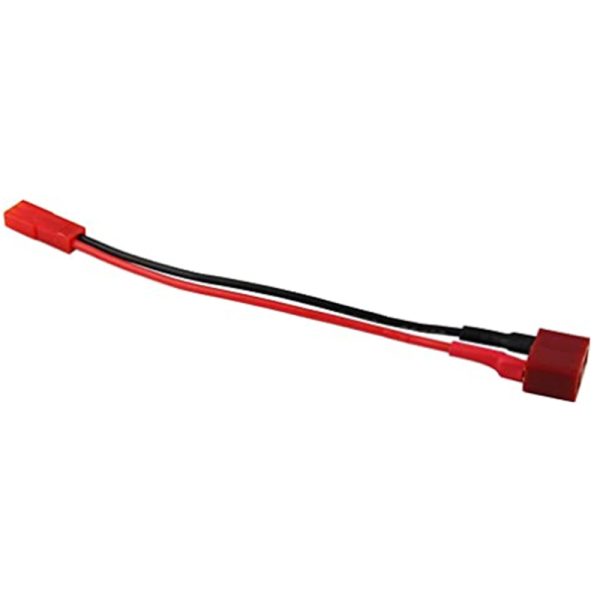
The 10 cm male JST to female DEAN cable is a connector that can be used to easily connect electronic components to each other. This connector is ideal for Arduino, 3D printing, and drone projects.
Features
- Type: Male JST to Female DEAN Cable
- Length: 10 cm
What it is for
This connector can be used to easily connect electronic components to each other. It is ideal for Arduino, 3D printing, and drone projects. It can be used to create a home security system with a motion sensor and a WiFi module connected via DEAN and JST connectors.
Tutorial: How to use the 10 cm male JST to female DEAN connector
The 10 cm male JST to female DEAN connector is a connector that can be used to easily connect electronic components to each other. It is ideal for Arduino, 3D printing, and drone projects.
What you need
- Arduino
- connection between two components
- connection wire
- utility knife
- pliers
Steps
- Cut the connection wire to the required length.
- Insert the wires into the female Dean connector and solder them.
- Insert the wires into the male JST connector and solder them.
- Check the connection between the two connectors.
- Test the connection with a multimeter.
- If everything is correct, the connector is ready to be used in the project.
Mini project
Create a home security system with a motion sensor and a WiFi module connected via Dean and JST connectors.
Common mistakes
- Improperly soldered connections.
- Use of wires that are too thin.
- Male Dean connector not inserted correctly.
- Female JST connector not inserted correctly.
Recommended accessories
- Male Dean connector
- Female JST connector
- Soldering kit
- Precision wire cutter
Frequently asked questions
What electronic components can I connect with this connector?
You can connect any electronic component that has a JST or Dean connector.
How can I verify the connection?
Use a multimeter to test continuity between the wires.

Reviews
There are no reviews yet.