 EN
 IT Italiano
 ES Español
 FR Français
 DE Deutsch
Description
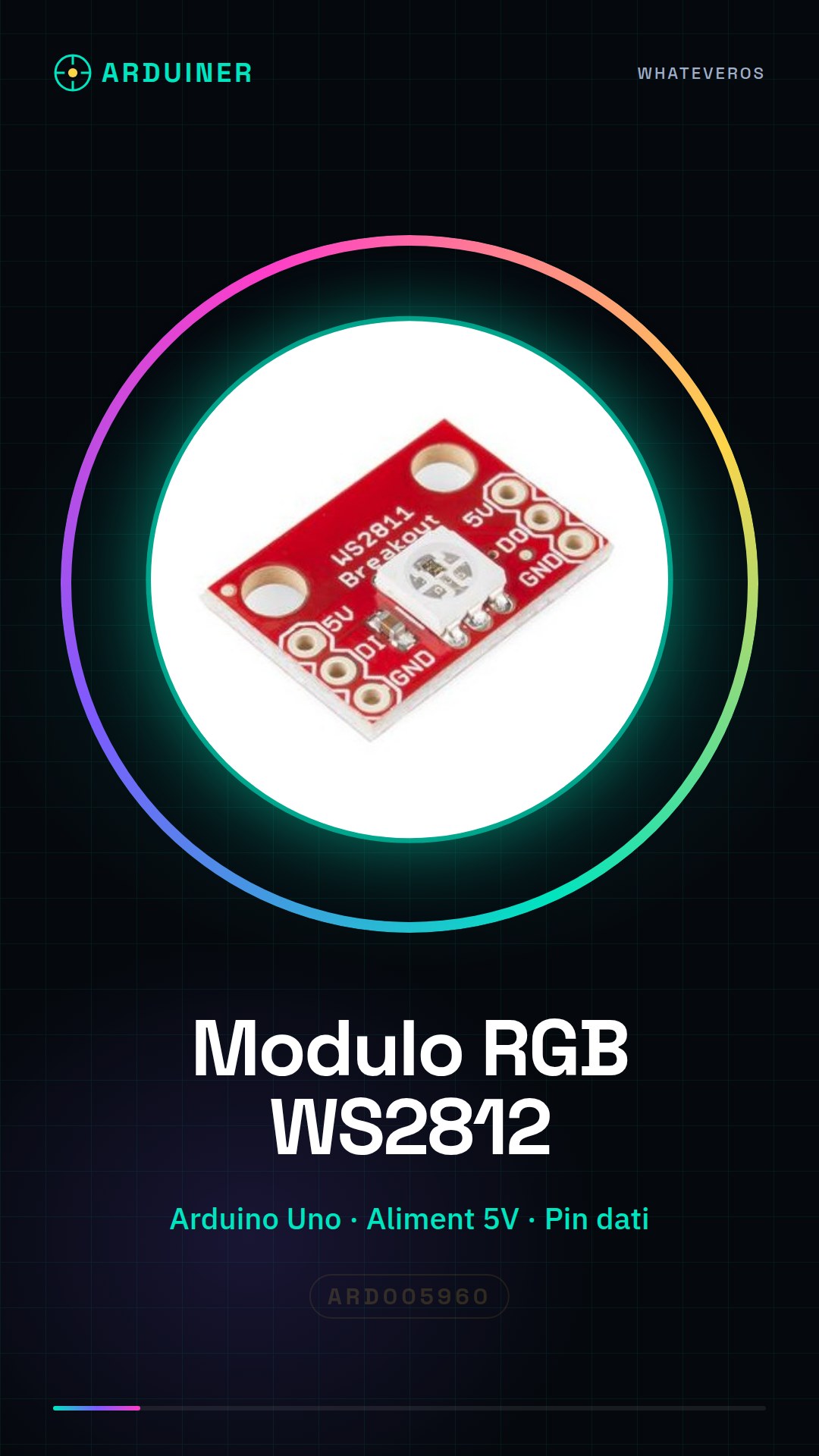
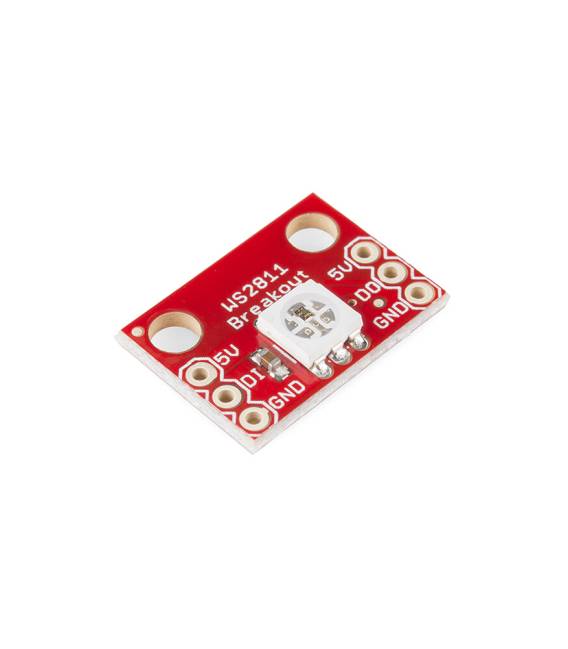
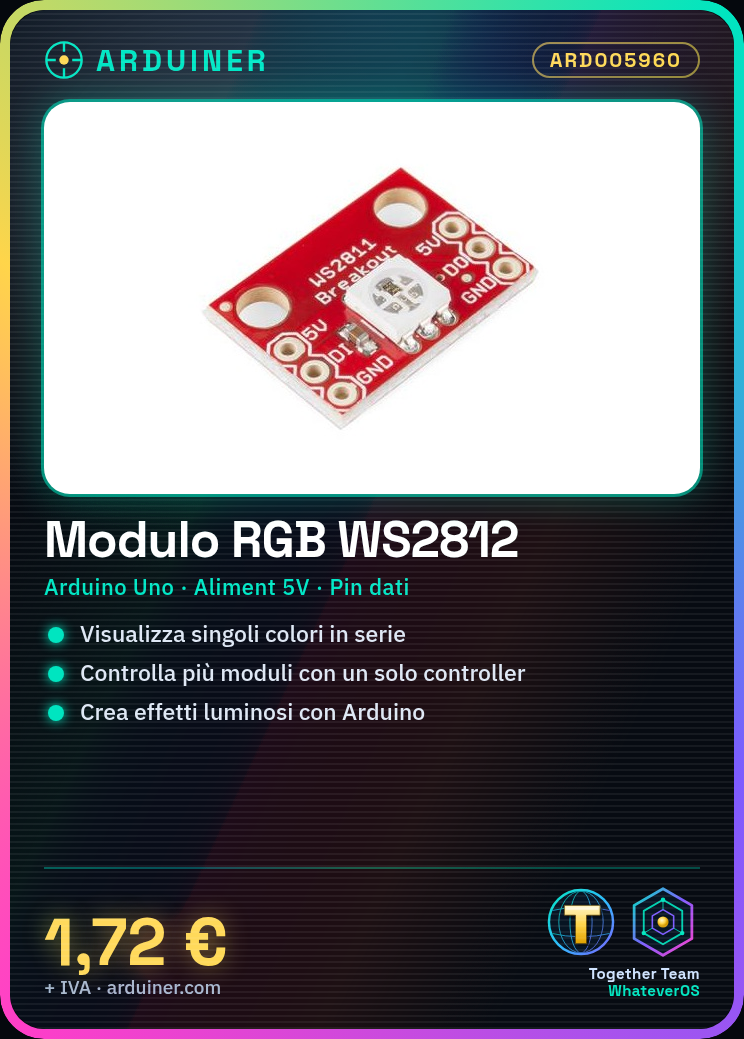
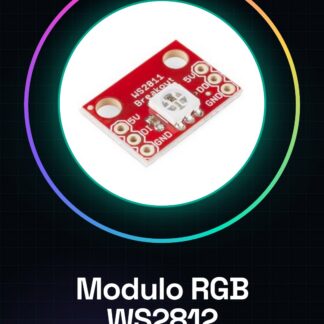
WS2812 RGB LED Breakout Module Arduino
The modules can display individual colors in series
It comes with an internal chip, it can put together all your wishes
Only one controller and two power supply cables are needed to control a number of WS2812 LED modules in series
Tutorial: How to use the WS2812 RGB LED module
The WS2812 module is a useful component for dynamic RGB lighting projects. It is perfect for makers who want to create custom lighting effects with Arduino.
What you need
- Arduino Uno or compatible
- USB cable
- WS2812 module
- 5V power supply
Steps
- Connect the WS2812 module to the Arduino using the data, power, and ground pins.
- Check the connection of the power supply cables to the module.
- Install the Adafruit NeoPixel library in the Arduino software.
- Upload the example sketch provided by the library to your Arduino.
- Modify the code to customize the colors and lighting sequences.
- Check that all settings are correct according to the WS2812 module datasheet.
- Test the configuration with a simple test program.
- Optimize the sketch based on the results obtained.
Example code
Adafruit_NeoPixel strip = Adafruit_NeoPixel(1, 6, NEO_GRB + NEO_KHZ800);
void setup() {
strip.begin();
}
void loop() {
strip.setPixelColor(0, strip.Color(255, 0, 0));
strip.show();
delay(1000);}
Mini project
Create a dynamic RGB lighting for your room using multiple WS2812 modules in series.
Common mistakes
- Data pin not correctly connected.
- Insufficient or incorrect power supply.
- NeoPixel library not installed.
- Number of LEDs in the code differs from the physical one.
Recommended accessories
- USB cable
- Connector set
- Power supply resistor
Frequently asked questions
How can I connect multiple WS2812 modules?
Connect the data pins in series and ensure that all have the same power supply.
What is the power consumption of the WS2812 module?
Check the datasheet for precise information on this data.
Reviews
There are no reviews yet.