 EN
 IT Italiano
 ES Español
 FR Français
 DE Deutsch
Description
What it is
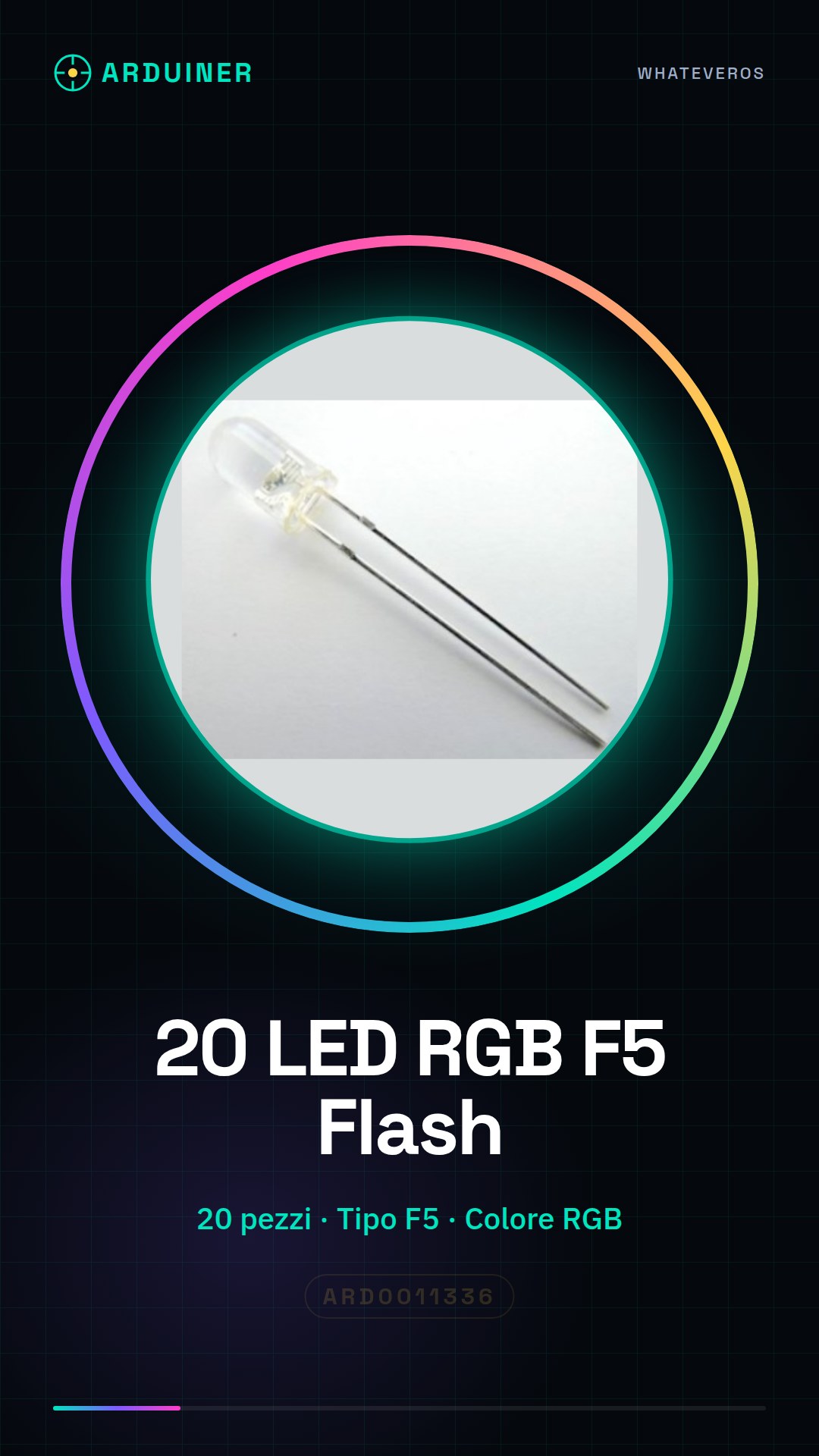
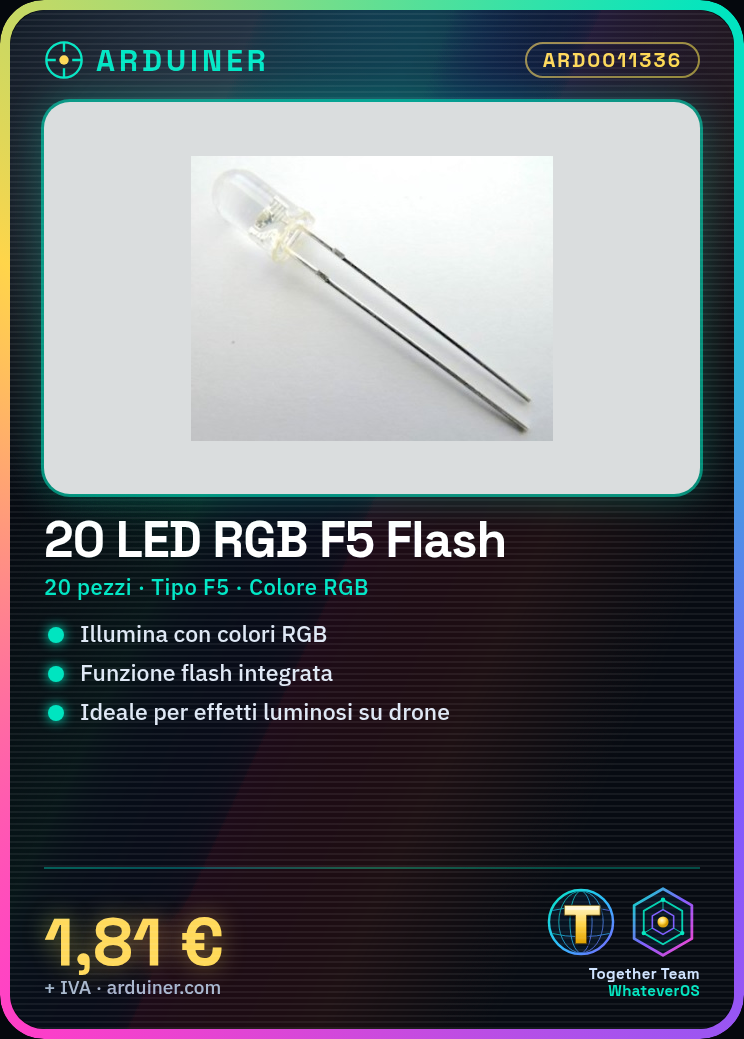
20 Pieces F5 RGB Flash Flash LED are electronic components to illuminate with RGB colors.
Features
- 20 pieces
- Type: F5
- Color: RGB
- Function: Flash
What it is for
Ideal for creating lighting effects on drones and robots. Perfect for electronic projects such as RGB chandeliers controlled by Arduino.
Tutorial: How to use F5 RGB Flash LED
These RGB F5 LEDs are ideal for illuminating electronic projects with multi-color lighting effects. They are perfect for beginners and makers who want to add a touch of light to their projects.
What you need
- Arduino Uno
- USB cable
- 5V power supply
- Head connections
Steps
- Connect the RGB LED to pin 9 of the Arduino using a protective resistor.
- Open the Arduino IDE and load the example sketch for RGB control.
- Check that the RGB LED changes color in response to program commands.
- Modify the sketch to create custom lighting effects.
- Check the datasheet for the correct operating voltage of the RGB LED.
Example code
void setup() {
  pinMode(9, OUTPUT);
}

void loop() {
  analogWrite(9, 128); // Imposta il colore del LED RGB
}
Mini project
Create an RGB light fixture controlled by Arduino: connect several RGB LEDs, write a sketch to control the colors and add a light sensor to adjust the brightness.
Common mistakes
- Do not use a protective resistor.
- Connect the RGB LED directly to a voltage higher than the supported one.
- Do not verify the connection pins.
- Do not update the sketch to customize lighting effects.
Recommended accessories
- Resistor for LED
- Arduino Uno
- Head connections
- Light sensor
Frequently asked questions
How can I control the color of the RGB LED?
Using the analogWrite() function for the Arduino PWM pins.
What is the operating voltage of the RGB LED?
Check the datasheet for the correct operating voltage.



Reviews
There are no reviews yet.