 EN
 IT Italiano
 ES Español
 FR Français
 DE Deutsch
Description
What it is
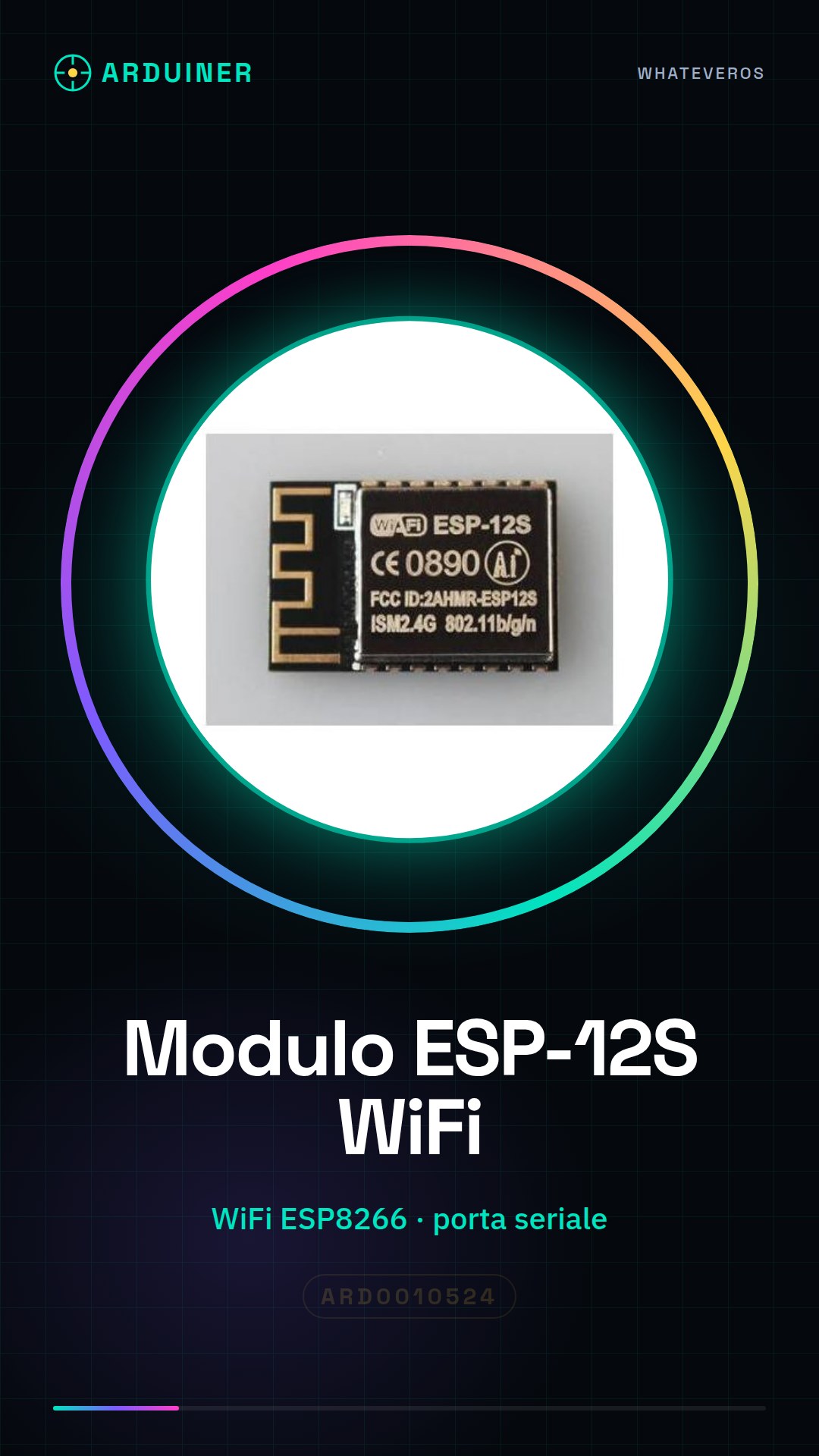
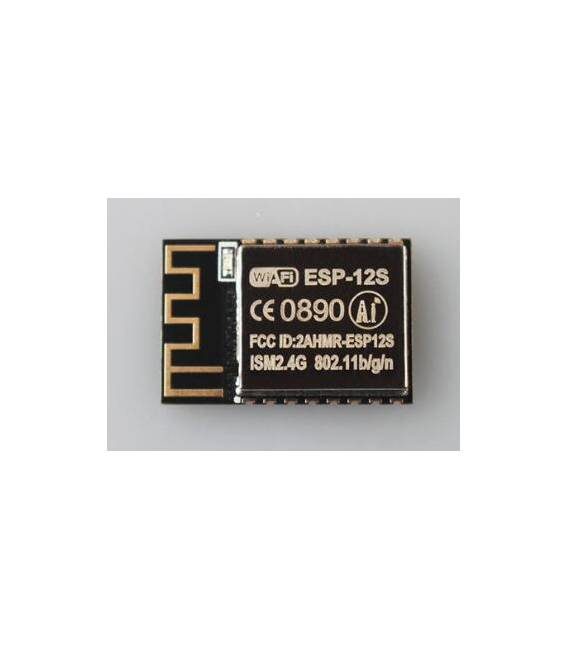
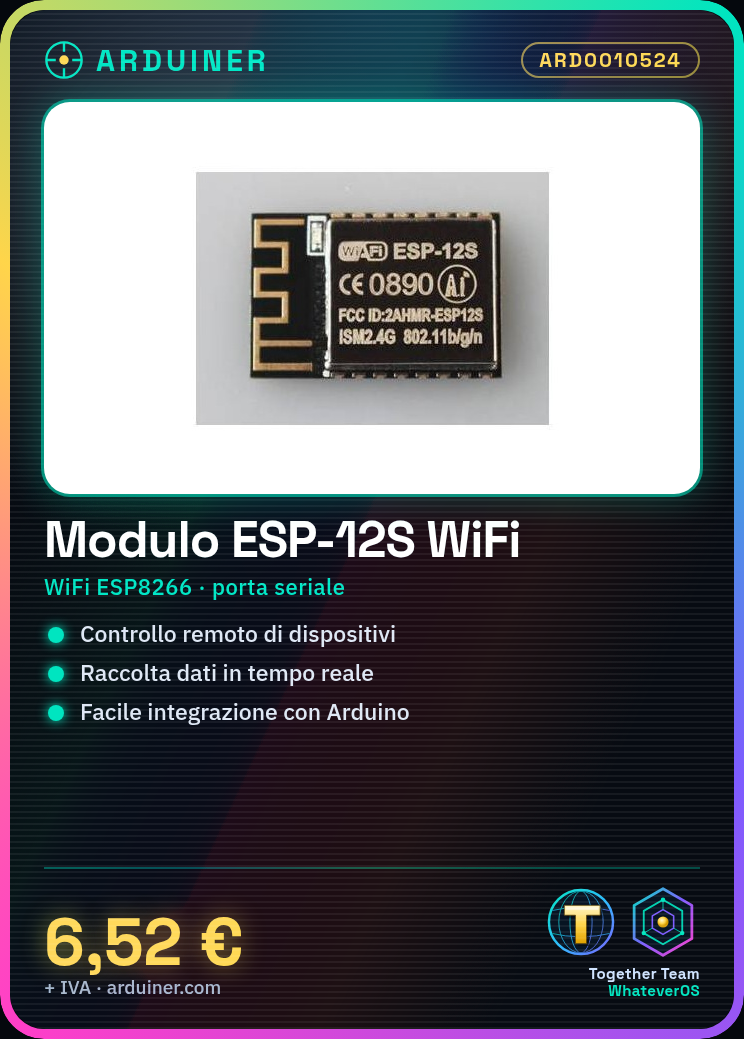
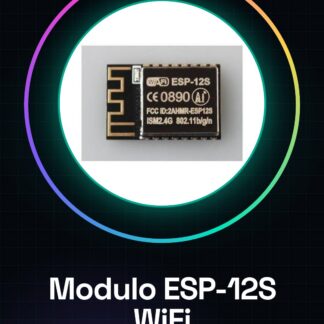
The ESP-12S Wireless ESP8266 Remote Serial Port WiFi Module (ESP-12F Update) is a WiFi module designed for wireless communication with Arduino. It is an essential component for connecting Arduino projects to the Internet, allowing remote control of devices and real-time data collection.
Features
- WiFi Connector for Arduino
- Based on ESP8266 chip
- Serial Port
- Compatible with Arduino (check datasheet)
- Update compared to ESP-12F module (check datasheet)
What it is for
The ESP-12S module is ideal for IoT projects. You can use it to create remote control devices, wireless sensors, monitoring systems, and much more. Its ease of integration makes it suitable for both beginners and expert developers. For example, you can use the `SoftwareSerial` library to create a simple remote control device for a lamp.
Tutorial: How to Use ESP-12S
The ESP-12S module is an essential component for connecting your Arduino projects to the Internet. It is useful for beginners and intermediates.
What you need
- ESP-12S
- Arduino
- USB Cable
- PC with Arduino IDE
Steps
- 1. Download and install the Arduino IDE.
- 2. Connect the ESP-12S to your Arduino using the following pins: TX-10, RX-8, GND-6, 3.3V-1.
- 3. Open a new sketch in the Arduino IDE.
- 4. Insert `#include <SoftwareSerial.h>`.
- 5. Define `SoftwareSerial mySerial(10, 8);`.
- 6. Add `mySerial.begin(9600);` in the `void setup()` function.
- 7. Add `mySerial.println(“Hello, world!”);` in the `void loop()` function.
- 8. Upload the code to your Arduino.
Example code
```void setup() { SoftwareSerial mySerial(10, 8); mySerial.begin(9600);}void loop() { mySerial.println("Ciao, mondo!");}Mini project
Create a simple remote control device for a lamp using the `SoftwareSerial` library.
Common mistakes
- Fail to connect the pins correctly.
- Forget to upload the code.
- Set the wrong speed.
- Don’t forget to include the `SoftwareSerial` library.
Recommended accessories
- FTDI cable
- LED lamp
- 1kΩ resistor
- Buttons
Frequently asked questions
How to set up the pins correctly?
Connect TX of ESP-12S to 10 of Arduino and RX to 8. GND to 6 and 3.3V to 1.
Why doesn’t the code work?
Check the pin connections and the inclusion of the `SoftwareSerial` library.
Does the module require external power?
No, 3.3V power is sufficient.
Can I use a different power supply than 3.3V?
Check the datasheet to see if it supports other voltages.
Reviews
There are no reviews yet.