 EN
 IT Italiano
 ES Español
 FR Français
 DE Deutsch
Description
What it is
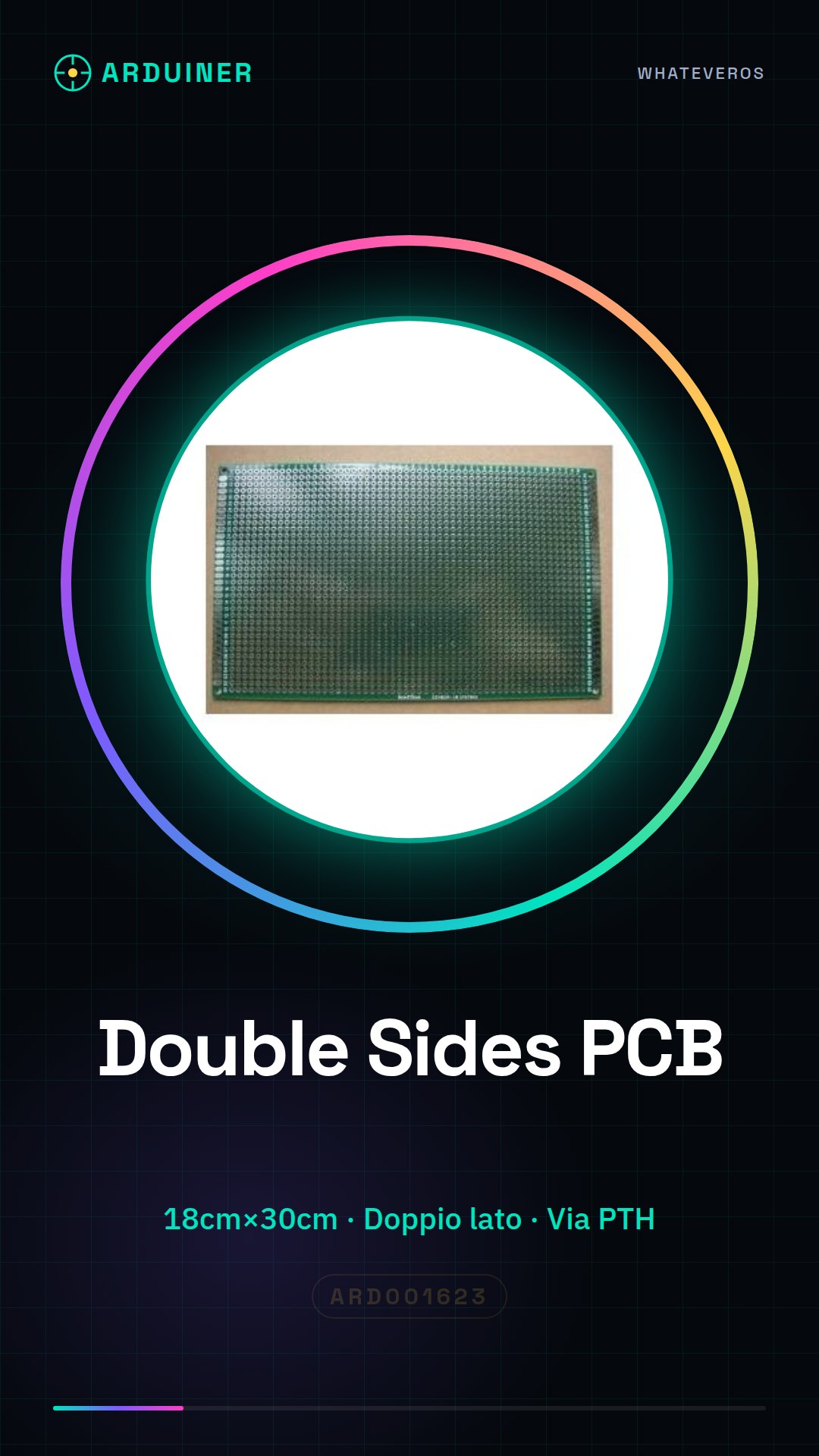
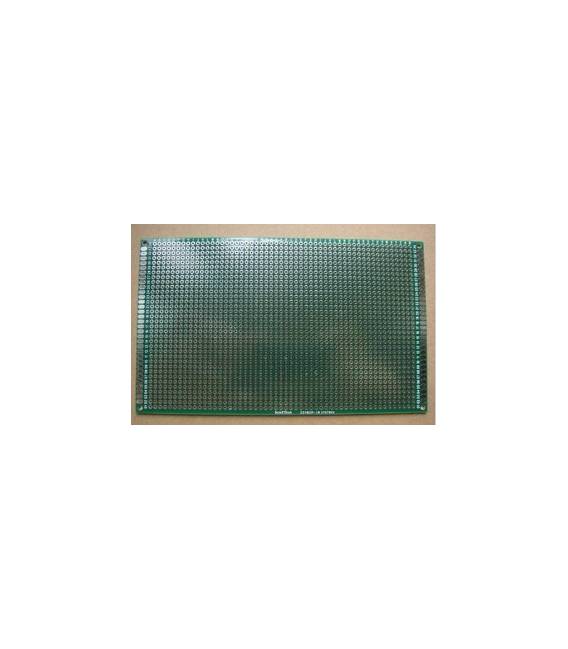
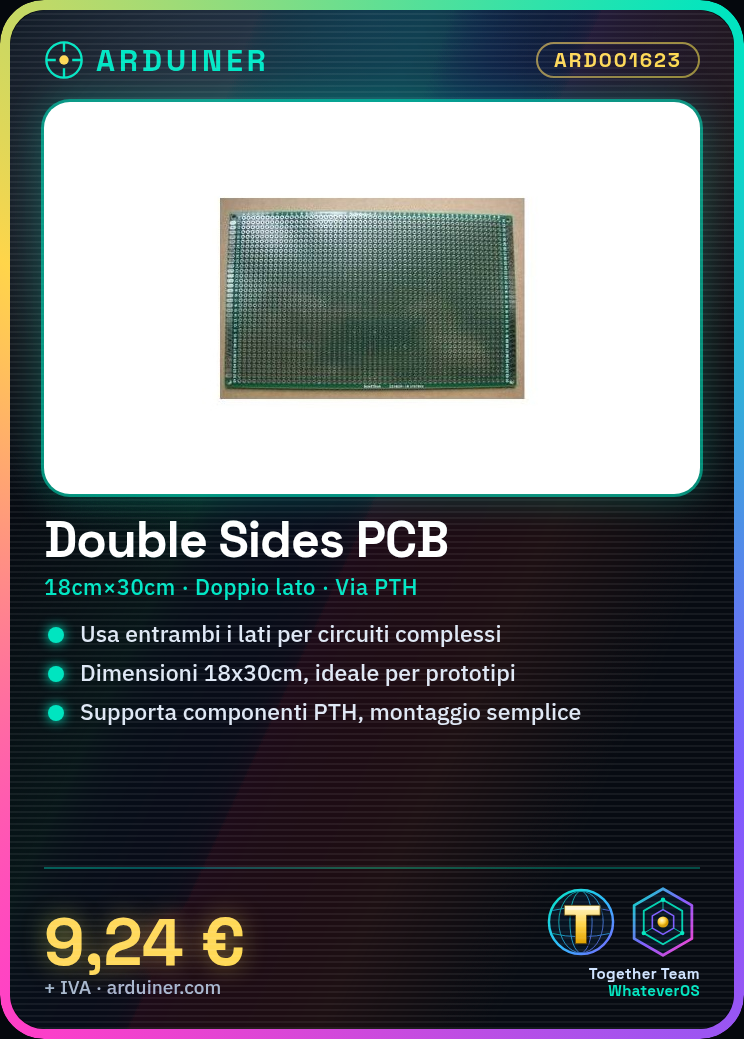
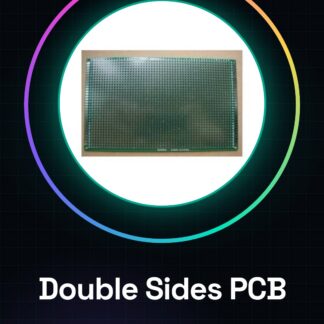
The PCB Double Sides board is an essential component for electronic projects, ideal for both beginners and experts. This type of board allows the use of both sides of the PCB support to create complex circuits or simple prototypes.
Features
- Type: Double-sided PCB board with PTH (Perfected Through Hole) via
- Size: 18cm x 30cm
- Usable for electronic circuit experiments and prototypes
What it is for
It allows for easy connection of electronic components on both sides of the board, providing greater flexibility in circuit design. It is suitable for creating simple prototypes such as a motion alarm circuit using a PIR sensor, an LED, and a resistor.
Tutorial: How to use Double Sides
The Double Sides is a perfect PCB for experiments and prototypes, ideal for beginners and intermediates. It is used to easily connect electronic components on both sides.
What you need
- Double Sides
- Electronic components (e.g. resistors, LEDs, transistors)
- PTH (Pin Through Hole) connector
- Electronic tools
Steps
- 1. Measure the Double Sides (18cm x 30cm) with a ruler.
- 2. Identify the pins on both sides of the board.
- 3. Connect the PTH components to the correct pins.
- 4. Use a multimeter to check the connections.
- 5. Mount an LED on a pin and connect the resistor to ground.
- 6. Check the datasheet for further details.
- 7. Repeat for other components.
- 8. Mount an anti-static protector to protect the board.
Mini project
Build a simple motion alarm circuit using a PIR sensor, an LED, and a resistor.
Common mistakes
- Do not check the connections before mounting all components.
- Connect non PTH components.
- Skip using an anti-static wrist strap.
- Do not follow the correct pins on the datasheet.
Recommended accessories
- Multimeter
- PTH Connector
- LED
- Resistor
Frequently asked questions
Can I use Double Sides with SMD components?
No, Double Sides supports only PTH components.
How long does it take to mount the components?
Depending on the complexity of the project, about 30 minutes.
Can I use Double Sides for complex circuits?
Yes, but check the electrical load and component density before starting.
What tools are necessary?
Electronic tools, multimeter, and tweezers.
Reviews
There are no reviews yet.