 EN
 IT Italiano
 ES Español
 FR Français
 DE Deutsch
Description
What it is
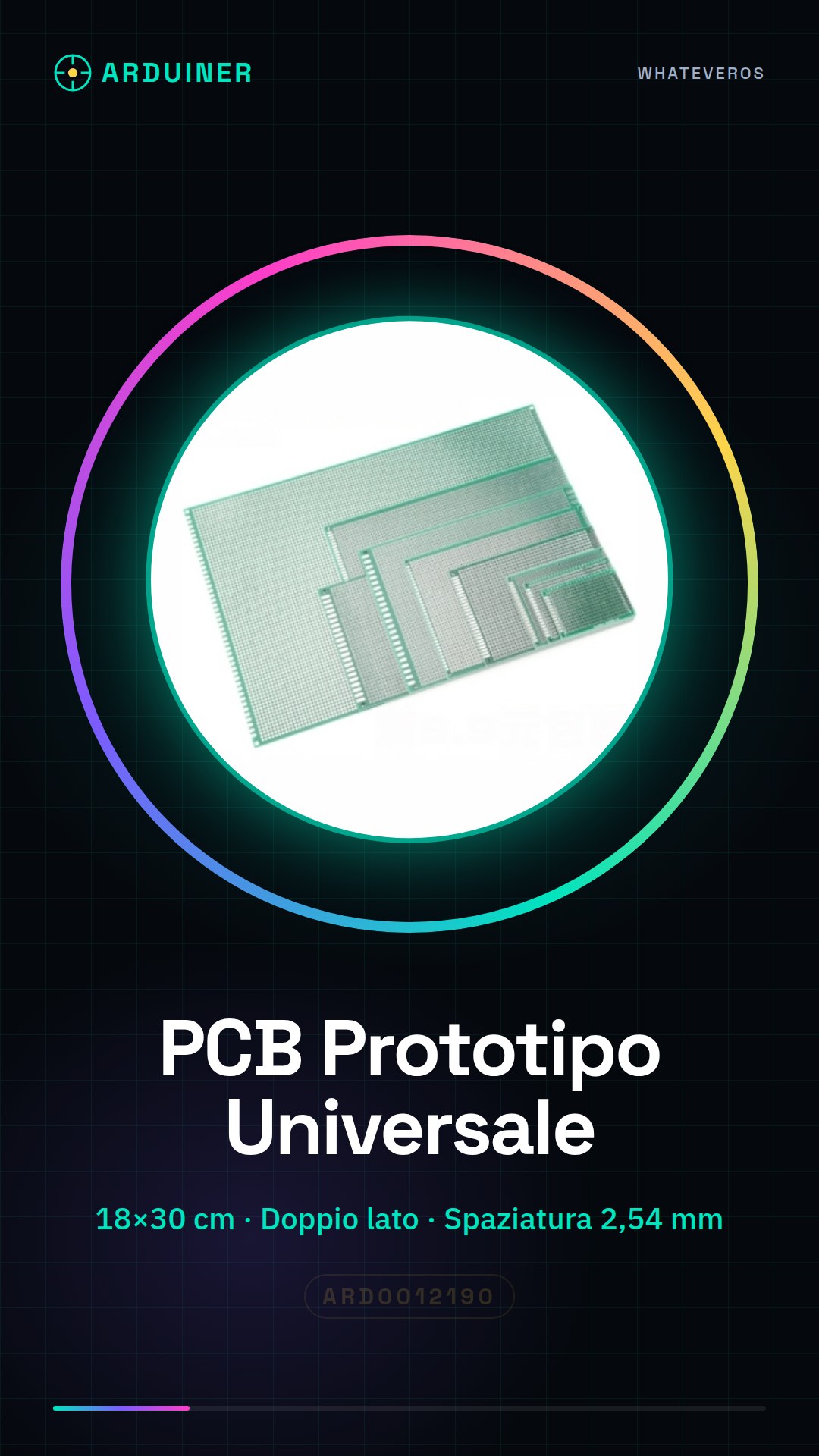
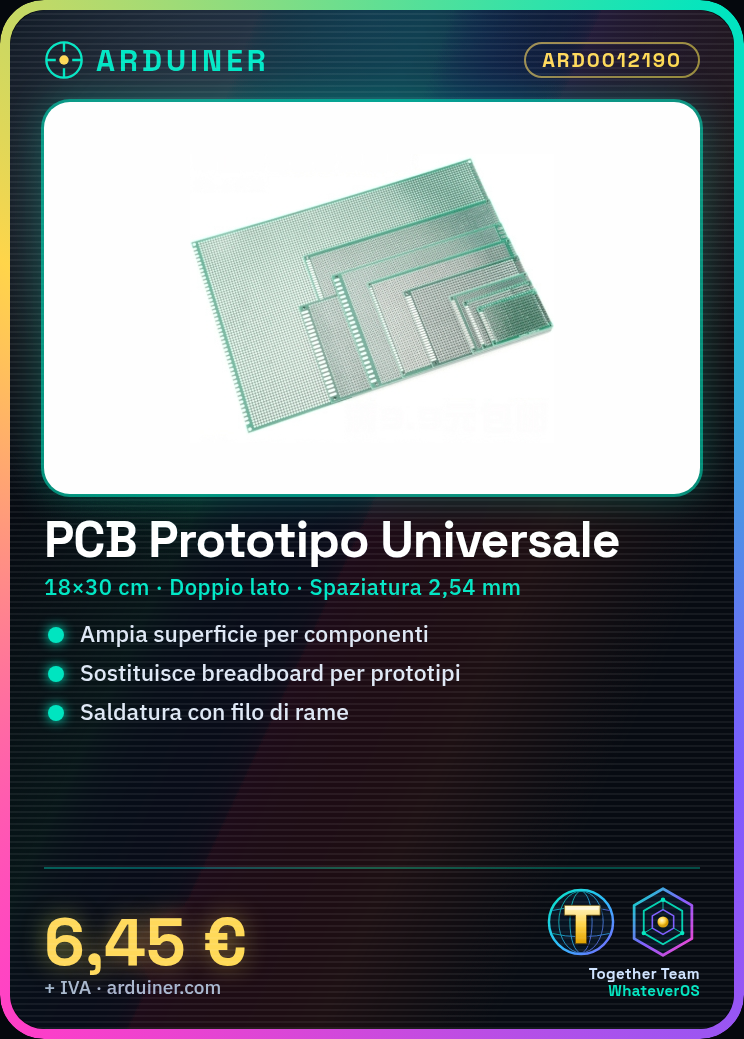
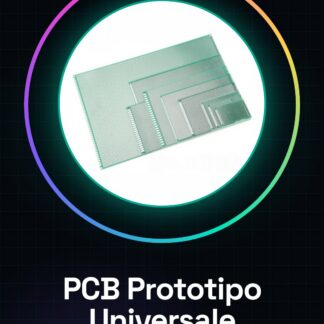
The universal PCB prototype double-sided board 18 * 30 cm 2,54 mm is a support for the realization of electronic prototypes. It offers a large surface on which to position components and connections, replacing the breadboard for more defined projects.
Features
- Dimensions: 18 * 30 cm
- Double-sided
- Hole spacing: 2,54 mm
What it is for
Ideal for the realization of electronic prototypes, it allows to connect components and test circuits without having to resort to the breadboard. It can be used with Arduino and other microcontrollers for the realization of electronic projects.
Tutorial: How to use the Universal PCB Prototype
The double-sided universal PCB prototype of dimensions 18 * 30 cm with 2.54 mm spacing is an essential component for makers and students who wish to explore electronic projects. This printed circuit board offers a widely available surface for creating prototypes without having to use a breadboard.
What you need
- Universal PCB
- copper solder
- thermal fan
- punching tool
- dust brush
Steps
- Prepare the PCB by cleaning it with a dust brush to remove any impurities.
- Use the copper impregnated flux and apply it to the surface of the PCB.
- Allow the flux to dry completely before proceeding with the use of solder.
- Place the electronic components on the PCB using the punching method to create the connections.
- Use a soldering iron and copper wire to establish connections between the components.
- Check connection stability with a magnifying glass or mirror.
- Test the entire circuit with a multimeter to ensure there are no short circuits.
- If necessary, apply a protective coating to the surface of the PCB to prevent corrosion.
Mini project
Create a simple LED interface with an Arduino and your universal PCB prototype. Connect several LEDs to the PCB using solder, then write a sketch that makes the LEDs blink in sequence.
Common mistakes
- Do not clean the PCB completely before use.
- Omit the drying phase after applying the copper coating.
- Ignore connection verification before the final test.
- Use an inadequate protective coating or do not apply it at all.
Recommended accessories
- Soldering kit
- Electronic component set
- Multimeter
- Magnifying glass
Frequently asked questions
How can I protect my PCB from rust?
Apply a protective coating such as anti-corrosion spray or use a protective solution immersion technique.
What tools are needed to make secure connections on the PCB?
You need a soldering iron, copper wire, and a mirror or magnifying glass for connection verification.
Can I use this PCB without copper plating?
Yes, but it is recommended to apply a protective coating after establishing the connections to protect the circuit from potential environmental damage.
Reviews
There are no reviews yet.