 EN
 IT Italiano
 ES Español
 FR Français
 DE Deutsch
Description
What it is
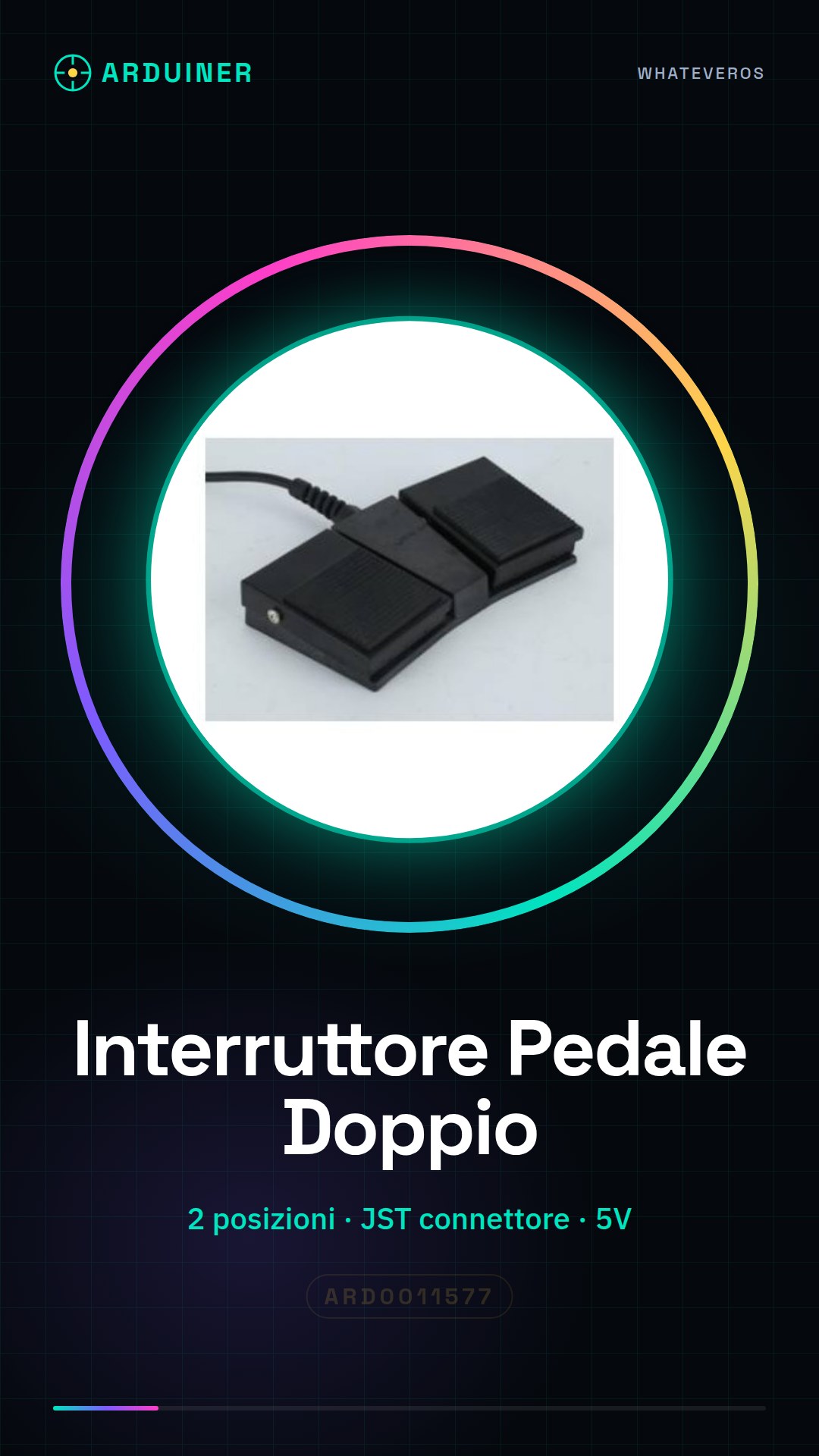
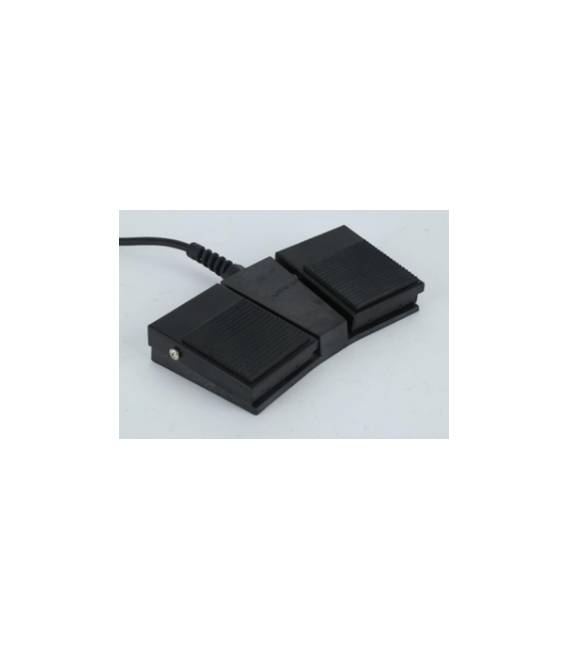
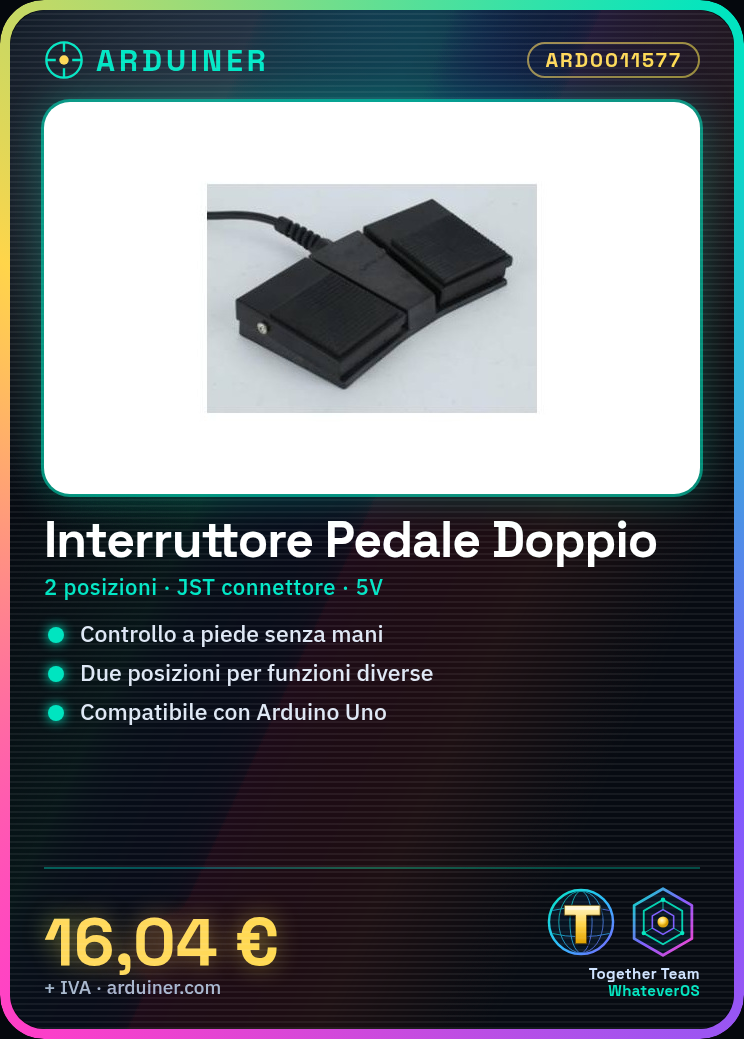
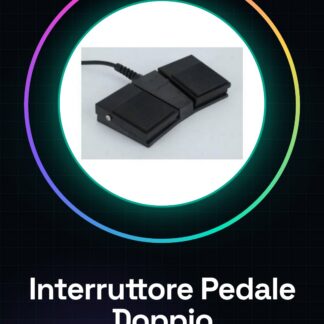
The double position foot switch is an electronic component designed to be activated with the foot, allowing control of electronic devices without the use of hands. This type of switch offers two distinct positions that can be used in various types of projects.
Features
- Double Position Function
- Ideally suited for electronic and Arduino use
What it is for
The foot switch is ideal for musicians playing electric instruments, allowing control of activation or deactivation of devices without interrupting the performance. Additionally, it can be used in DIY projects where hands-free operation is desired for other activities. It can be easily integrated with Arduino to create automatic control systems.
Tutorial: How to Use the Double Position Foot Switch
The double-position foot switch is ideal for controlling electronic devices with your foot, making interactions more convenient. It’s perfect for musicians playing electric instruments or anyone who wants to free up their hands during DIY projects.
What you need
- Arduino Uno
- JST Connector
- 5V Power Supply
Steps
- Connect the JST connector of the foot switch to a digital pin on the Arduino.
- Configure the pin as input in the Arduino sketch.
- Write a sketch that reads the pin state and activates a function when the switch changes position.
- Check the datasheet to see if pull-up or pull-down resistors are needed to improve the stability of the reading.
- Test the system by pressing the foot switch and observe the reactions of the connected device.
- If necessary, adjust the sensitivity values in the code to achieve more precise responses.
Example code
const int interruptPin = 2;
int state = HIGH;
void setup() {
pinMode(interruptPin, INPUT_PULLUP);
}

void loop() {
state = digitalRead(interruptPin);
if (state == LOW) {
// Esegui operazione quando l'interruttore è premuto.
} else {
// Ripristina stato originale.
}
}
Mini project
Create a control system for a lamp or speaker that turns on and off with your foot. This project takes approximately 30 minutes.
Common mistakes
- Do not connect the pins incorrectly.
- Ignore the need for pull-up/pull-down resistors.
- Use incompatible power (5V/3.3V).
- Omit the initial system test.
Recommended accessories
- JST Connection
- 10kΩ Pull-up Resistor
- Backup Battery for Arduino
Frequently asked questions
Can the foot switch be used with Raspberry Pi?
Yes, but ensure that the logic levels are compatible and consider using pull-up or pull-down resistors if necessary.
How can I increase the lifespan of the foot switch?
Use durable materials for the physical mounting and reduce vibrations during use.



Reviews
There are no reviews yet.