 EN
 IT Italiano
 ES Español
 FR Français
 DE Deutsch
Description
What it is
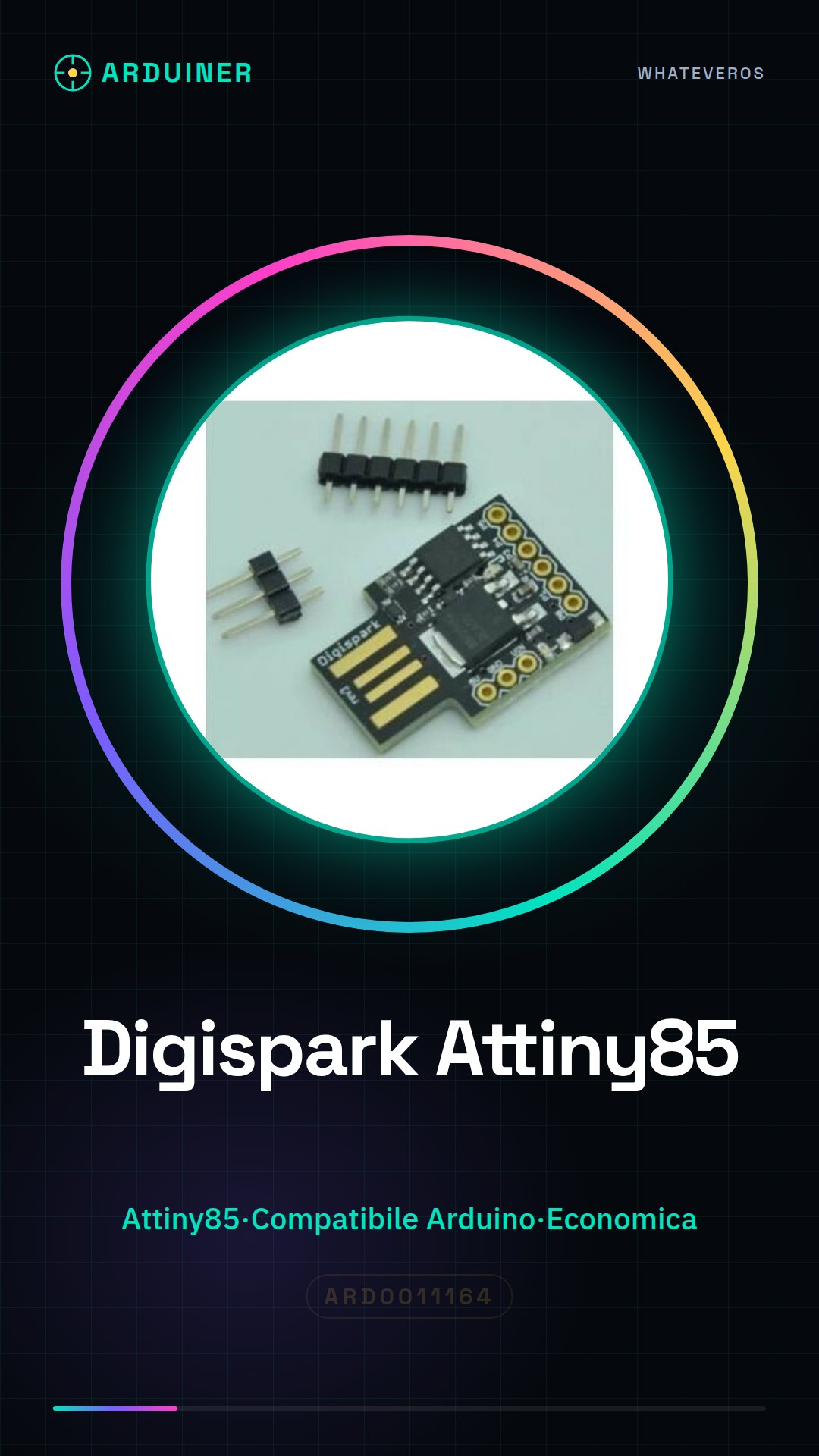
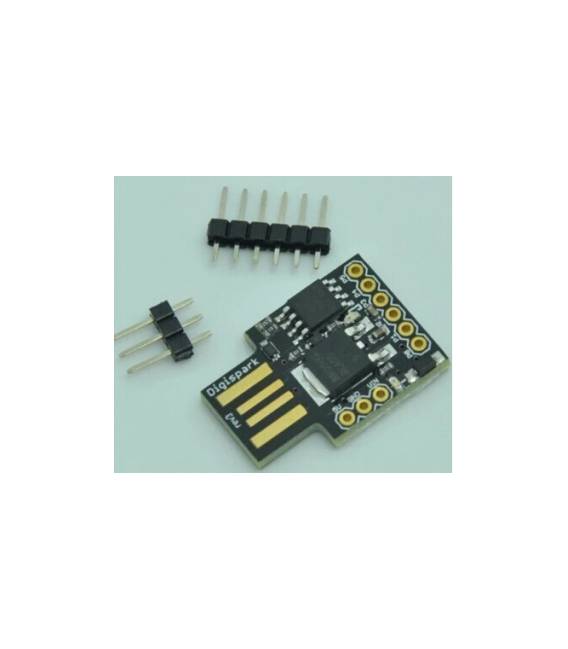
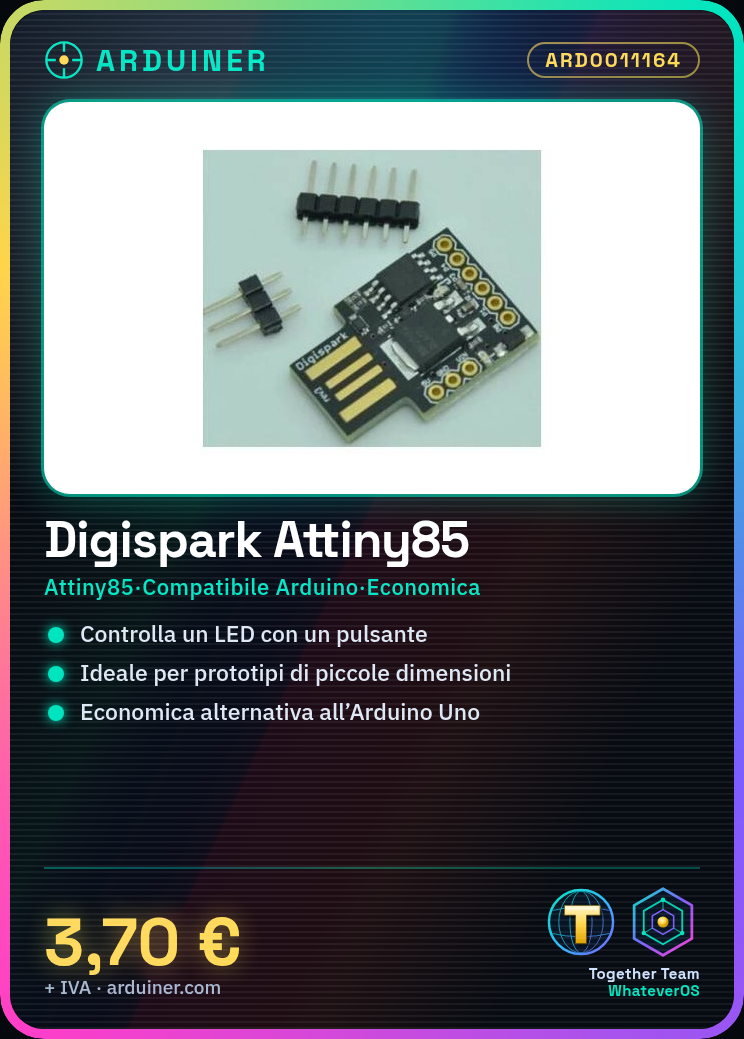
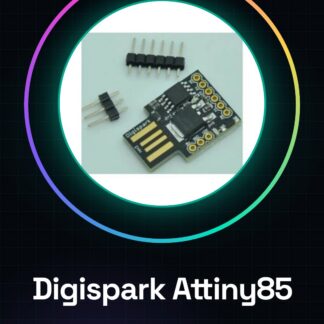
The Digispark board is an economical solution for Arduino developers, based on the Attiny85 microcontroller. Ideal for small-scale projects and basic prototypes.
Features
- Development board based on Attiny85 microcontroller
- Compatible with Arduino
What it is for
Ideally suited for beginners and intermediates, the Digispark is usable in small-scale projects such as controlling an LED via a button. It is a cost-effective alternative to the Arduino Uno.
Tutorial: How to use Digispark
The Digispark is an economical alternative to the traditional Arduino Uno, ideal for basic projects and prototypes. Suitable for beginners and intermediates.
What you need
- PC with Arduino IDE installed
- Digispark Attiny85
- USB cable
- 10kΩ resistor (for reset)
- 3V battery (optional)
Steps
- 1. Download and install the Arduino IDE.
- 2. Connect the Digispark to the PC with the USB cable.
- 3. Check the datasheet for the specifications of the Digispark.
- 4. In Arduino IDE, select ‘Tools > Board > Digispark-Tiny’
- 5. Choose ‘Tools > Port’ for your USB.
- 6. Load the ‘Blink’ sketch to test.
- 7. Connect the Digispark to the circuit with the 10kΩ resistor.
- 8. Upload the code to the Digispark.
Example code
void loop() {}Mini project
Create a simple light signal with an LED and a button.
Common mistakes
- Omit loading the USB driver.
- Connect the Digispark without a reset resistor.
- Use an incorrect port in Arduino IDE.
- Do not check the specifications on the datasheet before use.
Recommended accessories
- LED
- Button
- Resistor for LED
- 3V Battery
Frequently asked questions
How can I verify the USB driver?
Check that the Digispark appears as a new device in the PC device manager.
Can I use the Digispark with an Arduino Uno?
Yes, but you need to configure it as ‘Serial Programmer’.
What important specifications should I check?
Check the oscillator frequency, available I/O ports and memory.
Can I use the Digispark for advanced level projects?
The Digispark is ideal for beginner level projects. For advanced projects, consider an Arduino Uno or another microcontroller.



Reviews
There are no reviews yet.