 EN
 IT Italiano
 ES Español
 FR Français
 DE Deutsch
Description
What it is
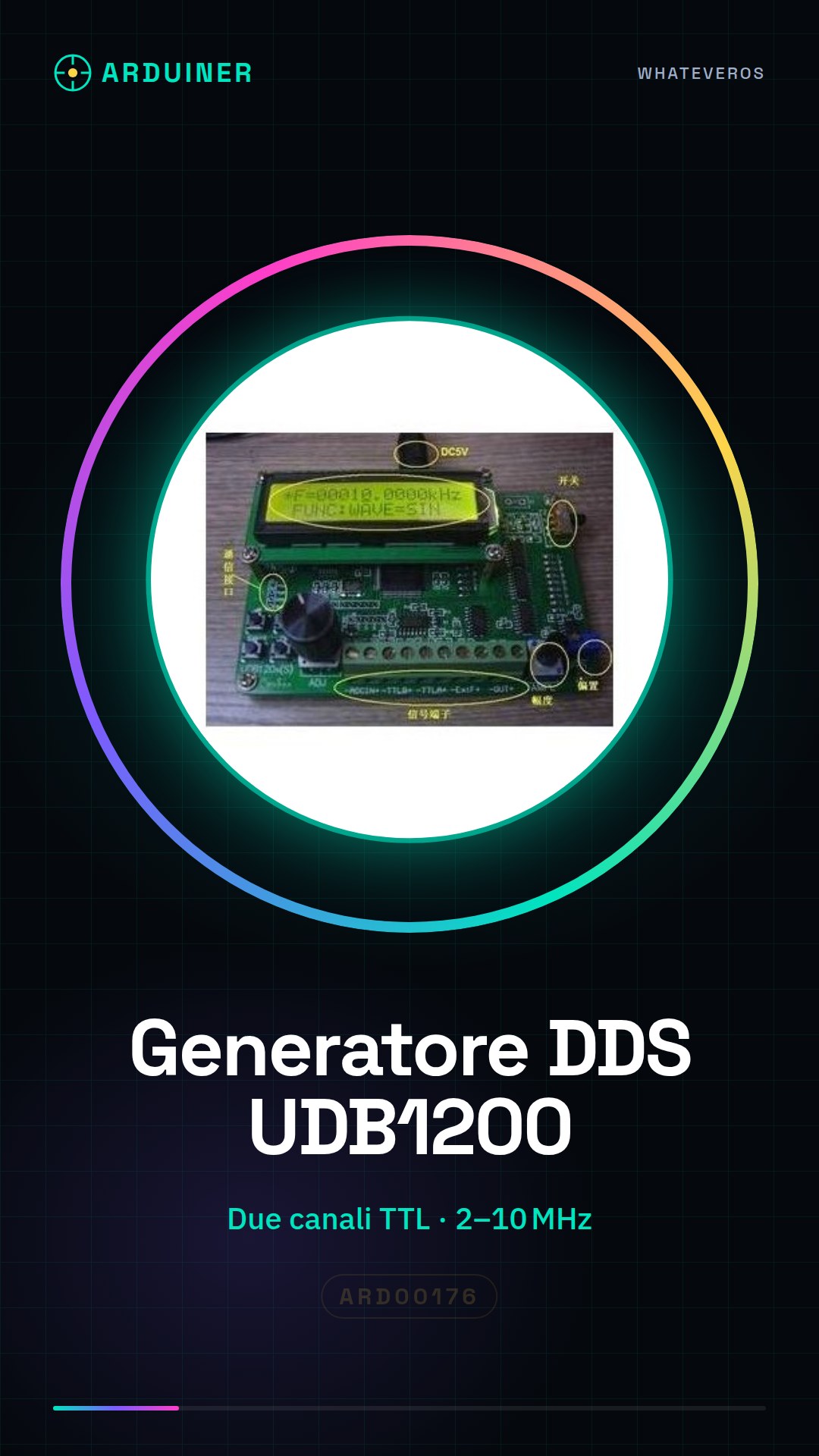
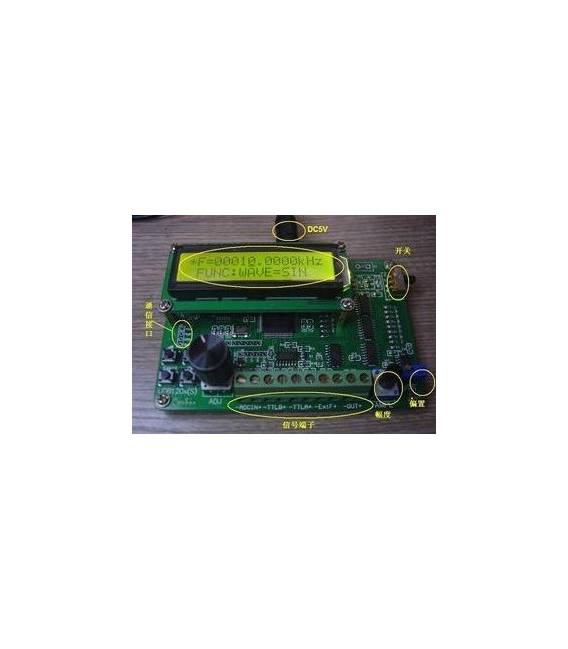
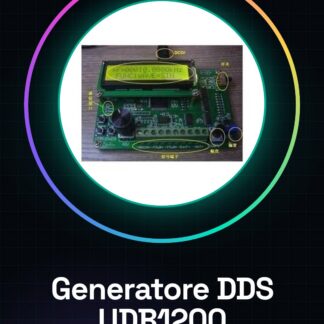
The UDB1200 DDS Signal Generator is a programmable module with two TTL channels ranging from 2MHz to 10MHz. This device offers the capability to generate variable frequency signals, ideal for Arduino projects and educational experimentation.
Features
- Programmable DDS Signal Generator
- Two TTL Channels
- Operating Frequency from 2MHz to 10MHz
What it is for
Ideal for laboratory projects, IC circuit testing, and educational experimentation. It can be used to create test probes that send pulses of various frequencies to the input pins of devices under test.
Tutorial: How to Use the UDB1200 Programmable Dual Channel DDS Signal Generator
The UDB1200 DDS Signal Generator is a versatile module that allows makers and students to generate programmable frequency signals from 2MHz to 10MHz. Ideal for laboratory projects, testing of integrated circuits, and educational experimentation.
What you need
- Arduino Uno or compatible
- USB A-Micro B cable
- Arduino IDE software
Steps
- Connect the UDB1200 to the Arduino using the digital pins specified in the datasheet.
- Install the necessary library for controlling the DDS module (check the datasheet).
- Write a sketch that defines the frequencies and other parameters of the signal to be generated.
- Upload the sketch to the Arduino using the USB cable.
- Verify the TTL output with an oscilloscope or multimeter.
- Modify the frequency values in the code to explore the various features of the module.
- Test the stability and precision of the generated signals under working conditions.
- Configure the DDS module to generate two independent channels if necessary (check the datasheet).
Example code
void setup() {
  // Inizializza i pin digitali collegati al modulo
}
void loop() {
  // Genera un segnale di frequenza programmabile
}
Mini project
Design and build a test probe for integrated circuits that uses the DDS generator to send pulses of various frequencies to the input pins of the device under test.
Common mistakes
- Fail to properly configure the digital pins of the Arduino.
- Omit the installation of the required library.
- Enter frequency values outside the allowed range (check the datasheet).
- Ignore the DDS module documentation to not use all its features.
Recommended accessories
- Portable digital oscilloscope
- 7-digit multimeter
- Kit of connectors and wires for prototypes
- Arduino lab notebook
Frequently asked questions
What is the minimum frequency I can generate with the UDB1200?
The minimum frequency is 2MHz (check the datasheet).
Can I connect the module to a Raspberry Pi?
Yes, but you might need to modify the sketch and install a specific Python library.
What types of signals can I generate besides TTL?
The module primarily supports TTL signals. Check the datasheet for further information.
Reviews
There are no reviews yet.