 EN
 IT Italiano
 ES Español
 FR Français
 DE Deutsch
Description
What it is
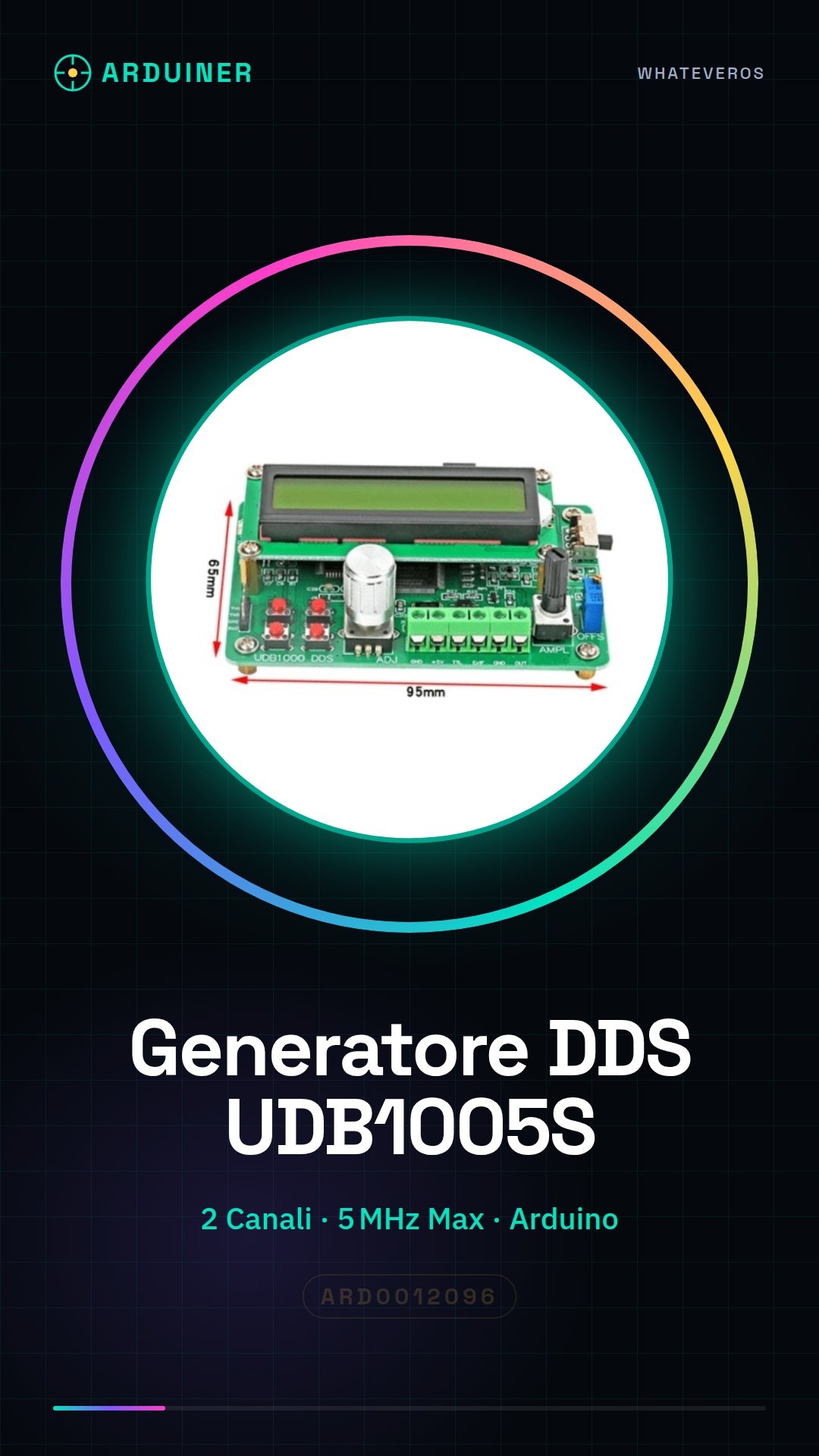
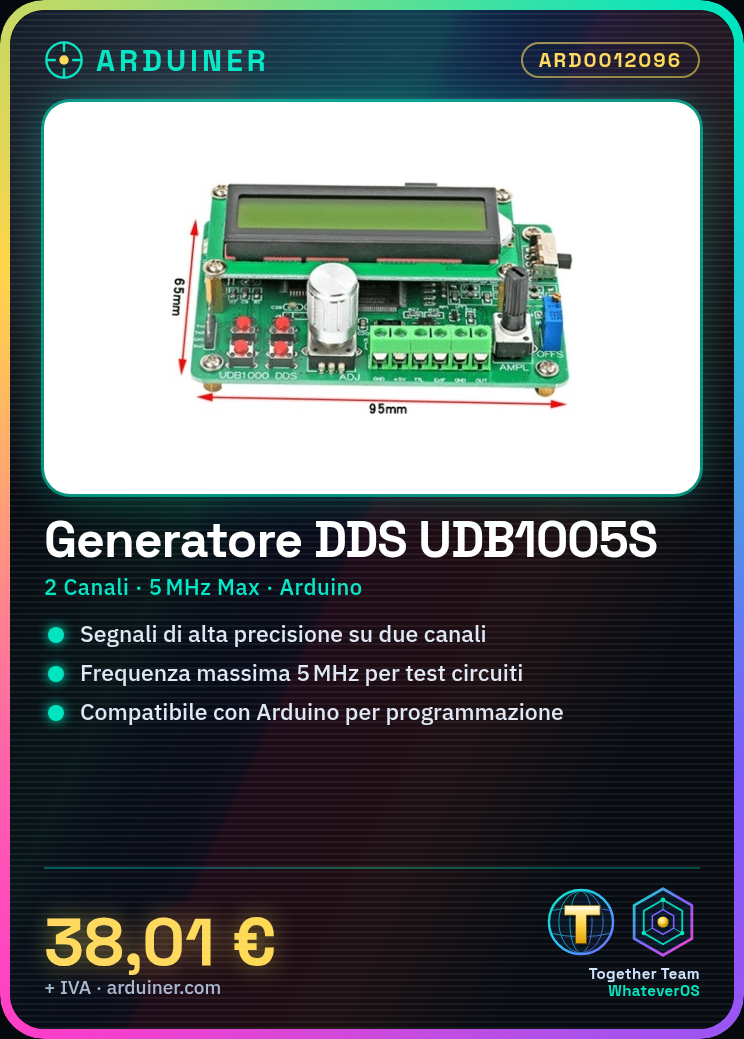
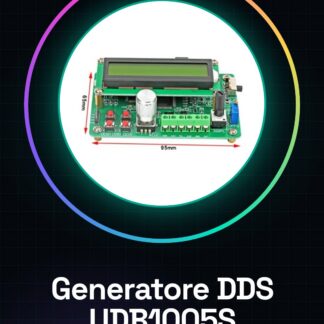
The UDB1005S DDS Signal Generator is a 2-channel device designed to generate high-precision signals. This instrument is ideal for electronic projects and circuit testing, offering remarkable flexibility and precision when used with Arduino.
Features
- 2-Channel DDS Signal Generator
- Maximum frequency of 5MHz
- Compatible with Arduino for programming
What it is for
The UDB1005S DDS Signal Generator is useful for testing electronic circuits and creating custom signals. It is ideal for beginner and intermediate makers, allowing the creation of a simple variable frequency oscillator using an LED display.
Tutorial: How to Use the UDB1005S DDS Signal Generator
The UDB1005S DDS Signal Generator is ideal for testing electronic circuits and creating custom signals. Useful for beginner and intermediate makers.
What you need
- Arduino or compatible microcontroller
- Power supply cable
- Multimeter
- 10kΩ Resistor
Steps
- 1. Connect the signal generator to the microcontroller using the specified pins.
- 2. Check the datasheet for power supply specifications.
- 3. Configure the microcontroller to use the DDS libraries.
- 4. Load the example code onto the microcontroller.
- 5. Check the correct power supply with the multimeter.
- 6. Verify the presence of signal with an oscilloscope.
- 7. Adjust the frequency and amplification through the configuration pins.
- 8. Verify the output with the multimeter.
Example code
```void setup() { // Inizializza il generatore di segnale } void loop() { // Crea un segnale di frequenza 5MHz }```Mini project
Create a simple variable frequency oscillator using the signal generator and an LED display.
Common mistakes
- Incorrect power supply
- Incorrect connections
- Frequency not configured correctly
Recommended accessories
- Oscilloscope
- Multimeter
- 10kΩ Resistor
- Power cable
Frequently asked questions
How can I verify proper power supply?
Use a multimeter to measure the voltage on the power supply pin.
Which libraries should I use for the microcontroller?
Use the specific DDS libraries for the microcontroller being used.
Does the signal generator work with all microcontrollers?
Check the datasheet to verify if the signal generator is compatible with the microcontroller being used.
How can I adjust the frequency?
Adjust the frequency through the configuration pins specified in the datasheet.
Reviews
There are no reviews yet.