 EN
 IT Italiano
 ES Español
 FR Français
 DE Deutsch
Description
What it is
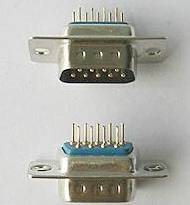
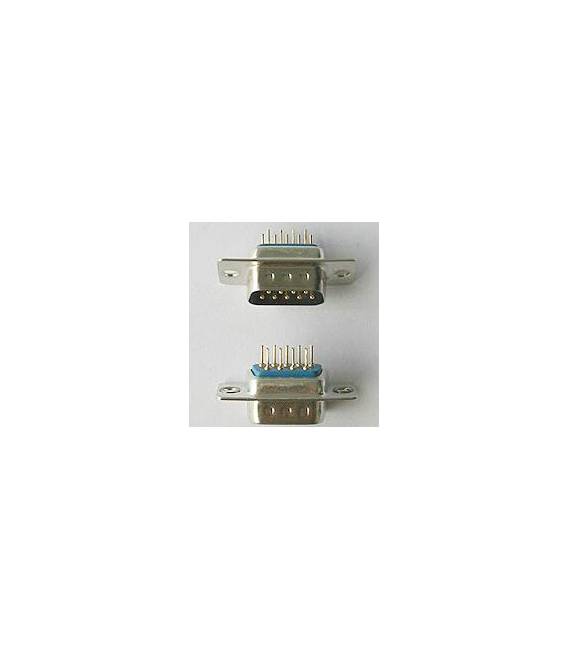
DB9 Male Connector, pack of 2 pieces.
Features
- Type: DB9 Male
- Quantity: 2 pieces
What it is for
The DB9 Male connector is essential for connecting devices with RS-232 serial interface. It is often used in electronic prototypes and Arduino systems for connecting to computers or other devices. It can be used to transmit serial data between electronic devices.
Tutorial: How to Use DB9 Male Connector
The DB9 Male connector is essential for connecting devices with RS-231 serial interface. Ideal for beginners who want to connect Arduino to computers or other devices.
What you need
- Arduino
- serial cable
- computer
Steps
- Check the datasheet for the type of connector and its dimensions.
- Connect the DB9 connector to the serial cable.
- Connect the serial cable to the Arduino.
- Connect the other end of the serial cable to the computer.
- Verify the connections with a multimeter.
- Download and upload a test sketch to Arduino.
- Check serial communication in the computer software.
Example code
void setup() {
  Serial.begin(9600);
}

void loop() {
  Serial.println("Messaggio di prova");
}
Mini project
Create a remote monitoring system with Arduino that sends data to the computer via serial.
Common mistakes
- Connect the connector to the serial cable incorrectly.
- Set an incompatible serial transmission speed.
- Do not check connections before uploading the sketch.
- Do not check serial communication in the computer software.
Recommended accessories
- RS-232 Serial Cable
- Multimeter
- Serial Monitoring Software
- Arduino Uno
Frequently asked questions
What is the recommended serial transmission speed?
Check the datasheet of the connector and the connected device.
How can I test the connector?
Use a multimeter to check the connections.



Reviews
There are no reviews yet.