 EN
 IT Italiano
 ES Español
 FR Français
 DE Deutsch
Description
What it is
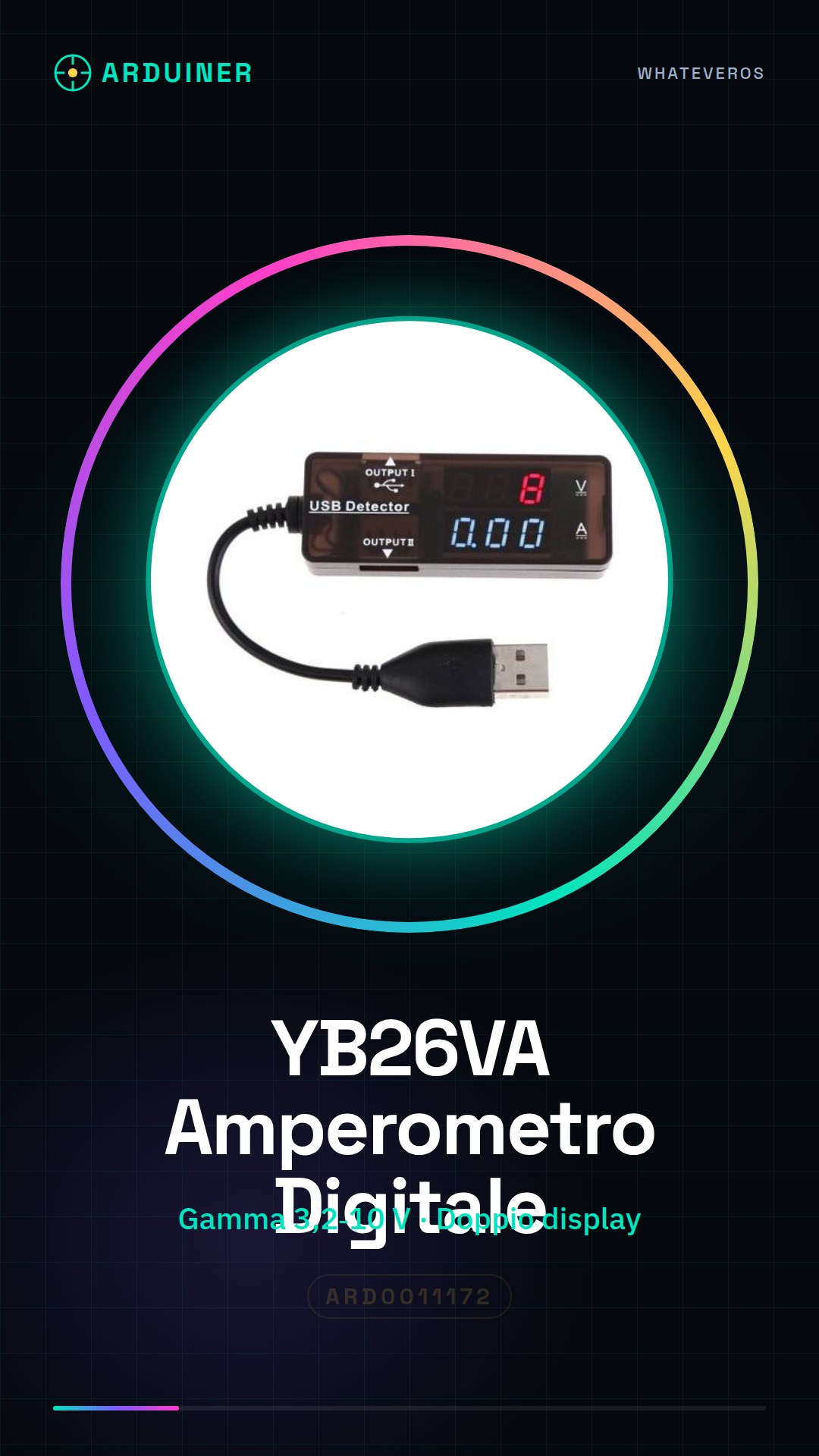
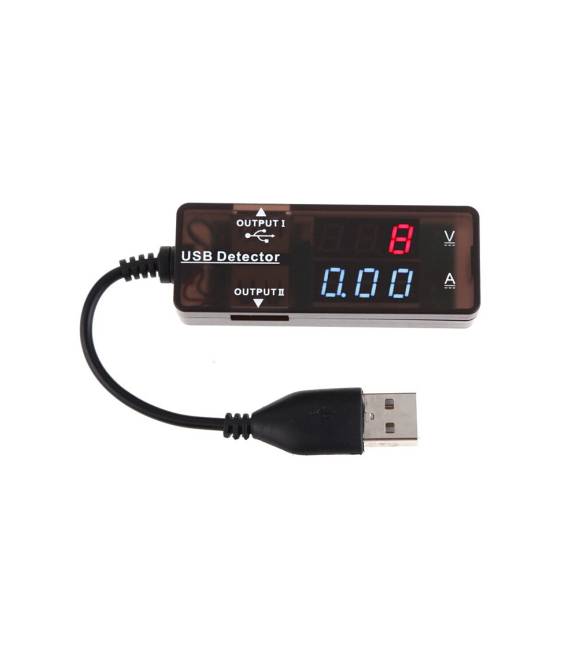
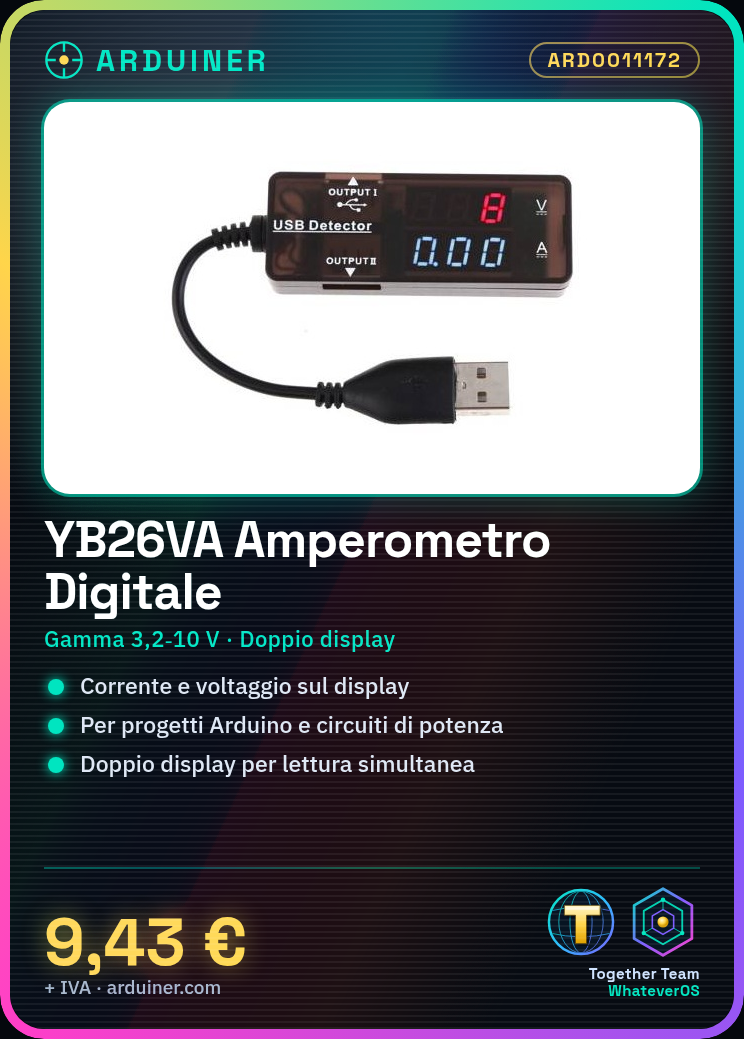
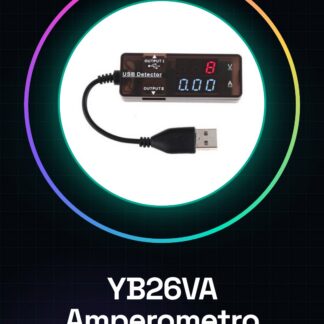
The YB26VA is a digital ammeter with dual display for measuring current in a circuit. The display shows both the current and voltage.
Features
- Voltage Range: 3.2-10 V
- Display: Dual display
- LED Color: Red and Blue
What it is for
The YB26VA ammeter is useful for monitoring current flow in electronic circuits. It can be used in Arduino projects and power circuits. Example use: create a power supply circuit with a transistor and an LED, connect the ammeter to monitor the current flow.
Tutorial: How to use Dual Display Ammeter YB26VA
The dual display ammeter YB26VA is ideal for monitoring current flow in electronic circuits. Useful for Arduino projects and power circuits.
What you need
- YB26VA Ammeter
- Arduino
- Power Cable
- Multimeter (optional)
Steps
- 1. Check that the ammeter works: verify on the datasheet.
- 2. Connect the ammeter to the power supply (3.2-10 V).
- 3. Connect the V+ and V- pins of the ammeter to the + and – of the power supply.
- 4. Connect GND of the ammeter to GND of the power supply.
- 5. Connect the A+ and A- pins of the ammeter to the + and – of the circuit to be monitored.
- 6. Connect GND of the ammeter to GND of the circuit to be monitored.
- 7. Check that the red and blue LEDs are shining correctly.
- 8. Use a multimeter (optional) to check the current at the A+ and A- pins.
Mini project
Create a simple power supply circuit with a transistor and an LED. Connect the ammeter to monitor the current flow.
Common mistakes
- Connect the ammeter to the power supply without checking the voltage.
- Omit the GND connection between ammeter and circuit to be monitored.
- Connect the A+ and A- pins to the + and – of the power supply, not to the circuit to be monitored.
- Ignore the error LEDs if they do not shine.
Recommended accessories
- Transistor
- LED
- Multimeter
- Resistor
Frequently asked questions
How can I verify the correct functioning of the ammeter?
Use a multimeter to measure the current and compare it with the ammeter reading.
Can I use this ammeter with voltages different from 3.2-10 V?
Check the datasheet to see if the device supports different voltages.
Why don’t the LEDs light up?
Check the correct connection and the presence of voltage at the power source.



Reviews
There are no reviews yet.