 EN
 IT Italiano
 ES Español
 FR Français
 DE Deutsch
Description
What it is
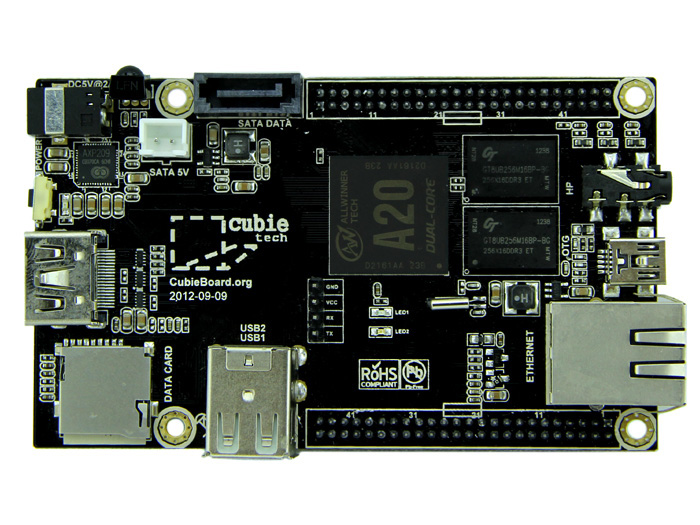
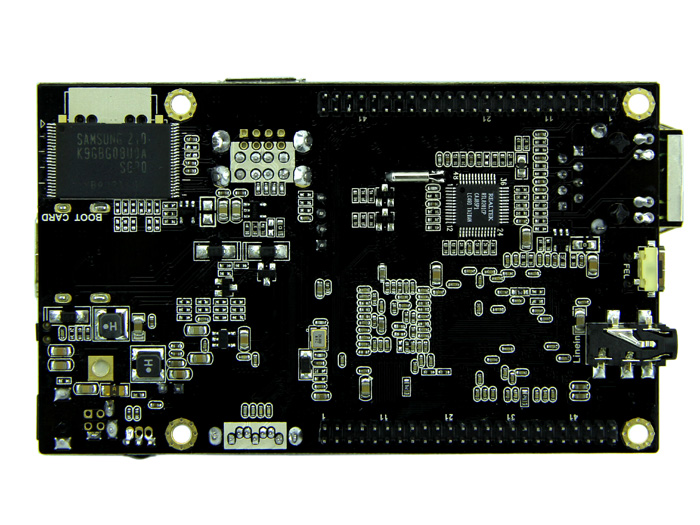
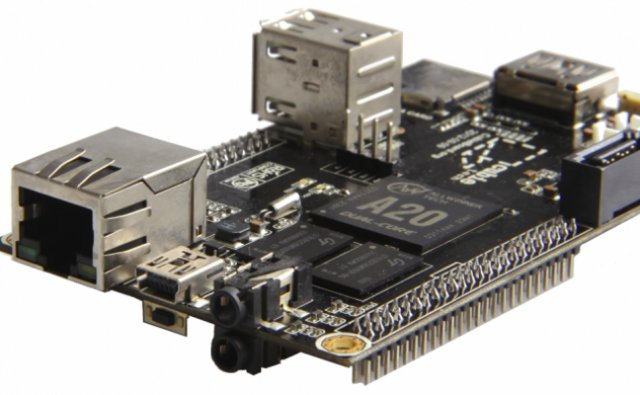
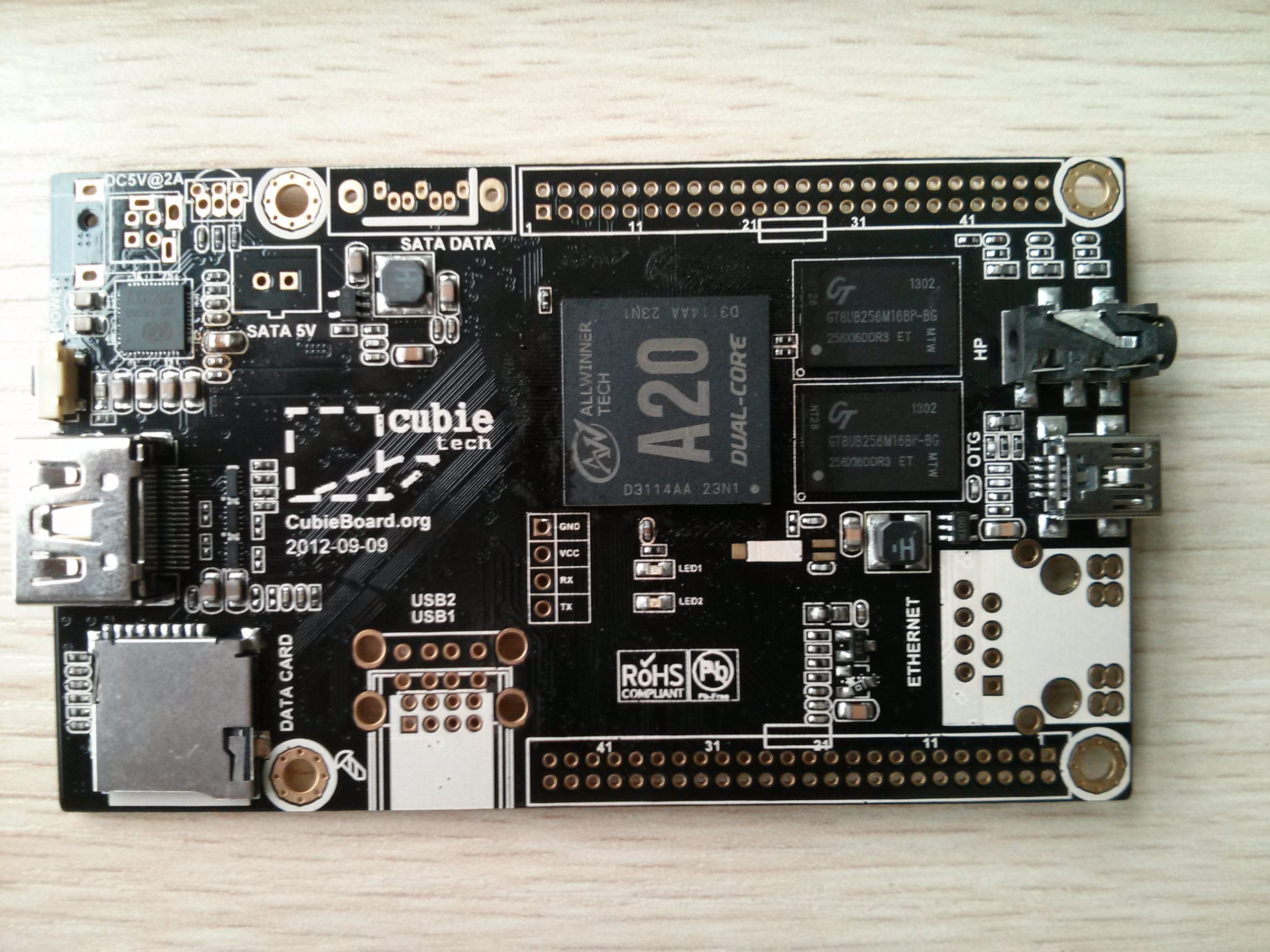
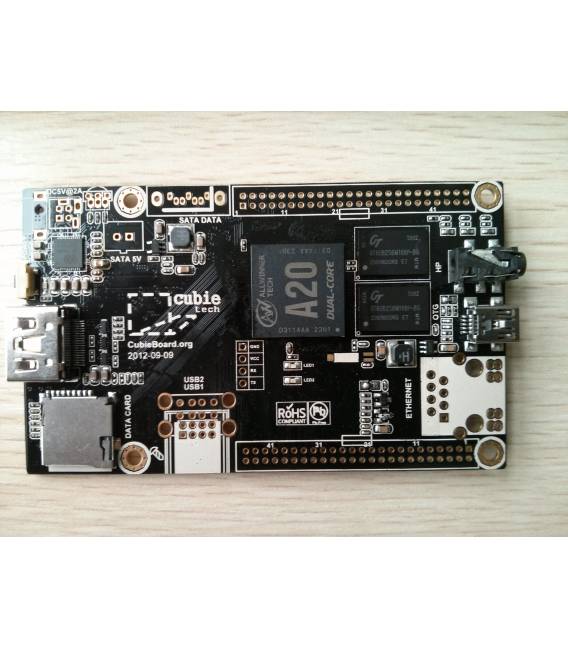
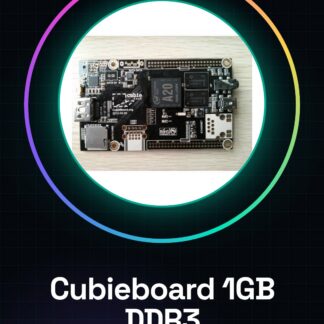
The Cubieboard A20 is a dual-core ARM motherboard with 1GB of DDR3 RAM, ideal for developers and makers looking for an alternative to the Raspberry Pi. It offers a versatile environment for advanced projects.
Features
- Dual-core ARM A20 motherboard
- 1GB of DDR3 RAM
What it is for
The Cubieboard is used for projects that require a more powerful system than what the Raspberry Pi offers. It is suitable for developing Linux applications and advanced Arduino projects, providing a solid foundation for testing innovative ideas.
Tutorial: How to use Cubieboard 1GB DDR3
The Cubieboard 1GB DDR3 is a developer board that offers a versatile development environment for Arduino projects and Linux applications. Useful for programmers and makers who need a basic system to test ideas and projects.
What you need
- Micro USB for power
- Monitor or TV with HDMI connector
- HDMI cable
- Reset button
- USB mouse and keyboard
Steps
- 1. Connect the Cubieboard to the monitor or TV via HDMI cable.
- 2. Connect the Cubieboard to power via micro USB.
- 3. Turn on the Cubieboard by pressing the reset button.
- 4. Connect the USB mouse and keyboard.
- 5. Install the Arduino IDE on a computer.
- 6. Download the Linux kernel for Cubieboard.
- 7. Configure the Arduino IDE for the Cubieboard.
- 8. Load a simple Arduino sketch to test the connection.
Example code
void setup() {
  Serial.begin(9600);
  Serial.println("Cubieboard inizializzato");
}

void loop() {
  // Codice qui
}
Mini project
Create a simple graphical interface with a button that turns an LED on/off.
Common mistakes
- Do not start the Cubieboard without connecting it to a monitor or TV.
- Do not connect the Cubieboard to an incompatible power source.
- Do not forget to install the Arduino IDE.
- Do not connect the Cubieboard to a computer without first installing the Linux kernel.
Recommended accessories
- Arduino Shield
- LED and resistor
- Push button
- USB cable
Frequently asked questions
How can I install the Arduino IDE?
Visit the official Arduino website and follow the instructions for your platform.
Which Linux kernels are supported?
Check the datasheet for the complete list of supported kernels.
Does the Cubieboard support Arduino?
Yes, the Cubieboard supports Arduino through the Arduino IDE.
Can I use the Cubieboard as a desktop computer?
Yes, but it is recommended to use it primarily as a development and testing board.
Reviews
There are no reviews yet.