 EN
EN IT Italiano
 ES Español
 FR Français
 DE Deutsch
Description
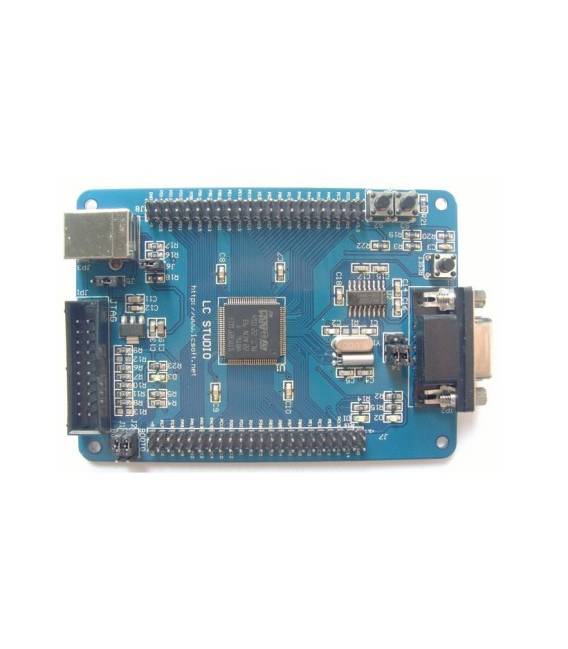
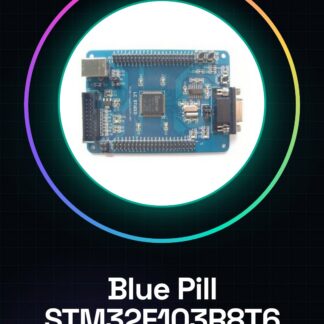
What is it The STM32F103R8T6 Mini Development Board, commonly known as Blue Pill, is an ARM Cortex-M3 microcontroller platform designed to support makers and developers in electronics projects. This device offers a balance between power and simplicity, making it ideal for both beginners and experts. Features Microcontroller: ARM Cortex-M3 STM32F103R8T6 Compatible with Arduino What is it used for The STM32F103R8T6 Mini Development Board is suitable for projects requiring more power than those developed on Arduino, but without the complexity of Raspberry Pi. It can be used in various contexts such as step counters with motion sensors, control system implementations, and more. Tutorial: How to Use STM32F103R8T6 Mini (Blue Pill) The STM32F103R8T6 Mini Development Board, known as Blue Pill, is an ARM Cortex-M3 microcontroller ideal for medium-level electronic projects. It is suitable for makers seeking a more powerful solution than Arduino but less complex than Raspberry Pi. What you need Computer with USB connectivity USB Type A-Micro B cable Development software (e.g., STM32CubeIDE) Steps Install the development software for the Blue Pill, such as STM32CubeIDE. Connect the board to the computer’s USB port using a micro-B cable. Open a new project in STM32CubeIDE and select the correct configuration for the Blue Pill. Check the exact specifications on the board’s datasheet to correctly set the pins. Compile the code and upload it to the board via the IDE. Use the IDE’s built-in debugger to test the project’s functionality. Configure any external sensors or devices connected to the board. Test the serial communication between the Blue Pill and other devices or software like a serial monitor. Example Code // Include necessary libraries #include
Reviews
There are no reviews yet.